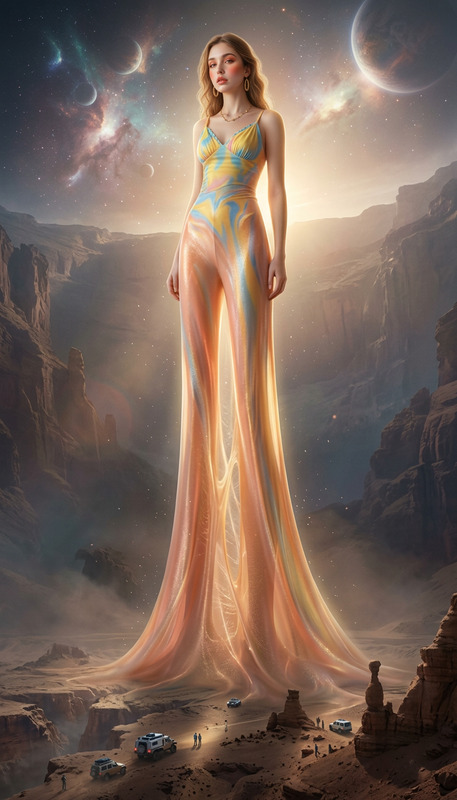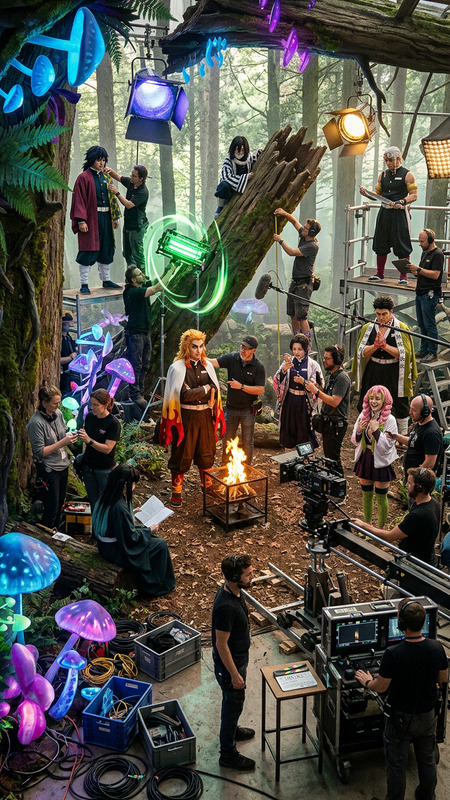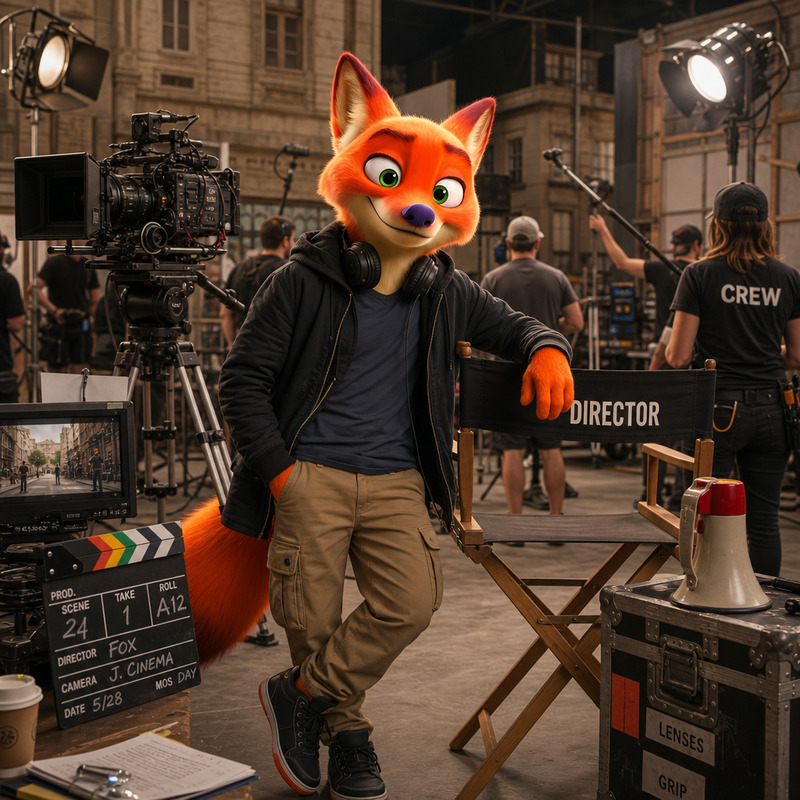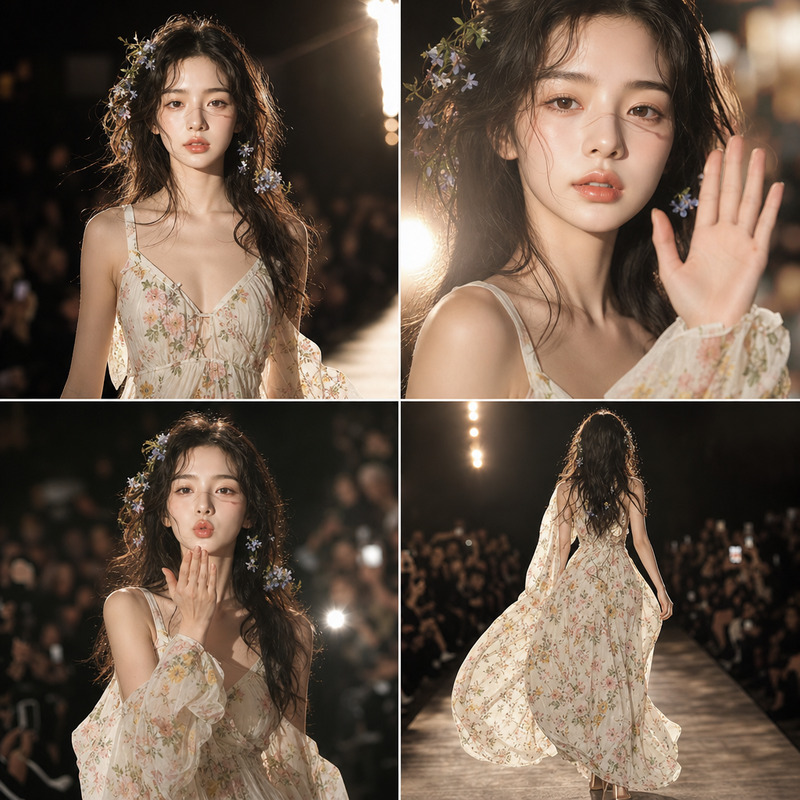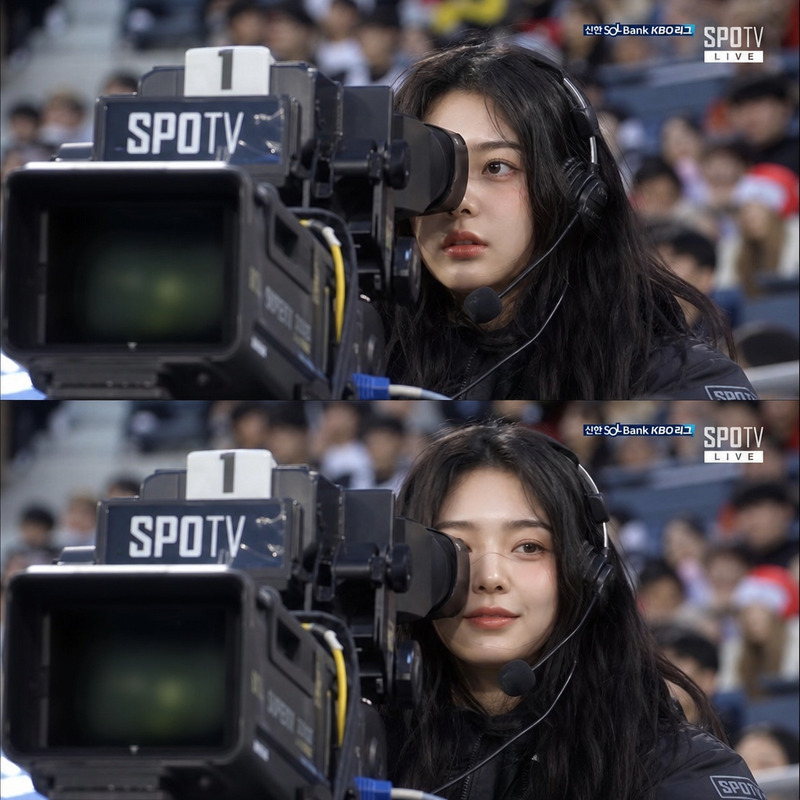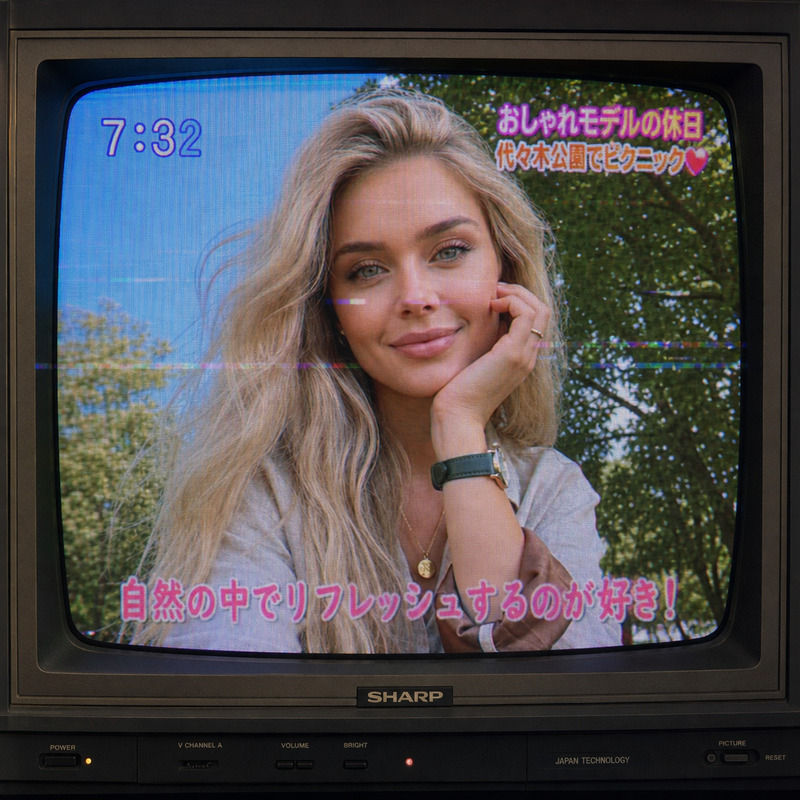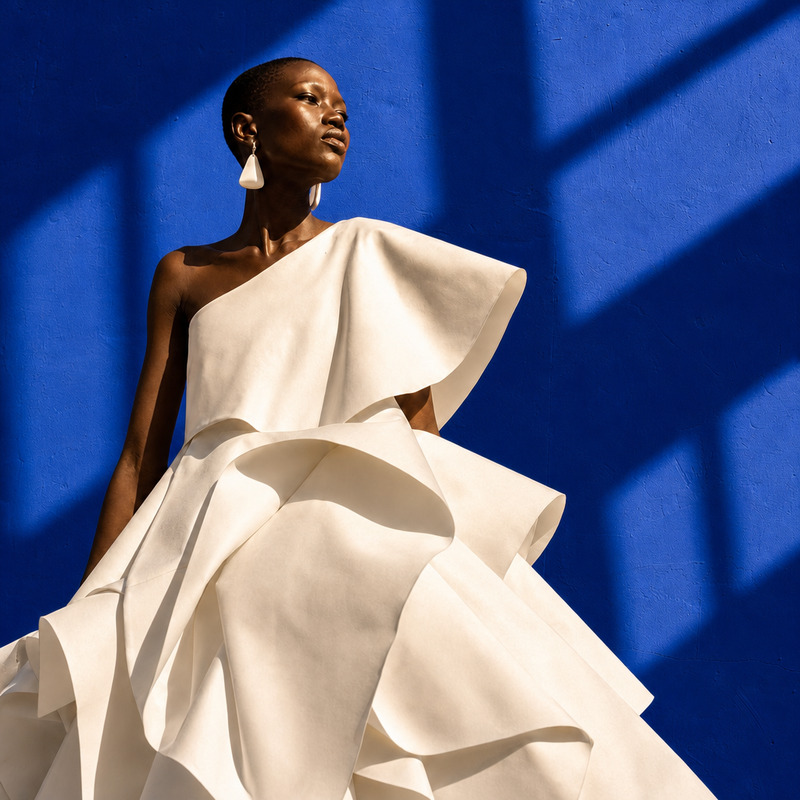
Behind the scene
- Model
- GPT Image 2
- Image
- 1024 × 1024 px
Prompt
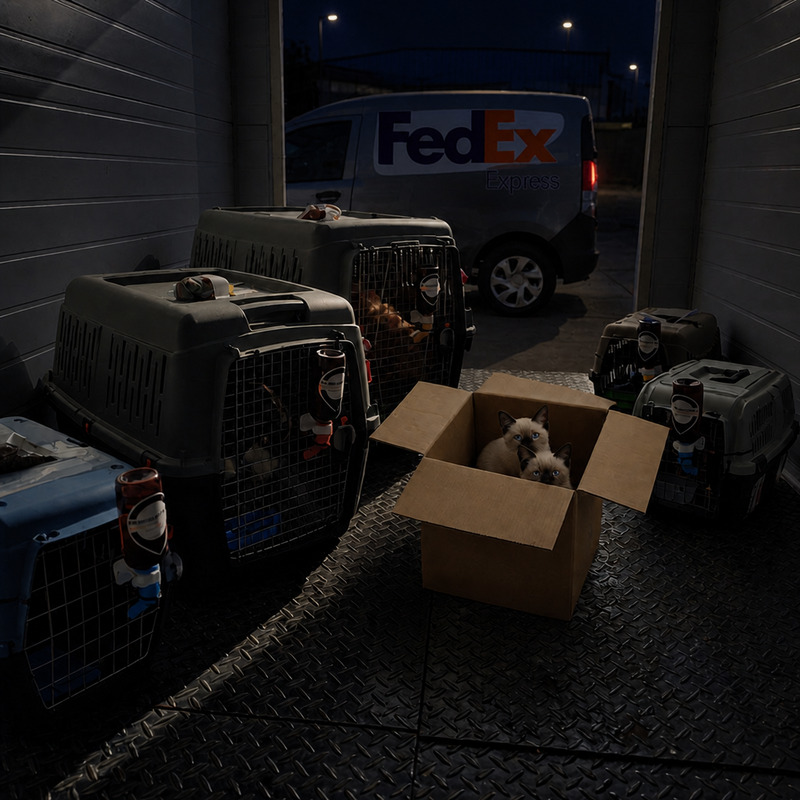
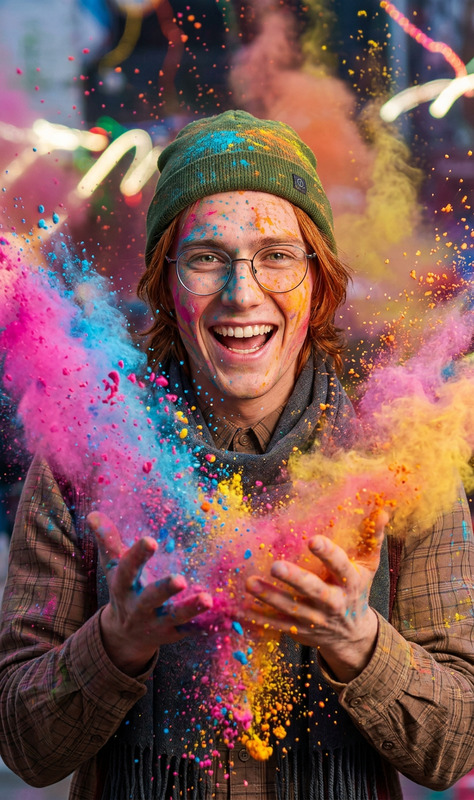
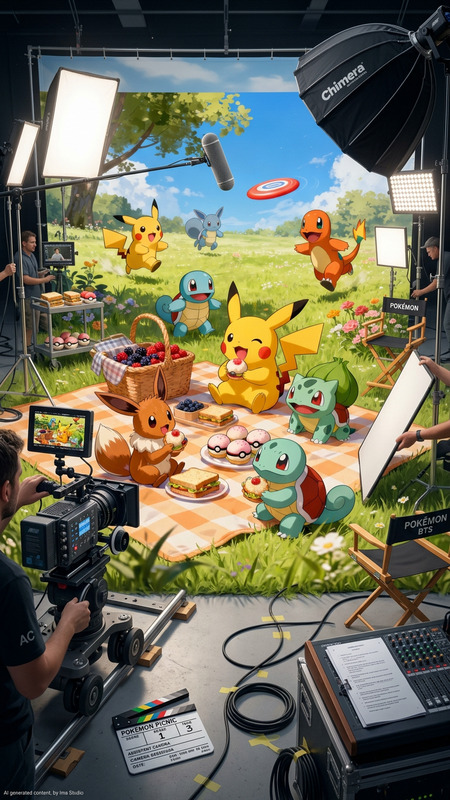
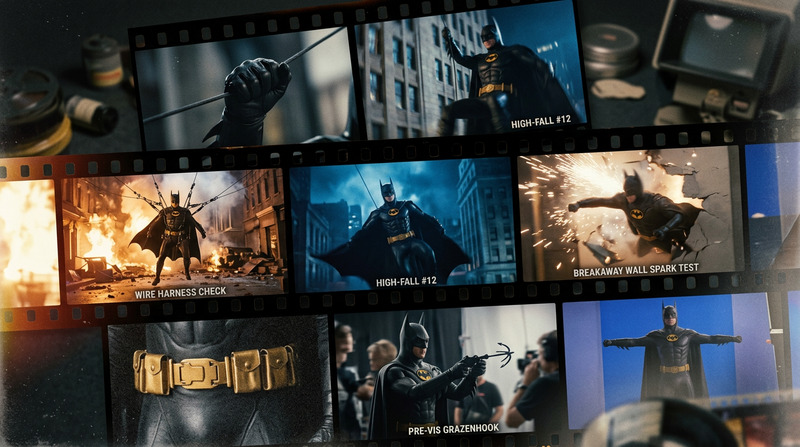
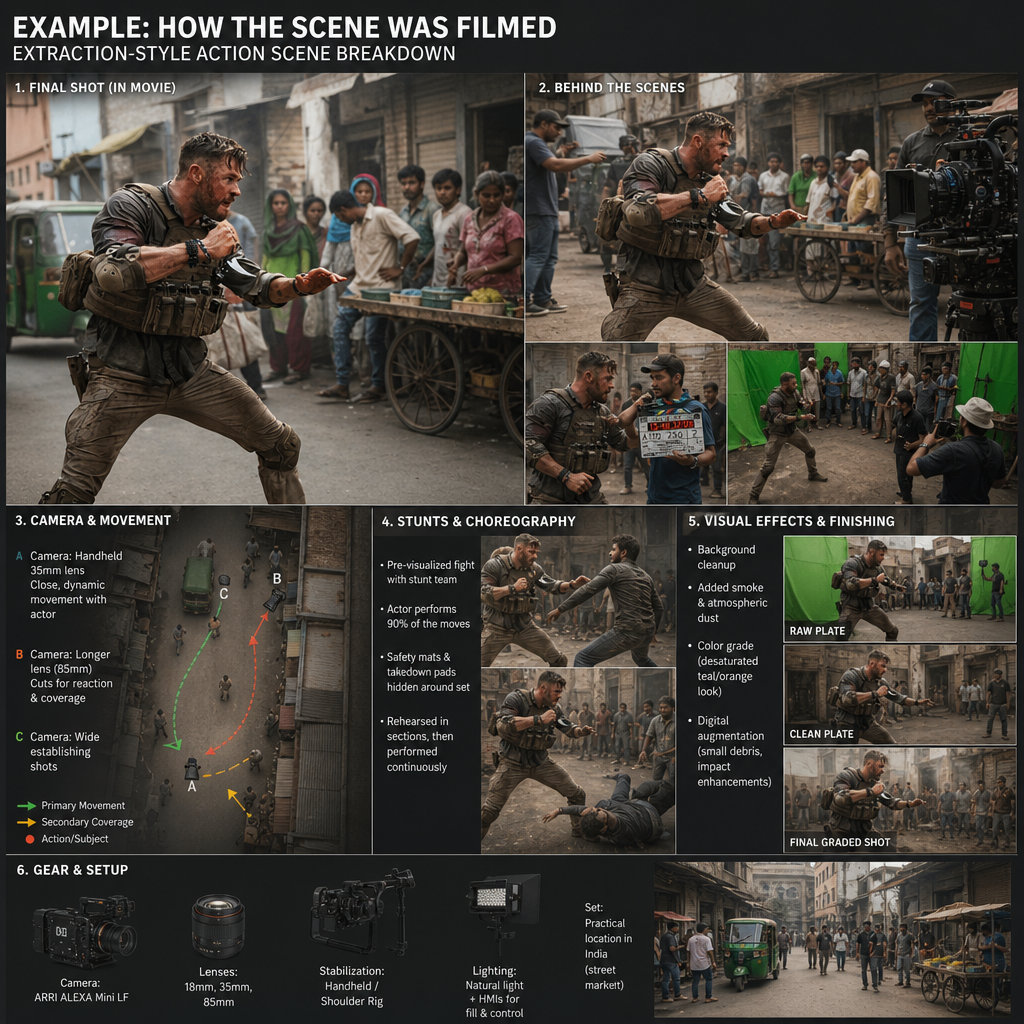
Show me an expansion of how this was filmed.
Any aspect ratio
Overview
Explore behind-the-scenes magic using the Behind the Scene template powered by the gpt-image-2 model. This template allows users to delve into the intricacies of film production by expanding visuals creatively. Ideal for filmmakers and content creators, it provides insights into the artistic process, showcasing how scenes come to life from concept to screen.
What It Does
The AI Image Editor expands on how various scenes are filmed, offering a creative representation of the production process. By inputting a still image or selecting from existing assets, users can generate detailed visuals that highlight the elements and artistry involved in filmmaking. This is particularly useful for creating engaging and informative content on filmmaking techniques and scene composition.
Who It's For
This template is designed for filmmakers, video editors, and educators who wish to illustrate the behind-the-scenes aspects of film production. Additionally, content creators who focus on educational media can utilize this tool to visually explain complex concepts in video production. It's also a great fit for marketing professionals looking to enrich promotional content with an artistic touch.
Summary
Uncover the artistry of film production with the Behind the Scene template. Leverage the power of AI Image Editor to create expanded visuals that reveal hidden filming techniques. Perfect for enhancing educational content or promotional material, this tool offers a new dimension to storytelling.
How To
Choose Your Template

Customize Your Inputs

Generate Your Visual

Use Cases
Filmmaking Tutorials
- Enhance educational videos with visual demonstrations
- Explain complex filming concepts visually
Social Media Content
- Show the making of your latest project
- Incorporate artistic elements to captivate your audience
Marketing Materials
- Add depth to product ads
- Visualize the creative journey behind your brands
Best Practices
Choose High-Quality Images
Start with high-resolution images to ensure the best output quality.Experiment with Prompts
Adjust prompts to highlight specific elements of interest, such as lighting or camera angles.Integrate with Other Tools
Combine with the AI Product Photography tool for enhanced storytelling.