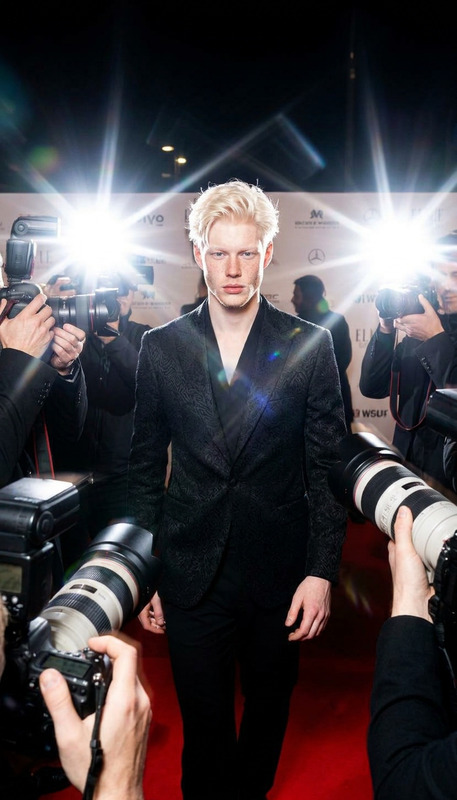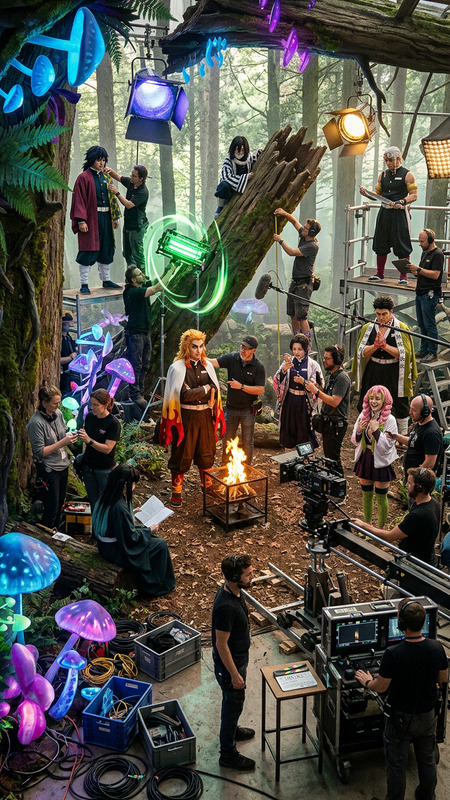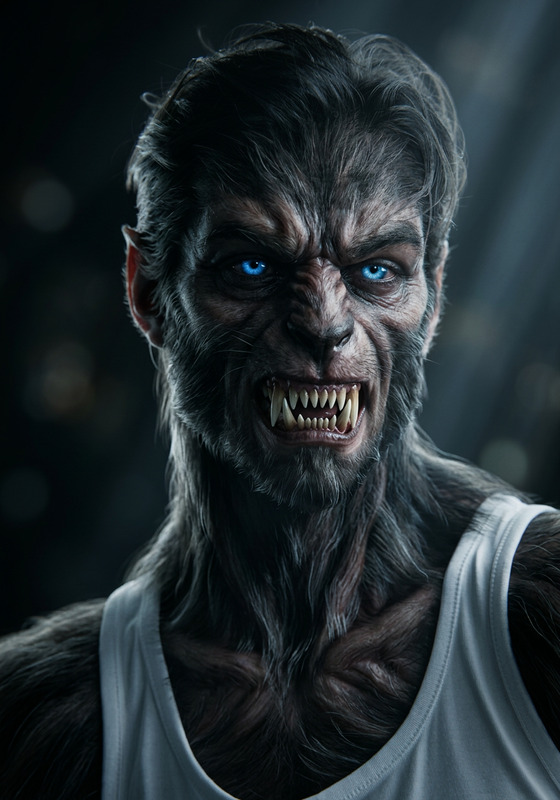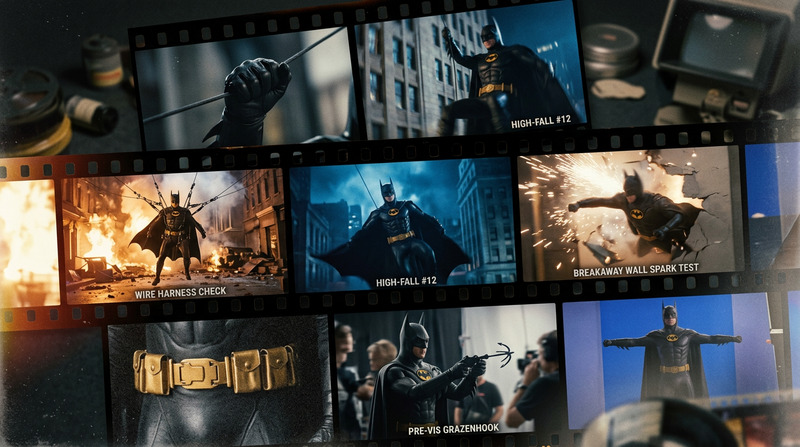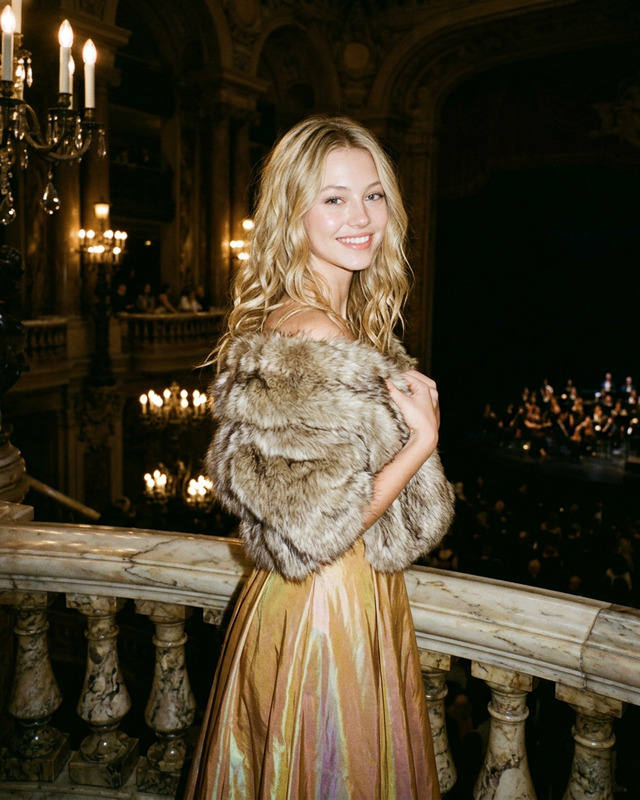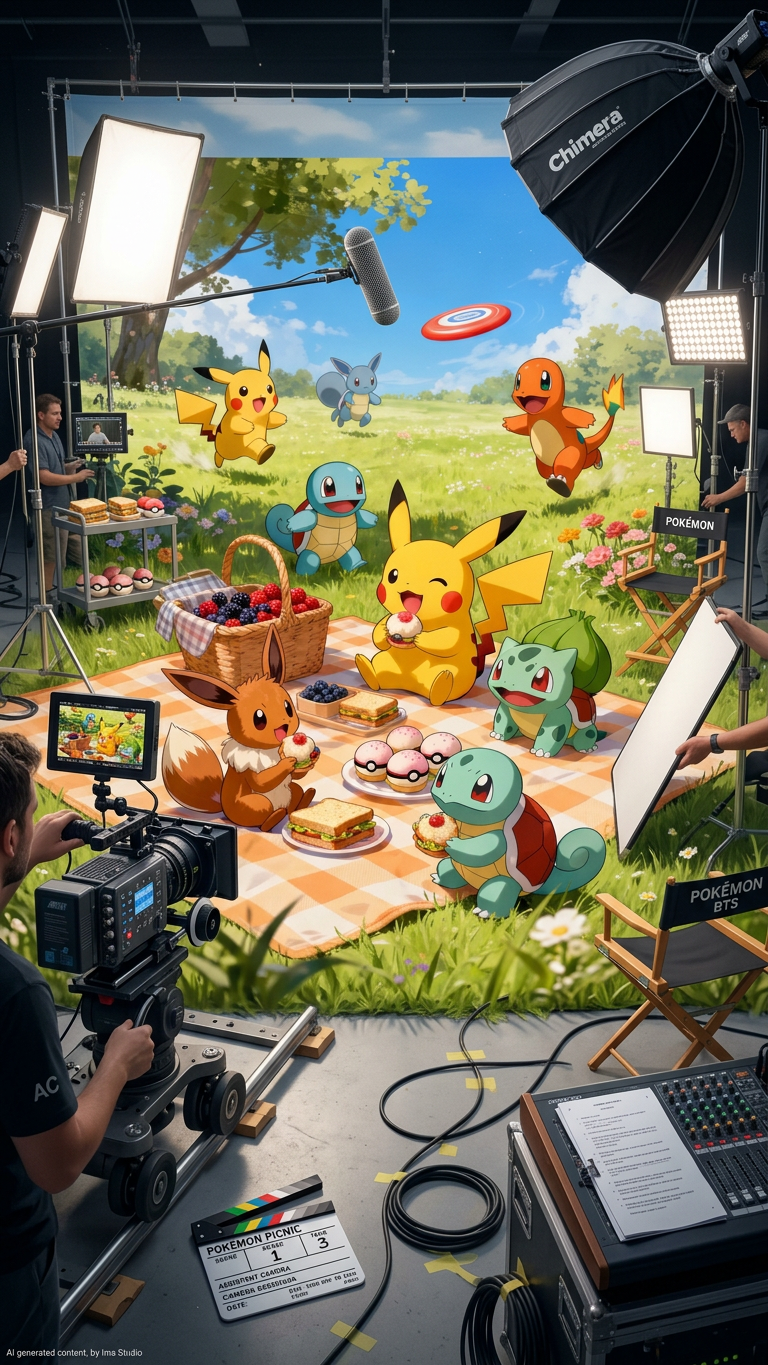
Behind The Scenes Denoise Reveal
- Model
- Nano Banana 2
- Image
- 768 × 1365 px
Prompt
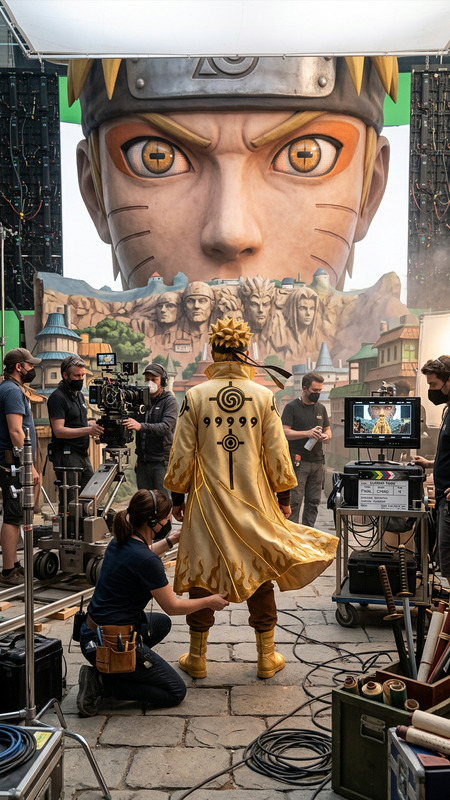
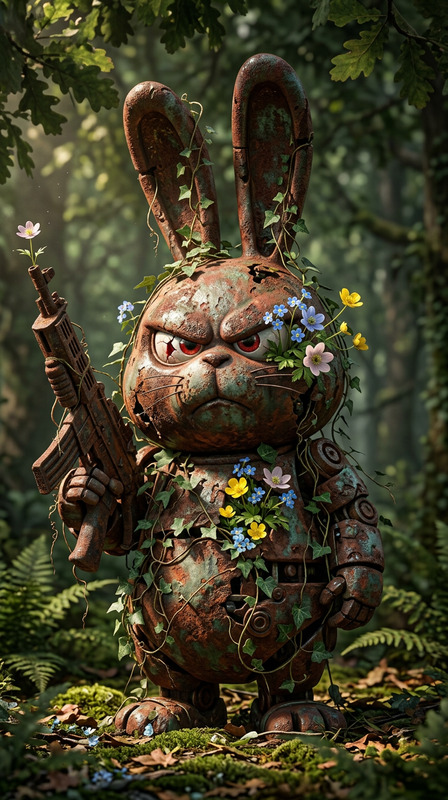
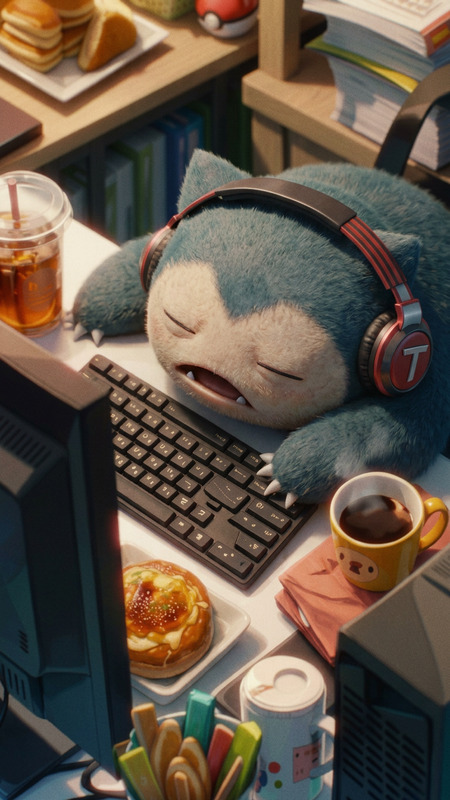
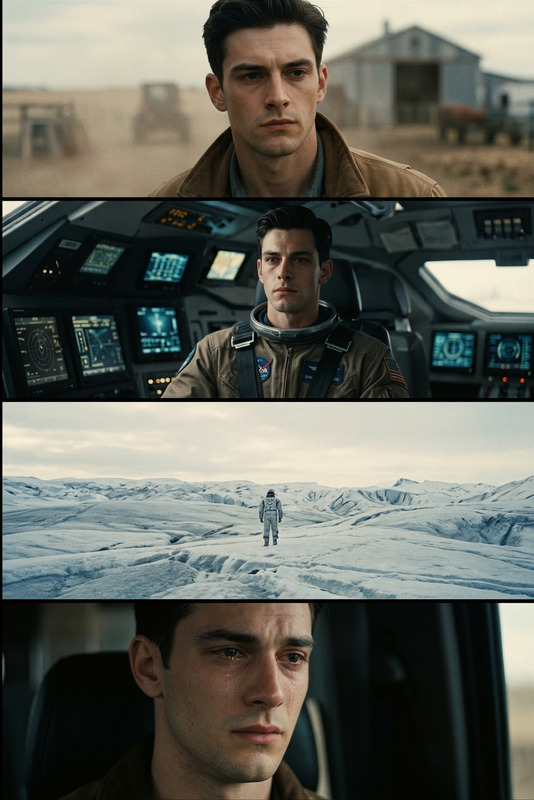
Same scene and composition with all characters kept in position, but transformed into a behind-the-scenes movie set view. Reveal film production environment including lighting rigs, softboxes, boom stands, reflectors, cameras, monitors, and subtle crew activity in the background. Enhance clarity with denoise and crisp detail while maintaining cinematic realism. Show ambient motion of set equipment and production atmosphere, slightly documentary style. High detail, natural lighting mixed with studio lighting, cinematic BTS photography, ultra-realistic, sharp focus.
Any aspect ratio
Overview
The "Behind The Scenes Denoise Reveal" AI image editing template utilizes the nano-banana-2 model to transform and enhance your images into a cinematic BTS masterpiece. This template specifically modifies your composition to reveal a movie set atmosphere, with a focus on realistic film production elements and sharp image clarity using denoise technology.
What It Does
This template converts any image scene into a detailed behind-the-scenes movie set view. It adds elements like lighting rigs, cameras, and crew activity while keeping original characters in place. The built-in denoise feature sharpens the image, enhancing clarity and cinematic realism, ideal for creating polished and visually engaging BTS photos.
Who It's For
Designed for photographers, filmmakers, and social media influencers, this template is perfect for adding a cinematic and professional touch to your shoots. Meanwhile, educators and content creators in the film industry can use it to create detailed visual aids and engaging content that shows the magic behind film productions.
Summary
Use the "Behind The Scenes Denoise Reveal" template to breathe life into your images by showcasing a movie set's dynamics. Enhance the scene with production gear and subtle crew actions while maintaining high detail and sharp focus. This template pairs excellently with other AI tools like the AI Image Editor or the Photo Colorizer for further image refinement.
How To
Choose Your Template

Customize Your Scene

Generate and Download

Use Cases
Film Production Blogs
Social Media Content
Educational Material
Best Practices
Start with High-Resolution Images
For best results, use high-resolution images to maximize detail capture and clarity during the denoise process.Combine with Other Tools
Use alongside the AI Image Generator to create additional elements that complement the BTS scene.Consider Lighting Adjustments
Pay attention to lighting in your original image to ensure it blends seamlessly with the cinematic lighting added by the template.