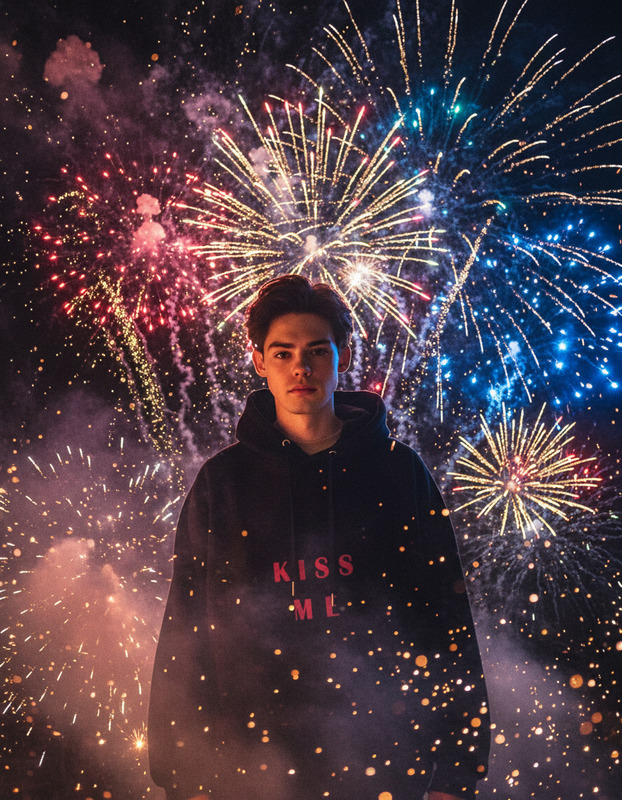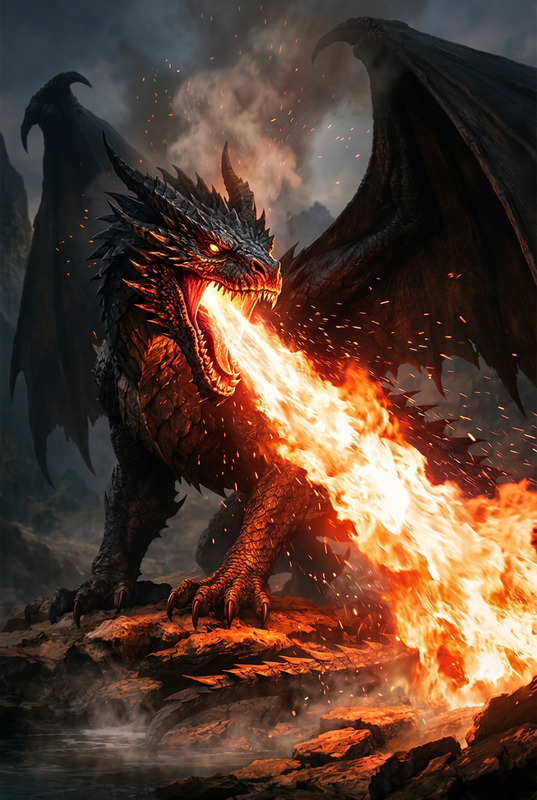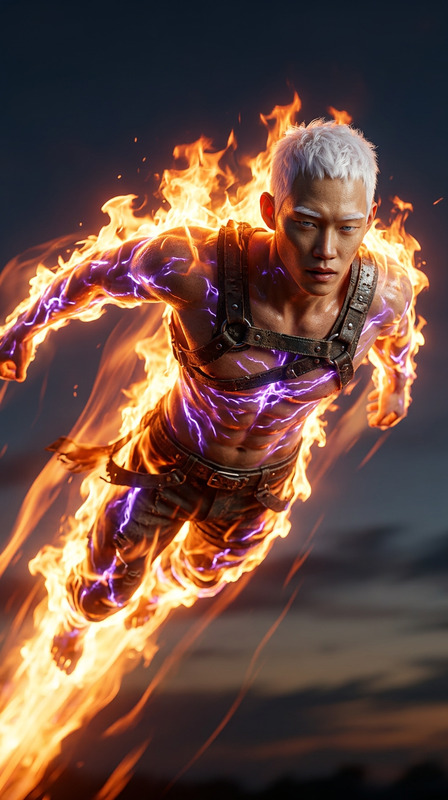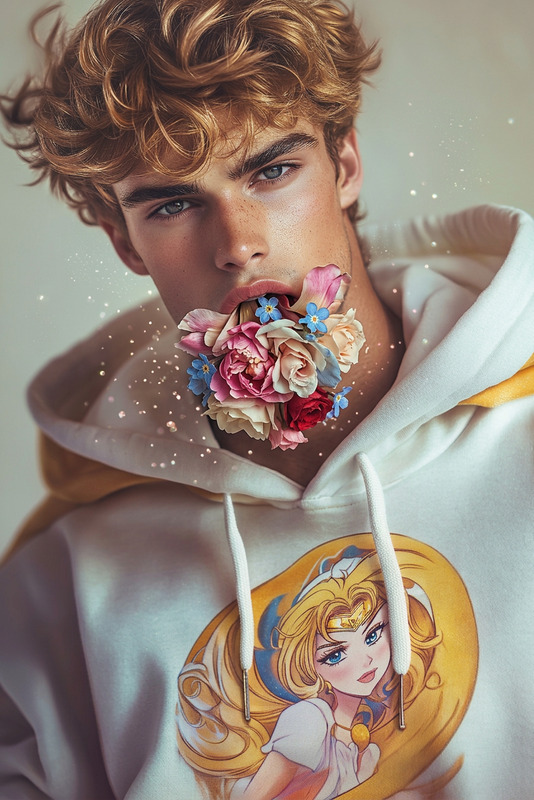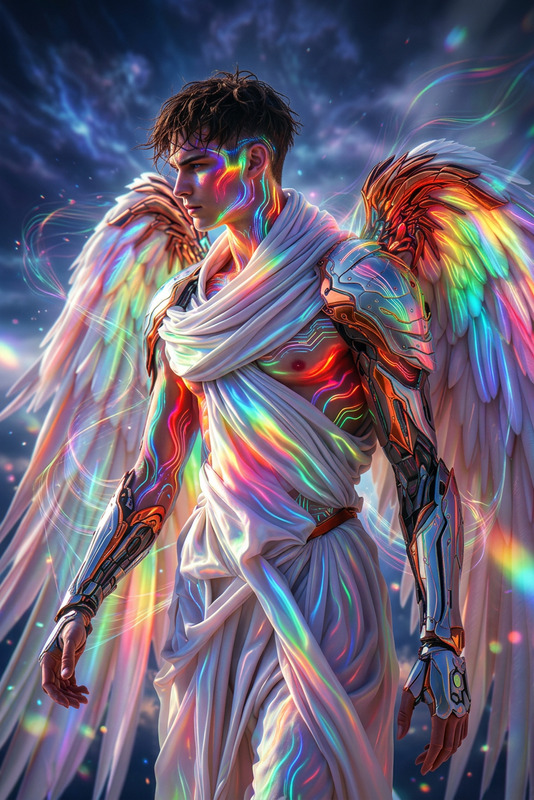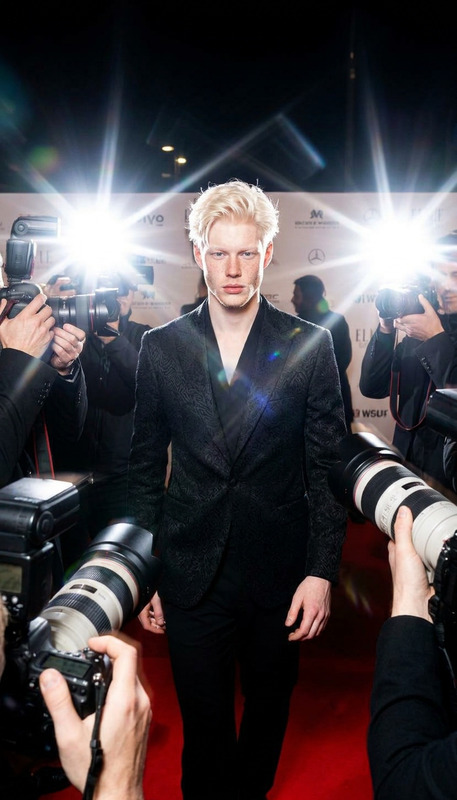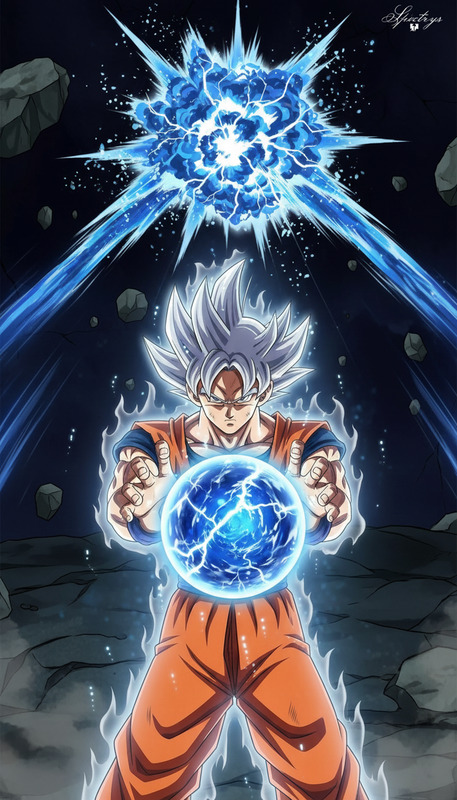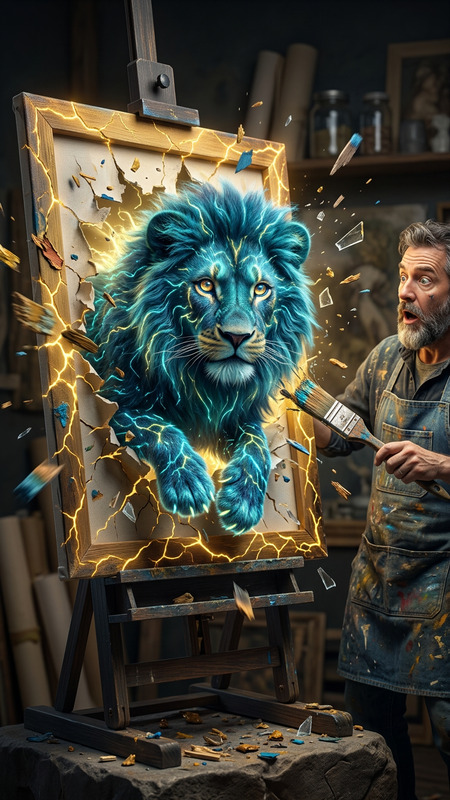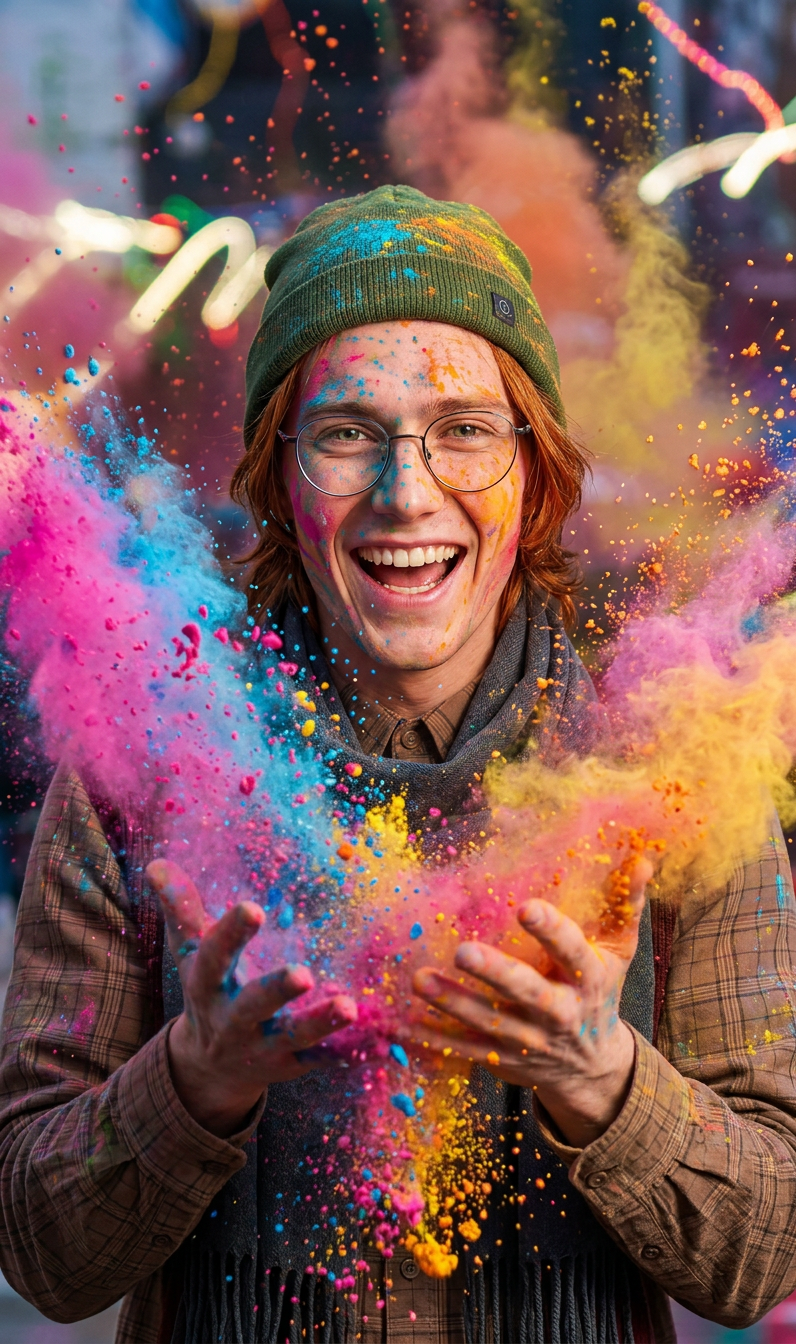
Colorful powder explosion
- Model
- Nano Banana 2
- Image
- 796 × 1344 px
Prompt
A subject at the center as a burst of vibrant colorful powder explodes outward, filling the frame with dynamic particles and textured motion, frozen mid-action like a dramatic dance moment, clouds of pigment swirling in the air, high energy, cinematic lighting, ultra-detailed, 4K.
Any aspect ratio
Overview
The Colorful Powder Explosion template from Magic Hour lets you transform ordinary images into vibrant, high-energy visuals. Utilizing the power of the nano-banana-2 model, this template adds a dramatic burst of color and motion that captivates the viewer. It's perfect for creating captivating, dynamic scenes that pop.
What It Does
This template features a central subject framed by an explosion of colorful powder particles, creating a moment frozen in cinematic detail. The effect combines ultra-detailed textures and dynamic lighting to produce a visually stunning result. Whether you're editing images for social media, presentations, or marketing campaigns, this tool can bring your visual storytelling to life.
Who It's For
Ideal for graphic designers, social media managers, and marketers looking to add impactful visuals to their projects. Anyone striving to create attention-grabbing imagery will find the AI Image Editor template invaluable, especially for projects that demand a vivid, high-energy aesthetic.
Summary
Enhance your visual content with the Colorful Powder Explosion template. It's designed to inject vibrancy and depth into your images by simulating a stunning explosion of color and movement. Explore this feature alongside other tools like the AI Image Generator and the AI Video Generator to expand your creative possibilities.
How To
Choose Template

Customize Effect

Generate Image

Use Cases
Social Media Imagery
- Eye-catching visuals for posts
- Enhance brand identity with vibrant content
Marketing Materials
- Brochures and flyers
- Presentation slides
Digital Art
- High-energy art pieces
- Conceptual artwork
Best Practices
Select Clear Central Subjects
Choose subjects that will stand out against vibrant colors for maximum impact.Use High-Resolution Images
Start with a 4K image to ensure details are sharp and textures are vivid.Experiment with Lighting
Adjust lighting parameters to highlight the swirling pigments effectively.