Cinematic Film Roll
- Model
- Nano Banana 2
- Image
- 1376 × 768 px
Prompt
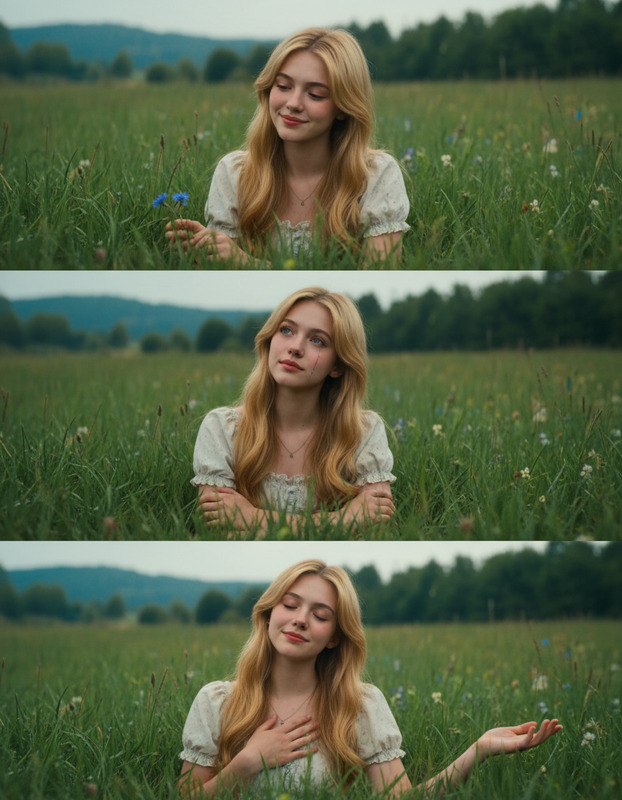
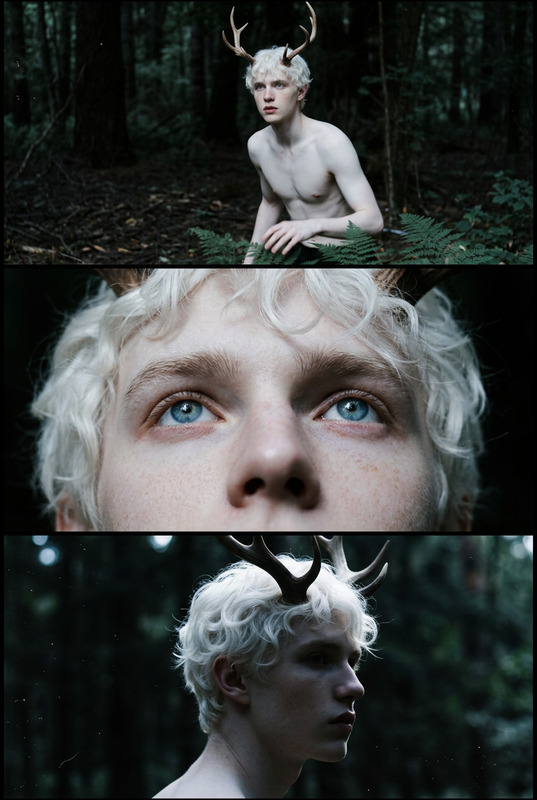
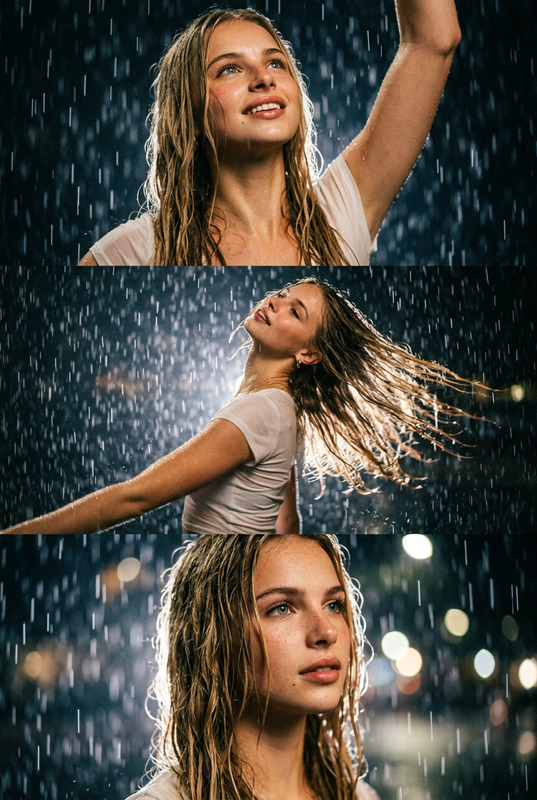
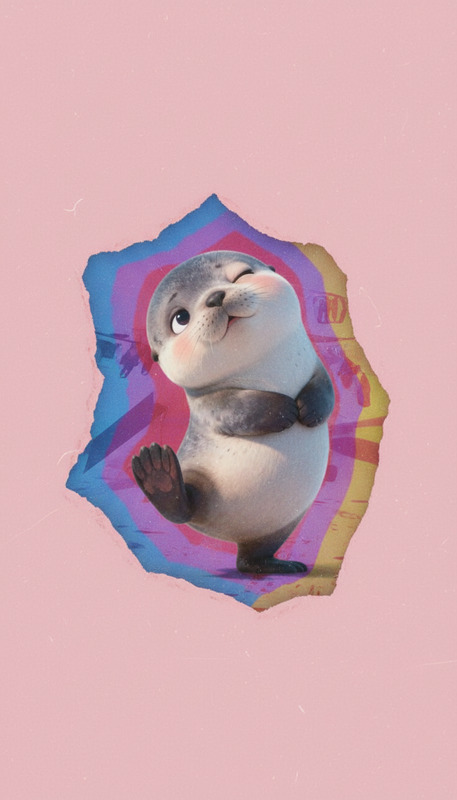
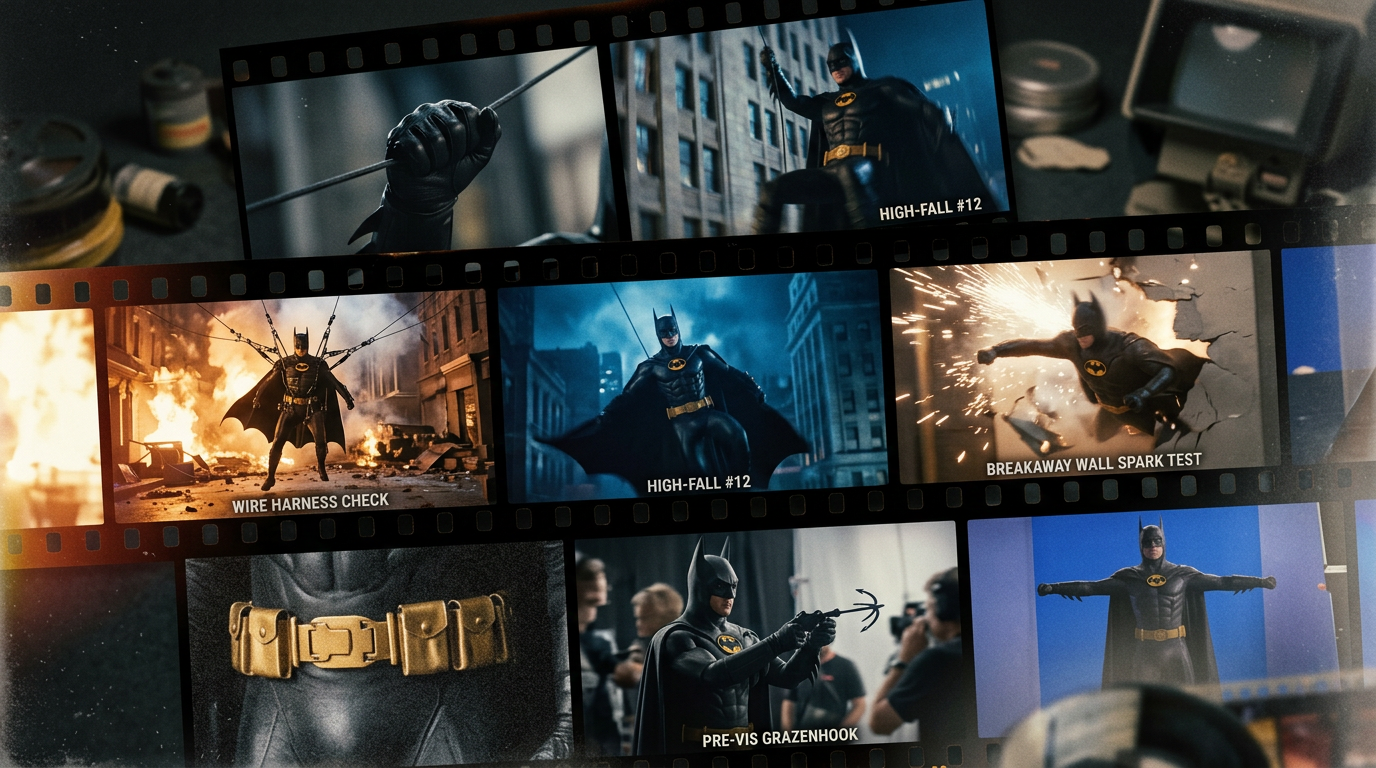
Cinematic 16:9 film roll sequence showing fragmented moments of the character’s life as {extreme scene’s fearless stunt actor}, with each frame depicting different phases in a naturally evolving, non-linear flow. Preserve exact identity consistency across all frames—same proportions, eye shape, spacing, silhouette, and structure; do not alter anatomy, humanize, or add facial features not present in the reference. The film strip moves with subtle perspective depth, with overlapping, cropped, and slightly misaligned frames to avoid symmetry. Lighting varies per frame but remains cinematic and directional, supported by controlled color grading, film grain, light leaks, motion blur, and analog imperfections. Some frames are sharp, others faded or noisy, creating emotional temporal depth. Overall composition feels like a discovered memory archive rather than a clean layout.
Any aspect ratio
Overview
The Cinematic Film Roll template in the AI Image Editor suite enables creators to craft vivid, film-inspired sequences that tell a story across multiple frames. Utilizing the Nano-Banana-2 model, this template ensures identity consistency and realistic cinematic effects in each frame.
What It Does
This template transforms your images into a film strip depicting a sequence of moments. Each frame maintains the authenticity of the character's identity while utilizing advanced effects like film grain, motion blur, and color grading. The result is an evocative storyboard with a vintage, cinematic touch.
Who It's For
The Cinematic Film Roll template is ideal for filmmakers, photographers, and content creators looking to add a dramatic narrative element to their visuals. It serves well for creating storyboards, promotional materials, or enhancing personal projects with a professional, filmic feel. For those interested in advanced storytelling techniques, consider exploring the Image to Video product for dynamic transitions.
Summary
With the Cinematic Film Roll template, users can effortlessly breathe life into their photos using rich cinematic techniques. It's a perfect blend of technology and creativity, offering a structured yet flexible framework for storytelling. Explore more advanced options with our AI Video Extender for even more cinematic possibilities.
How To
Choose the Template

Customize Your Inputs

Generate Your Film Roll

Use Cases
Narrative Storyboards
- Visual storytelling
- Project previews
- Non-linear narratives
Promotional Materials
- Movie posters
- Teaser images
- Event marketing
Personal Projects
- Family albums
- Personal blogs
- Creative portfolios
Best Practices
Consistent Identity
Ensure all frames maintain consistent identity attributes to create a believable narrative across the sequence.Vary the Lighting
Use different lighting styles for each frame to enhance the cinematic effect and keep the visual interest high.Embrace Imperfection
Incorporate elements like film grain and motion blur to give your sequence an authentic, vintage feel, avoiding perfect symmetry.