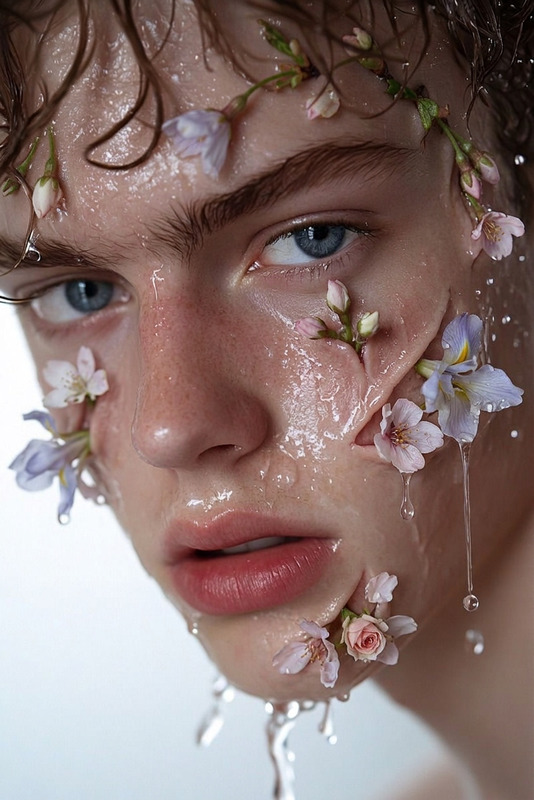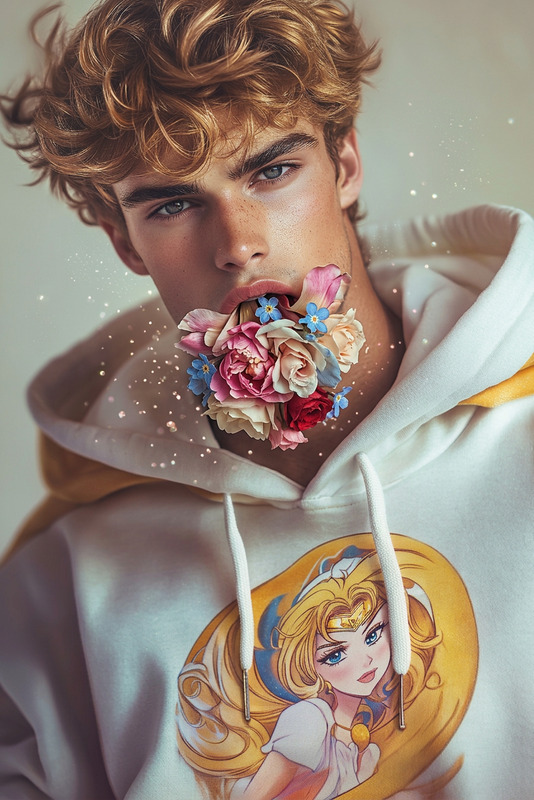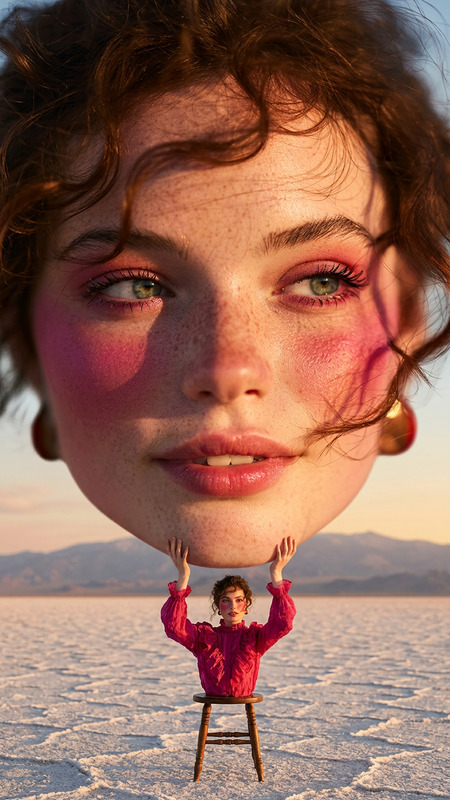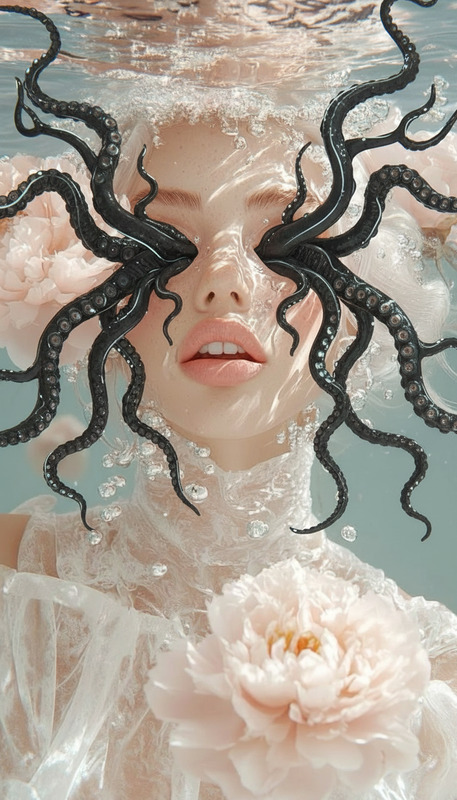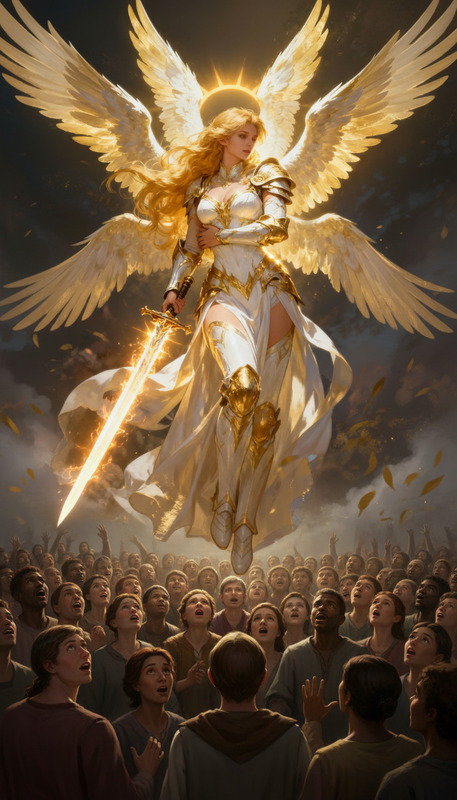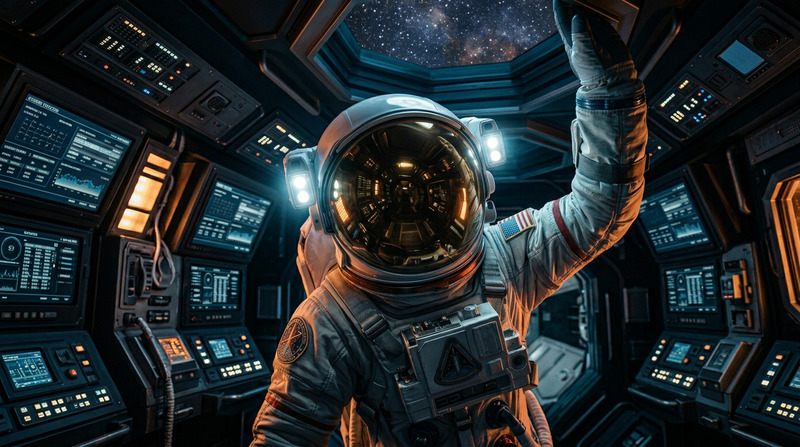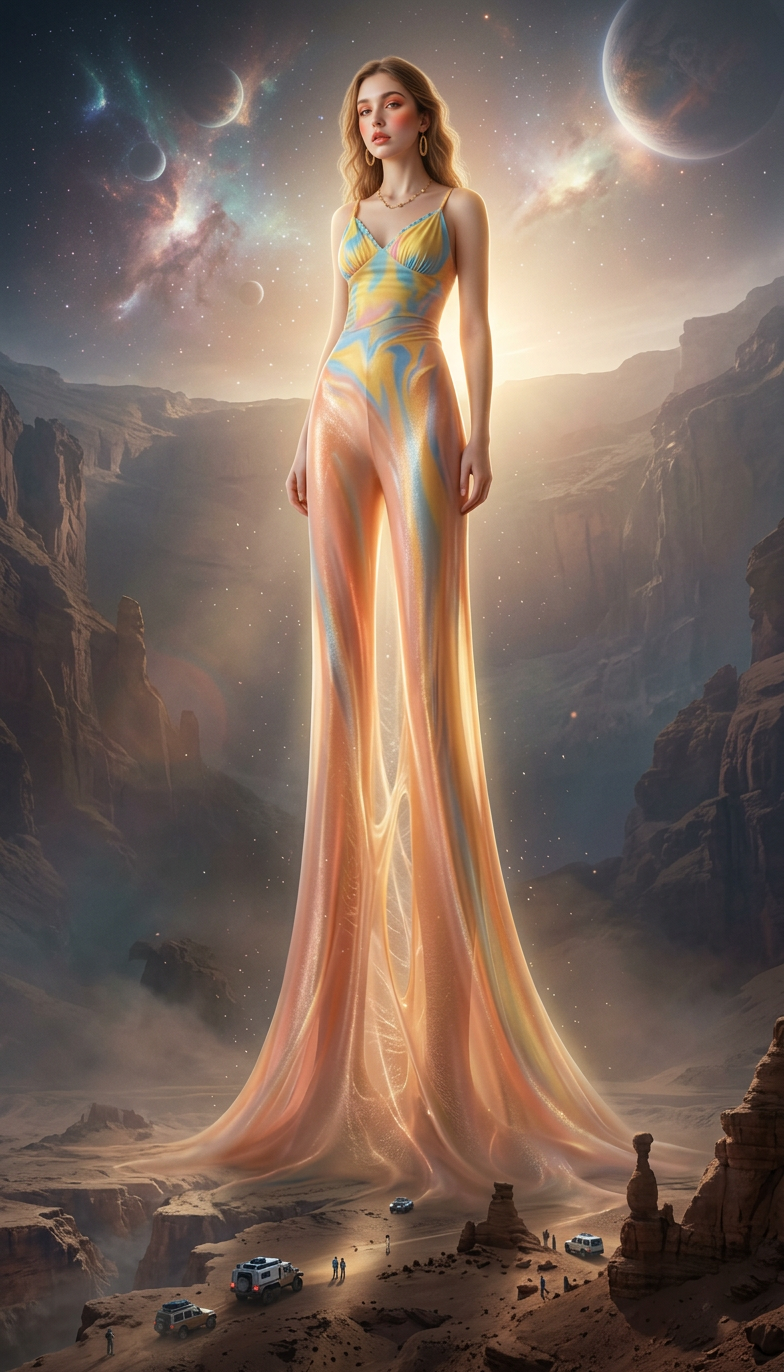
Vertical Growth: Elastic Ascension
- Model
- Nano Banana 2
- Image
- 784 × 1372 px
Prompt
A surreal cinematic transformation where the subject’s legs stretch upward elastically, making them grow extremely tall as the camera slowly zooms out to reveal massive scale, wide-angle epic view, ultra-detailed, atmospheric lighting.
Any aspect ratio
Overview
The Vertical Growth: Elastic Ascension is a creative AI Image Editor template within our offerings. Designed using nano-banana-2, this template is perfect for unique visual effects that transform subjects with surreal elongations. Imagine creating a scene where characters stretch upwards to a massive scale, revealing cinematic depth.
What It Does
This template takes a regular image and applies an effect where the subject's legs stretch elastically, transforming them into towering figures. The camera zooms out, achieving an epic and wide-angle perspective with ultra-detailed and atmospheric lighting. It complements AI Image Editor functionalities by adding an imaginative twist.
Who It's For
Ideal for filmmakers, digital artists, and content creators looking to add striking visual effects to their projects. Particularly useful in industries such as advertising and entertainment where enhanced storytelling visuals can captivate audiences. If you're already leveraging AI Video Generator tools, this template can enrich your media with dynamic imagery.
Summary
Enhance your storytelling with the Vertical Growth: Elastic Ascension template, tailored for those seeking to make a visual impact. Offering a surreal transformation effect, this tool is a perfect addition to your AI Multi-Angle Generator for diversified visual narratives.
How To
Choose Your Template

Customize Your Input

Generate and Download

Use Cases
Creative Storytelling
- Cyberpunk and futuristic themes
- Dramatic scene transitions
Advertising Campaigns
- Fashion ads with oversized elements
- Product launches with a twist
Digital Art Installations
- Surreal art gallery displays
- Virtual reality content creation
Best Practices
Optimize Image Quality
Upload high-resolution images for the best results, ensuring clarity in detailed scenes.Balance Lighting
Experiment with atmospheric lighting settings to achieve harmonious effects that enhance mood and tone.Test Different Angles
Vary the perspective by using different camera angles to emphasize the vertical transformation effect.