Behind the Movie Set
- Model
- GPT Image 2
- Image
- 1024 × 1024 px
Prompt
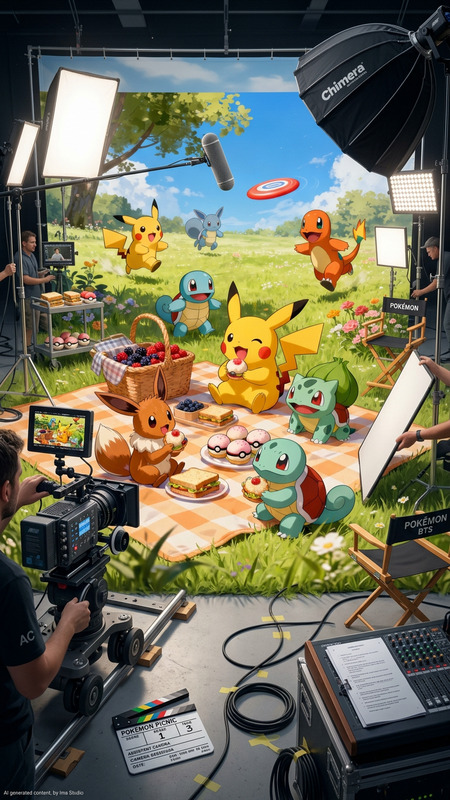
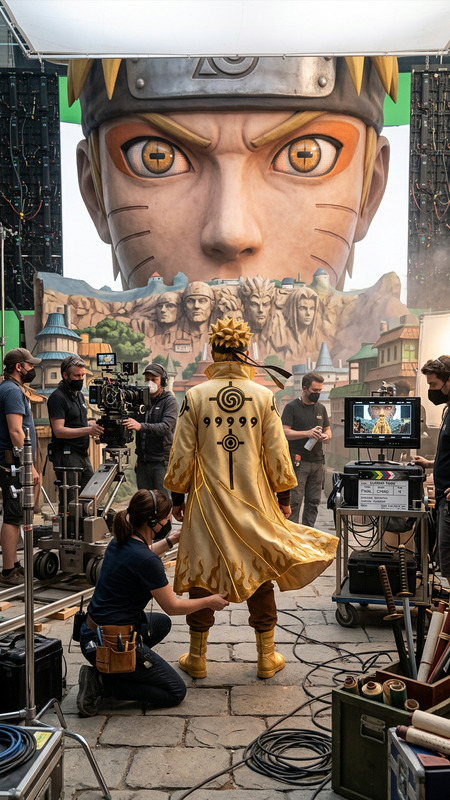
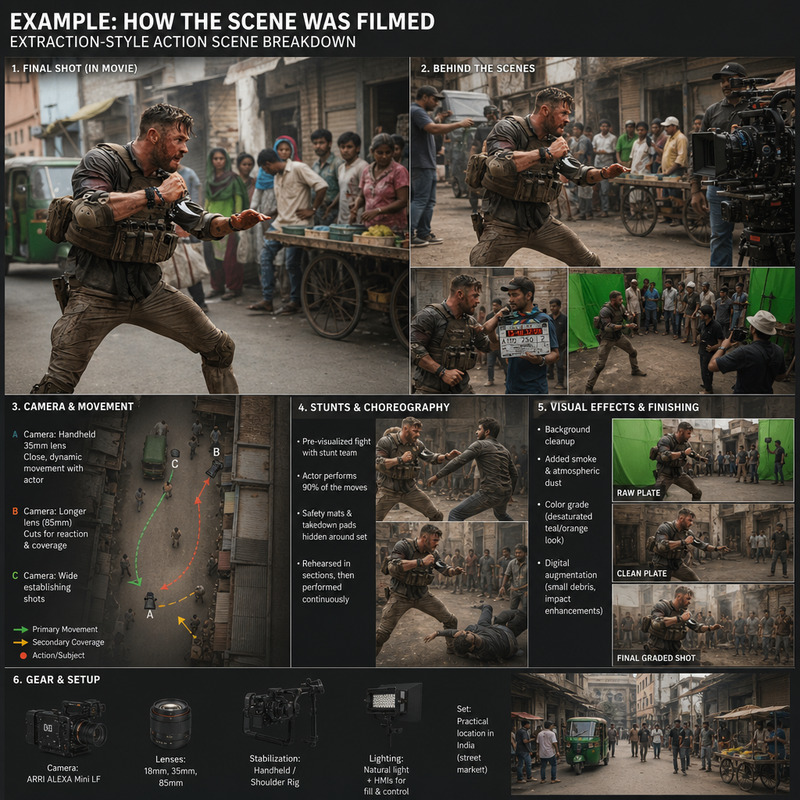
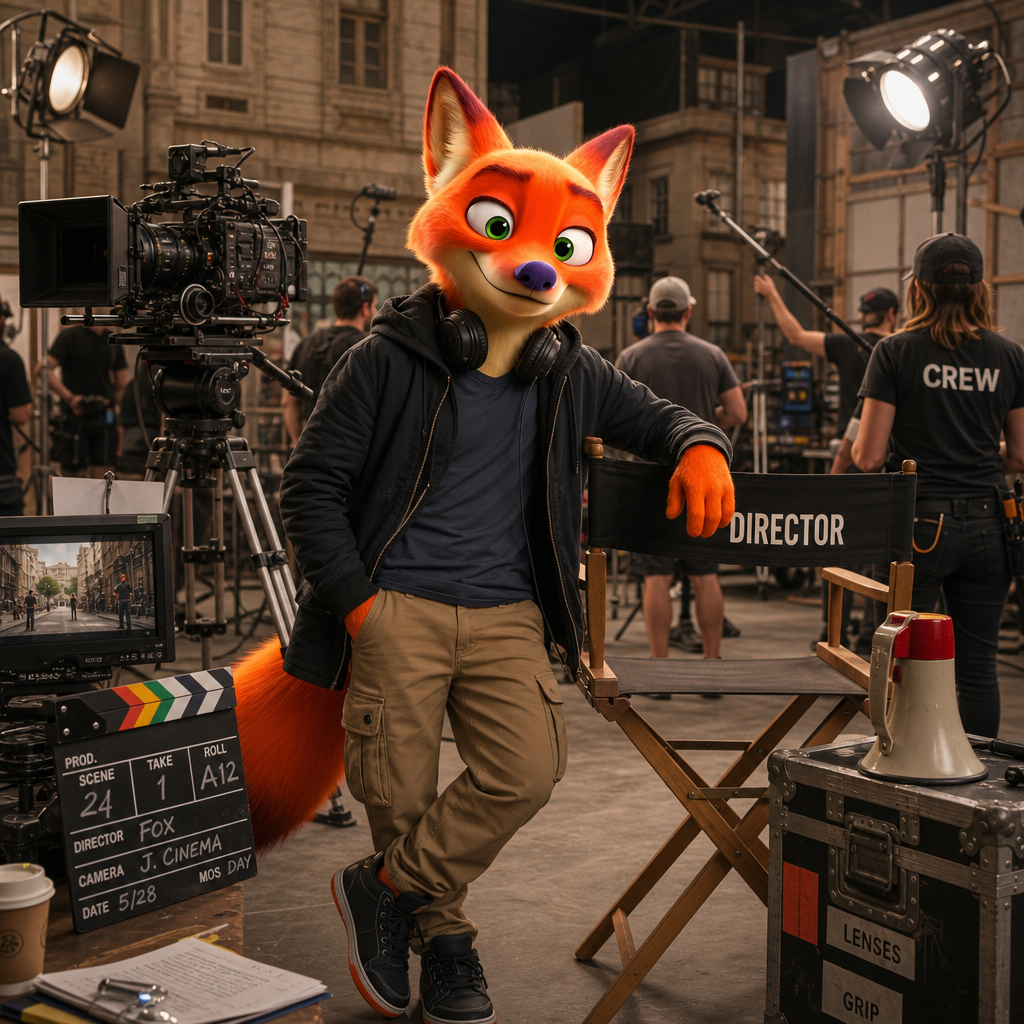
Transform the subject into a famous film director standing on an active movie set. Cameras, lighting rigs, crew members, clapperboards, and partially built sets create a realistic filmmaking environment.
Any aspect ratio
Overview
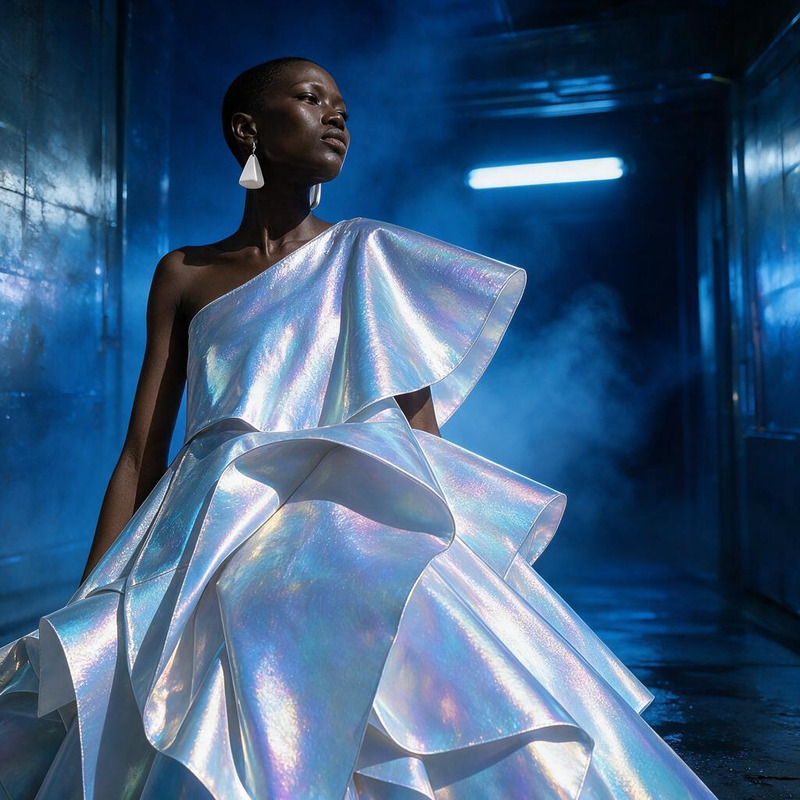
Step into the shoes of a visionary director with the "Behind the Movie Set" AI Image Editor template. This powerful tool utilizes the gpt-image-2 model to transform any image into a dynamic depiction of a film director at work. Capture the hustle and bustle of an active movie set with stunning realism, complete with cameras, lighting rigs, and more.
What It Does
The "Behind the Movie Set" template allows you to convert ordinary images into immersive, cinematic scenes. Utilizing AI technology, it reconstructs your subject as a renowned film director within a detailed set environment. This includes elements such as crew members, clapperboards, and lighting rigs, offering a glimpse into the filmmaking process. Learn more about other editing capabilities with our AI Image Editor.
Who It's For
This template is ideal for filmmakers, content creators, and social media influencers looking to create authentic behind-the-scenes content. Whether you're assembling snippets for a video explainer or enhancing social media campaigns, this tool provides a unique twist on storytelling. Pair it with our AI Video Generator for even more compelling narratives.
Summary
The "Behind the Movie Set" template transforms everyday images into elaborate film set scenarios with the help of AI. It's the perfect solution for anyone wanting to capture the essence of movie-making magic for various digital media projects. Consider exploring our AI Image Generator for additional creative options.
How To
Choose Your Template

Customize Your Image

Generate Your Scene

Use Cases
Social Media Campaigns
- Create promotional content
- Engage followers with unique visuals
Corporate Training Videos
- Visual storytelling
- Improved engagement
EduTech Platforms
- Enhance visual learning
- Capture student interest
Online Portfolio Boost
- Showcase creativity
- Highlight industry knowledge
Promotional Material
- Increase brand visibility
- Attract more clients
Best Practices
Select High-Resolution Images
For optimal results, use high-resolution images to ensure all elements of the movie set render clearly.Refine Your Prompt
Adjust the prompt to specify unique details, such as the type of film set or the era, for a tailored outcome.Experiment with Angles
Try uploading images taken from various angles to see how the AI adapts the set environment.