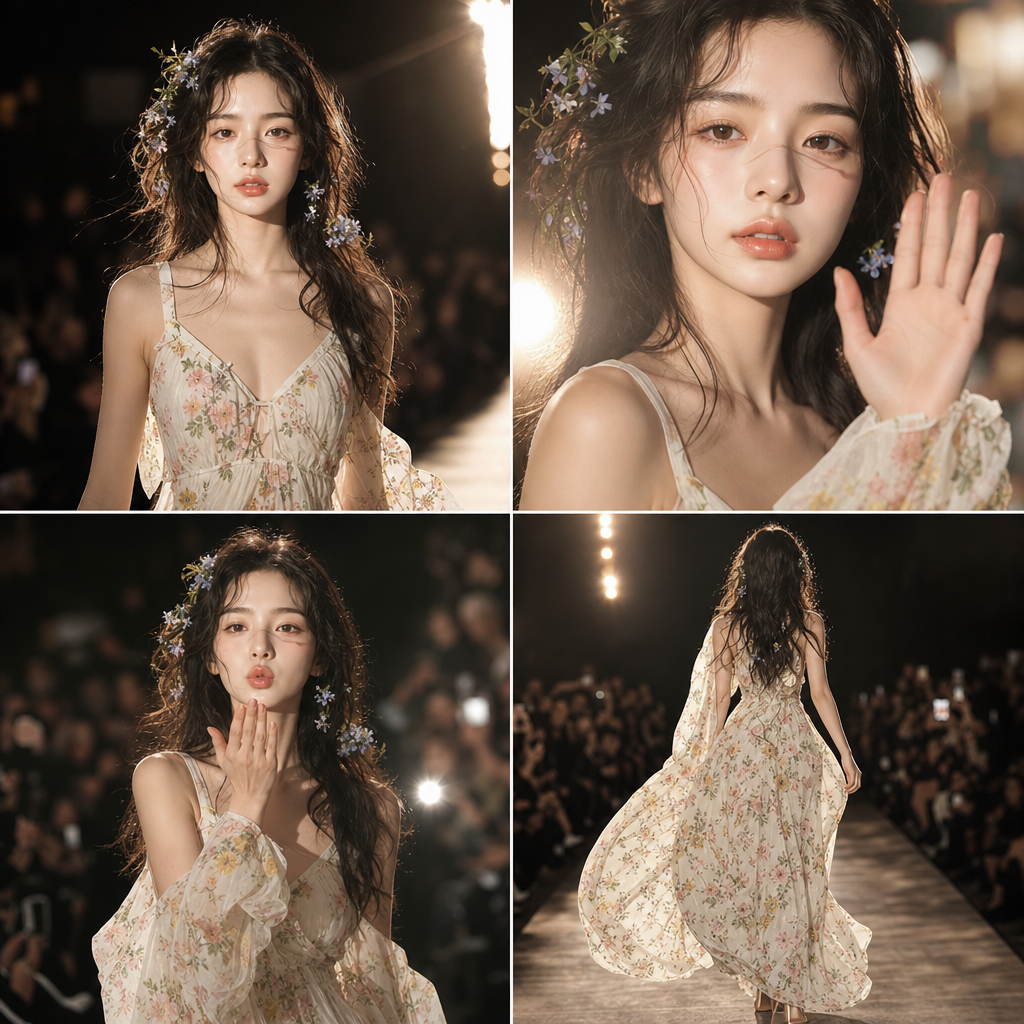
Vsecret
- Model
- GPT Image 2
- Image
- 1024 × 1024 px
Prompt
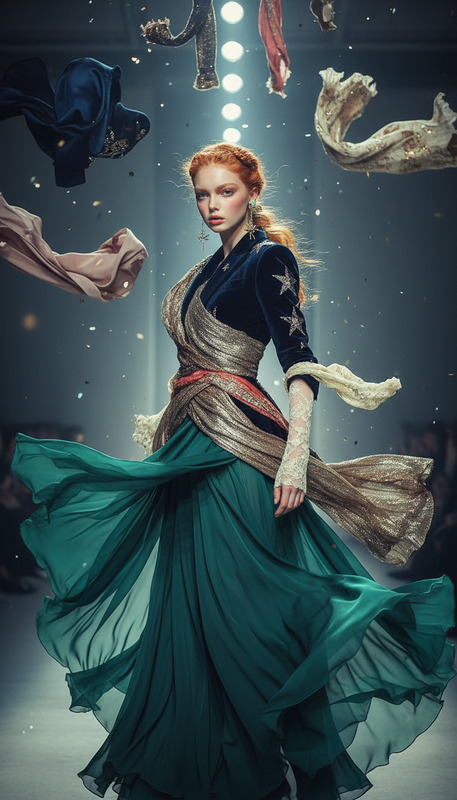
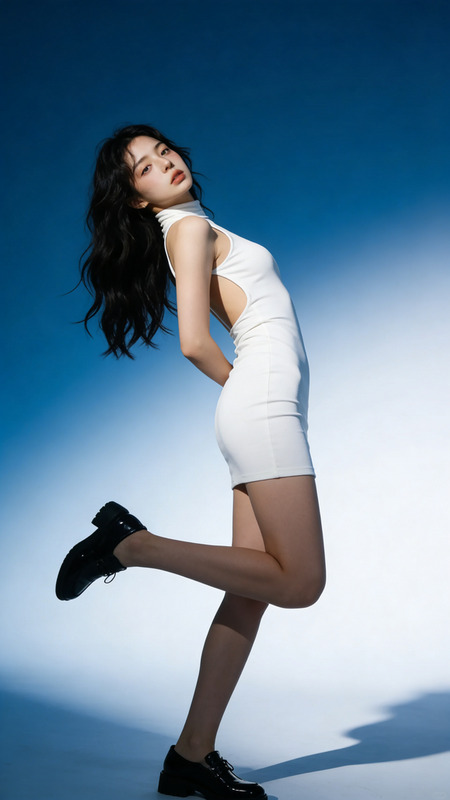
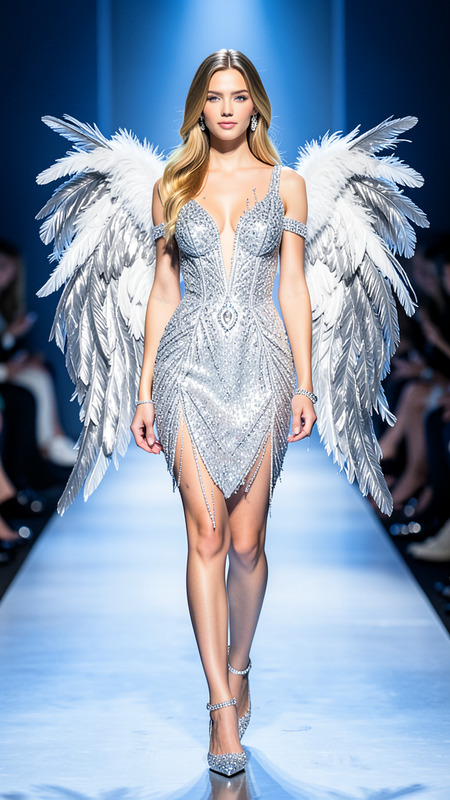
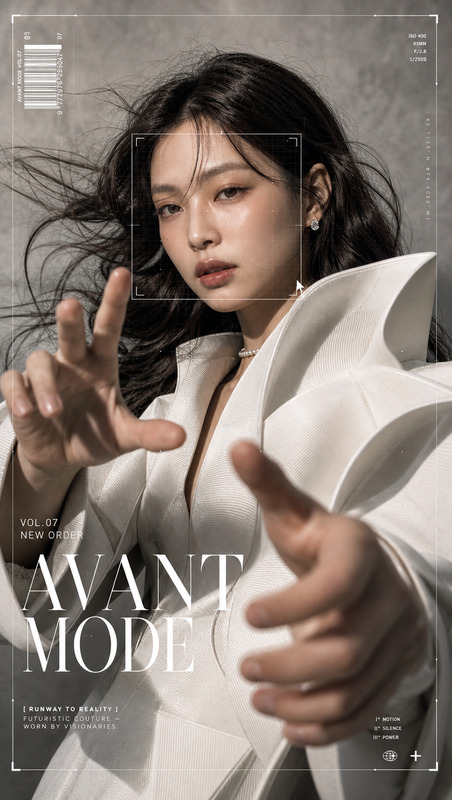
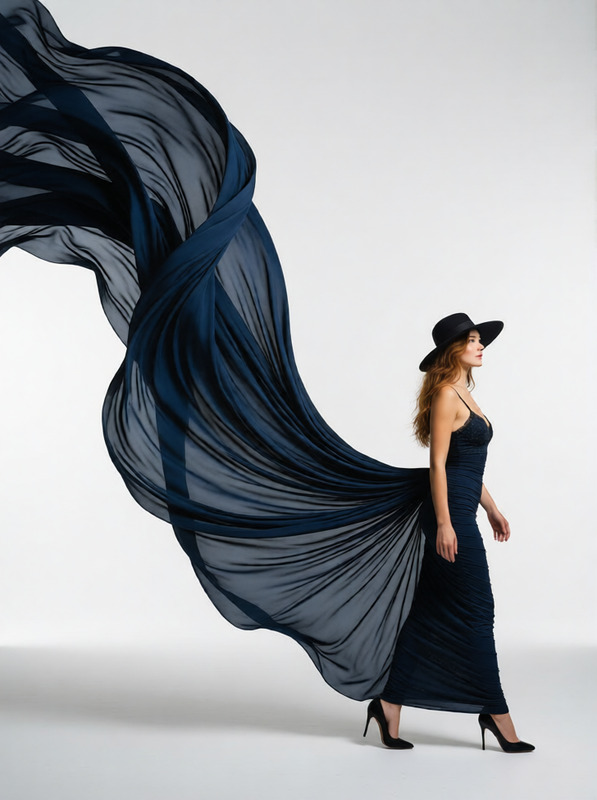
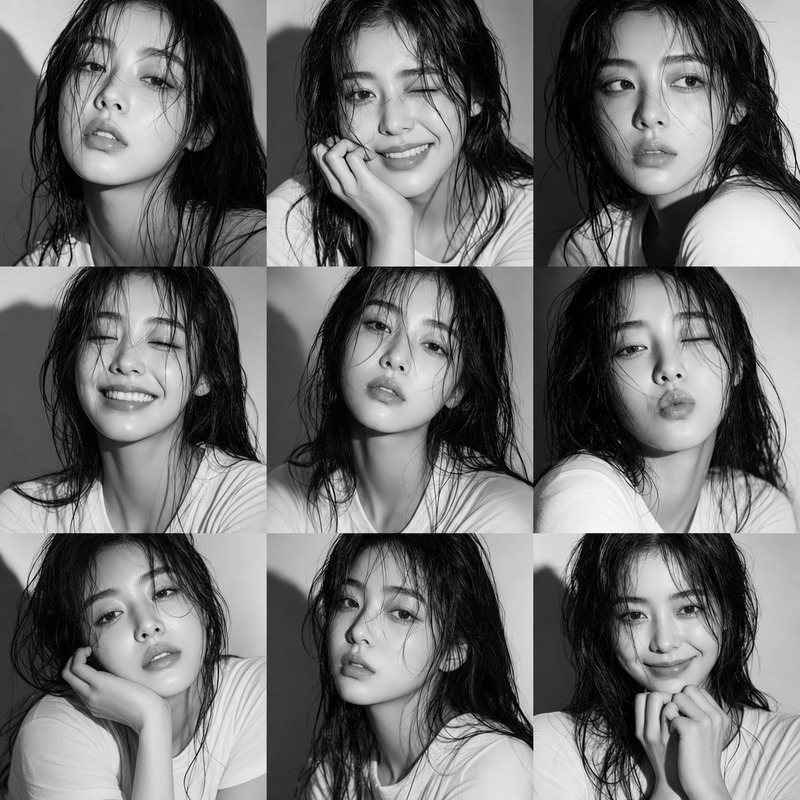
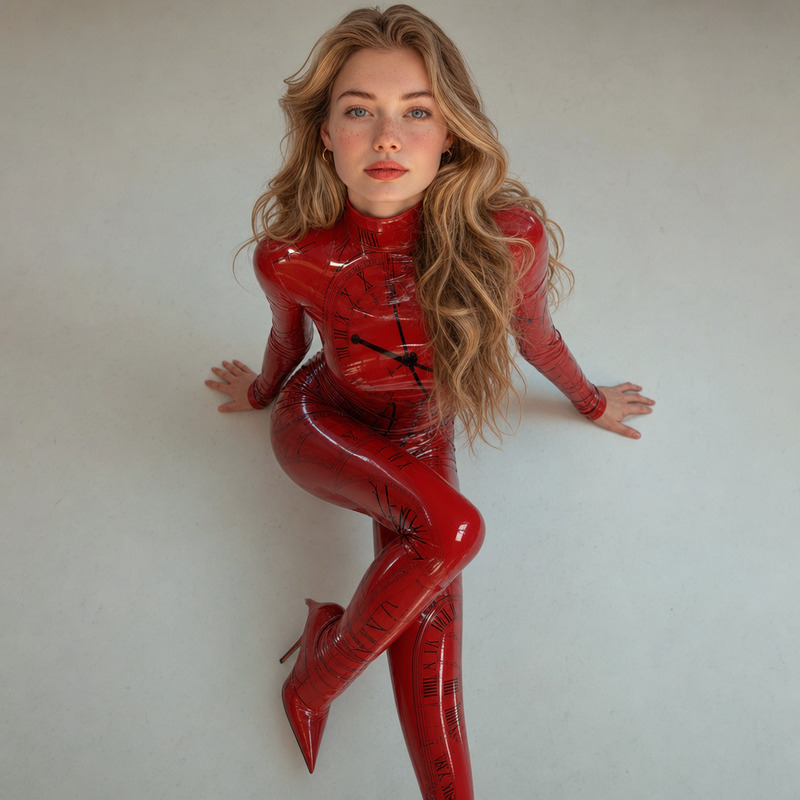
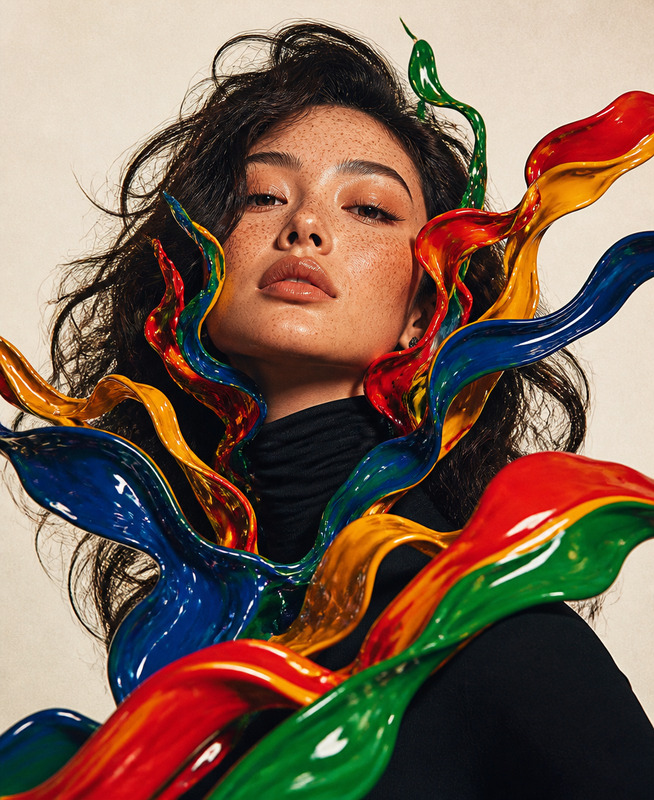
Core Subject: A person from a reference photo performs an elegant fashion runway walk, maintaining consistent identity, filmed in ARRI Alexa 35, 35mm anamorphic, with high-intensity runway lighting and a warm cinematic atmosphere. The sequence follows a smooth progression: medium tracking entrance with eye contact and gentle expression, a close-up wave with strong frontal lighting and catchlights, and a cowboy-shot air kiss with soft bokeh flashes in the background. The model finishes with a full-body turn and walk-back, featuring natural fabric movement, high-contrast soft lighting, and fluid, realistic motion throughout.
Any aspect ratio
Overview
The Vsecret template in our AI Image Editor series is designed to transform any reference photo into a high-fashion runway scene, capturing the elegance of a professional shoot.
What It Does
This template allows you to overlay the persona from a reference photo onto a vibrant runway setting. Utilizing the gpt-image-2 model, it ensures a smooth and realistic motion with sophisticated lighting effects, reminiscent of ARRI Alexa 35 filming. Every sequence reflects theatrical vigor, focusing on key details like catchlights and natural fabric movement. For designs that pop, consider pairing it with the AI Clothes Changer for enhanced attire options.
Who It's For
The Vsecret template is perfect for fashion designers, advertising professionals, and digital artists looking to elevate their content with high-end runway visuals. Whether producing eCommerce ads or creating stylized portfolio pieces, this tool helps bring sartorial visions to life with cinematic quality.
Summary
Incorporate Hollywood-level aesthetics into your project using the Vsecret template. Through advanced AI, it seamlessly blends fashion photography with cinematic video techniques, ensuring every edit maintains identity and realism. Explore more in our Image to Video lineup to extend your creative possibilities.
How-To
Choose Vsecret Template

Customize Your Scene

Generate and Download

Use Cases
Fashion Campaigns
- Improve brand image
- Add movement to lookbooks
- Create video teasers
Portfolio Enhancement
- Showcase fashion skills
- Feature cinematic directing
- Illustrate creative vision
Video Ad Creation
- Increase viewer engagement
- Simplify video production
- Capture unique angles
Best Practices
Use High-Resolution Photos
Upload high-quality reference images for the best results. The higher the resolution, the more details the AI can preserve.Experiment with Lighting
Adjust the lighting settings to best complement the mood you're aiming for, ensuring shadows and highlights enhance the subject.Incorporate AI Tools
Boost your creative process by incorporating other tools like the AI Image Upscaler to enhance visual detail.