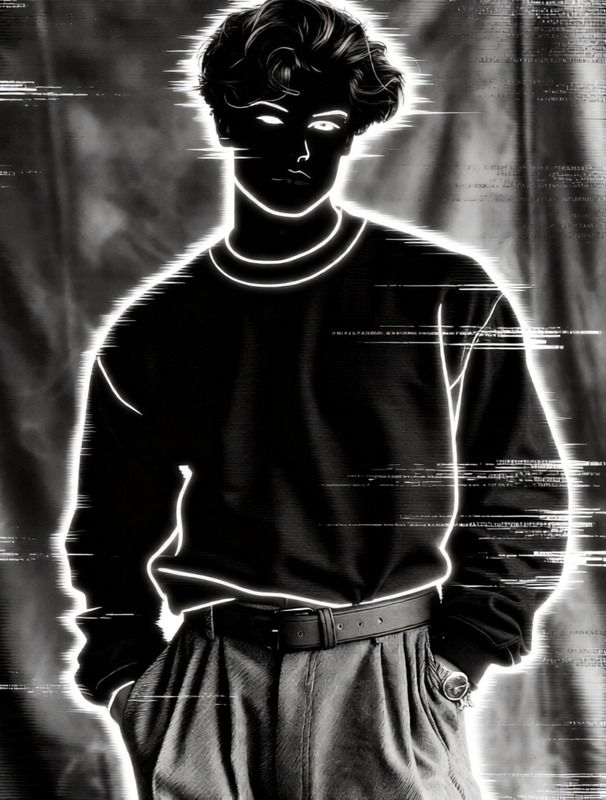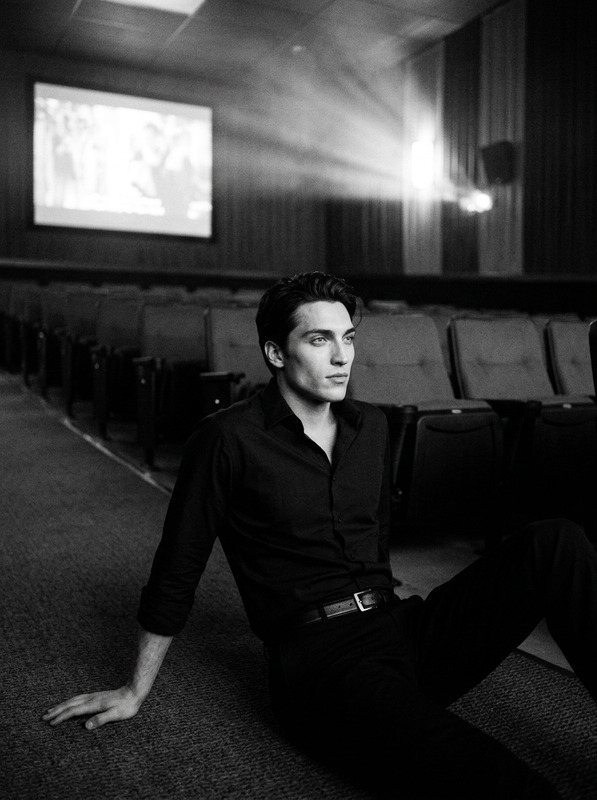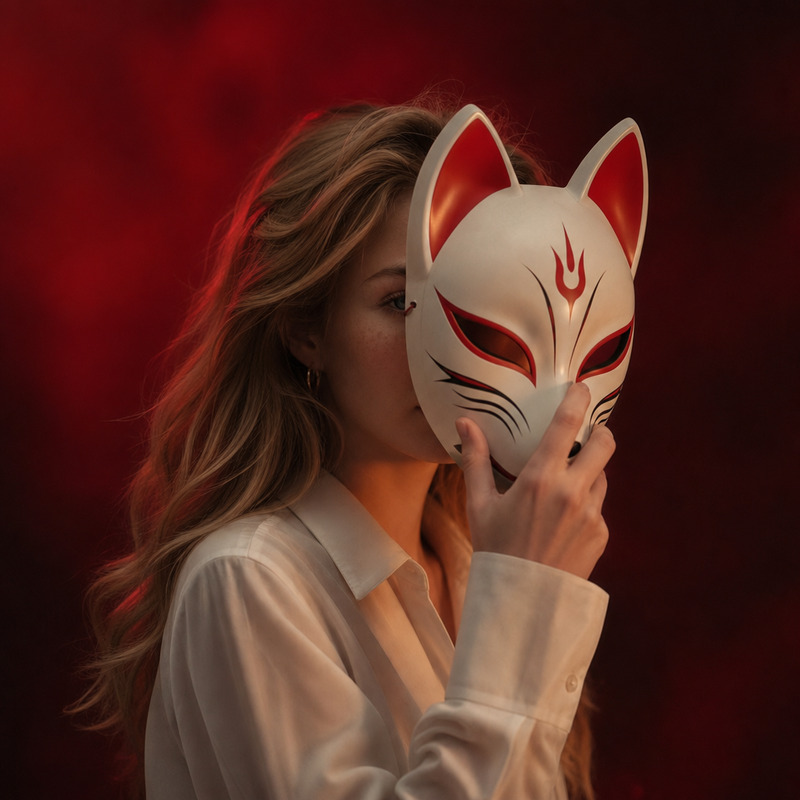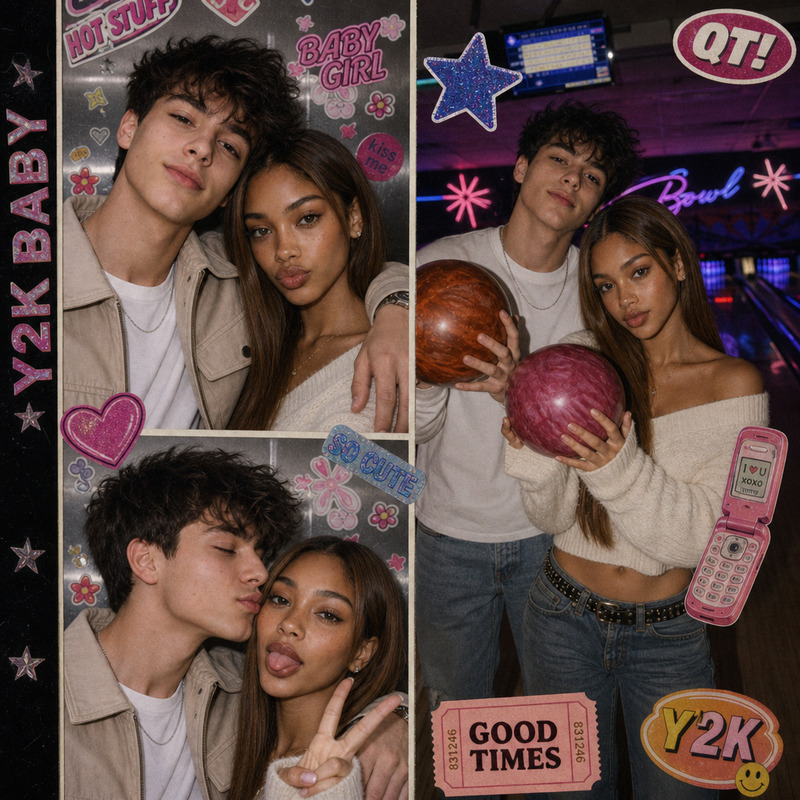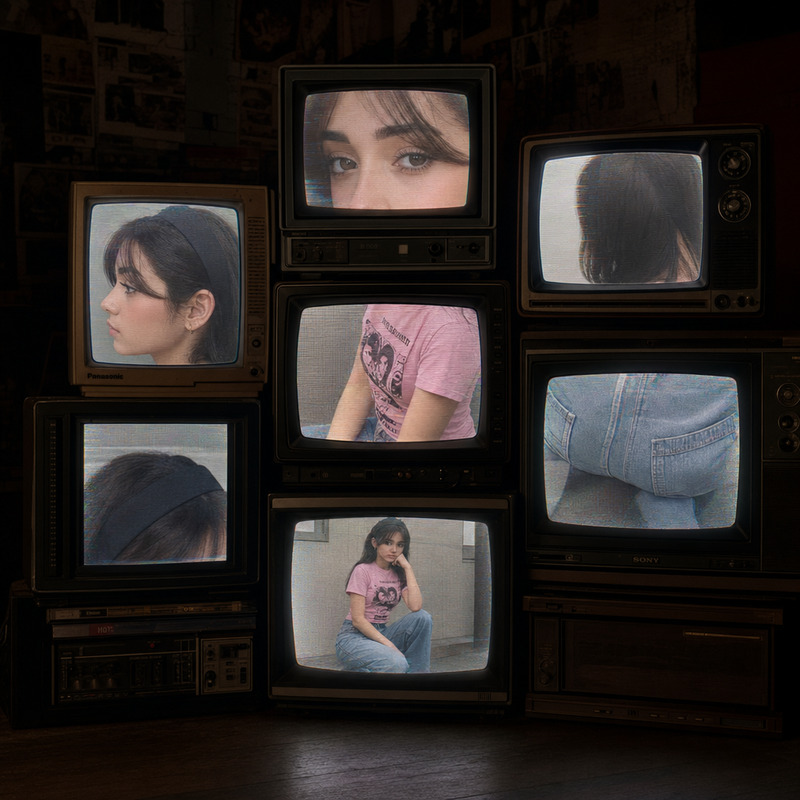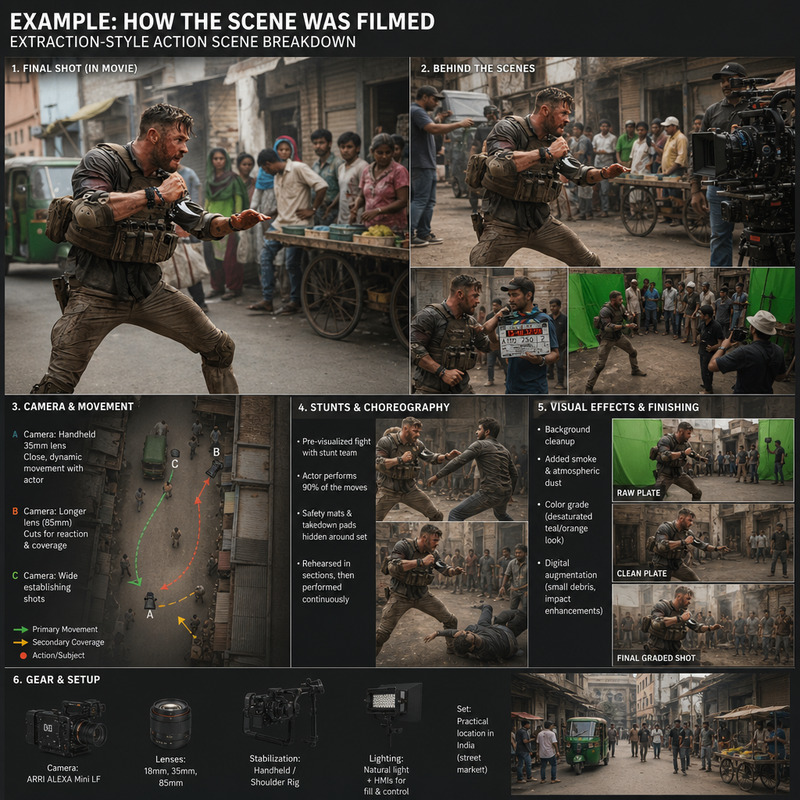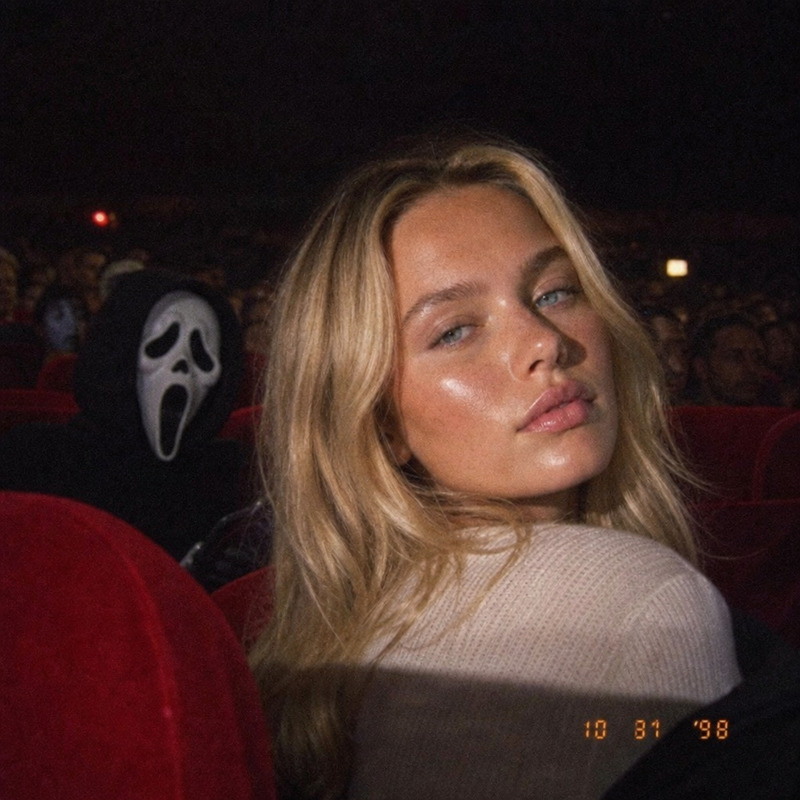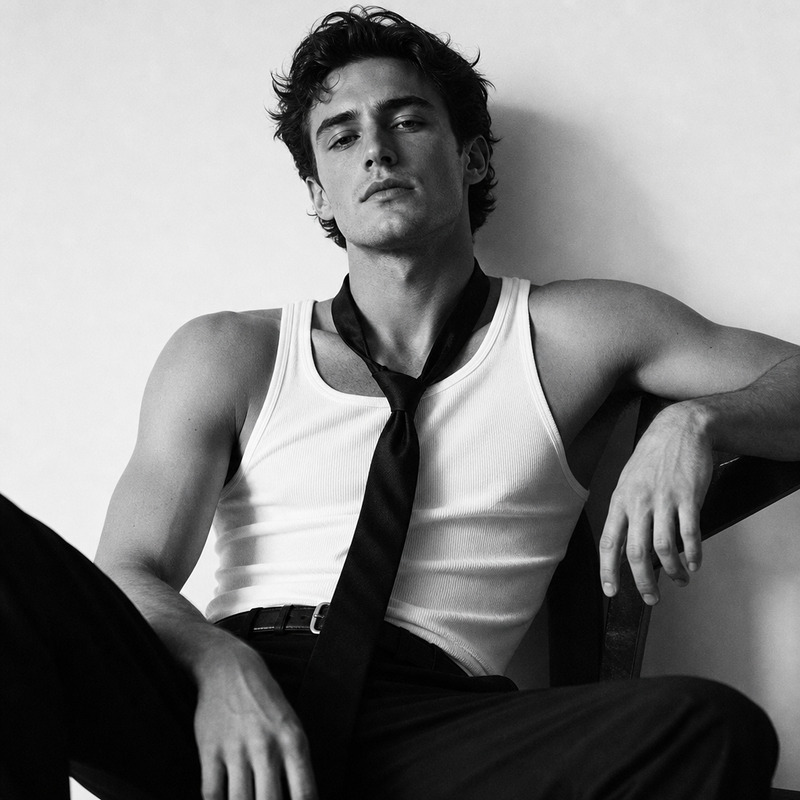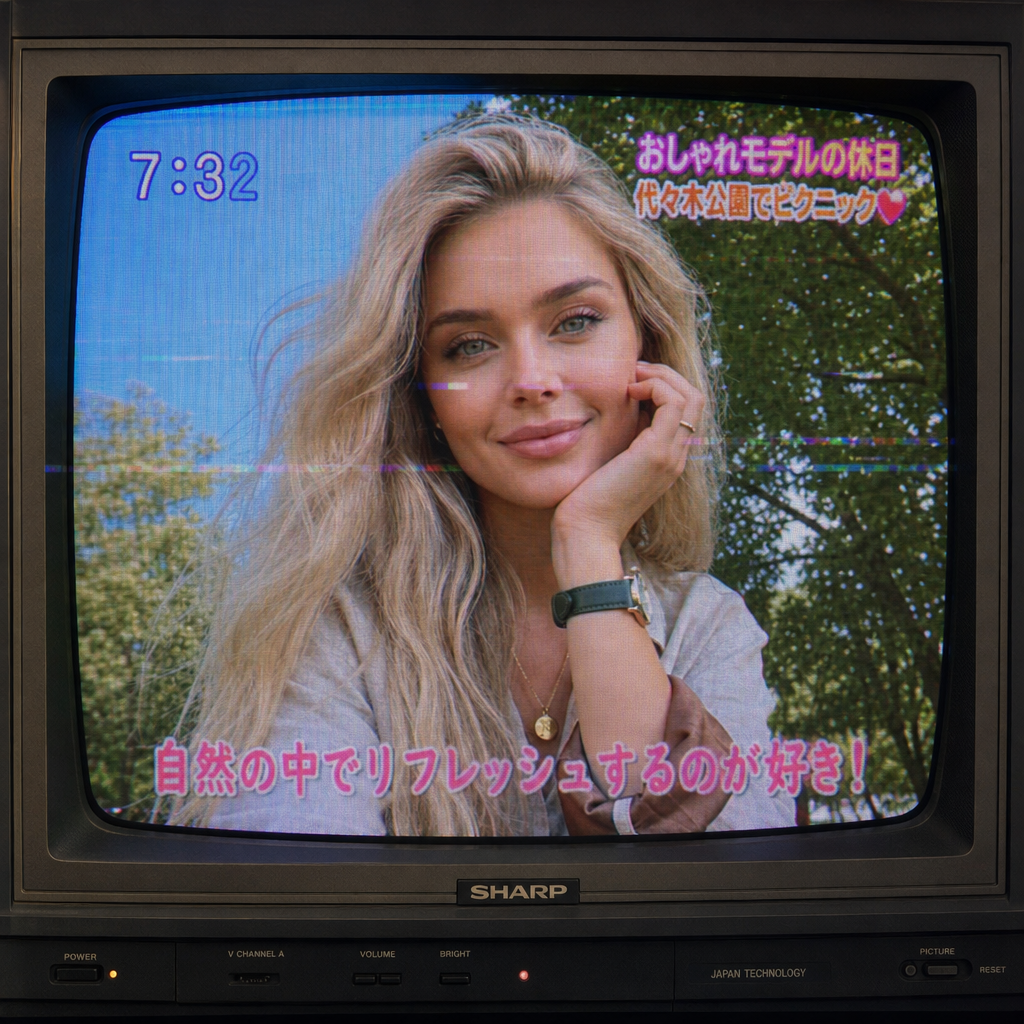
2000s japanese tv show
- Model
- GPT Image 2
- Image
- 1024 × 1024 px
Prompt
shot by shot old 2000s japanese tv show with subtle glitches on the OLD TV screen
Any aspect ratio
Overview
Dive into the nostalgic realm of 2000s Japanese TV shows with our AI Image Editor, designed specifically to recreate the unique aesthetic of the era. This tool employs the gpt-image-2 model to deliver authentic visuals complemented by subtle glitches reminiscent of old TV screens.
What It Does
This template transforms your modern images into vintage scenes reminiscent of Japanese TV shows from the 2000s. By applying characteristic styles and subtle glitches, the AI Image Editor helps you achieve that retro look. It's perfect whether you're working on a video project or experimenting with visuals for social media.
Who It's For
Anyone enamored with the nostalgia of early 2000s TV aesthetics will find this template invaluable. It's particularly useful for creators in fields like video content creation, social media management, and retro-themed artistic projects. If you're also exploring similar transformations, you might find the AI Image Generator helpful.
Summary
The 2000s Japanese TV Show template is a powerful tool for transforming images into retro, TV-inspired visuals. Harnessing the capabilities of AI Image Editor, it provides a seamless blend of past and present in your creative projects.
How-to
Choose Your Template

Customize Your Inputs

Generate and Download

Use Cases
Video Content Creation
- Create intro scenes for retro-themed YouTube videos.
- Develop backgrounds for <a href="/use-cases/compliance-training">compliance training</a> modules.
Social Media Engagement
- Curate Instagram stories mimicking 2000s TV styles.
- Engage followers with themed <a href="/use-cases/tiktok-videos">TikTok videos</a>.
Artistic Projects
- Create artworks that reflect the quirky visuals of older TV shows.
- Develop <a href="/use-cases/animated-gifs">animated GIFs</a> with a retro twist.
Best Practices
Select High-Quality Images
Use high-resolution images to maximize the impact of the vintage transformation.Adjust Glitches Sparingly
Keep glitch effects subtle to maintain the clarity of the image while providing the desired retro feel.Combine with Other Tools
Enhance your workflow by integrating this tool with others, such as the AI Voice Changer for added audio effects.