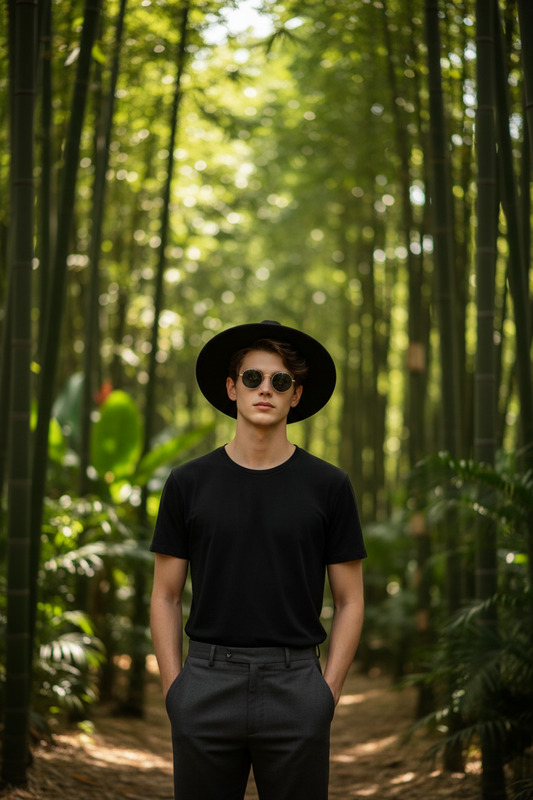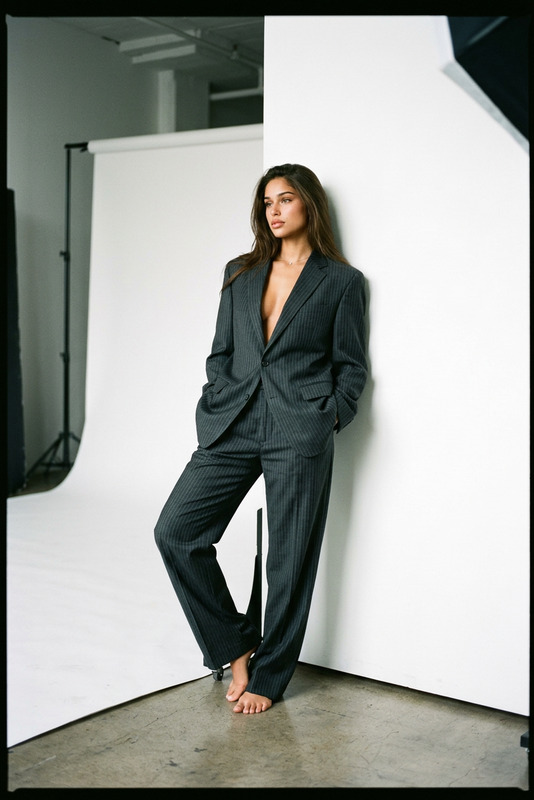
BTS Single Scene Shoot

BTS Single Scene Shoot

ai-image-editor

1 clip
3 uses

Any aspect ratio

Prompt

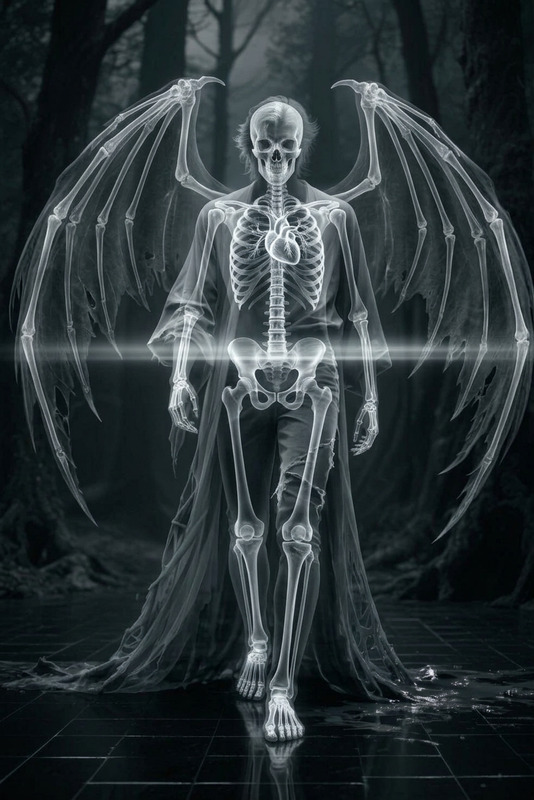
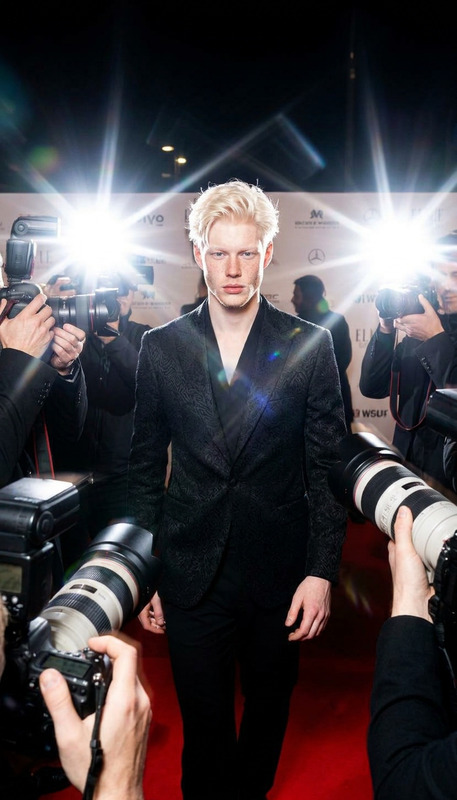
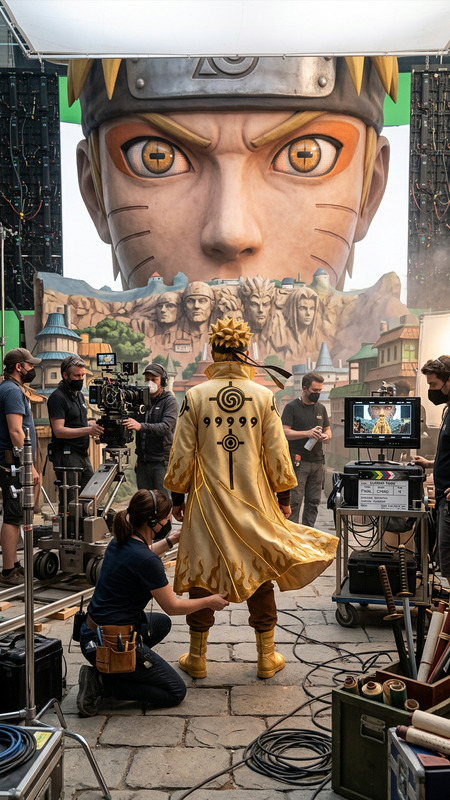
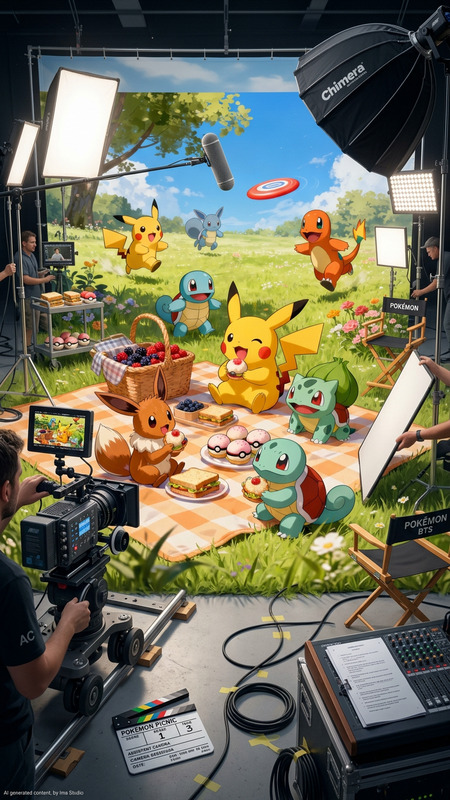
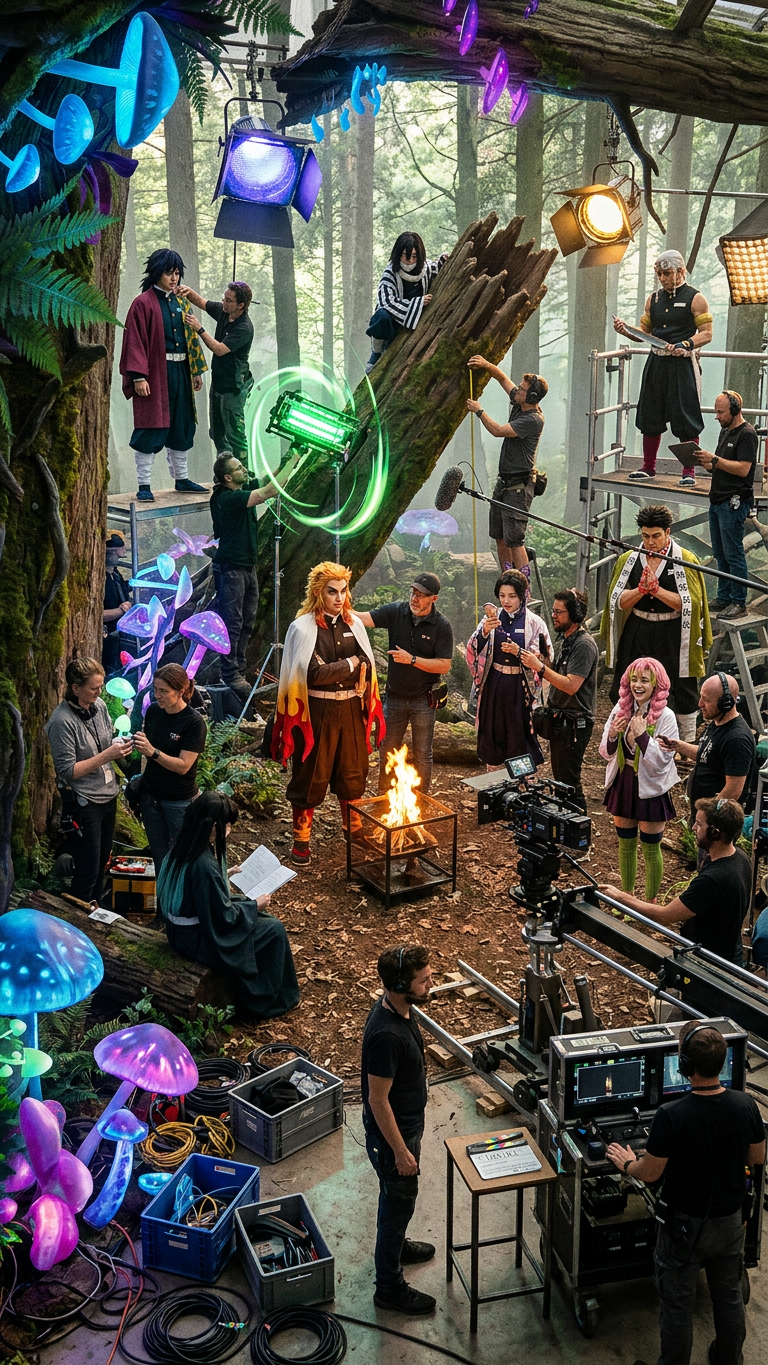
Behind-the-scenes shots of a single live-action scene; film crew adjusting lights and cameras, actors in costume preparing between takes; raw, candid production moments; photorealistic, high detail; natural lighting; cinematic realism

AI Image Editor Template: Smart, Precise Image Editing in Your Browser

This template was built with the AI Image Editor, designed for creators and teams who need fast, precise, production-ready image edits—without jumping into pro desktop tools.

Use it as-is or remix it in Magic Hour to build your own branded editor for:

  • Marketing creatives and ad variations
  • Social content and thumbnails
  • Product photos and ecommerce imagery
  • Concept art, moodboards, and pitch decks
  • Rapid experimentation for startups and agencies

What This Template Does

This template demonstrates how to use AI to:

  • Edit images non-destructively: Keep your original, generate new versions, and compare results.
  • Add, remove, or replace elements: Clean up backgrounds, swap objects, or expand frames with natural-looking details.
  • Refine style and mood: Adjust lighting, colors, and overall aesthetic for brand consistency or creative exploration.
  • Upscale and enhance: Improve resolution and clarity using the AI Image Upscaler.
  • Create variants for testing: Generate multiple edited versions for A/B tests in ads, landing pages, or social campaigns.

Under the hood, the AI Image Editor uses modern diffusion-based models similar to those discussed in research like High-Resolution Image Synthesis with Latent Diffusion Models and SegGPT: Segmenting Everything in Context, enabling context-aware, semantically coherent edits.


How to Remix This Template in Magic Hour

You can use this template as a starting point, then adapt it to your own workflow and brand. A typical remix flow in Magic Hour looks like this:

  1. Open the Template in Magic Hour

    • Start from this template within Magic Hour’s template gallery.
    • Duplicate it to create your own version that you can iterate on.
  2. Swap in Your Own Images or Inputs

  3. Define Your Editing Use Case
    Adapt the template to focus on one or more concrete jobs:

  4. Build a Repeatable Workflow for Your Team

  5. Extend Beyond Images (Optional)
    Once you’ve finalized your edited images, you can connect them to Magic Hour’s video and voice tools to build full campaigns or interactive content:


Practical Use Cases for Creators, Marketers, and Builders

1. Performance Marketing & Growth Teams

  • Generate multiple image variants for paid social, search, and display campaigns.
  • Quickly localize visuals for different regions or audiences.
  • Ensure consistency between static ads and motion assets by editing key frames, then feeding them into:

2. Startup Founders & Product Teams

  • Mock up product UIs, app screens, and hardware concepts using AI Art Generator.
  • Use the editor to refine visuals before handing off to design or engineering.
  • Create quick hero images, landing page sections, and explainer visuals especially when combined with:

3. Creators, YouTubers, and Educators

  • Clean up and enhance thumbnails with the AI Image Editor + Thumbnail Maker.
  • Convert photos to stylized art for channel branding using AI Illustration Generator.
  • Build recurring visual formats (series thumbnails, chapter cards, overlays) directly in your remixed template.

4. Visual Storytelling & Concept Development


Technical Notes and Best Practices

The AI Image Editor template is designed around patterns that align with how modern generative models perform best:


Recommended Combinations & Template Ideas

Use this template as a building block inside your own Magic Hour workspace. Some high-leverage configurations:

  • Conversion-Ready Product Pack

    • AI Image Editor + Image Background Remover + AI Background Generator + AI Image Upscaler
    • Ideal for ecommerce catalog updates, marketplace listings, and retargeting creatives.
  • AI Portrait & Avatar Suite

    • AI Selfie Generator + AI Headshot Generator + AI Face Editor + Gender Swap + AI Talking Photo
    • Great for personal branding, company directories, or avatar-based content.
  • Content Studio for Social Brands

    • AI Image Editor + AI Meme Generator + Thumbnail Maker + AI GIF Generator + AI QR Code Generator
    • Build a repeatable workflow for daily posts, stories, and short-form content.
  • Worldbuilding & Fiction Design Lab

    • AI Character Generator + AI Anime Generator + Fantasy Map Generator + Comic Book Generator + AI Illustration Generator
    • Use the AI Image Editor template to refine outputs into cohesive, on-brand story universes.

Turn This Template Into Your Own Tool

Once you’ve remixed this AI Image Editor template, you can:

  • Standardize it as the “official” internal editor for your team’s assets.
  • Create multiple variations targeted at different channels (ads, blog, app, pitch decks).
  • Connect it with other Magic Hour templates like:

Use this page as a reference when you design your own remix: think in terms of workflows, not one-off images. Define the input (photos, designs, characters), the transformations (cleanup, style, composition), and the outputs (ads, avatars, social assets, pitch visuals) you care about. The AI Image Editor template gives you a flexible, AI-native layer in the middle of that pipeline.

More Like This