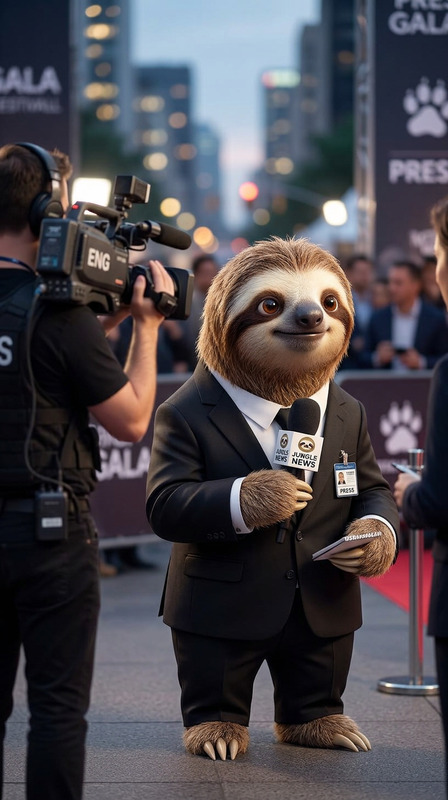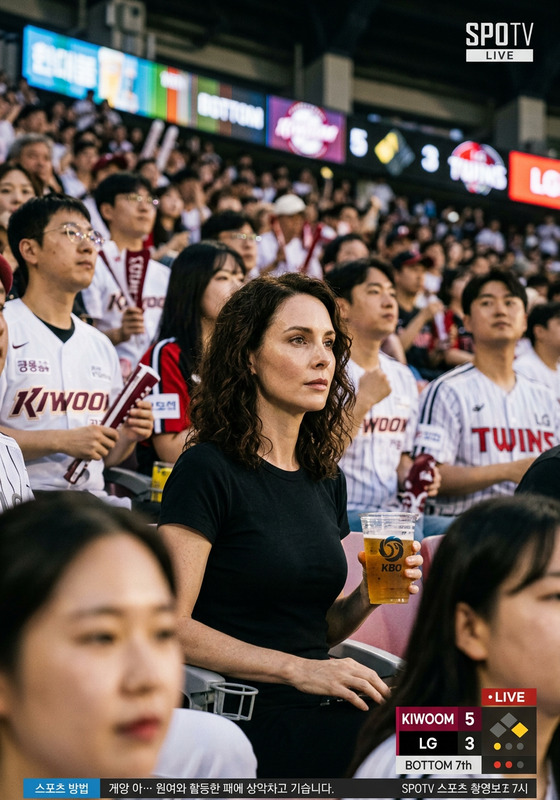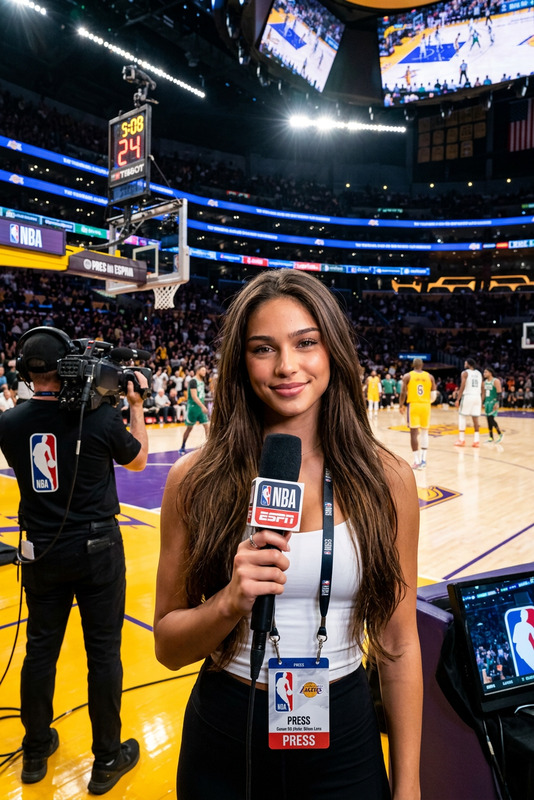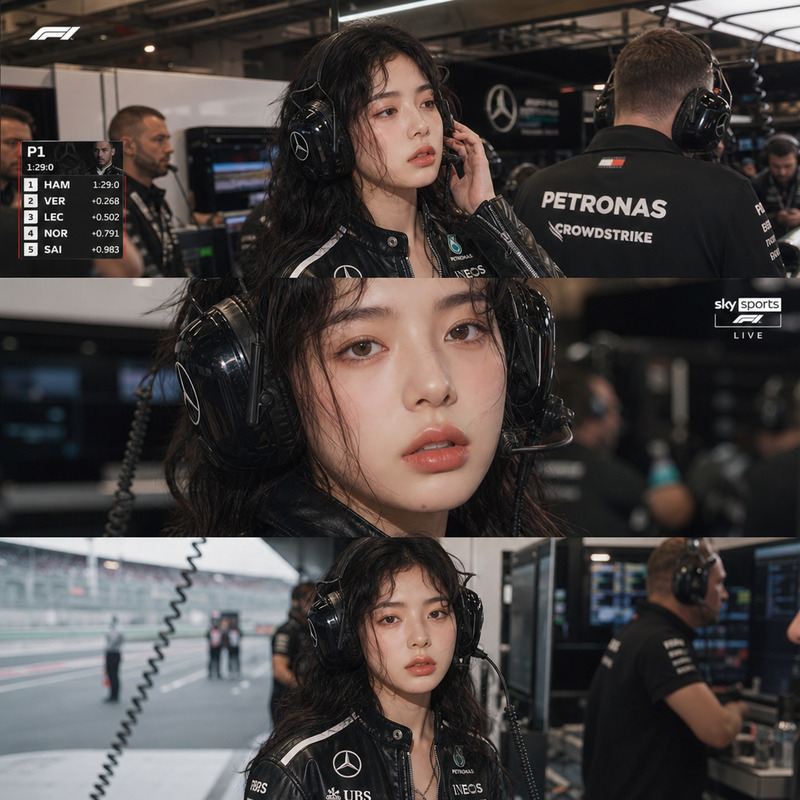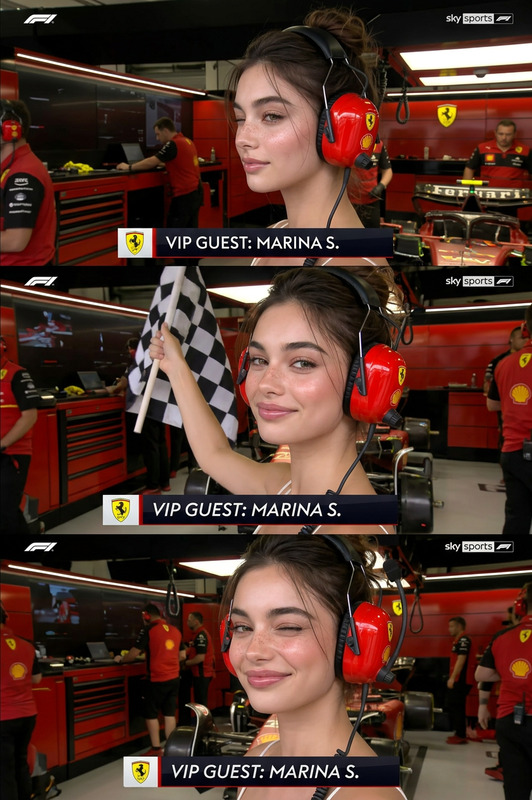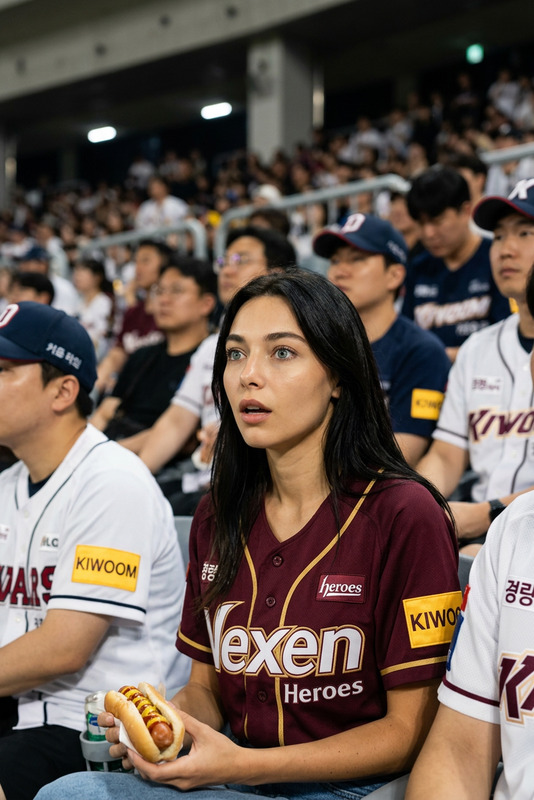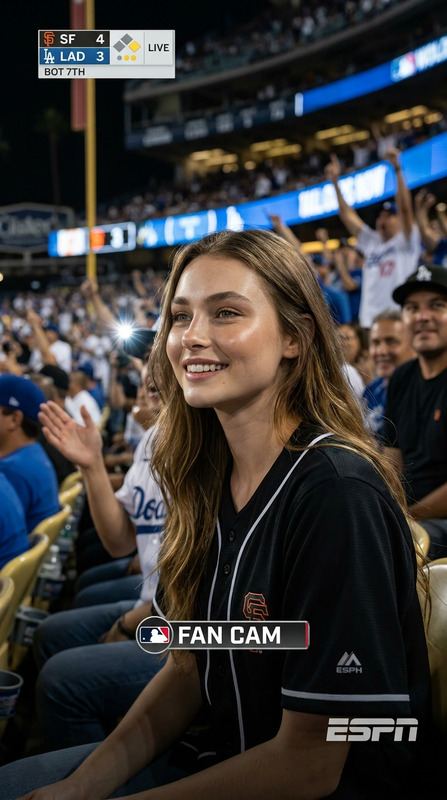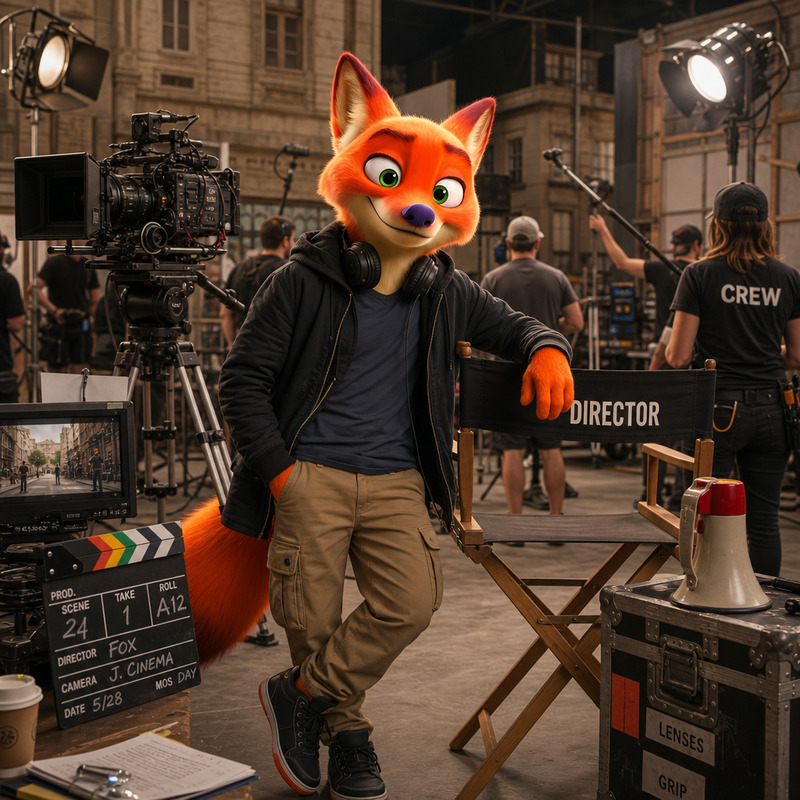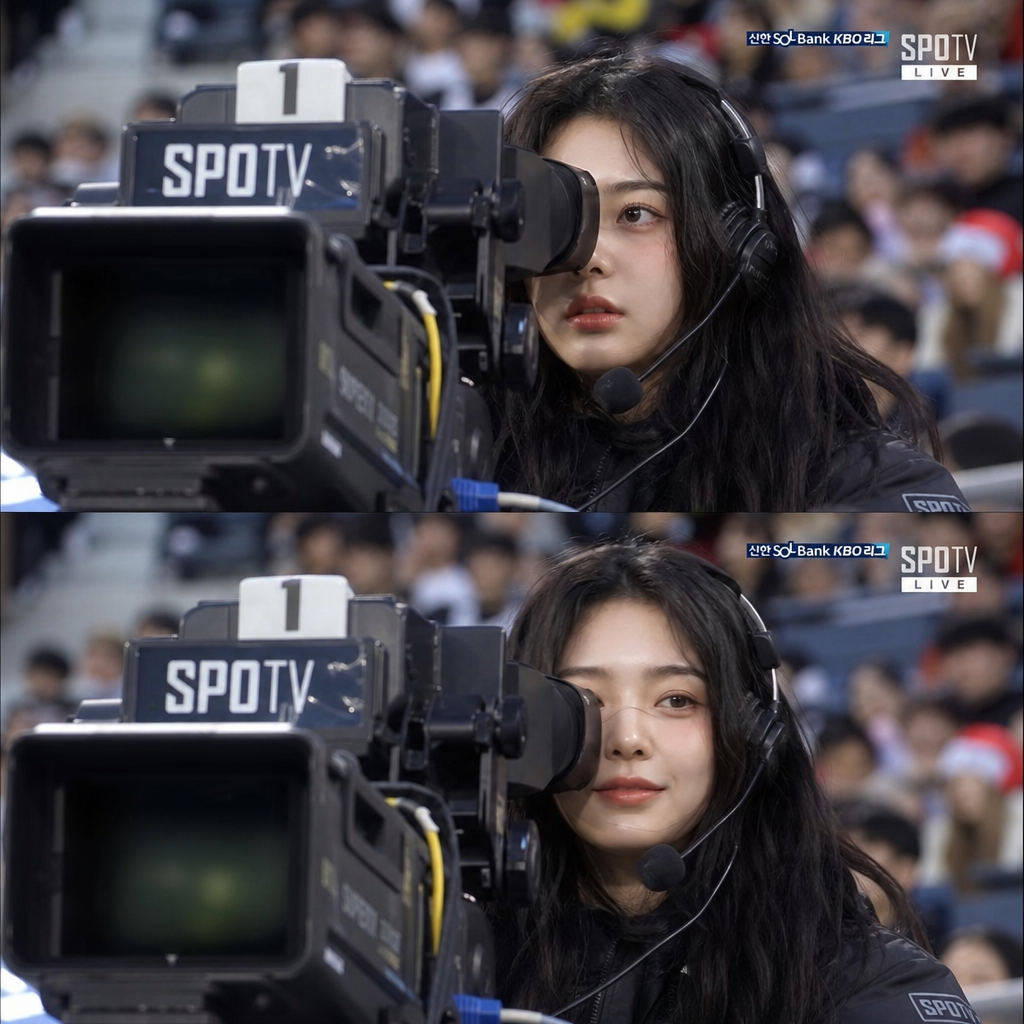
Cameraman
- Model
- GPT Image 2
- Image
- 1024 × 1024 px
Prompt
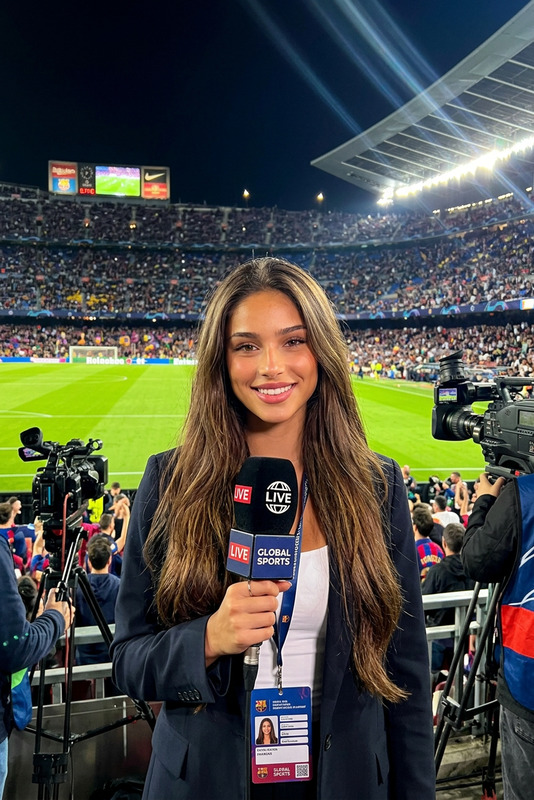
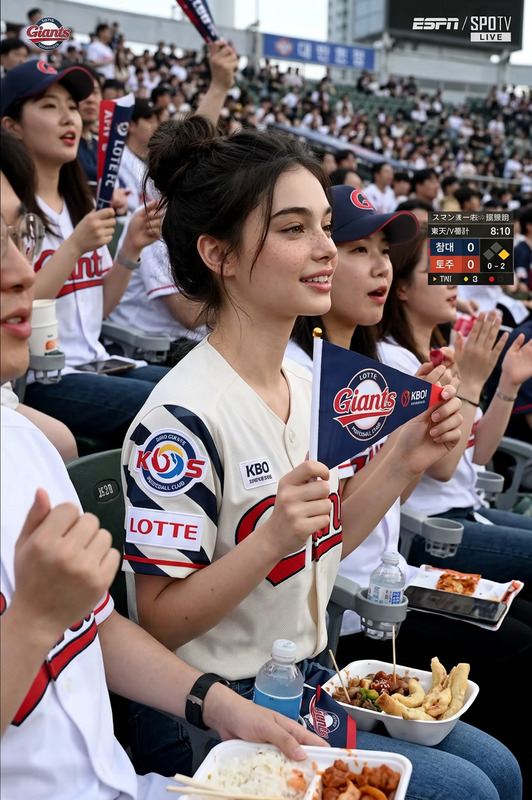
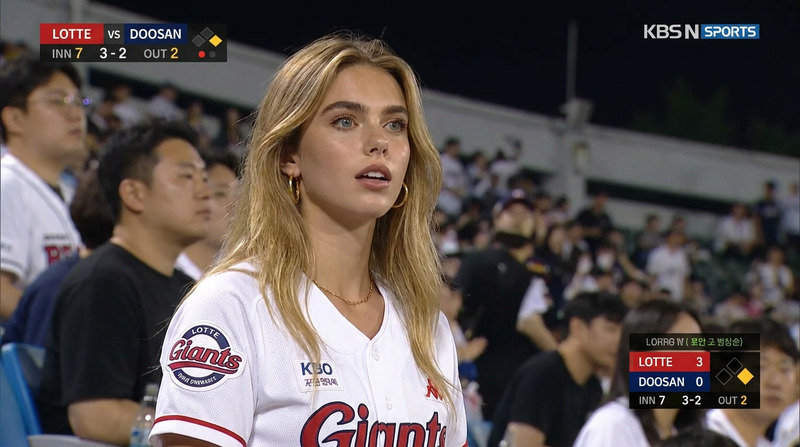
The user becomes an authentic KBO baseball broadcast camera operator, captured in extreme close-up while filming the game with a large professional TV camera facing the viewer. Realistic SPOTV live broadcast aesthetic with stadium crowd blurred in the background. After a few seconds, the operator notices the broadcast camera and shares a brief candid smile before returning to work.
Any aspect ratio
Overview
Immerse yourself in the thrilling world of KBO baseball as a broadcast camera operator with the Cameraman AI Image Editor template. Powered by gpt-image-2, this template lets users experience being in the middle of the action, capturing the game's intensity through the lens of a professional camera.
What It Does
This template creates an authentic visual experience of being a KBO baseball broadcast camera operator. It features realistic detailing such as a large TV camera, the signature SPOTV broadcast style, and subtle life-like interactions where the operator shares a brief smile with the viewer. This interactive creation is perfect for those looking to explore dynamic environments via an AI Image Editor.
Who It's For
This template is ideal for sports enthusiasts, broadcasters, and content creators interested in showcasing the behind-the-scenes excitement of live sports broadcasting. It's also suited for educators and trainers needing realistic visuals for broadcast training or anyone looking to add a professional touch to their content with an AI Product Photography element.
Summary
The Cameraman template offers more than just an image; it provides an experience. By placing the user into the role of a KBO camera operator, it captures the enthusiasm of sports broadcasting. Leveraging AI Image Upscaler technology, the final output ensures high-quality, detailed imaging that stands out.
How to Use
Choose the Template

Customize Your Scene

Generate Your Image

Use Cases
Sports Broadcasting Training
- Simulate real-world scenarios
- Enhance training materials
Content Creation
- Add depth to sports documentaries
- Enhance video blogging content
Event Promotions
- Engage fans with behind-the-scenes visuals
- Boost event marketing
Best Practices
Focus on Realism
Use high-resolution images to maintain realism in crowd and stadium details. This complements the SPOTV broadcast aesthetic.Capture Interactions
Emphasize the brief interaction of the operator smiling at the camera, as this adds authenticity to the scenario.Experiment with Angles
Try different camera angles to see which best conveys the broadcast atmosphere you aim to create.