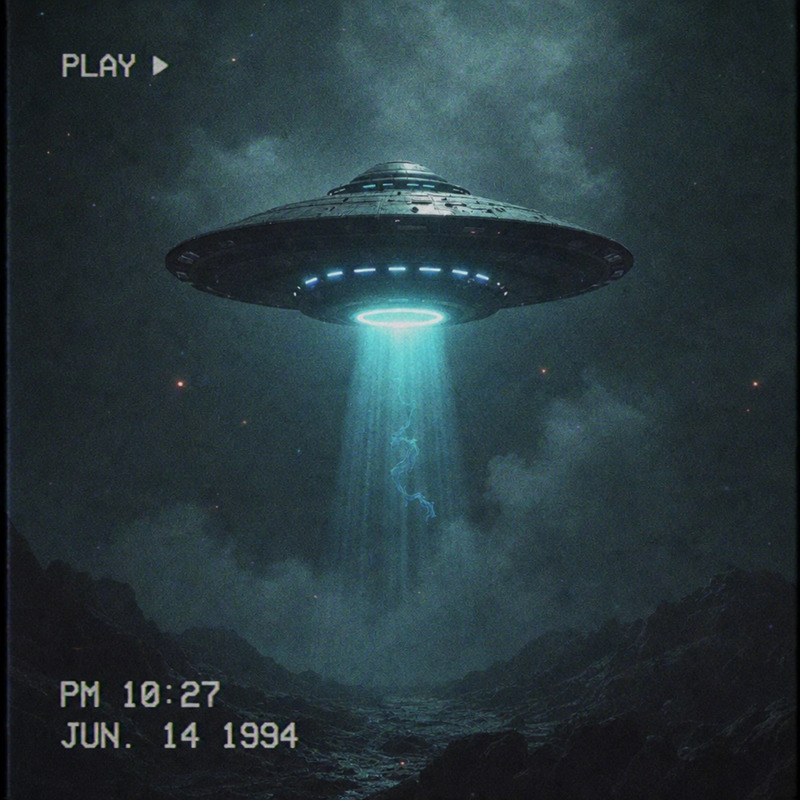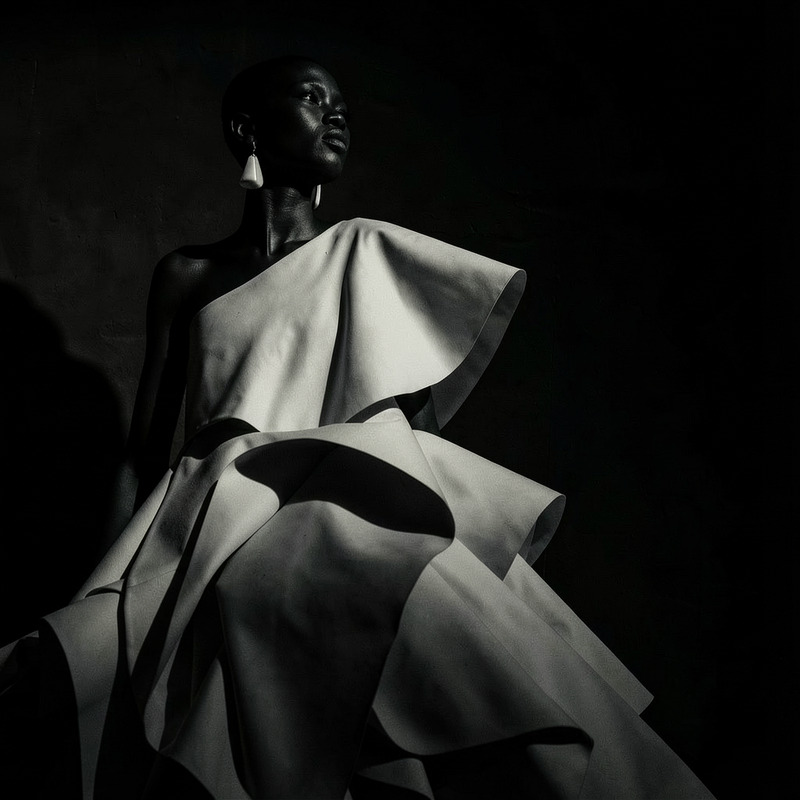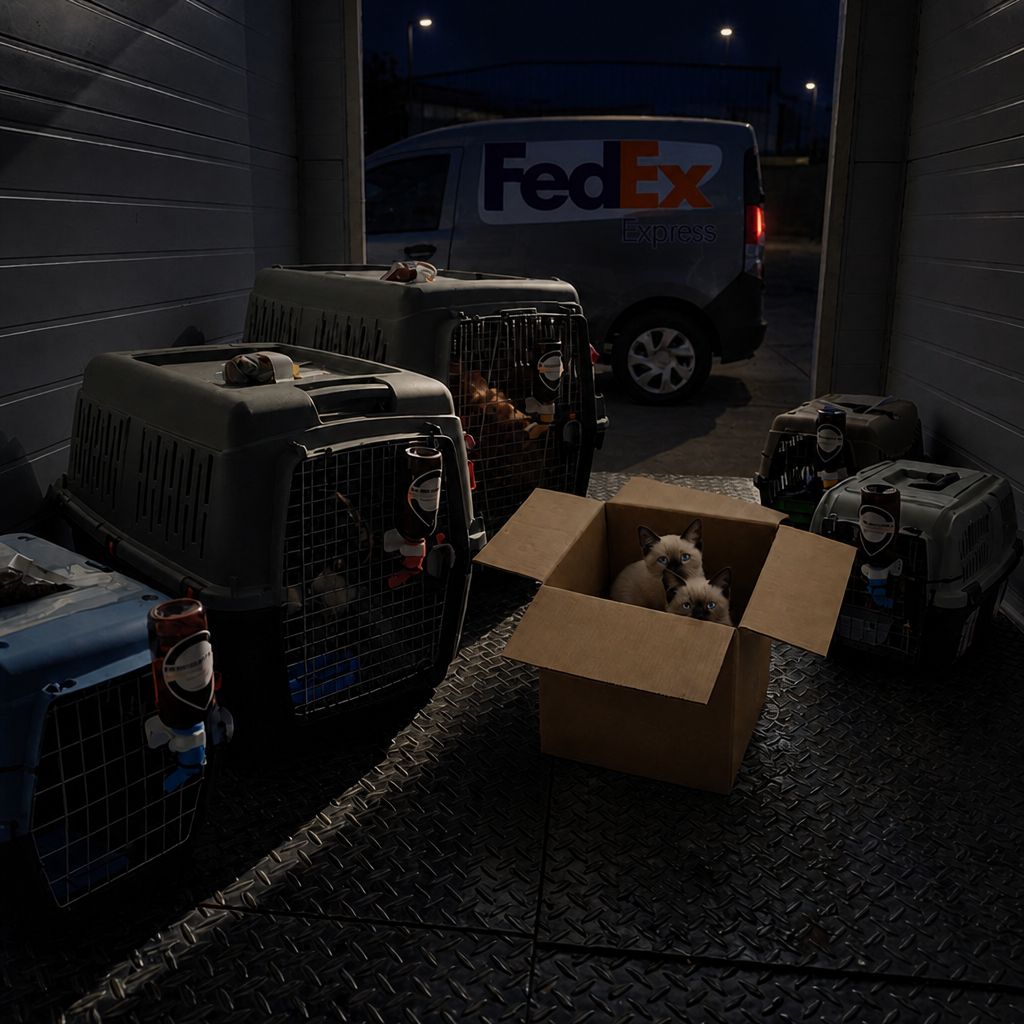
Found Footage Camera
- Model
- GPT Image 2
- Image
- 1024 × 1024 px
Prompt
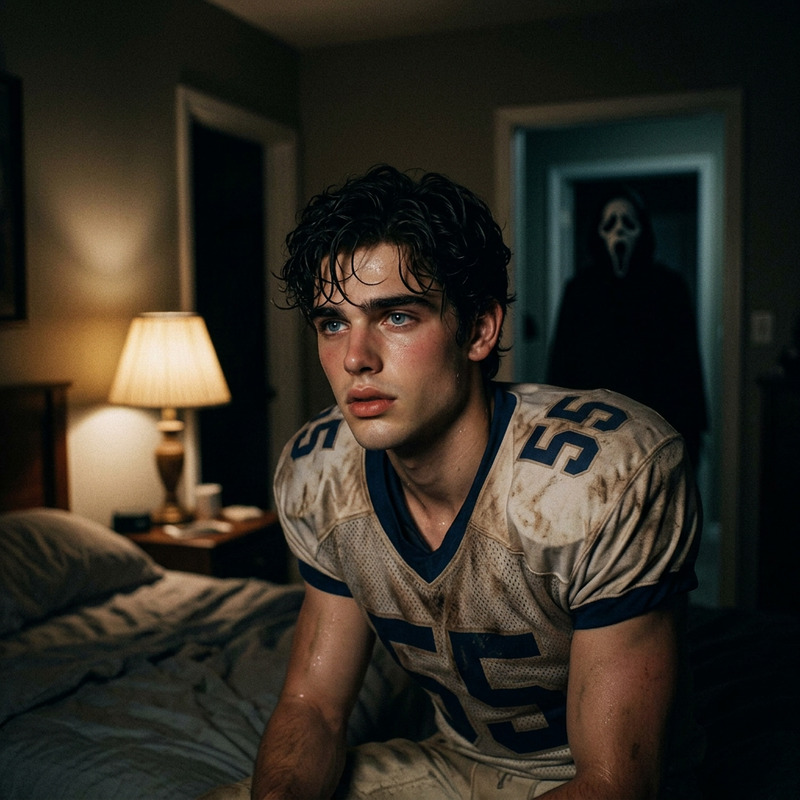
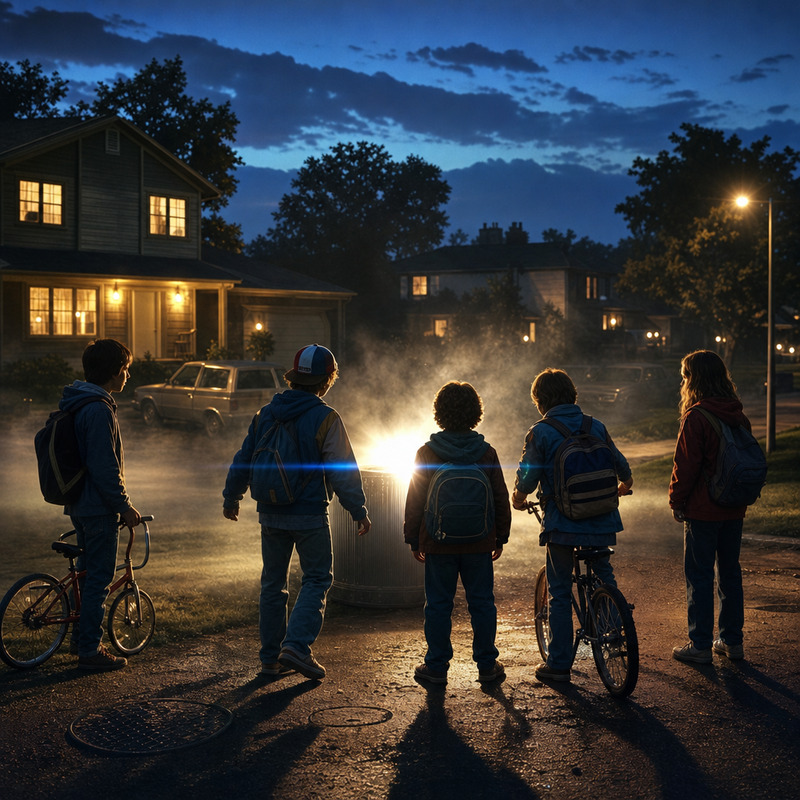
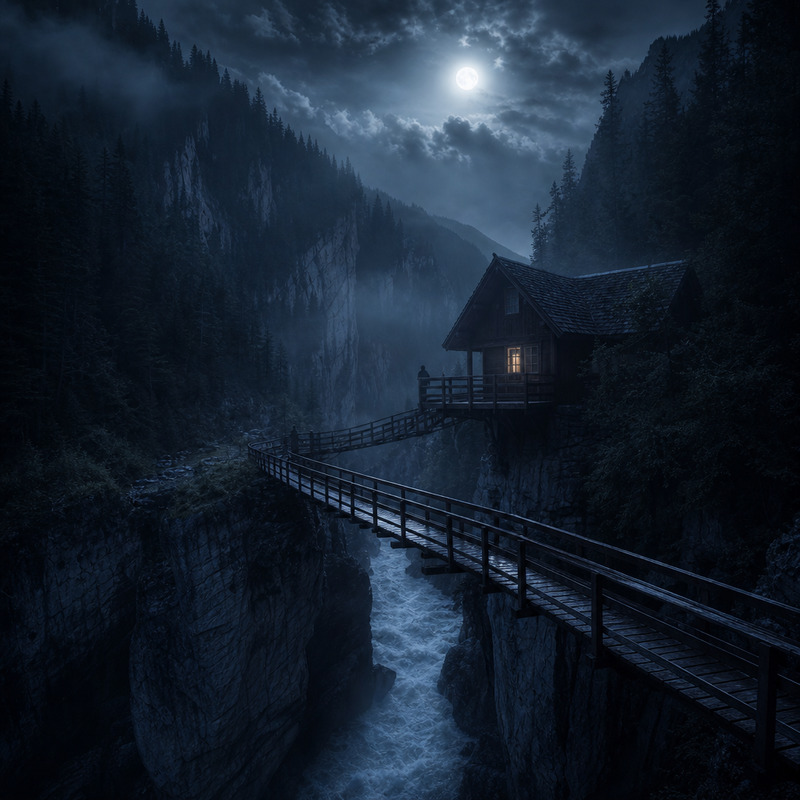
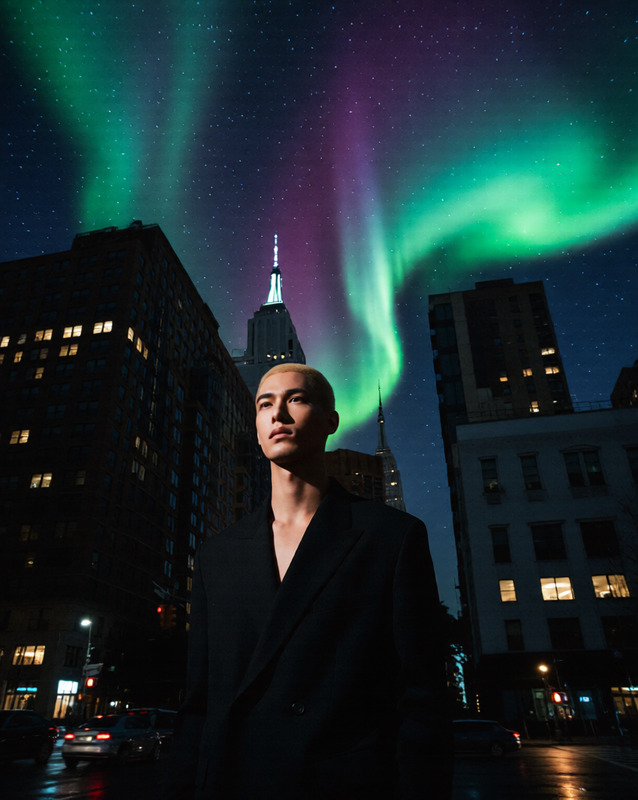
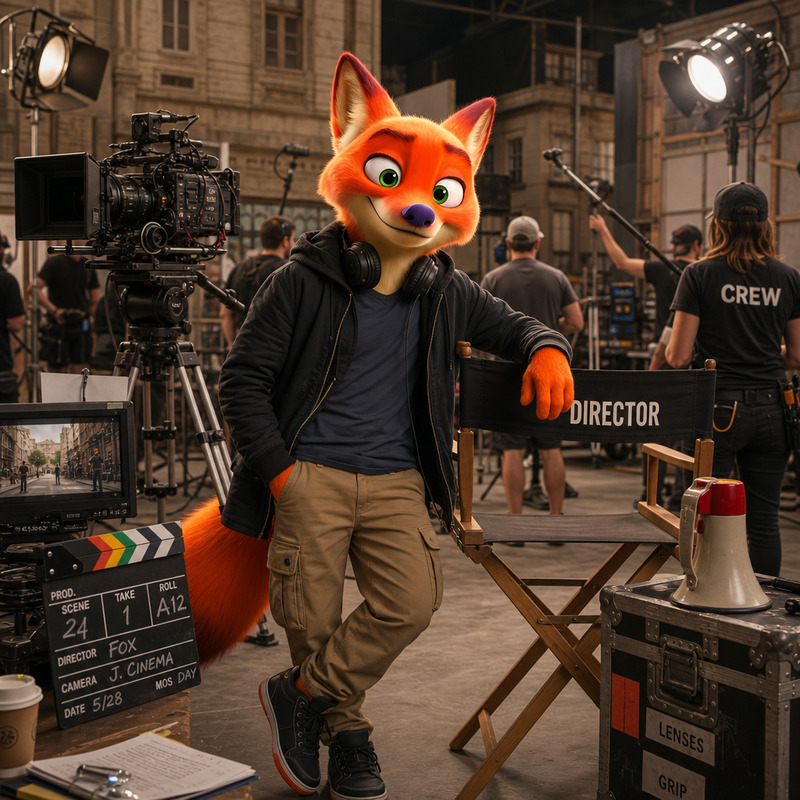
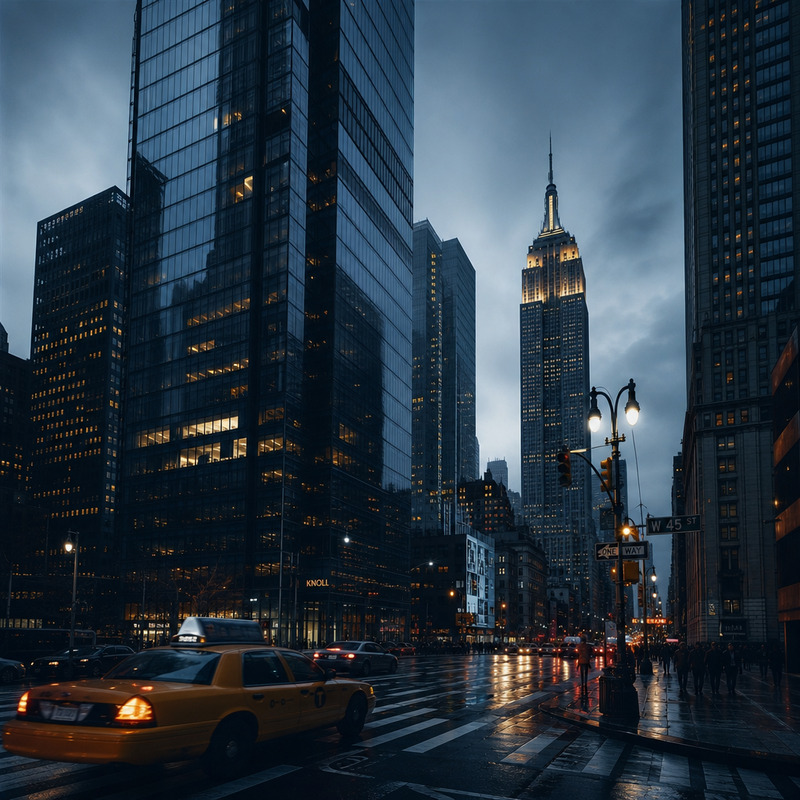
Change the time to night
Any aspect ratio
Overview
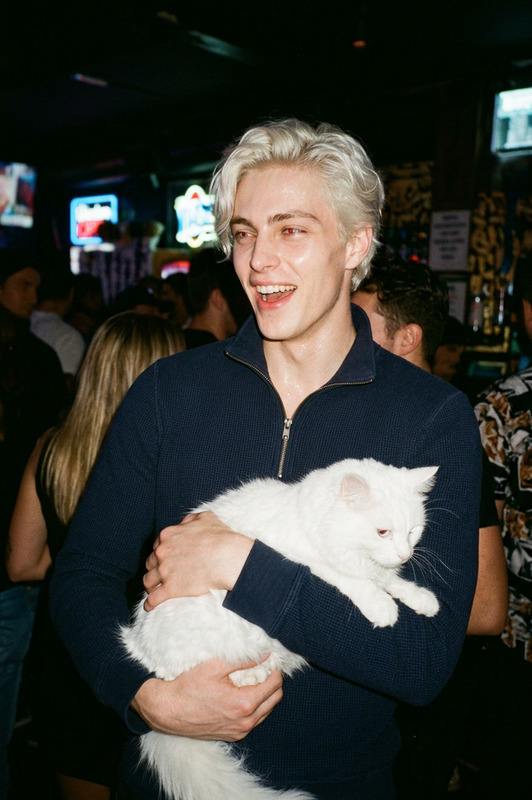
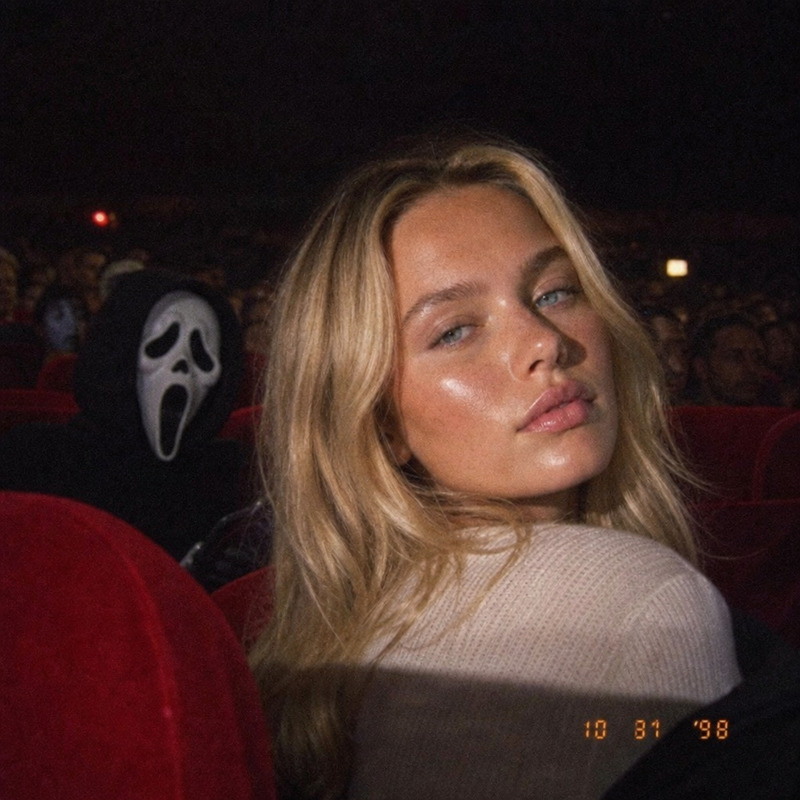
The "Found Footage Camera" template is a versatile AI Image Editor designed to transform your images with a distinct found footage aesthetic. Powered by the gpt-image-2 model, it provides a simple prompt to alter your images' time of day, bringing a mysterious night-time effect to your visuals.
What It Does
This template specializes in converting day scenes to night, adding a layer of intrigue and drama typical of found footage styles. By editing images directly, it complements other video-oriented templates like the Lip Sync or AI Video Extender, allowing for cohesive media production across formats.
Who It’s For
Perfect for indie filmmakers, social media creators, and even educators looking to add an engaging spin to their visual content. It's also a great tool for marketing professionals who use AI to craft standout visuals in their campaigns, similar to those using AI Ad Creative Generator.
Summary
The "Found Footage Camera" template is a top choice for anyone wanting to imbue their images with a cinematic night effect. Being a part of our AI Image Editor suite, it offers seamless integration with other Magic Hour tools for a comprehensive creative process.
How to Use
Choose the Template

Customize Your Image

Generate and Download

Use Cases
Social Media Posts
Film and Video Projects
Marketing Campaigns
Best Practices
Select the Right Image
Choose images with elements that benefit from a night transformation, such as streetscapes or landscapes.Experiment with Prompts
Tweak the initial prompt to refine the nighttime effect until it matches your project's vision.Combine with Other Tools
Use in conjunction with the AI Talking Photo to bring static images to life with dynamic narratives.