Retro Glow
- Model
- Flux 2 Klein
- Image
- 576 × 1024 px
Prompt
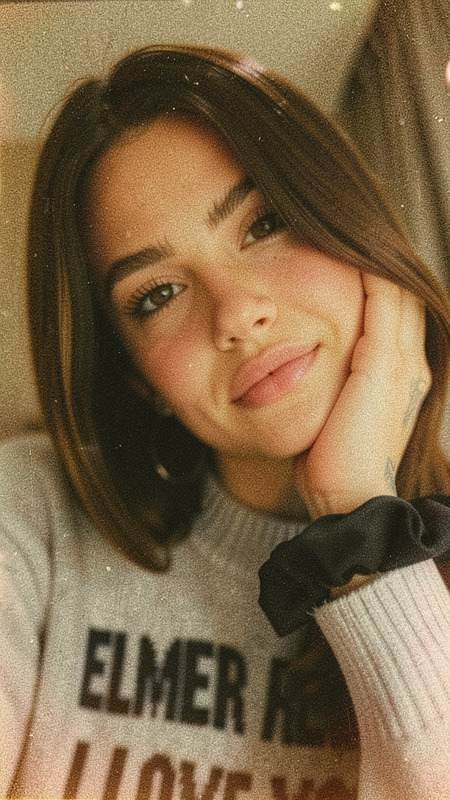
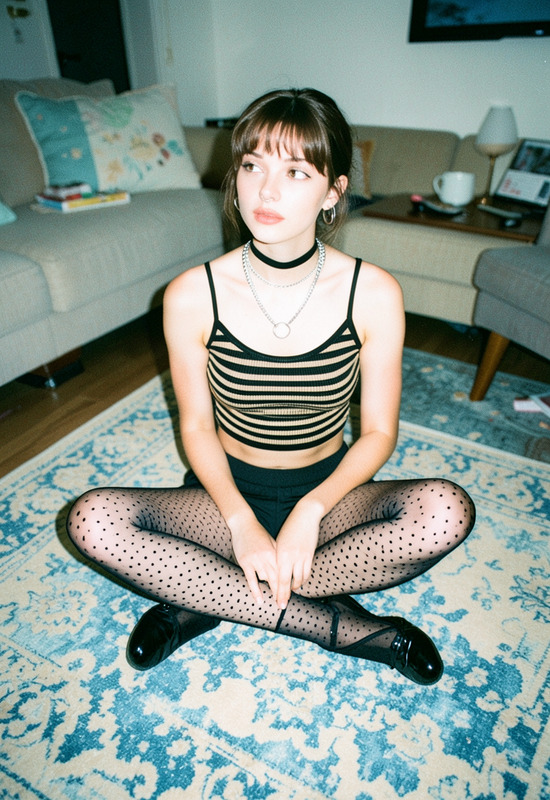
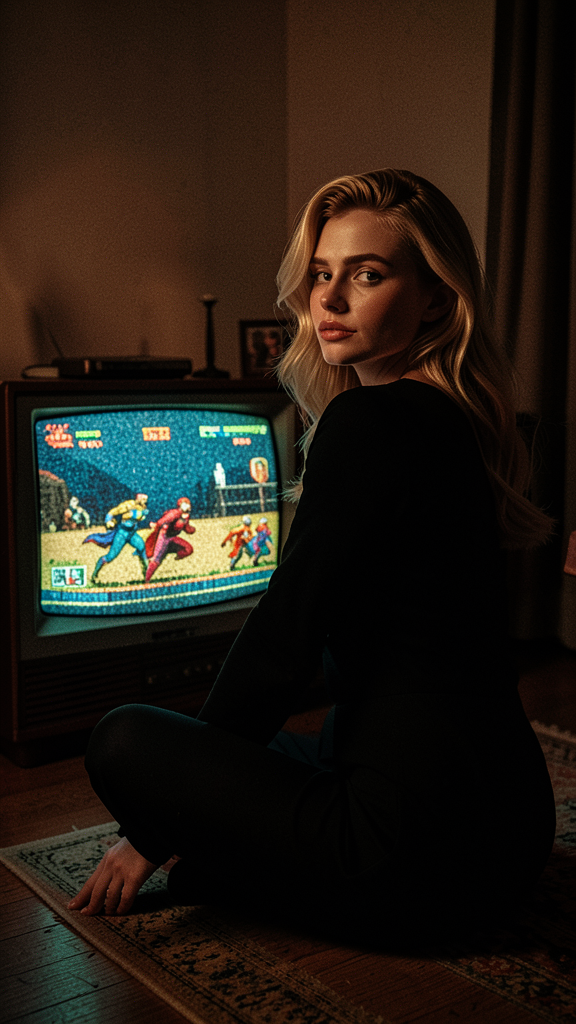
The subject sitting on the floor in front of a vintage television displaying a retro-style superhero video game. Preserve exact facial features and identity from the reference image. The subject wears a sleek black outfit and looks back over their shoulder toward the camera. The room is softly lit with dim nostalgic lighting, while the television emits a grainy retro glow. Cozy indoor atmosphere, cinematic composition, and strong vintage aesthetics.
Any aspect ratio
Overview
Step into a realm of classic charm with the Retro Glow template. Featuring the powerful flux-2-klein model, this template lets you transform modern images into scenes straight out of the golden age of video games. Imagine your subject in front of a vintage television, bathed in a dimly lit nostalgic atmosphere. Perfect for AI Image Editor enthusiasts looking to enhance their photo collections with a vintage touch.
What It Does
Retro Glow captures the whimsical essence of vintage gaming aesthetics. It meticulously preserves facial features while surrounding your subject in a cinematic, nostalgic setting. The grainy glow of the retro TV screen and the soft ambient lighting create an immersive, classic atmosphere.
This template is ideal for those who want a unique twist on AI Image Generator outputs, bringing back the analog allure of times past.
Who It's For
The Retro Glow template is designed for creators and hobbyists who adore vintage aesthetics. Photographers, social media influencers, and retro enthusiasts will find great value in using this tool to enhance their imagery with a touch of nostalgia. It's a fantastic choice for anyone seeking AI Video Generator style visuals in still images.
Summary
Retro Glow uses advanced AI functionality to transform your modern images into captivating retro-style artworks. With a focus on maintaining identity and atmospheric details, this template is perfect for projects that demand a strong sense of nostalgia. Discover the beauty of vintage looks with this exceptional offering from our collection.
How to Use
Choose the Retro Glow Template

Customize Your Image

Generate and Download

Use Cases
Social Media Revival
- Enhance your Instagram feed with retro-style photos.
- Create themed posts for specific nostalgic events.
Themed Events & Promotions
- Design posters for vintage-themed parties.
- Develop marketing campaigns with a nostalgic feel.
Personal Projects
- Create a photo album with a distinct vintage theme.
- Perfect for bloggers and creators exploring retro content.
Best Practices
Maintain Clear Facial Features
Ensure that the reference image has well-defined features for the best results in preserving identity.Optimize Lighting
Balance input images to accommodate soft lighting to match the template's aesthetic.Choose Complementary Outfits
Dress your subjects in clothing styles that enhance the overall vintage look of the piece.