Rhode Vine
- Model
- Flux 2 Klein
- Image
- 640 × 1024 px
Prompt
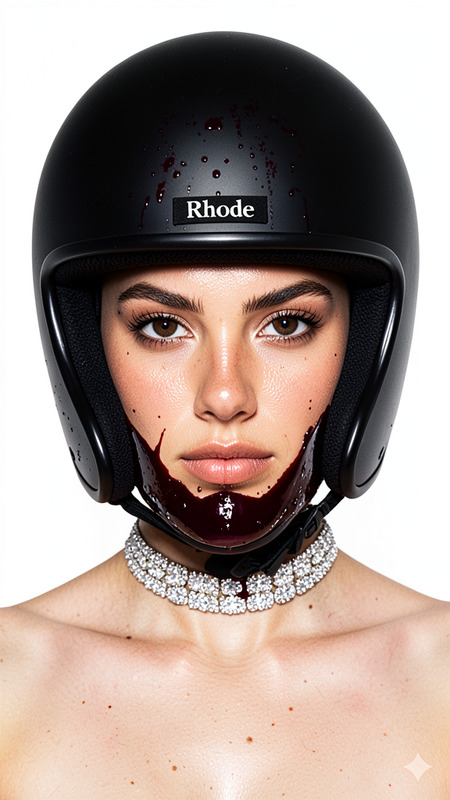
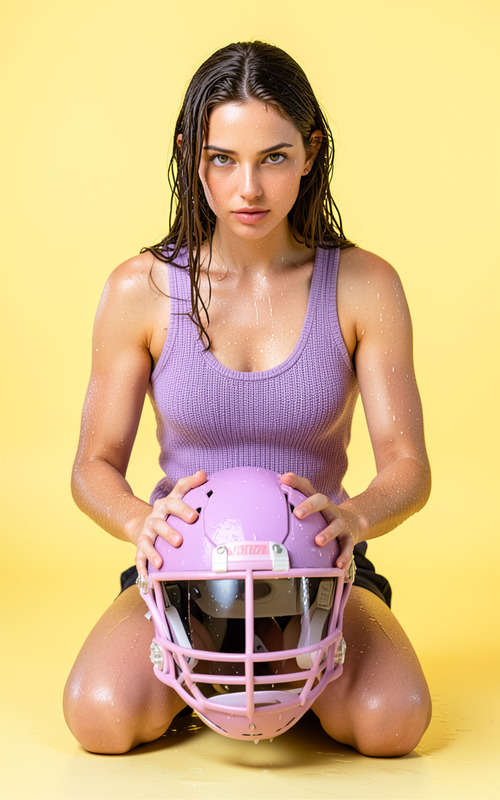
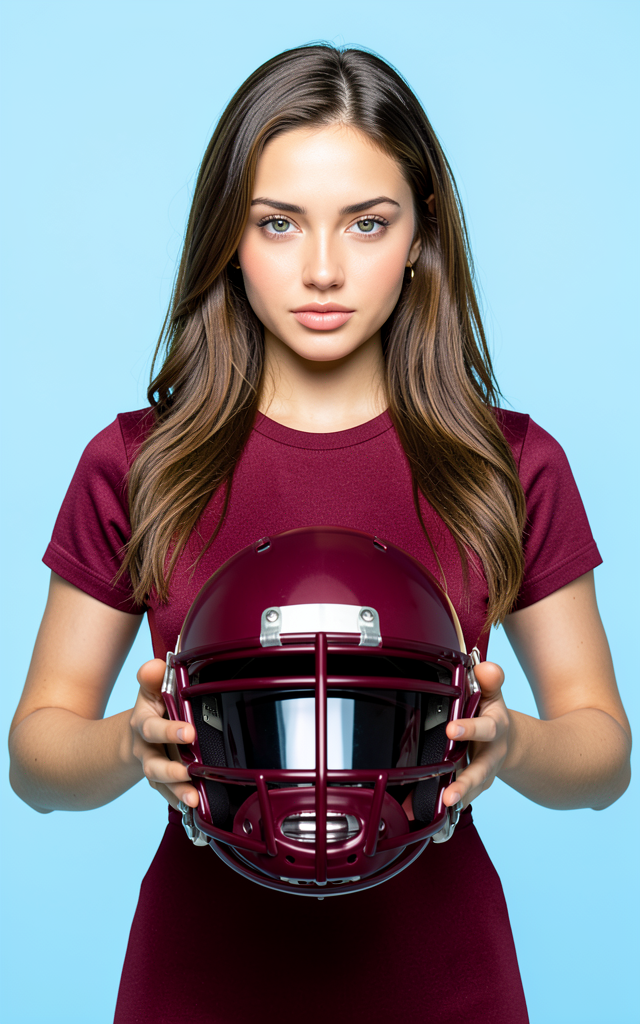
Create a front-facing, perfectly symmetrical studio portrait of the character based on the reference image, with exact facial features, expression, skin tone, and hair details. The character wears a burgundy (Hex #64313E) outfit: a bodysuit if female, a t-shirt if male, or a luxurious designer child's outfit if a child, all made of high-quality fabrics. The background is a seamless light blue (Hex #C1DBE8) with soft studio lighting. The character holds a burgundy American football helmet at chest level with both hands. Emphasize sharp focus on the eyes to evoke a high-end cosmetic campaign aesthetic with rich detail.
Any aspect ratio
Overview
The Rhode Vine template leverages the flux-2-klein model to produce impeccable studio-quality portraits from reference images. Ideal for projects requiring precise facial symmetry and high-end fashion presentation, this tool focuses on minute details from attire to expression, delivering a sophisticated aesthetic.
What it Does
Using the AI Image Editor, this template creates an accurately rendered portrait where the character's facial features, expressions, and attire are replicated with extreme precision. The final image showcases high-quality fabrics in a specified burgundy color, against a seamless light blue background. Key to this is the emphasis on eye detail, evocative of a cosmetic campaign shoot.
Who it's For
This template is crafted for professionals in the fashion and cosmetics industries looking for high-quality visuals. Whether you're a designer creating lookbooks or a marketer aiming for a visually stunning campaign, Rhode Vine can suit your needs. It's also beneficial for those in the advertising sector who demand pitch-perfect imagery.
Summary
Rhode Vine excels in creating detailed, studio-grade portraits with a focus on fashion and expression. It is an excellent choice for capturing high-end visuals with precise details, suitable for print and digital platforms. Explore its capabilities alongside our AI Image Editor to enhance your projects.
How to Use

Customize Your Input

Generate Your Image

Use Cases
Fashion Lookbooks
- High-end fashion presentations
- Portfolio development
- Design showcases
Cosmetic Campaigns
- Beauty ads
- Skincare line promotion
- Makeup campaign visuals
Product Advertisements
- Tech product launches
- Lifestyle brands
- Luxury item marketing
Best Practices
Use High-Quality Reference Images
Ensure your reference image is clear and detailed for the best results. This enhances facial feature accuracy and expression alignment.Adjust Lighting in Editing
After generating your image, use the AI Image Editor to tweak lighting conditions further for the perfect aesthetic feel.Consistency in Brand Colors
Leverage the burgundy and background colors specified in the prompt to maintain consistency with your branding.