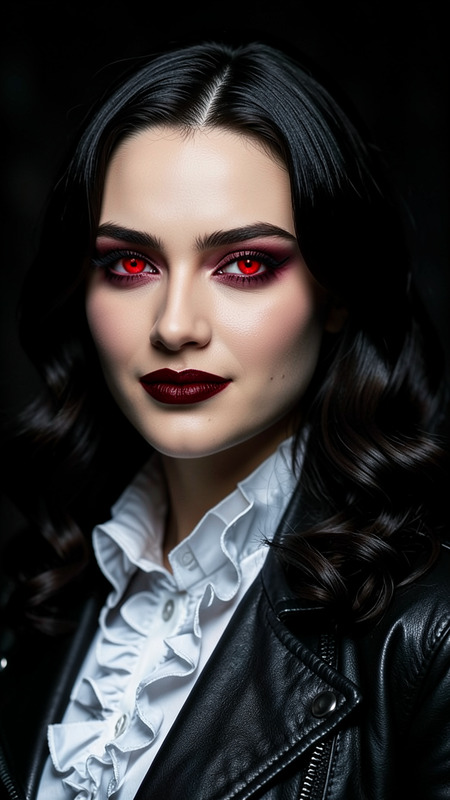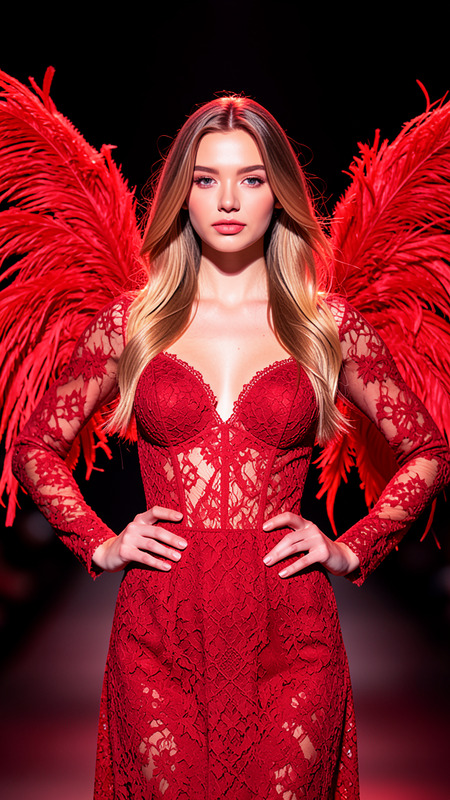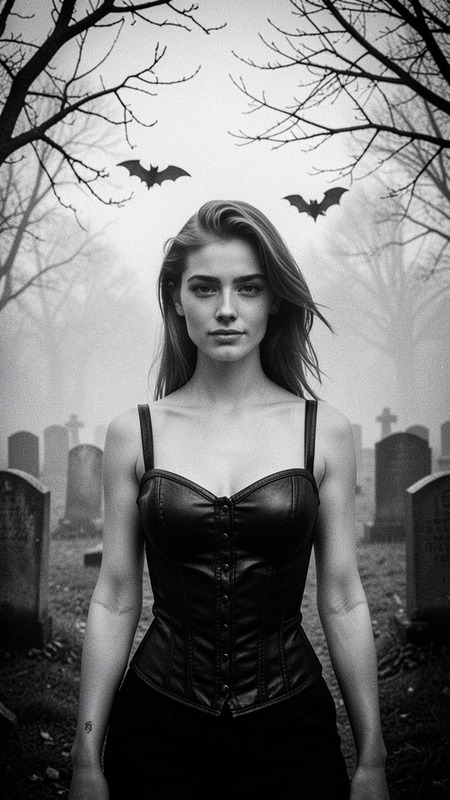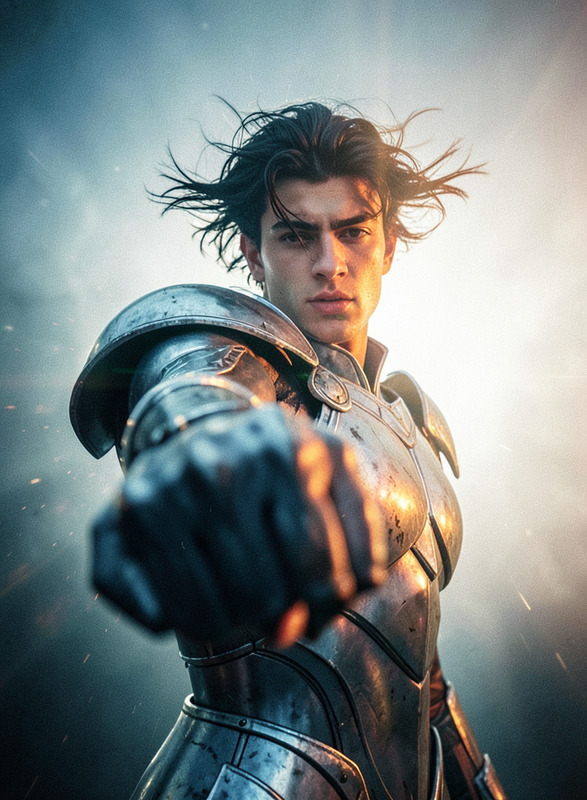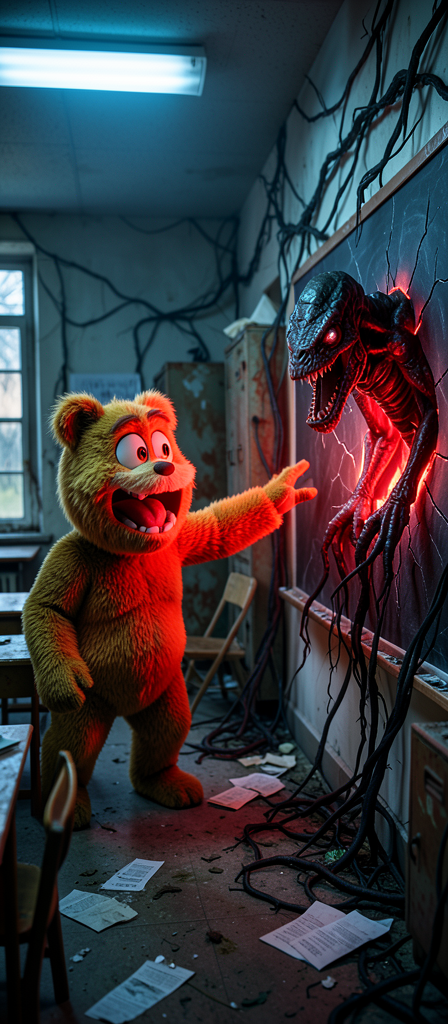
Fight
- Model
- Flux 2 Klein
- Image
- 448 × 1024 px
Prompt
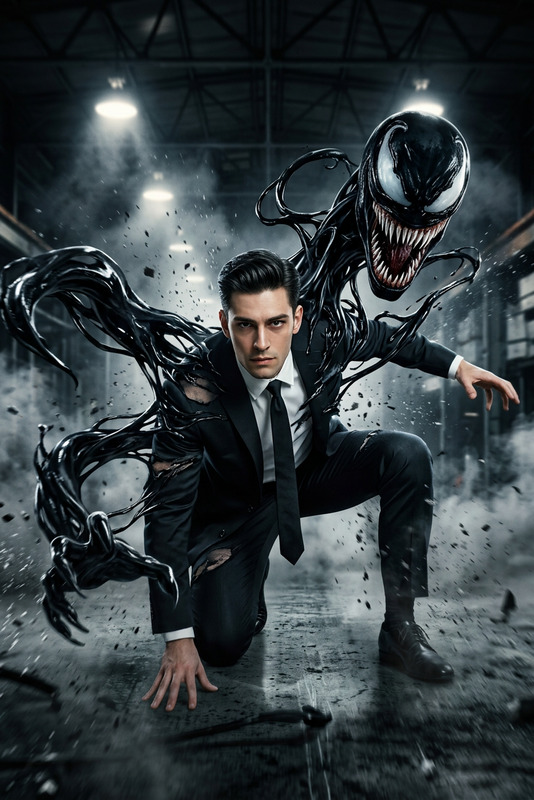
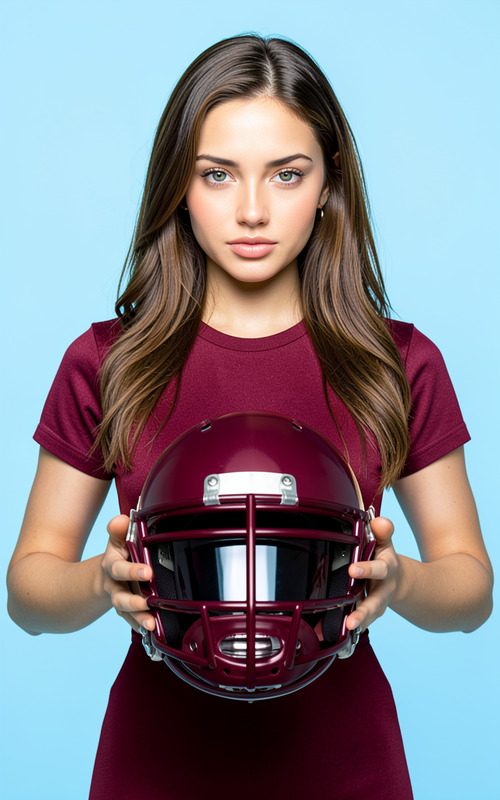
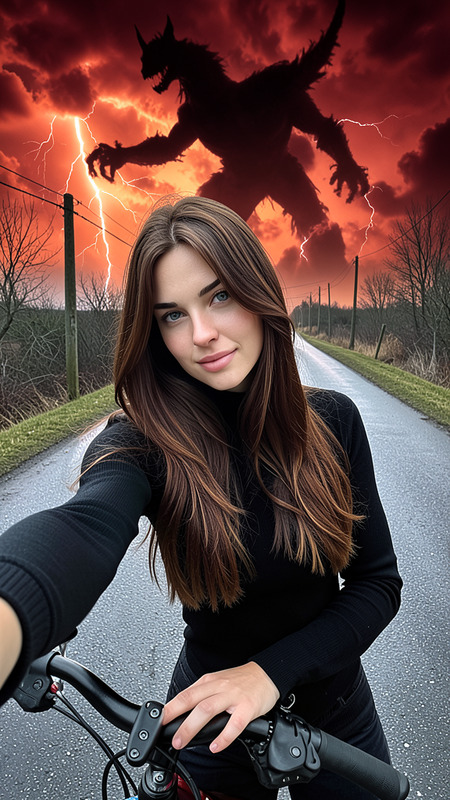
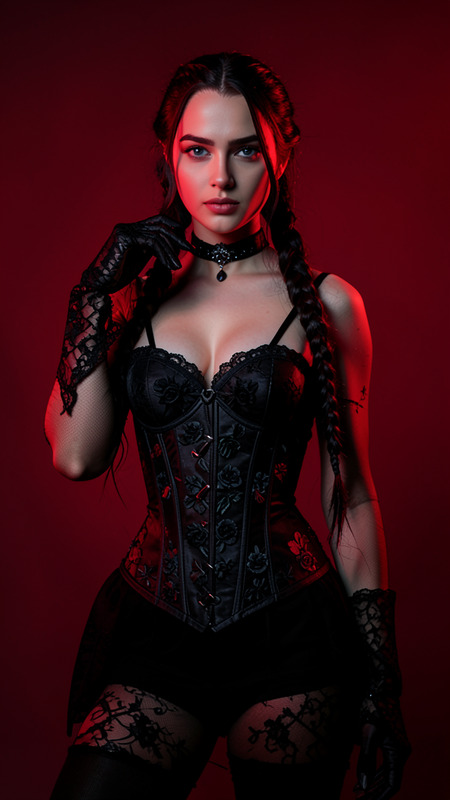
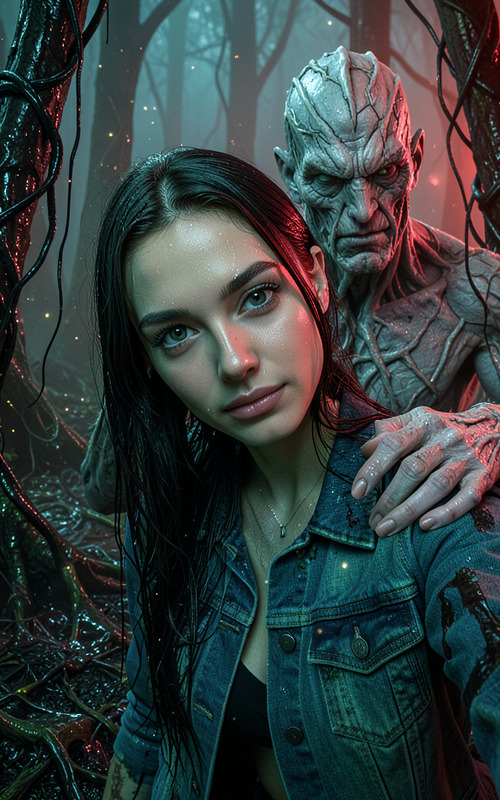
Create a photorealistic mid-thigh shot of the subject, maintaining exact facial features, hair, skin tone, outfit, and all personal details from the reference image. Position the subject on the left, dramatically reaching out toward a looming Demogorgon emerging from a cracked chalkboard on the right, surrounded by black roots and glowing red light. The scene is an eerie, decayed classroom with dusty floors, overturned chairs, scattered papers, and rusty cabinets entwined by dark vines. Use high-contrast cinematic lighting with strong blue overhead lights, deep red rim light, and soft shadows. Apply ultra-detailed textures, realistic skin and fabric, subtle bloom around the red portal, filmic lens effects, and shallow depth of field with a softly focused background.
Any aspect ratio
Overview
The "Fight" template is part of our AI Image Editor suite, crafted using the powerful flux-2-klein model. This unique template offers a captivating, cinematic scene that draws inspiration from classic fantasy horror elements.
What It Does
With this template, you can create a striking and atmospheric mid-thigh shot, preserving all crucial details of the main subject. This involves generating a scenario where a Demogorgon emerges from a chalkboard, perfect for storytelling visuals or concept art. The template maintains every personal detail of the subject, set within a decayed classroom environment.
Who It's For
This template is designed for creatives looking to craft dramatic, story-driven visuals. Ideal for illustrators, concept artists, and creative directors who need to depict fantastical scenarios with meticulous attention to detail.
Summary
The "Fight" template provides an unparalleled tool for those seeking to create high-contrast, fantastical scenes. Utilizing the precision of Image to Video technology, it ensures realistic rendering and dynamic lighting effects, suitable for an array of projects that require visual storytelling.
How To
Choose the Template

Customize Your Scene

Generate the Image

Use Cases
Fantasy Art Commissions
- High attention to detail for character rendering
- Dynamic and atmospheric scene creation
Storyboarding for Films
- Visually portray complex scenarios
- Integrate real character likeness
Book Illustrations
- Creates captivating cover art
- Depicts key action scenes vividly
Best Practices
Maintain Reference Image Quality
Ensure high-resolution images for better capture of details and accuracy.Experiment with Lighting Effects
Utilize prompt settings to adjust cinematic lighting, enrich the eerie aesthetic.Use with Complimentary Tools
Combine with the AI Face Editor for enhanced facial details.