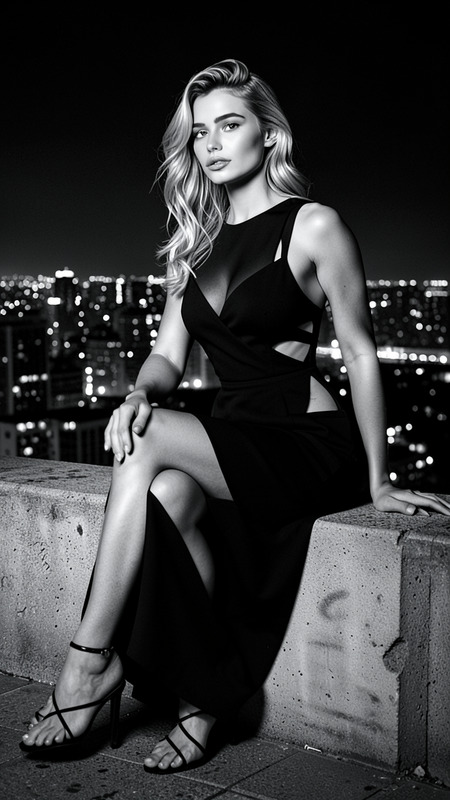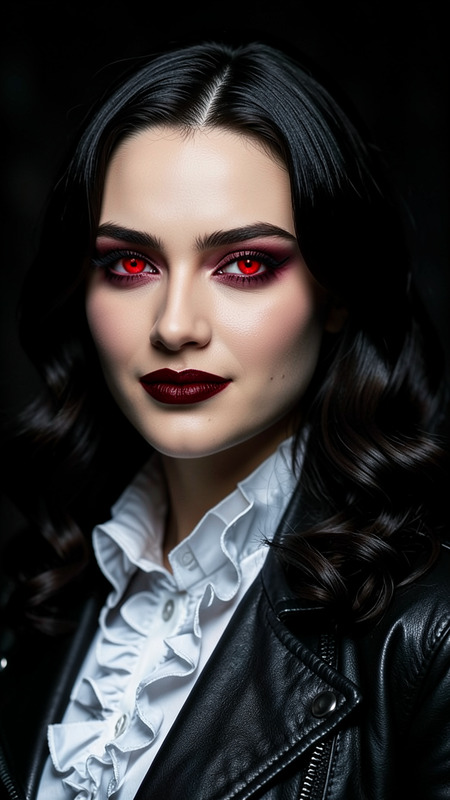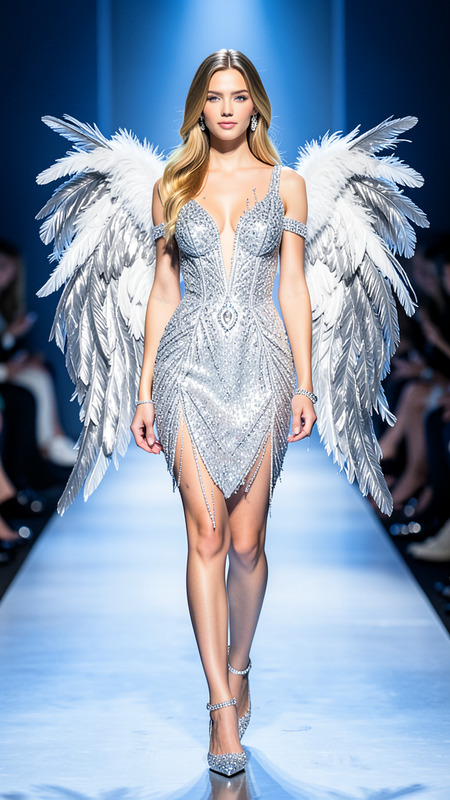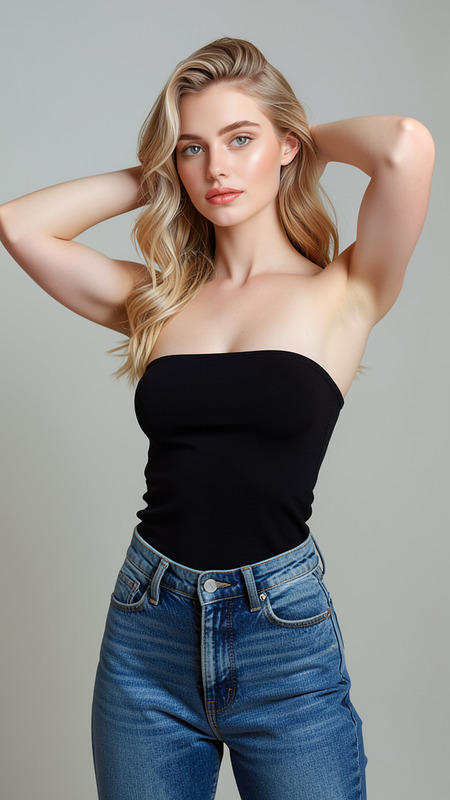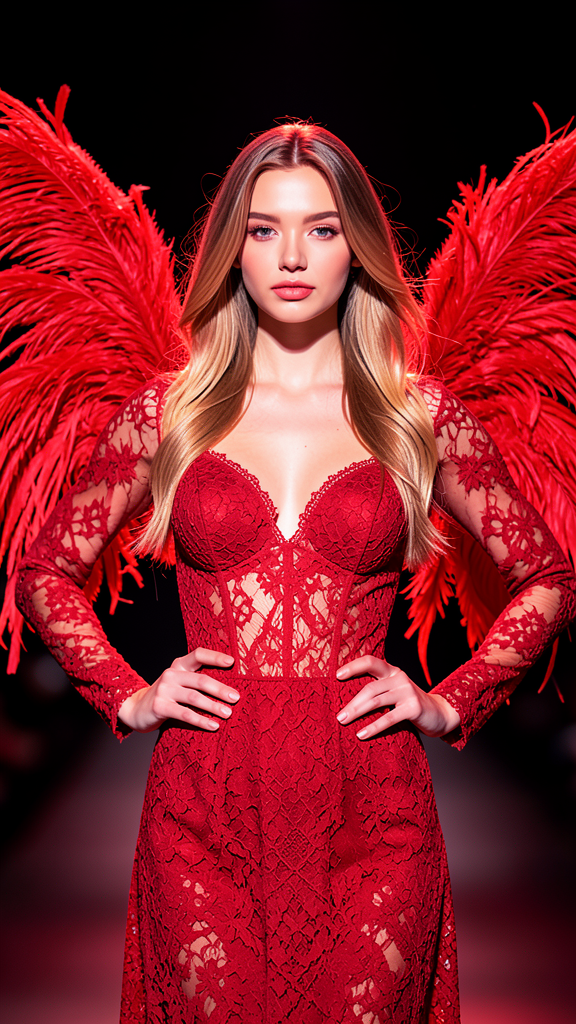
Red Angel
- Model
- Flux 2 Klein
- Image
- 576 × 1024 px
Prompt
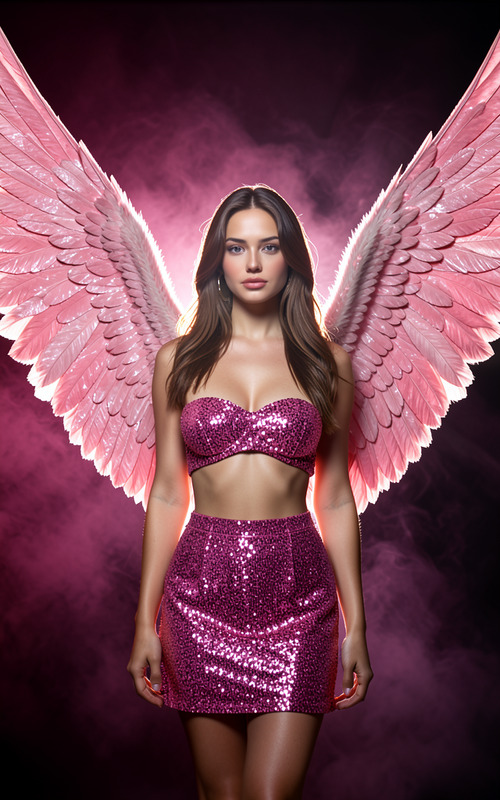
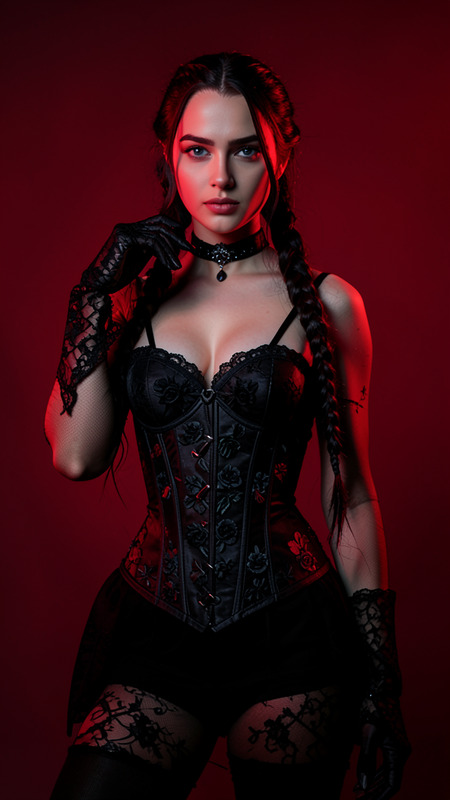
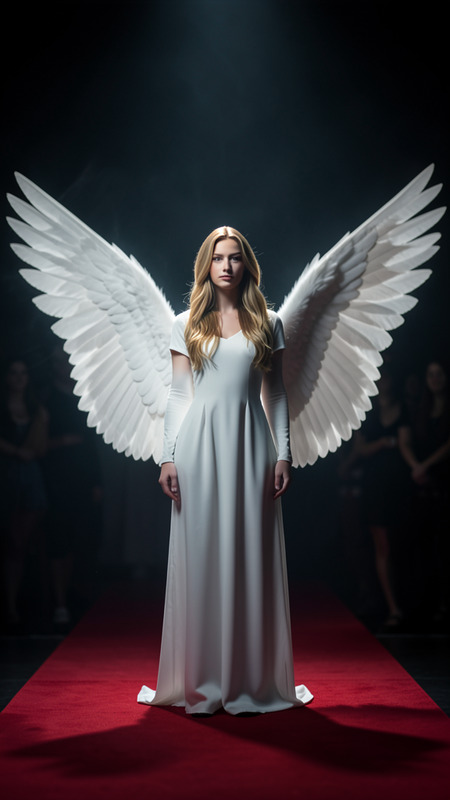
A dramatic fashion portrait of the subject standing center stage wearing elaborate red feathered wings and a matching red lace outfit. Preserve exact facial features and identity from the reference image. Strong red lighting dominates the scene, highlighting glowing skin and flowing hair. The subject poses confidently with hands on hips against a dark blurred background. Sharp focus, professional styling, fantasy runway aesthetic.
Any aspect ratio
Overview
Transform your portraits with the Red Angel template, an AI Image Editor powered by the flux-2-klein model. This template excels in crafting dramatic fashion images, placing subjects in a fantastical runway setup.
What It Does
Utilizing the AI Image Editor capabilities, Red Angel preserves precise facial features while incorporating vibrant red hues and textures to create a striking fashion portrait. The red wings and lace complement the red lighting, maintaining focus on the model’s expression and style.
Who It's For
This template is perfect for photographers, fashion designers, and creatives who wish to emphasize fantasy and elegance in their photos. It's also ideal for those involved in fashion editorials or promotional content requiring a dramatic, bold aesthetic.
Summary
The Red Angel template gives you the tools to create high-impact fashion portraits with ease. Enhance your images with a fantasy runway feel using advanced AI technology. For those looking to delve further, you might explore the AI Product Photography for more styling enhancements.
How To
Choose

Customize

Generate

Use Cases
Editorials
- Fashion magazines
- Style guides
Promotional Campaigns
- Brand campaigns
- Product launches
Portfolio Enhancement
- Portfolio building
- Exhibition pieces
Best Practices
Maintain Focus
Ensure sharp focus on the subject's face to preserve identity and enhance professional styling.Use in High-Resolution
Work with high-resolution images to fully capture the dynamic red lighting and detail.Consider the Background
While the template offers a dark blurred background, reviewing and adjusting this can help maintain emphasis on the portrayal.