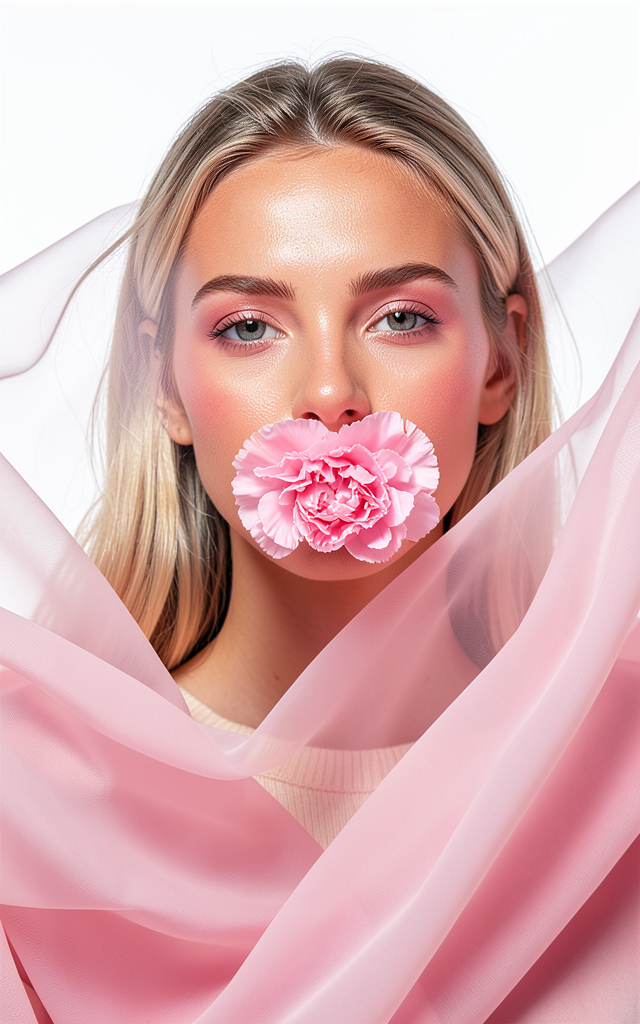
Petals in Motion
- Model
- Flux 2 Klein
- Image
- 640 × 1024 px
Prompt
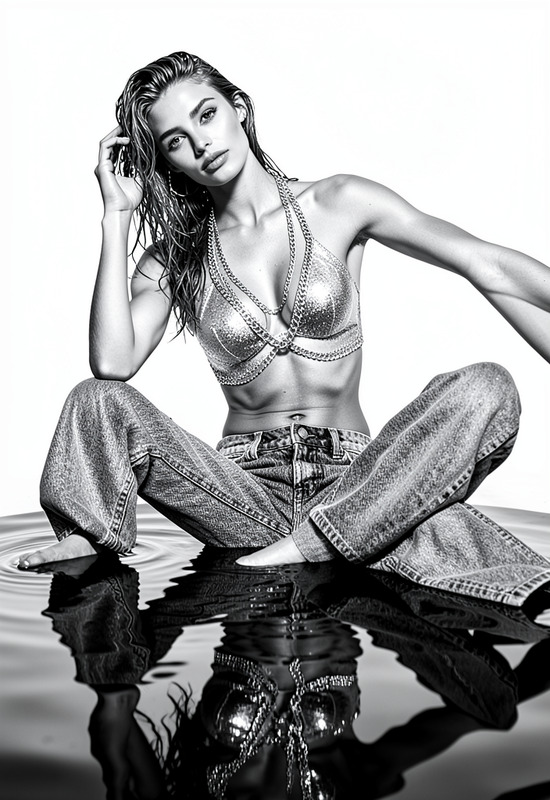
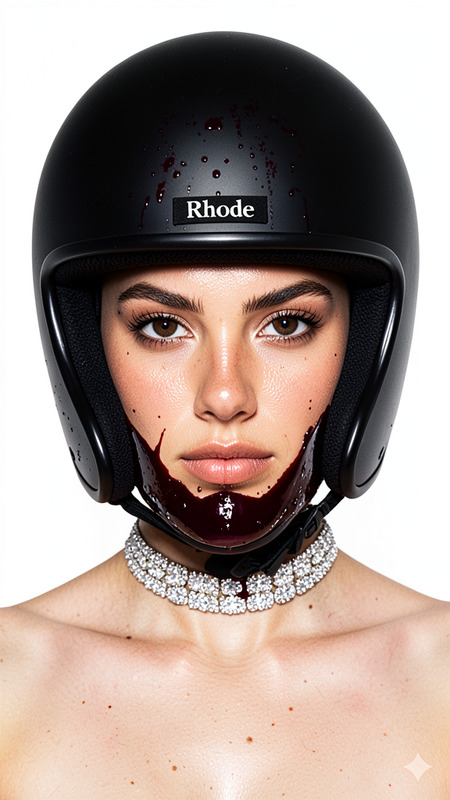
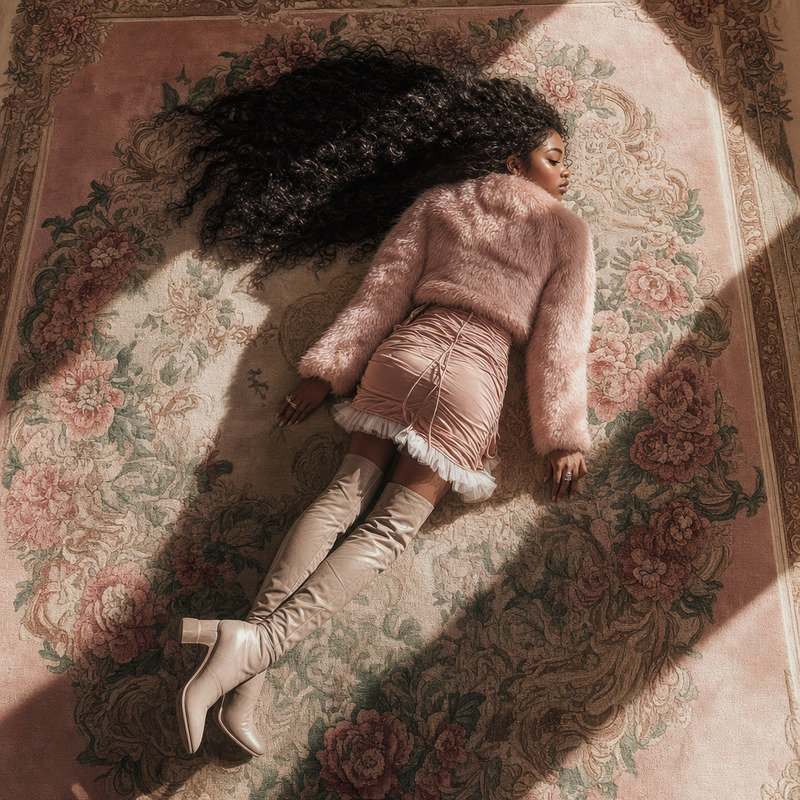
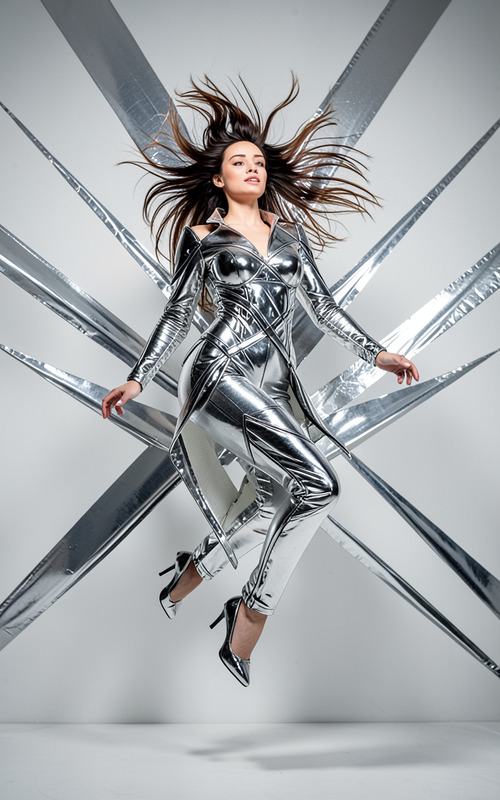
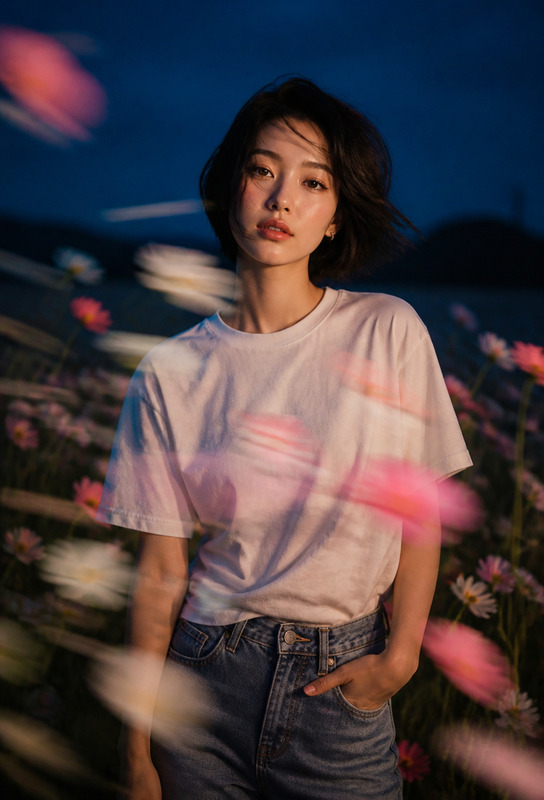
A hyperrealistic, ultra-detailed close-up fashion portrait featuring **the subject** against a seamless white studio backdrop. The composition embodies contemporary runway aesthetics, blending elegance, movement, and subtle mystery. The subject possesses light-toned hair and naturally sun-warmed skin, rendered with realistic texture and authentic tonal variation. Makeup follows a modern haute-couture approach, emphasizing artistic pink hues, softly sculpted features, luminous skin, and refined editorial beauty. Lips display a natural satin-pink gloss with realistic texture and dimensionality. A delicate peony blossom is held gently between the lips, serving as the visual centerpiece while maintaining a graceful and understated presence. The flower appears fresh, detailed, and organically integrated into the composition. Layers of flowing pale-pink fabric surround the subject, creating dynamic movement and depth. The translucent material partially veils the upper portion of the face, introducing intrigue and softness without concealing expression entirely. One section of fabric extends toward the camera, enhancing perspective, motion, and spatial immersion. Professional studio lighting creates rich contrast, sculptural shadows, and elegant highlights across skin, fabric, and floral textures. The illumination emphasizes realism while preserving the sophistication of high-fashion editorial photography. Colors remain vibrant and saturated, centered around soft pinks, warm neutrals, and clean whites. Material behavior—including fabric flow, light transmission, and subtle translucency—follows physically believable dynamics. Captured with the visual quality of a premium contemporary full-frame camera system in controlled studio conditions, featuring exceptional sharpness, natural skin rendering, high dynamic range, and magazine-quality detail. The overall aesthetic evokes modern haute couture editorials, combining artistic composition, refined beauty, and graceful movement with timeless sophistication. Ultra-realistic, high resolution, professional fashion photography, elegant studio portraiture, cinematic lighting, realistic textures, premium editorial quality.
Any aspect ratio
Overview
Petals in Motion harnesses the power of AI to transform images into ultra-realistic, high-resolution fashion portraits. This AI Image Editor template is built using the flux-2-klein model. It artfully combines contemporary fashion aesthetics with lifelike textures and dynamic compositions.
What It Does
This template is designed to elevate fashion photography with sophisticated imagery featuring dynamic movement, realistic textures, and vibrant colors. It enriches compositions with vibrant pinks, warm neutrals, and whites, adhering to contemporary runway aesthetics. Additionally, the model reconstructs scenes with physically believable dynamics and professional-grade lighting.
Who It's For
Petals in Motion is perfect for fashion photographers, magazine editors, and creative agencies aiming to produce premium editorial content. It also suits brands focusing on high-fashion campaigns that demand a flawless blend of elegance and photorealism. Enhance your portfolio or campaign with this AI Product Photography solution.
Summary
Whether you're crafting a fashion editorial, a product campaign, or portfolio images, Petals in Motion provides an advanced tool for creating stunning, lifelike fashion photography. Its ability to produce images with magazine-quality detail and haute couture aesthetics will set your work apart
.How to Use
Choose the Template

Customize Your Inputs

Generate and Download

Use Cases
Fashion Editorial Shots
- Achieve magazine-quality images
- Create dynamic compositions
Product Campaigns
- Highlight features with professional lighting
- Use realistic textures to boost appeal
Portfolio Development
- Showcase your artistic vision
- Stand out in competitive markets
Best Practices
Choose High-Quality Inputs
Using high-quality images as input will ensure better results.Focus on Detail
Adjust prompts to emphasize specific features such as texture and lighting.Maintain Consistency
Keep a consistent style to align with brand or editorial guidelines.