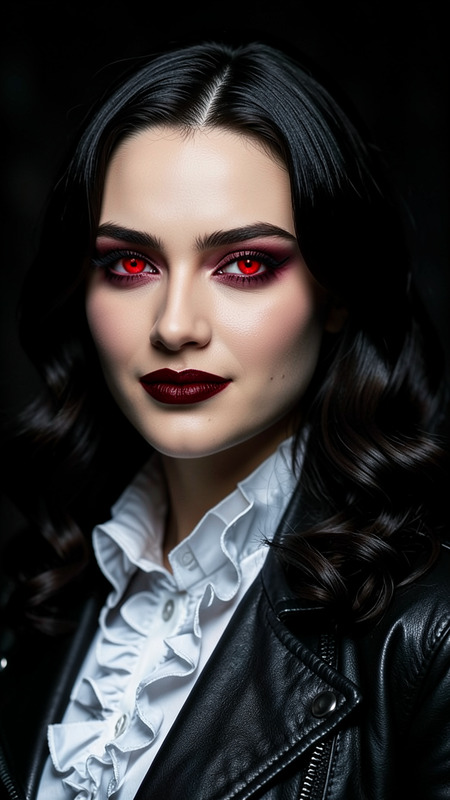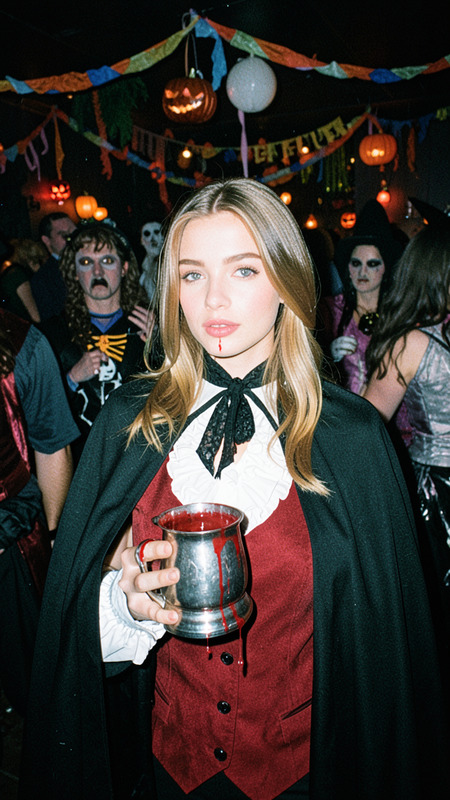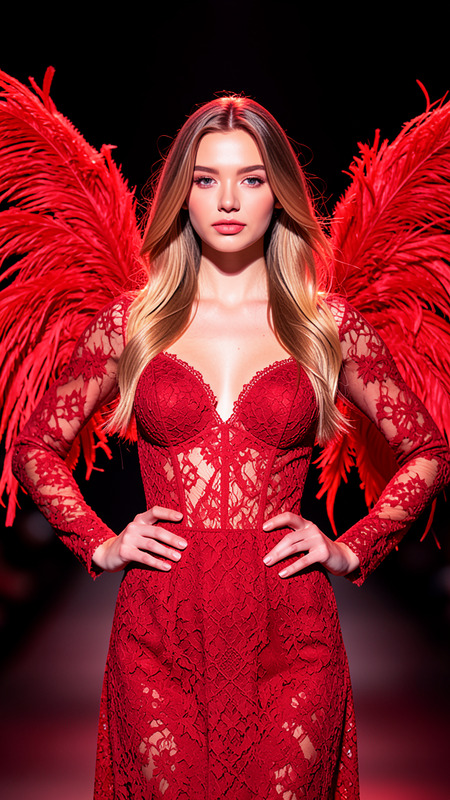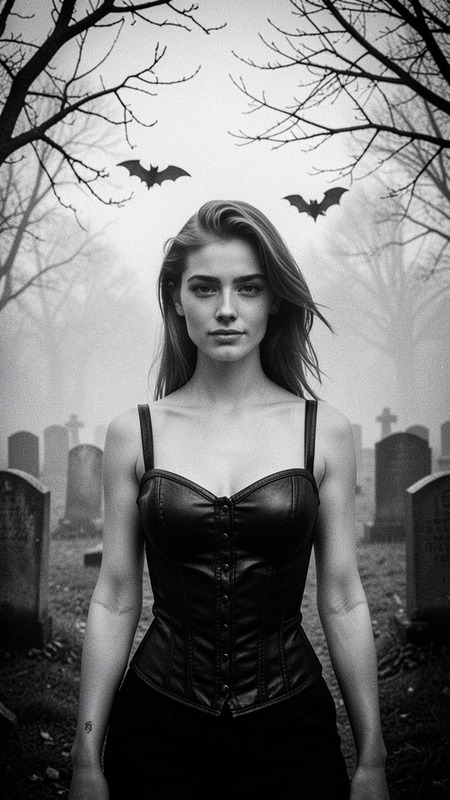
Halloween
- Model
- Flux 2 Klein
- Image
- 576 × 1024 px
Prompt
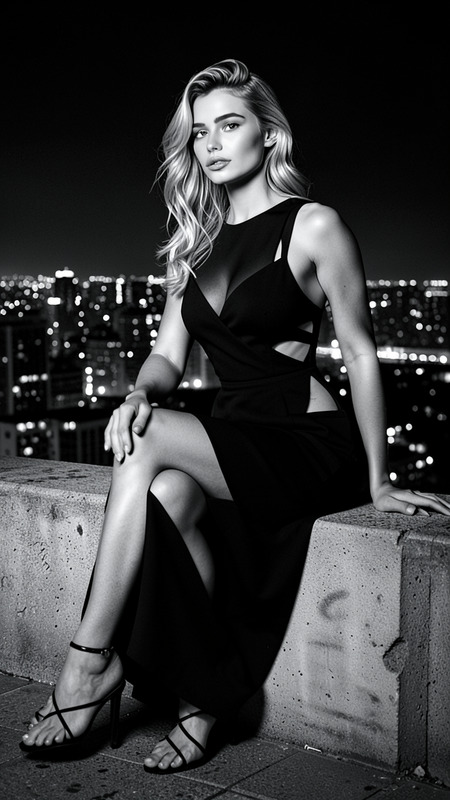
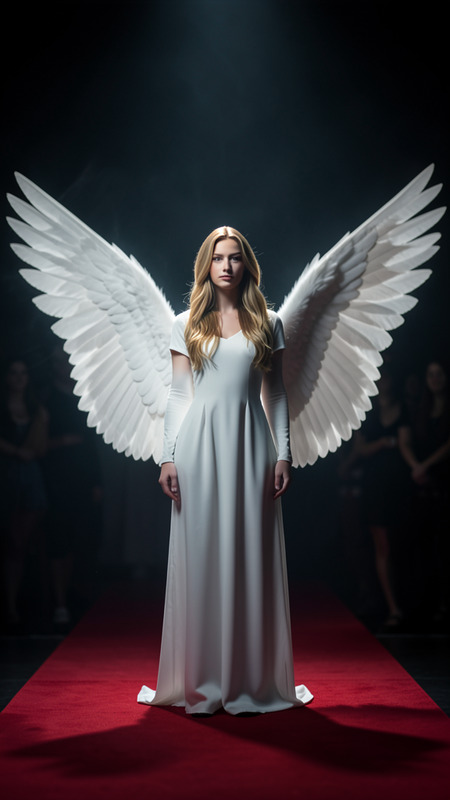
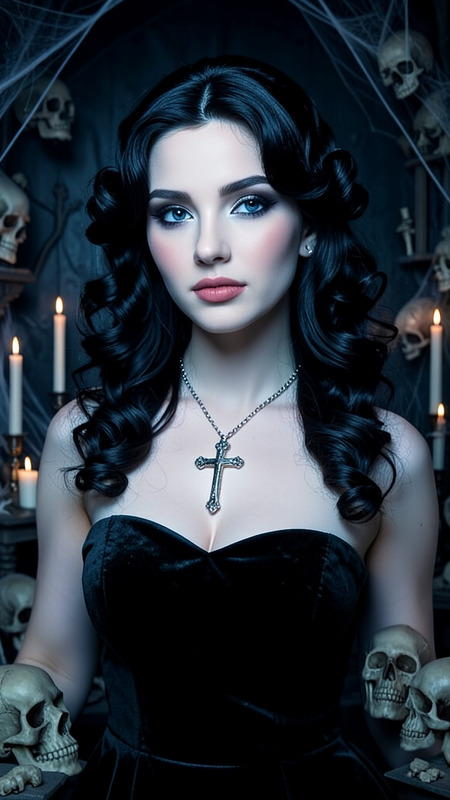
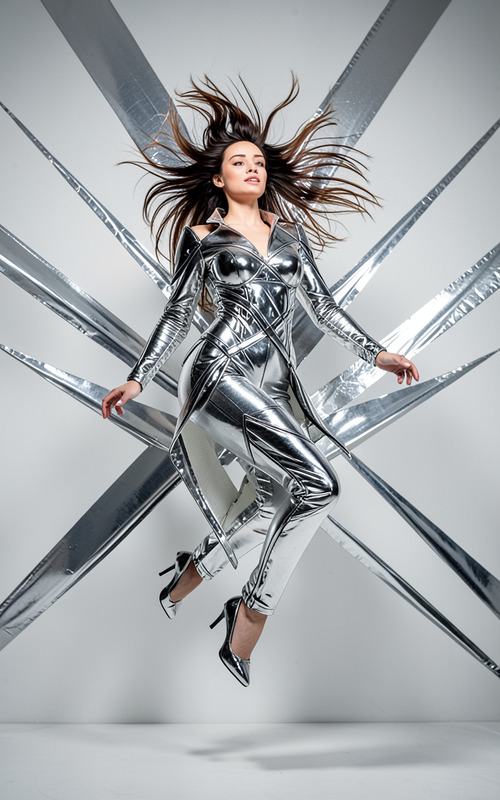
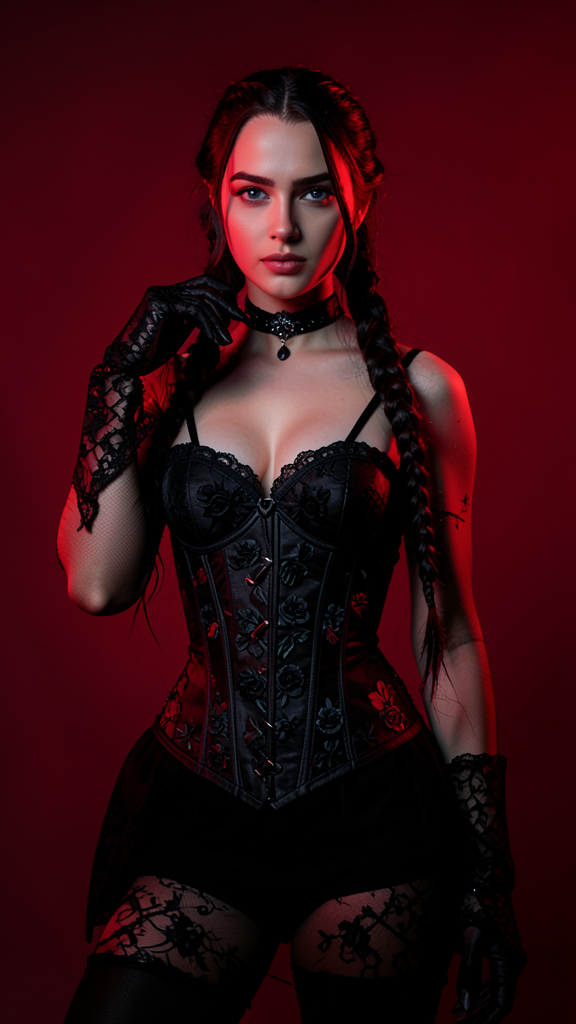
The subject wearing a dark gothic-inspired outfit with long braided hair and black lace gloves. The outfit includes a black corset decorated with floral patterns, matching stockings, and a choker. Deep red lighting casts dramatic highlights and shadows across the scene. The subject poses confidently with one hand near the face against a simple background. Stylish fantasy fashion photography with bold visual impact.
Any aspect ratio
Overview
The Halloween AI Image Editor template offers a gothic-inspired fashion photography touch to your images. Crafted with the Flux-2-Klein model, it generates bold, visually striking imagery enhanced by atmospheric red lighting and fantasy-inspired styling. Ideal for creators looking to capture the essence of the Halloween spirit in a stylish and impactful way.
What it Does
This template transforms your images with a dark, gothic palette, enhancing them with a detailed outfit featuring a black corset and lace gloves. Using the power of AI and trained with the AI Image Editor, it applies dramatic lighting effects to make the subject and scene pop with intricate shadow play.
Who it's For
This template is perfect for photographers, digital artists, and content creators focusing on fantasy and gothic themes. If you're working on projects requiring high-impact visual presentation or designing materials for events like Halloween parties, this is the go-to tool.
Summary
For all things gothic and fantasy fashion-related, the Halloween AI Image Editor template is a fantastic choice. It provides a visually dominant aesthetic suited for fashion shoots or personal projects. Consider pairing it with the AI Product Photography tool to explore further creative possibilities.
How To

Customize Your Input

Generate Your Image

Use Cases
Fashion Photography
- Gothic-themed photoshoots
- Portfolio development
- Event visual content
Event Promotions
- Event posters
- Online banners
- Social media ads
Digital Art Projects
- Fantasy art creations
- Character concept designs
- Storyboarding
Best Practices
Upload High-Resolution Images
Ensure your source image is high quality for the best results when editing and adding effects.Experiment with Lighting
Adjust the red lighting settings to highlight the subject's features distinctly, enhancing the dramatic effect.Mix with Other Tools
Combine with tools like the AI Clothes Changer to try out different outfit variations for more diverse looks.