Young Me
- Model
- Flux 2 Klein
- Image
- 576 × 1024 px
Prompt
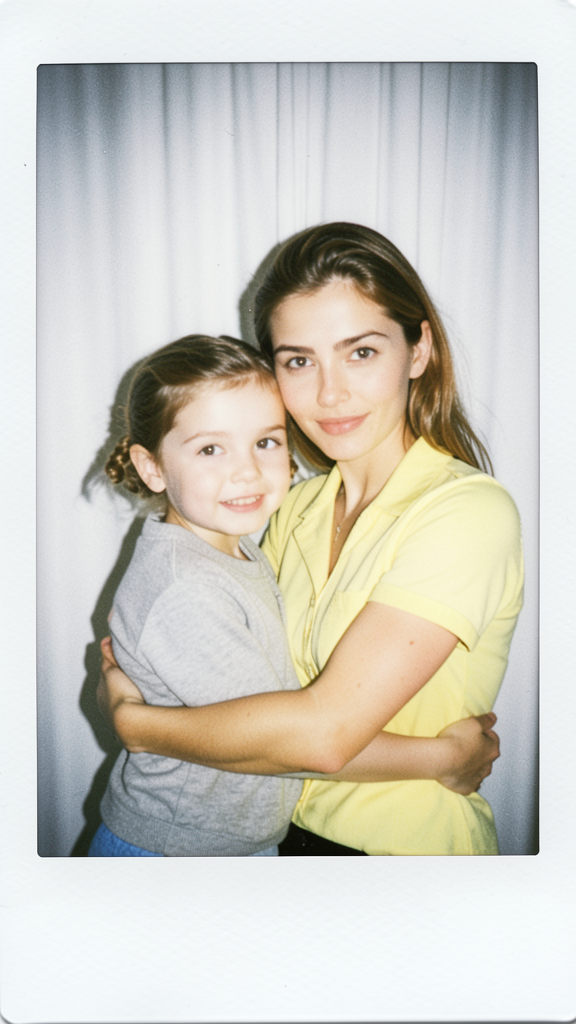
A realistic Polaroid-style photo featuring the subject alongside a child version of the subject. Both wear matching outfits and maintain recognizable facial features, hairstyle, and overall identity consistency. The subject gently embraces the child while both look directly at the camera. White curtain background, soft flash lighting, slight motion blur, authentic instant-film aesthetic, candid and natural atmosphere.
Any aspect ratio
Overview
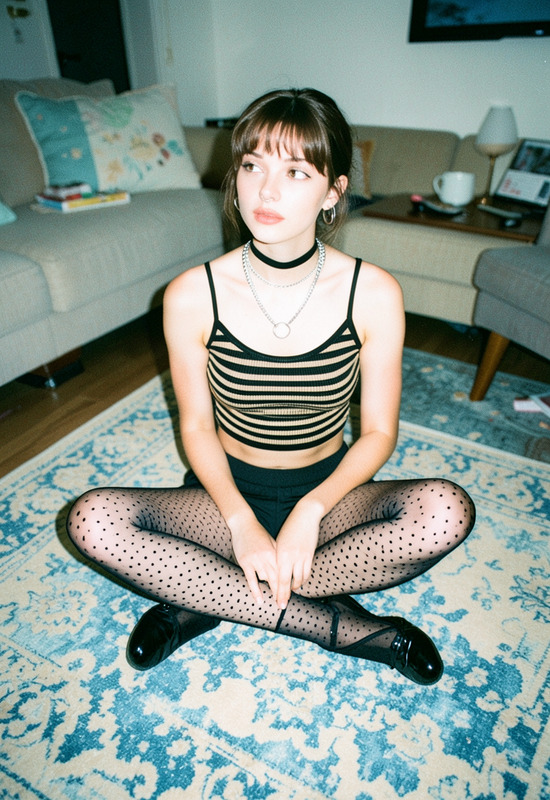
The "Young Me" template is an innovative tool within our AI Image Editor suite. It leverages the Flux-2-Klein model to craft a nostalgic image, pairing the subject with their child version. This powerful template ensures identity consistency through matching facial features and outfits, creating a heartfelt Polaroid-style memory.
What It Does
"Young Me" generates a realistic image that juxtaposes the subject's current self with a child version. It employs advanced image editing techniques to ensure both figures share identifiable facial features and hairstyles. The inclusion of a soft flash lighting and a white curtain background enhances the candid and authentic instant-film aesthetic.
Who It's For
This template is ideal for photographers, memory-makers, and social media enthusiasts aiming to create impactful visual narratives. It also suits content creators looking to add a personal touch to their storytelling. Whether for personal archives or professional portfolios, "Young Me" helps in crafting emotional and engaging imagery.
Summary
Utilizing the AI Image Editor's capabilities, "Young Me" blends the past with the present. The resulting image evokes nostalgia and family heritage through its unique photo editing features, allowing you to craft a vivid, sentimental piece that resonates on a deeply personal level.
How to Use

Customize Your Inputs

Generate Your Image

Use Cases
Nostalgic Album Creations
- Family reunions
- Special occasions
- Generational keepsakes
Social Media Content
- Instagram stories
- Facebook posts
- Twitter threads
Personalized Gifts
- Birthday gifts
- Anniversary surprises
- Mother's/Father's Day presents
Best Practices
High-Quality Photos
Ensure the original photo is of high quality with well-lit conditions to maximize the template's effectiveness.Detail Consistency
Choose images where the subject's facial features are clearly visible to maintain consistency across generations.Experiment with Outfit Styles
Try different outfit matching to see what combination best highlights the connection between the present and past.