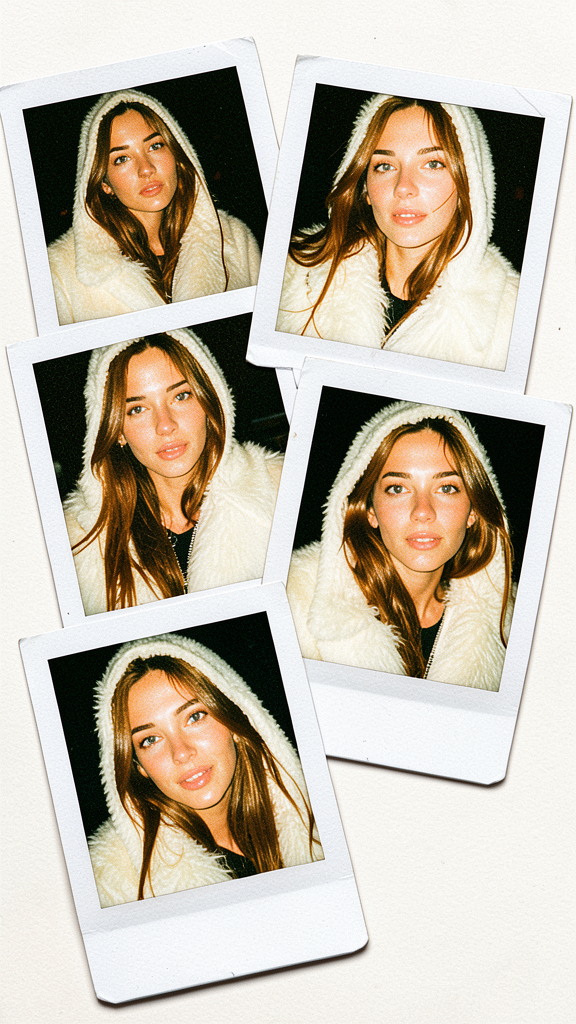
Winter Collage
- Model
- Flux 2 Klein
- Image
- 576 × 1024 px
Prompt
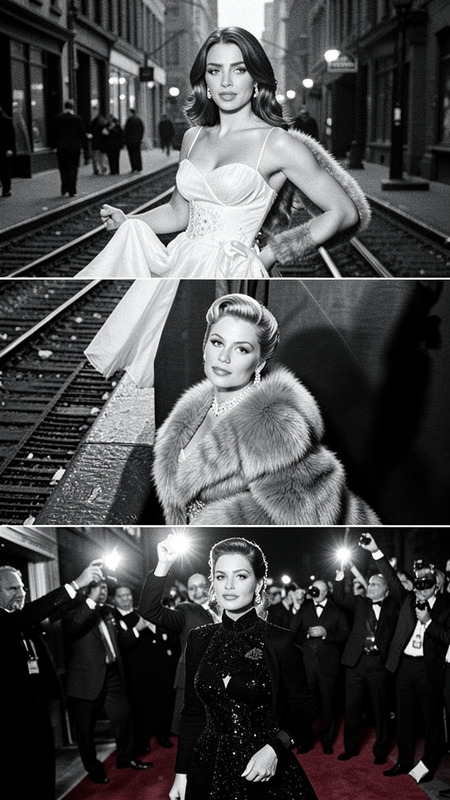
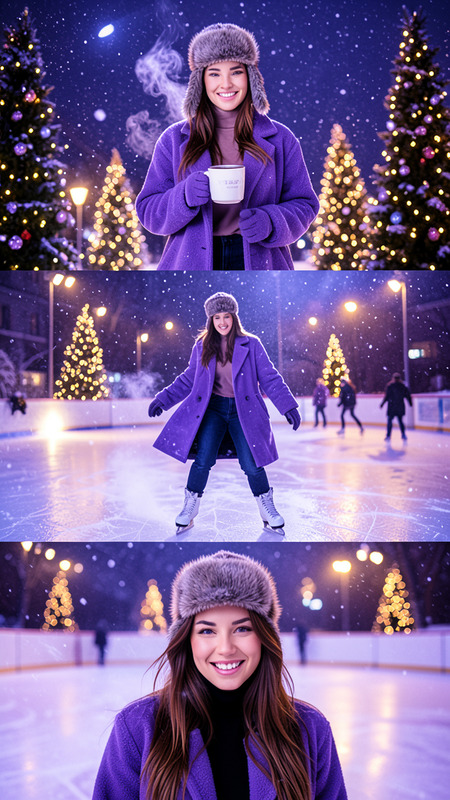
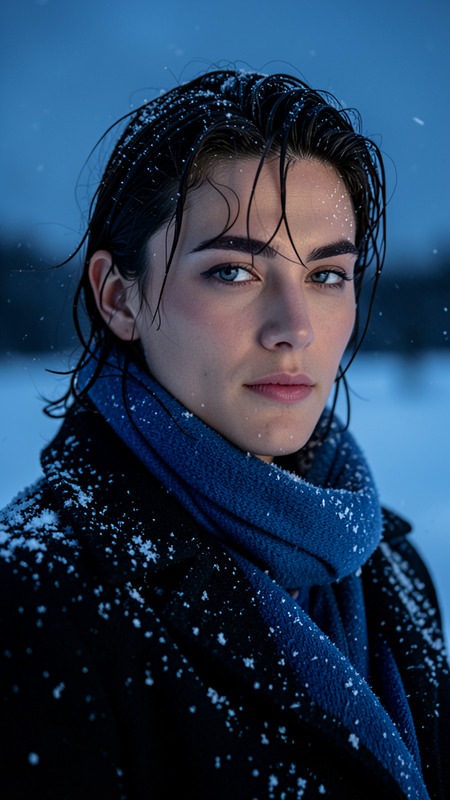
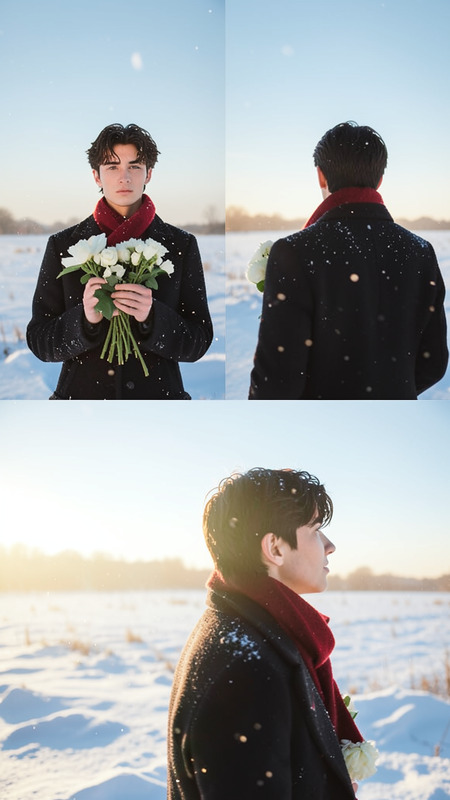
A chaotic, full-frame collage of five overlapping Polaroid instant photos with authentic curled edges and textured paper. Each Polaroid features a close-up or mid-distance portrait of the subject wearing a cream faux fur jacket, with and without the hood. The images show varied angles and natural expressions, illuminated by warm direct flash lighting that creates high contrast and glossy skin highlights. Soft analog film grain, subtle shadow grain, and classic Polaroid color tones fill the entire frame with a genuine editorial instant-film aesthetic.
Any aspect ratio
Overview
The Winter Collage template, powered by the flux-2-klein model, offers a unique way to create dynamic photo collages. Featuring overlapping Polaroid photos, this AI Image Editor template brings an editorial flair to your images with its authentic representation of instant-film aesthetics.
What It Does
This template crafts a visually compelling winter-themed collage by arranging five Polaroid-style portraits. Each image captures the subject in a cream faux fur jacket using varied angles and expressions, all under warm direct flash lighting. Enhance your images with analog film grain and classic color tones, ensuring each collage piece pops with character.
Who It's For
The Winter Collage template is tailor-made for photographers, content creators, and social media influencers looking to add a professional and artistic touch to their visual assets. Whether you're updating your portfolio or crafting a seasonal social media campaign, this tool provides the ideal stylistic enhancement.
Summary
Explore the creative potential of the Winter Collage to achieve striking Polaroid layouts with ease. Perfect for creating editorial-style imagery, this tool integrates seamlessly with AI Image Editor workflows. It's an engaging way to transform personal or client images into winter-themed masterpieces.
How To
Choose the Winter Collage Template

Customize the Collage

Generate Your Collage

Use Cases
Social Media Campaigns
- Increase engagement with visually appealing content
- Tailor campaigns for winter promotions
Fashion Photography
- Add a vintage touch to modern fashion
- Highlight clothing textures with high-contrast images
Holiday Event Invitations
- Customize with participant portraits
- Create a memorable visual theme
Best Practices
Focus on Lighting
Ensure that your original photos are well-lit to maximize the contrast effect in your collage.Match the Clothing
Choose images with subjects in similar clothing to maintain a cohesive look across all Polaroids.Experiment with Angles
Capture your subjects from various angles to add depth and interest to your collage composition.