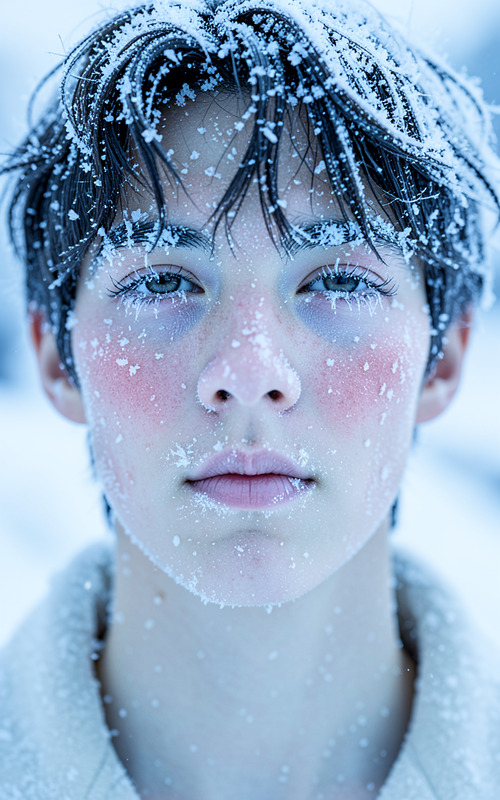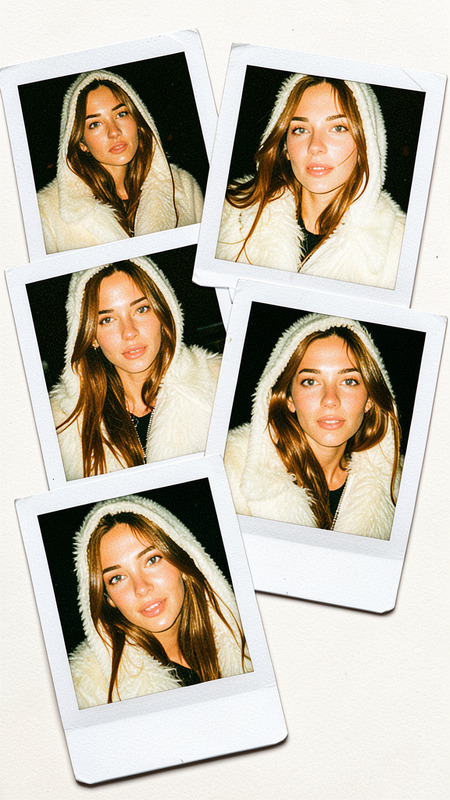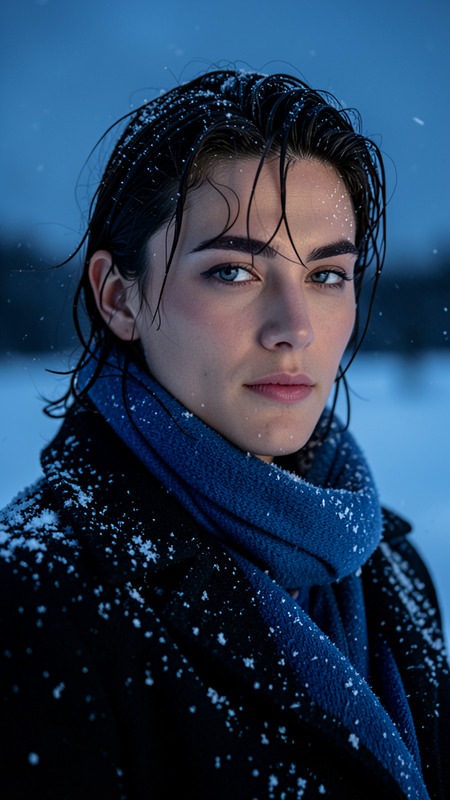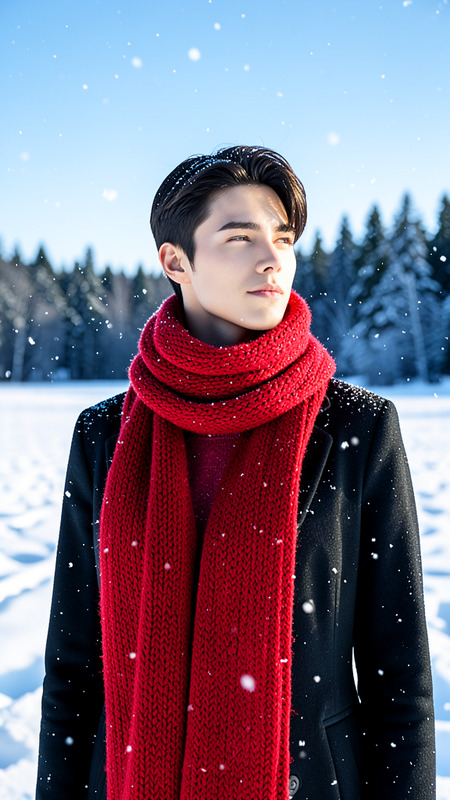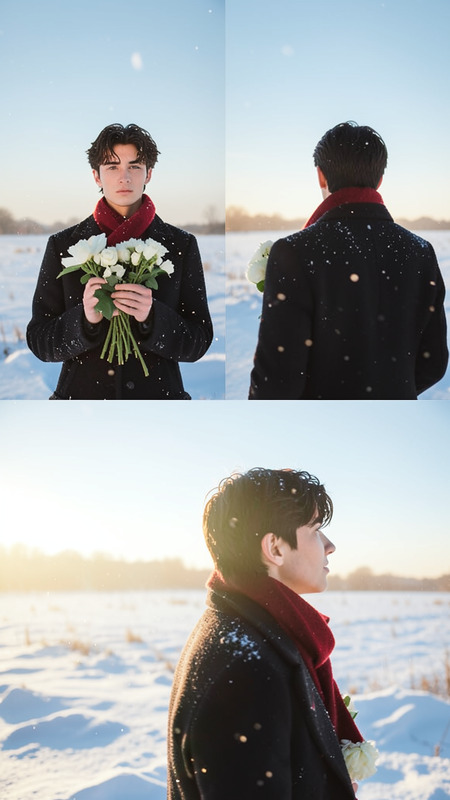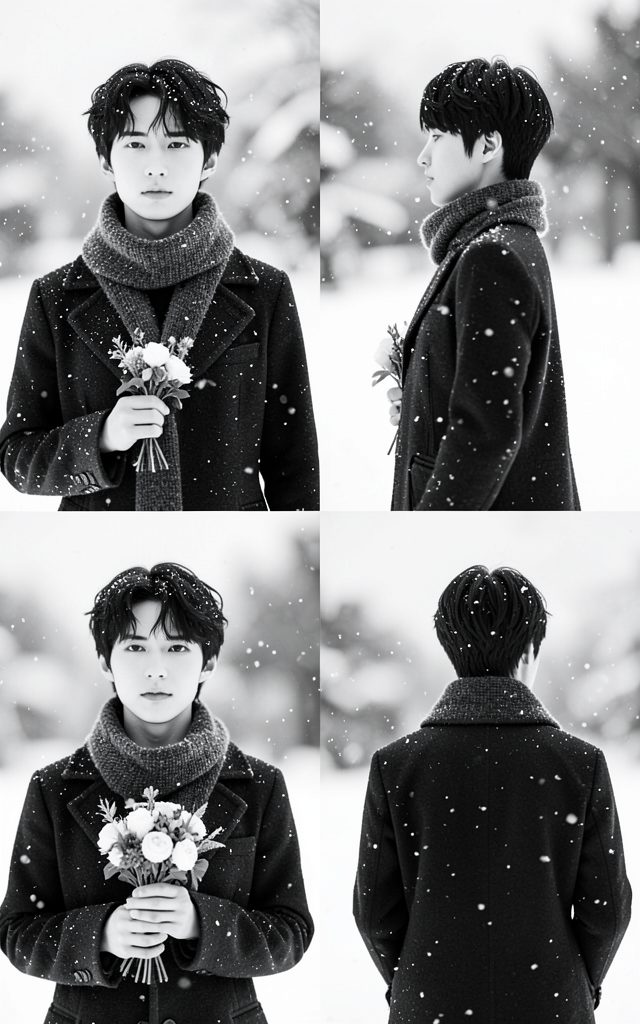
Snowfall
- Model
- Flux 2 Klein
- Image
- 640 × 1024 px
Prompt
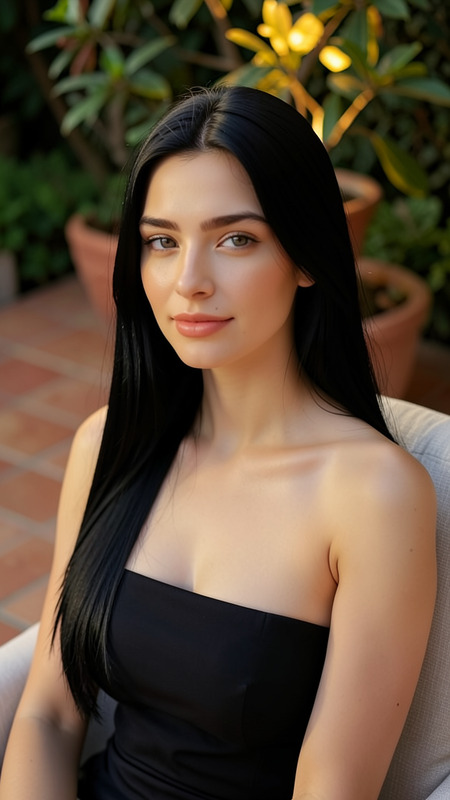
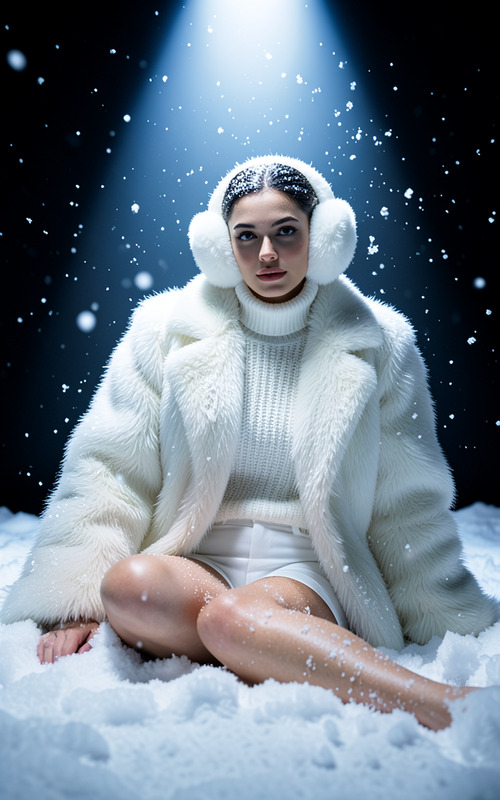
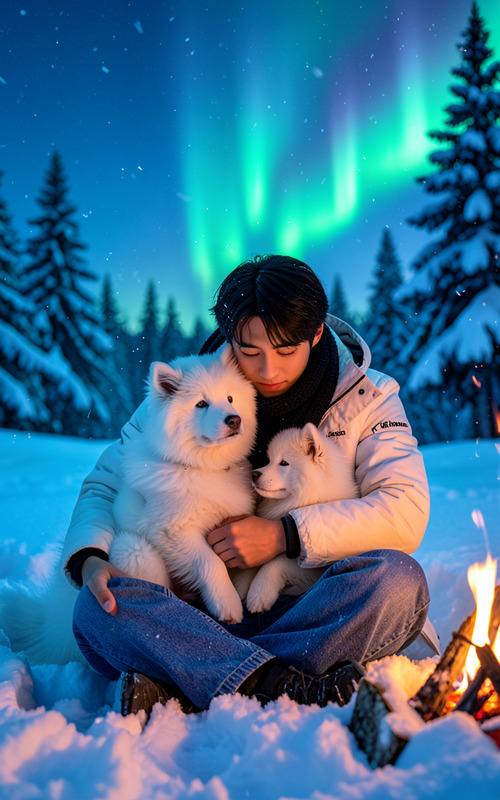
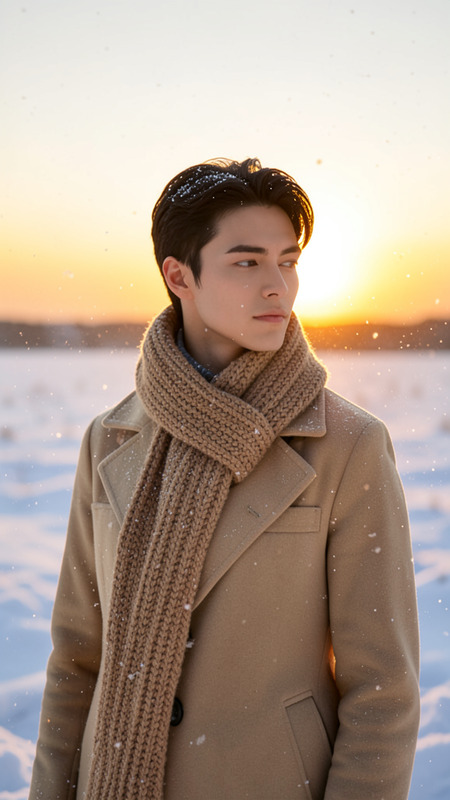
A black and white portrait sequence of the subject in a snowy outdoor setting. The subject wears a thick scarf and dark coat with snowflakes gently falling around them. The images capture front, side, and back views while holding a small bouquet of flowers. The background is a softly blurred snowy landscape. The overall mood is serene, contemplative, and minimalist.
Any aspect ratio
Overview
Transform any portrait into a wintry masterpiece with the Snowfall template. This AI Image Editor, powered by the flux-2-klein model, allows you to craft serene, contemplative images featuring your subject in a snowy setting.
What It Does
The Snowfall template captures black and white portraits enveloped in gentle snowfall, offering front, side, and back perspectives of the subject. The inclusion of a soft, blurred snowy backdrop enhances the minimalist and serene ambiance, while the optional bouquet adds a touch of warmth to the scene.
Enhance these images further using our AI Image Editor, or add color and depth with the Photo Colorizer.
Who It's For
The Snowfall template is perfect for photographers and creatives aiming to add an artistic winter touch to their work. It's also ideal for marketers and content creators on social media ads, where a unique visual can captivate an audience.
Summary
With its focus on creating serene and minimalist images, the Snowfall template is a versatile tool for anyone wishing to infuse their projects with the quiet beauty of a winter scene. For more advanced editing features, explore the extensive capabilities of our AI Image Generator.
How-To
Choose the Template

Customize Your Input

Generate Your Image

Use Cases
Photography Enhancement
- Add visual depth to portraits with snowy effects.
- Perfect for seasonal photo shoots.
Social Media Content
- Curate posts with a serene aesthetic.
- Engage audiences with unique winter-themed content.
Marketing and Advertisements
- Enhance ad visuals with artistic flair.
- Suitable for both digital and print marketing.
Best Practices
Use High-Quality Photos
For the best results, use high-resolution images that clearly show the subject's features and outfit.Focus on Lighting
Ensure the lighting in the original images is adequate to maintain clarity after applying the snowy effect.Match the Theme
Keep the theme consistent by using props or wardrobe elements that align with the snowy setting.