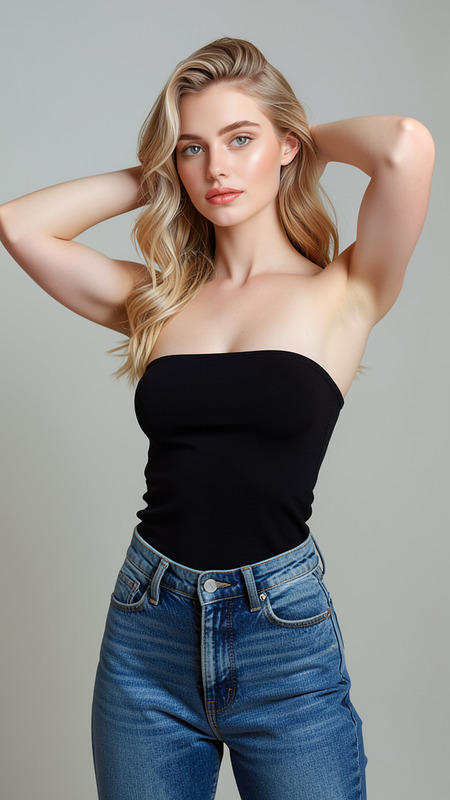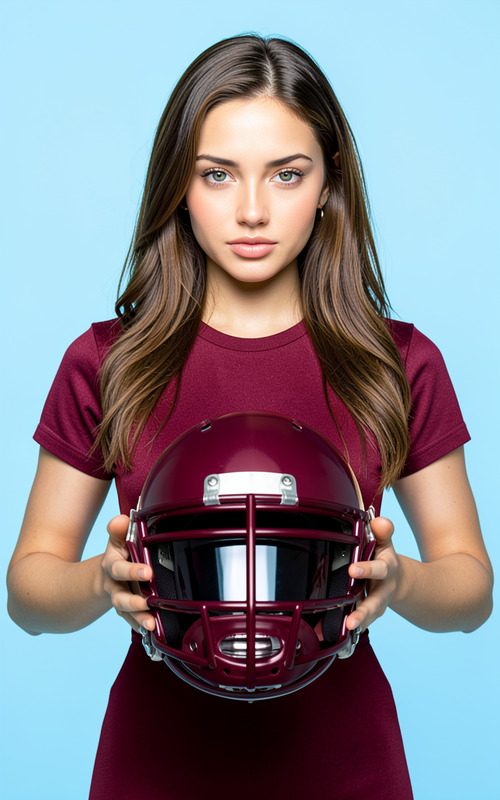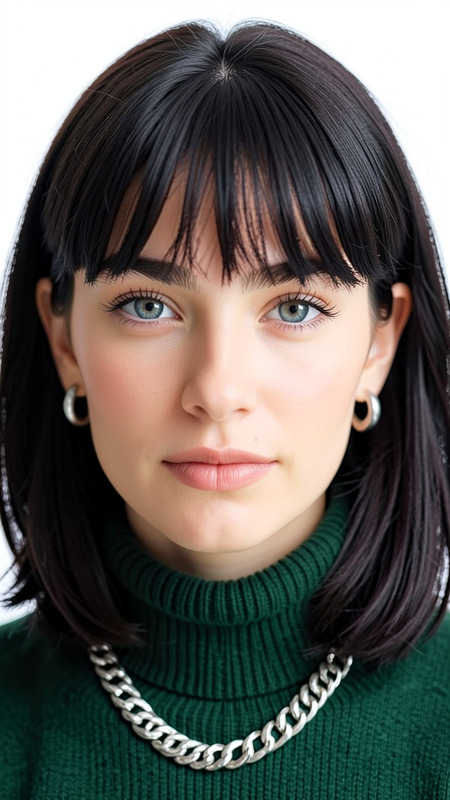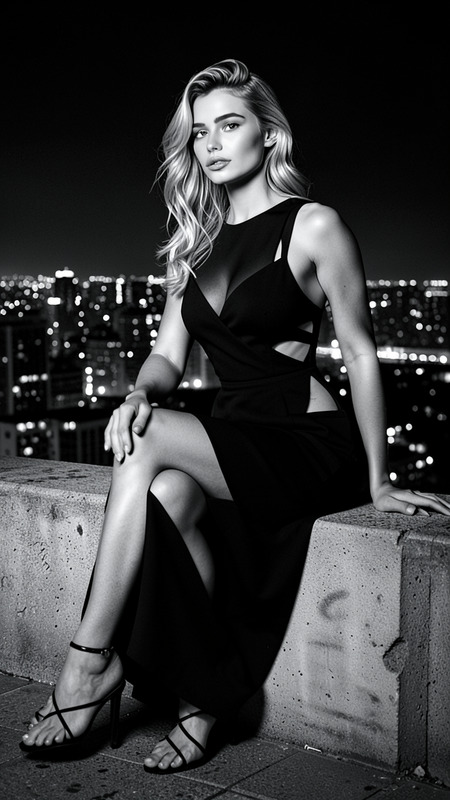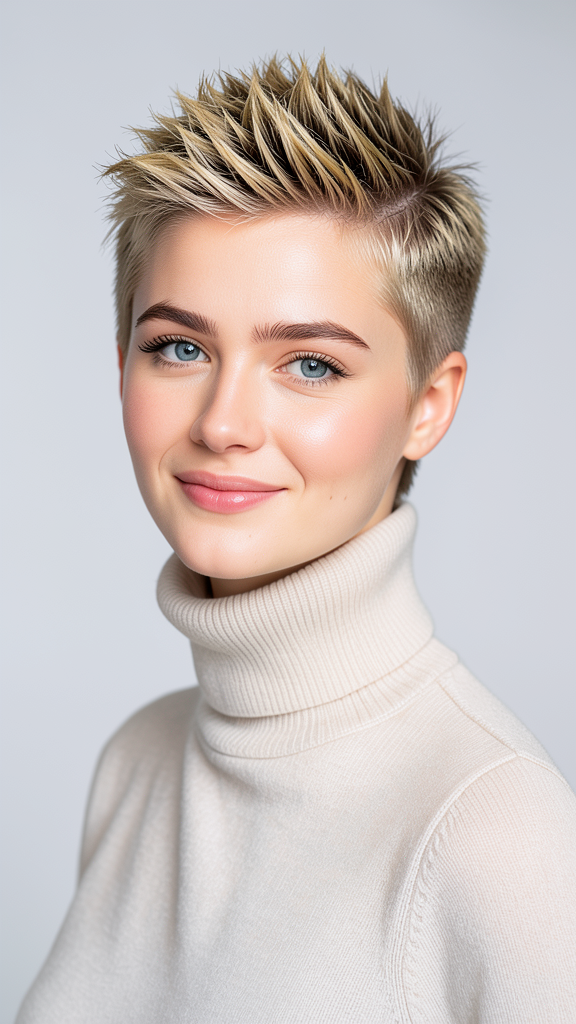
Haircut Girl
- Model
- Flux 2 Klein
- Image
- 576 × 1024 px
Prompt
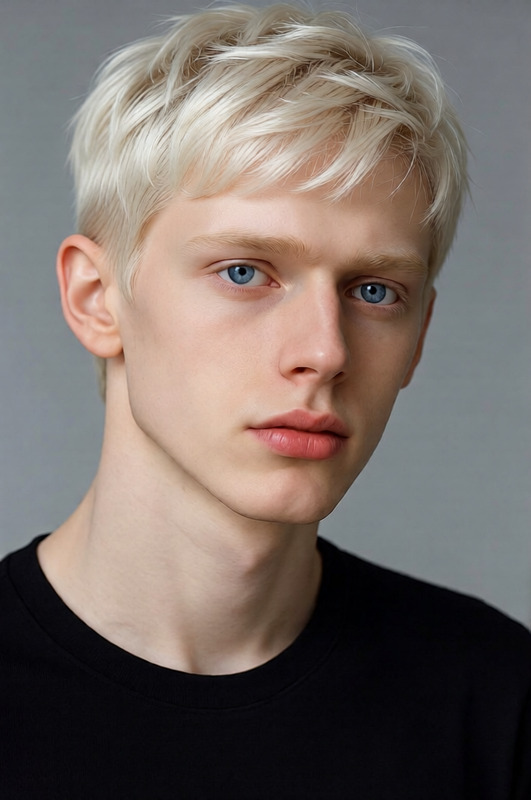
The subject with a modern micro pixie haircut featuring a textured top. Preserve exact facial features, skin tone, eye shape, and identity from the reference image. The haircut adds volume and dimension while maintaining a stylish contemporary appearance. Clean studio lighting, realistic hair texture, professional salon photography aesthetic.
Any aspect ratio
Overview
Transform simple images into stunning portraits with the "Haircut Girl" AI Image Editor template. Using the Flux-2-Klein model, this tool allows you to update hairstyles in photos with a modern micro pixie cut. Achieve professional salon photography aesthetics with realistic hair textures and studio lighting.
What It Does
The "Haircut Girl" template is designed to recreate a subject's hair into a sophisticated modern micro pixie haircut. It ensures high accuracy in preserving facial features and characteristics while adding volume and dimension to the hair. Perfect for those seeking a quick yet stylish transformation.
Explore more of our image editing capabilities with the AI Image Editor available for a wide range of creative purposes.
Who It's For
This tool is ideal for photographers, fashion designers, and digital artists who want to visualize trends without the need for physical makeovers. It's also suitable for content creators in beauty and fashion industries who aim to showcase diverse styles and trends.
Summary
The "Haircut Girl" template offers a convenient solution for image transformations focusing on hairstyle modifications. By maintaining the subject's identity and using studio-quality lighting and effects, the template delivers professional-grade results suitable for any portfolio or marketing material.
Complement these artistic adjustments by experimenting with our AI Clothes Changer and complete the transformation with a unique wardrobe update.
How to Use
Choose Your Template

Customize Your Inputs

Generate Your Image

Use Cases
Portfolio Enhancements
- Display a range of styles
- Save on costs and time
Social Media Content
- Stay ahead with trends
- Engage with visually appealing posts
Client Previews
- Provide a visual before the actual cut
- Boost client satisfaction
Best Practices
Maintain Original Features
Always ensure the template settings preserve the subject's unique features by carefully adjusting prompts.Utilize Studio Lighting Effects
Leverage the template's studio lighting for a more professional and polished finish.Combine With Other Tools for Best Results
Enhance your project by using the AI GIF Generator to showcase a before-and-after transformation animation.