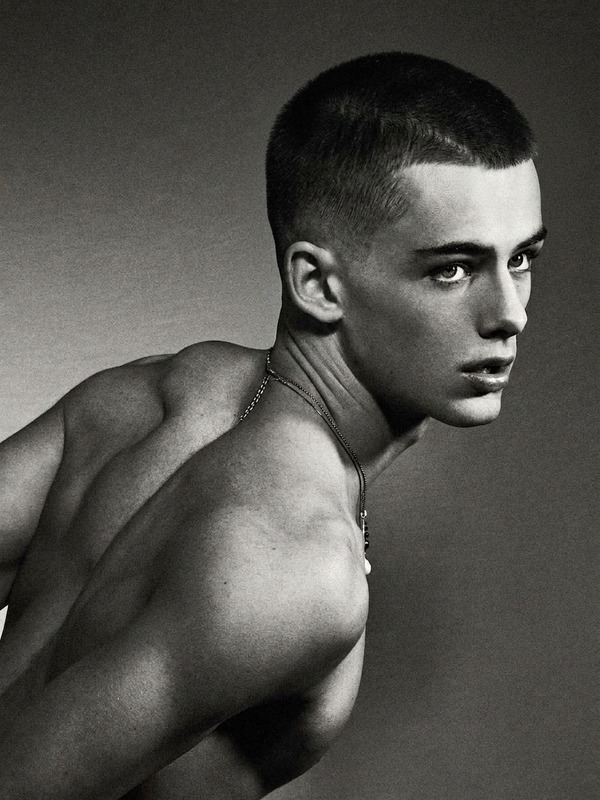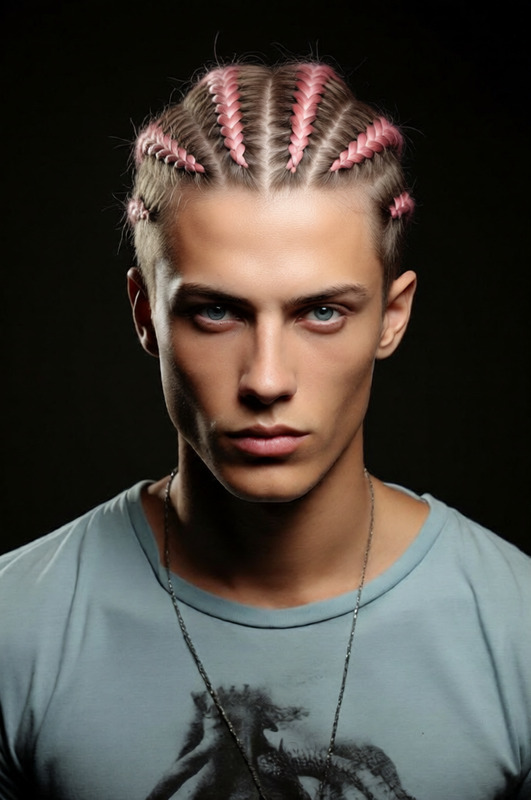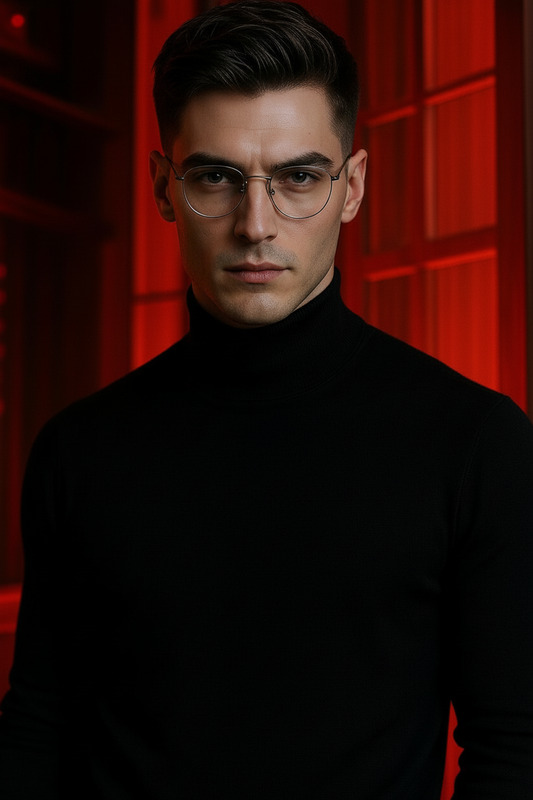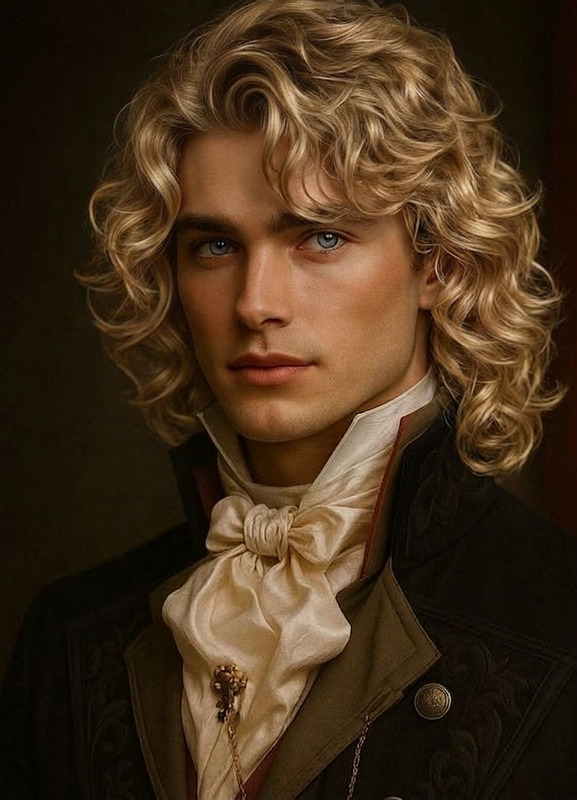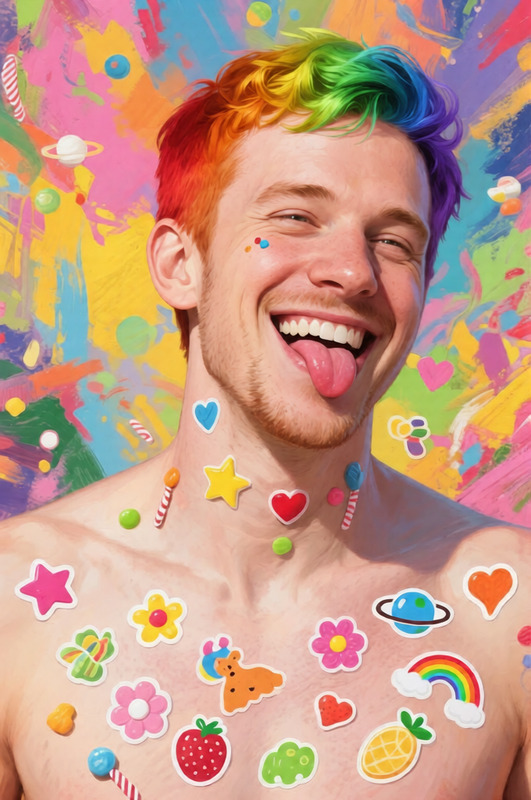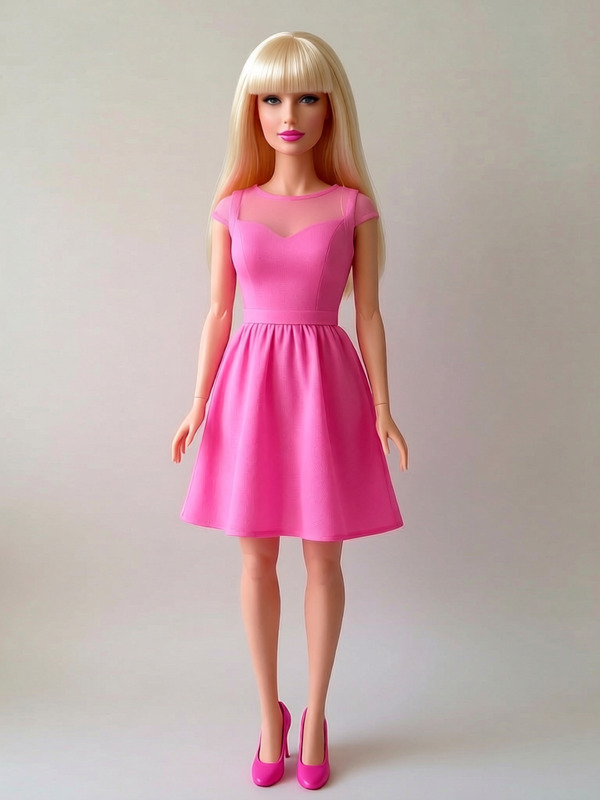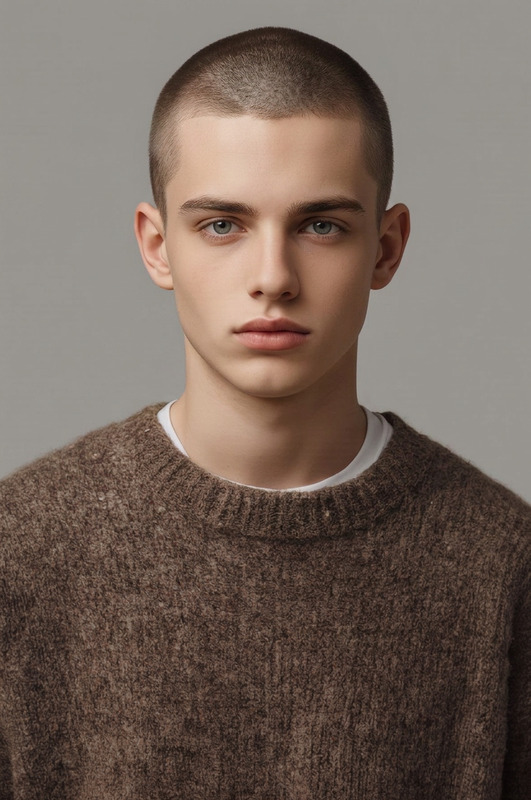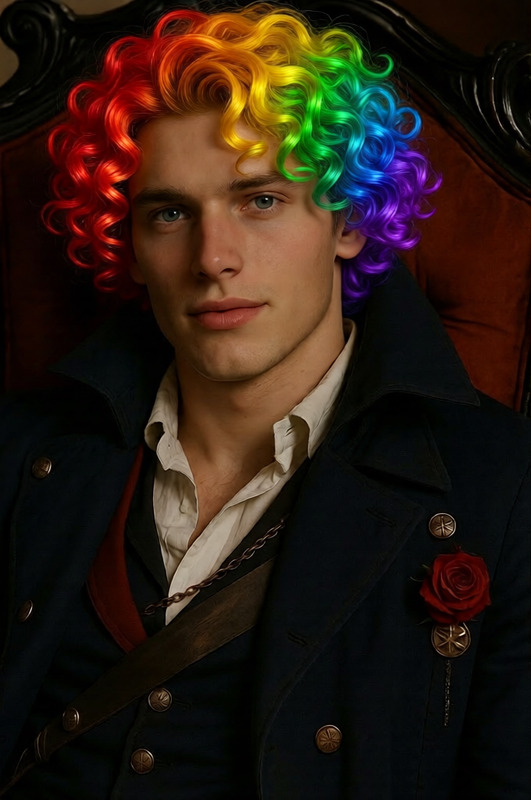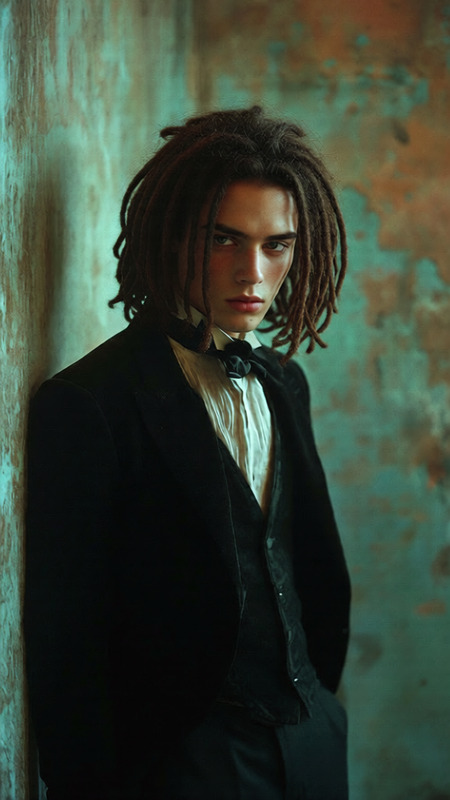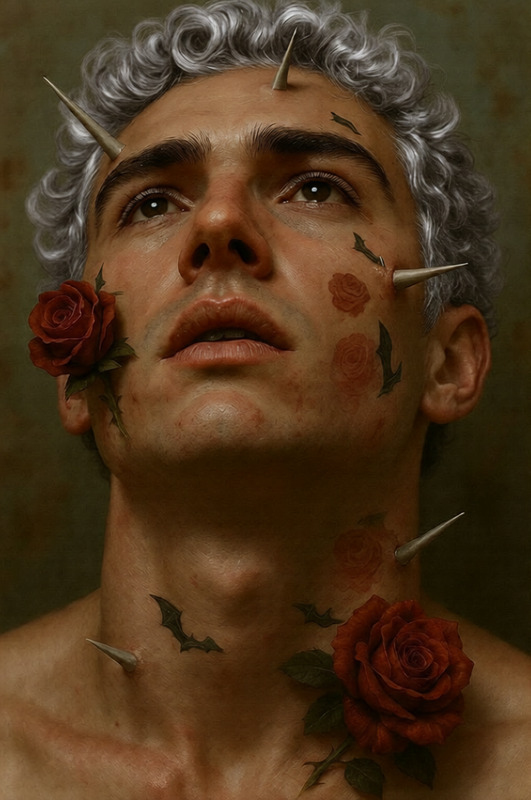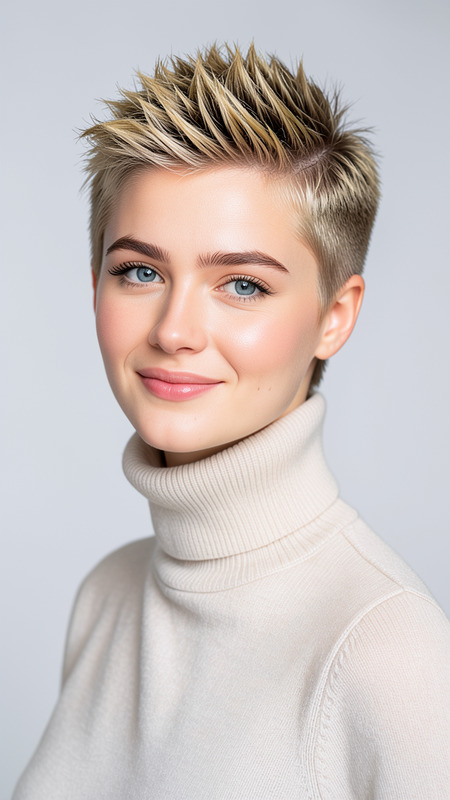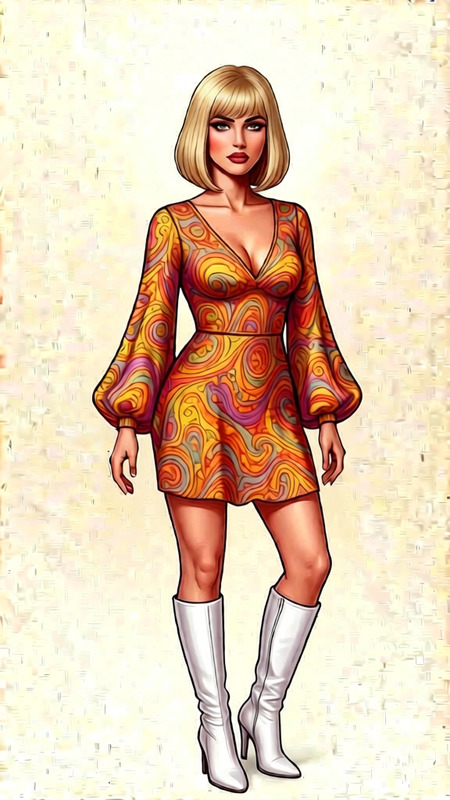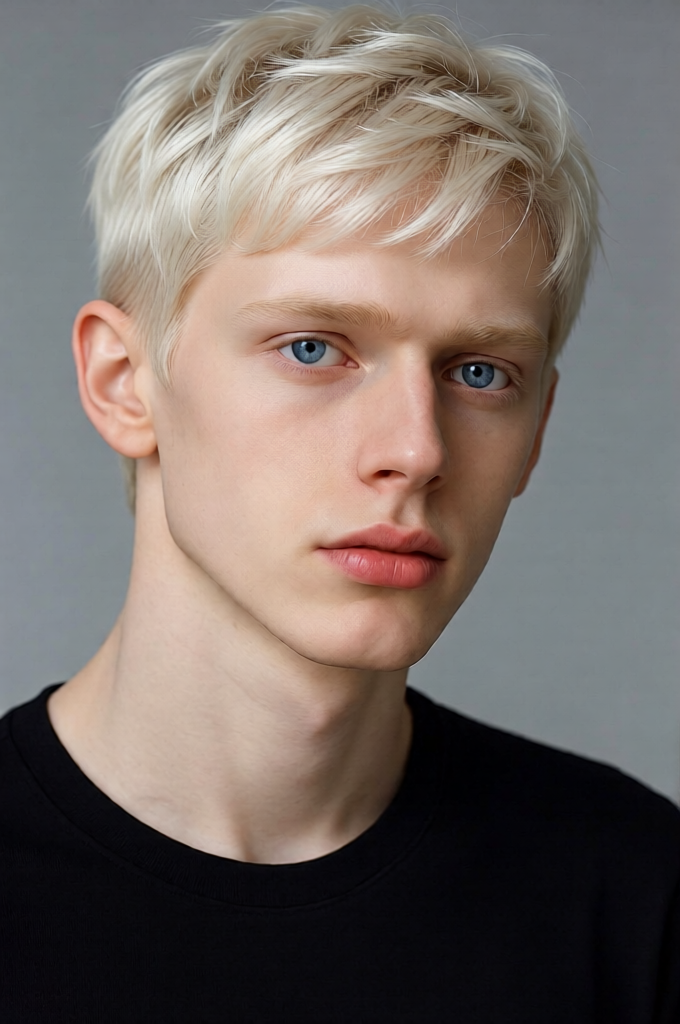
Pixie Cut
- Model
- Qwen Edit
- Image
- 680 × 1024 px
Prompt
Give the individual a short pixie haircut that complements their face shape while preserving their identity. Keep the cut clean and stylish with soft layers, natural volume, and slightly textured ends. Ensure the hair blends seamlessly with the original hairline and lighting, with realistic strands and subtle shine. Maintain facial features, expression, and overall likeness. High detail, photorealistic, modern look.
Any aspect ratio
Overview
The Pixie Cut template is part of our AI Image Editor suite, tailored to bring a modern, photorealistic touch to your images. Utilizing the qwen-edit model, this template provides an effortless way to visualize stunning pixie cuts that retain the character and essence of the original subject. Ideal for content creators looking to focus on beauty transformations.
What it Does
Pixie Cut leverages AI to provide a realistic hairstyle transformation, adapting to the unique facial features and lighting of the subject in your images. This template expertly crafts a short, layered style with natural volume and shine, while maintaining high-definition detail and photorealism. Choose from a range of transformations within the Face Swap tool as well.
Who it's For
This template is perfect for beauty enthusiasts, hair stylists, and influencers who want to explore new looks or showcase hairstyling techniques. Additionally, it's an excellent tool for marketing agencies developing creative promotional content involving personal transformations. The template syncs beautifully with our AI Clothes Changer for comprehensive style transformations.
Summary
Explore the world of quick and stylish hair transformations with Pixie Cut. From enhancing personal photos to creating immersive advertising content, this template offers the precision and modern look needed for any creative project. With the cutting-edge features of the AI Image Generator, you can expect advanced detailing and results that seamlessly integrate with any project format.
How To
Choose Template

Customize Your Image

Generate and Download

Use Cases
Hair Tutorials
Social Media Content
Creative Storytelling
Best Practices
Choose High-Quality Images
Use images with good lighting and resolution to ensure the pixie cut looks realistic and detailed.Adjust for Lighting
Ensure that the lighting in your image is even, as this will help the AI naturally blend the new hairstyle.Consider Face Shape
Select a pixie cut that best suits the subject's face for an optimal fit and a coherent look.