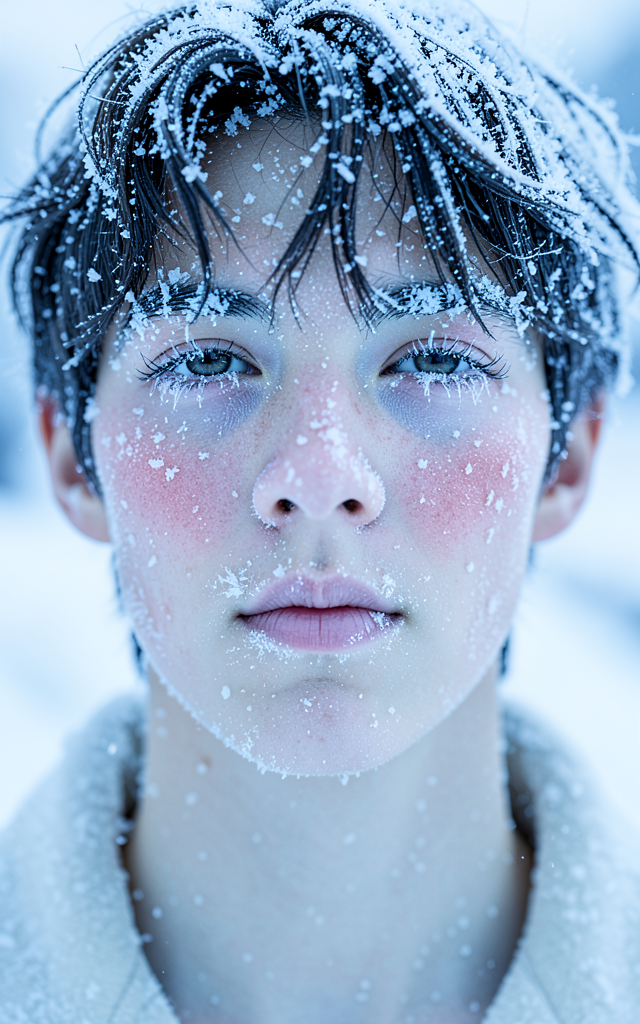
Frozen
- Model
- Flux 2 Klein
- Image
- 640 × 1024 px
Prompt
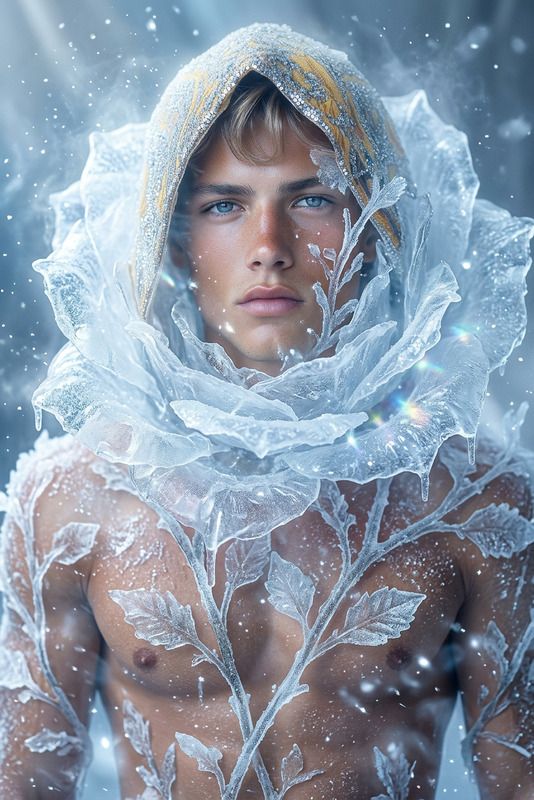
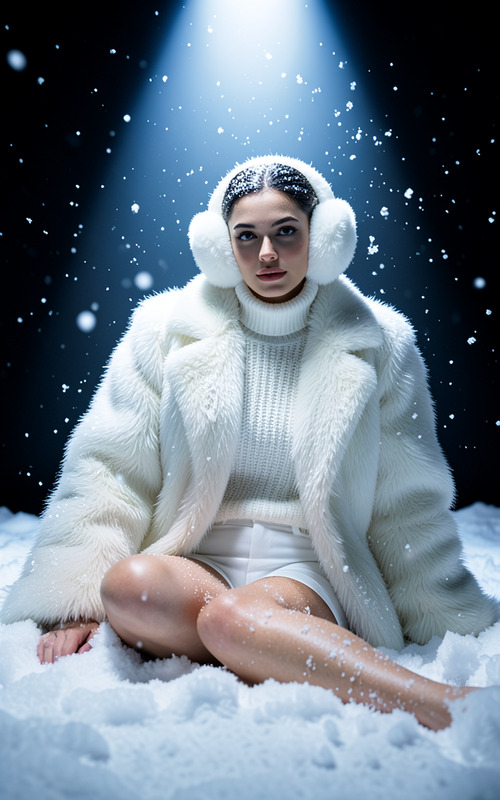
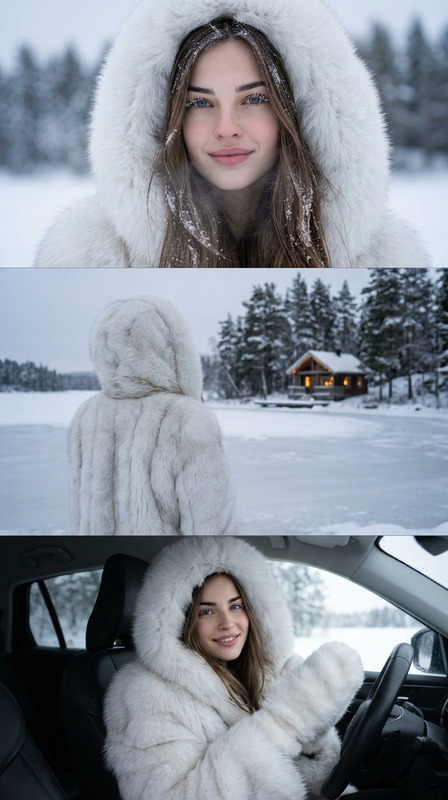
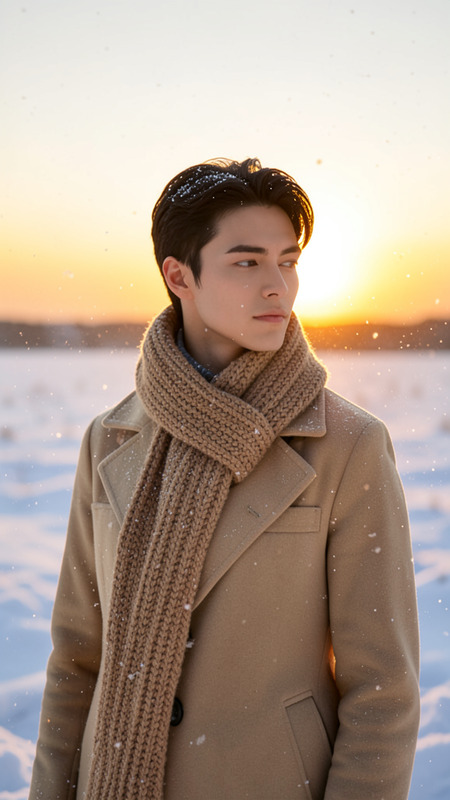
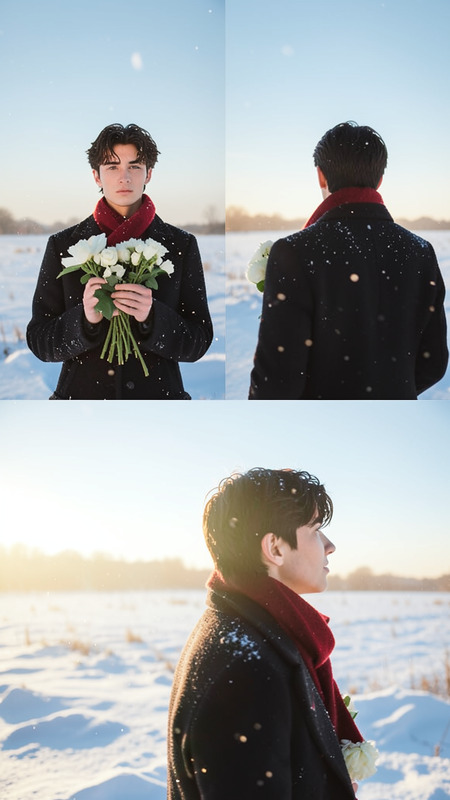
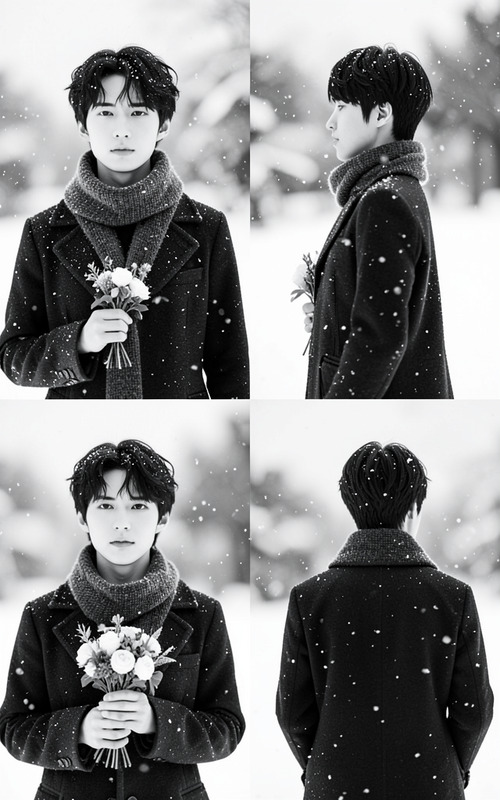
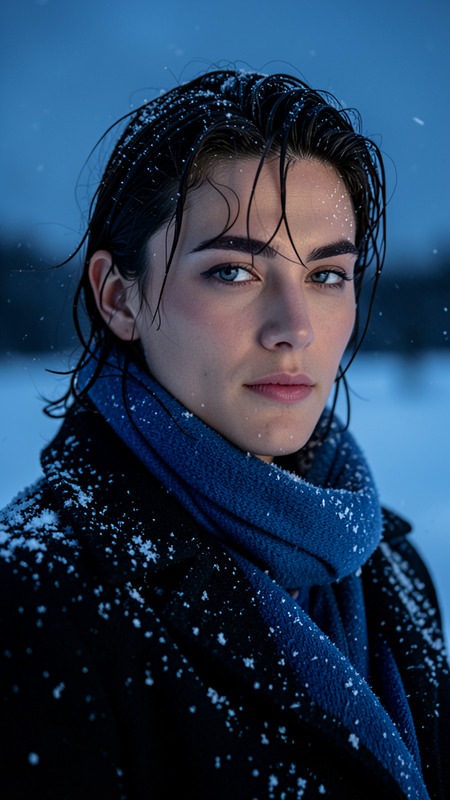
A hyperrealistic close-up portrait of a young person in extreme cold, showing frozen eyelashes and eyebrows covered in white frost. Tiny ice crystals are delicately scattered across their hair and skin, with a natural cool blush on their cheeks and nose. The lips appear slightly pale with subtle frost, and the skin texture reveals small frost particles. The lighting is soft, diffused daylight with high-contrast cool tones, creating a serene mood. The background features a suitable winter setting, enhancing the realistic arctic cold atmosphere with shallow depth of field and cinematic quality.
Any aspect ratio
Overview
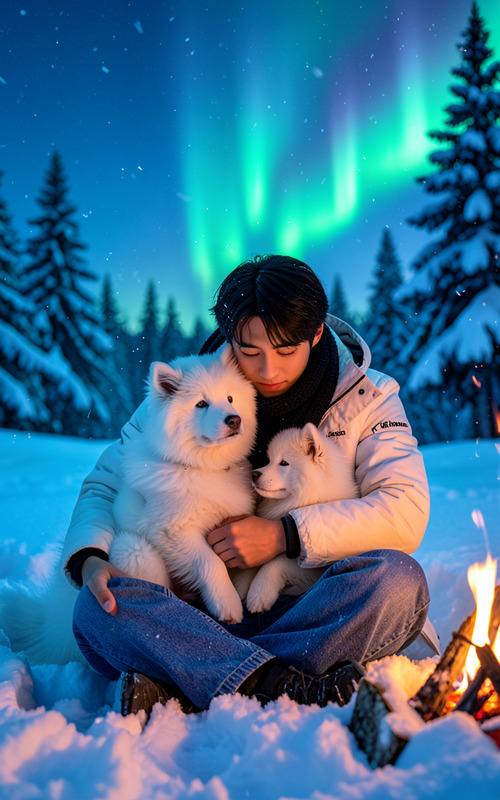
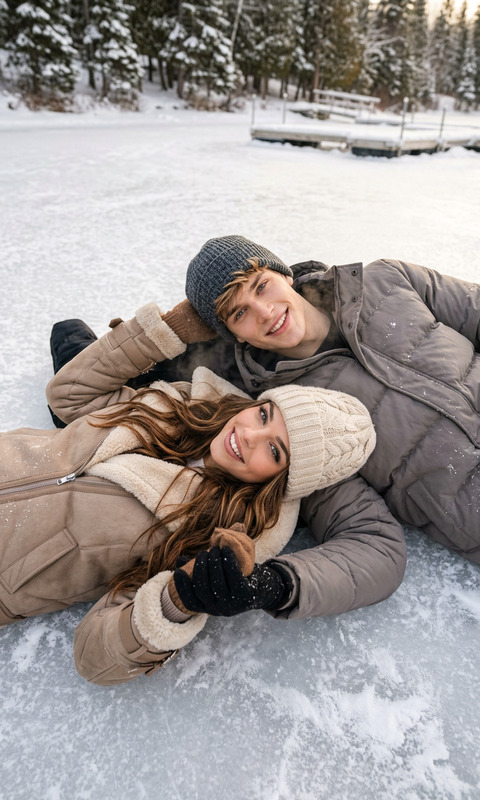
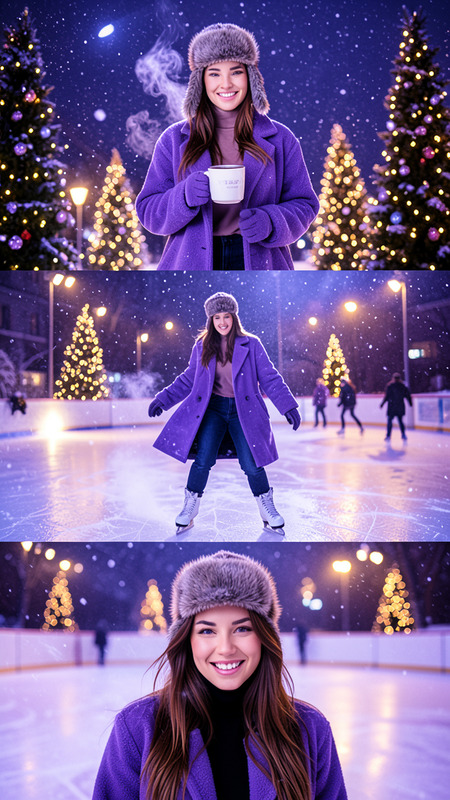
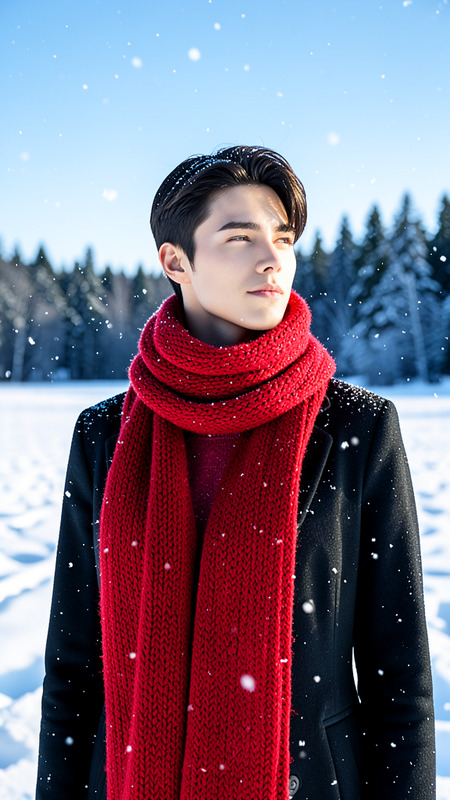
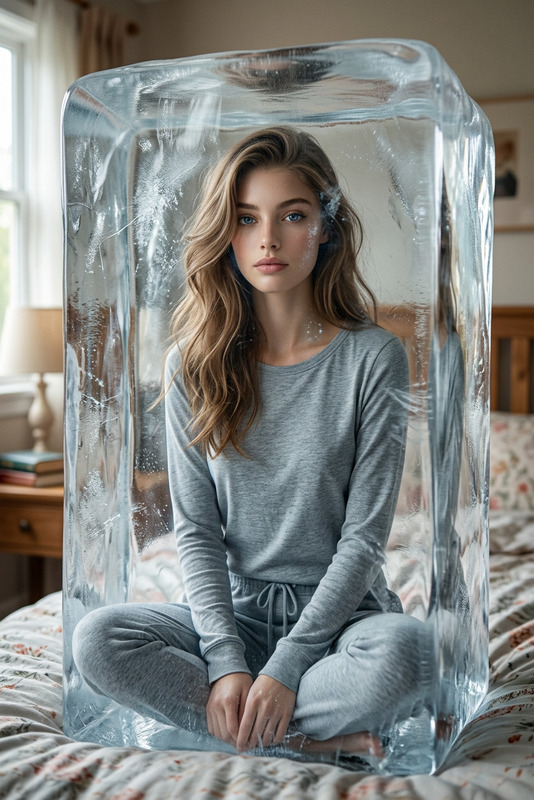
The Frozen template is an AI Image Editor designed to create hyperrealistic winter portraits. Featuring advanced features through the flux-2-klein model, it crafts stunning visuals of individuals in an arctic cold setting, with details like frost-covered eyebrows and pale, frosted lips.
What It Does
This template focuses on turning any photo into a winter-themed masterpiece, emphasizing frosty eyelashes and a whisper of ice across the skin. Enhanced by the Photo Colorizer's capabilities, it achieves realistic skin tones with delicate frost effects while maintaining a smooth, cinematic finish.
Who It's For
Designed for photographers, artists, and content creators, this template offers a unique way to add seasonal flair to portraits. It's perfect for those in the realms of social media ads, digital art creation, and building mood boards for winter-themed content.
Summary
With the Frozen template, express the serene chill of winter in your imagery. Easily integrate it with other Magic Hour tools like the AI Image Generator to further expand your creative possibilities. An intuitive choice for crafting realistic winter scenes with ease.
How to Use
Choose the Template

Customize Your Image

Generate the Final Image

Use Cases
Social Media Content
- Enhance engagement with unique winter portraits
- Ideal for daily or story posts
Artistic Projects
- Integrate with other tools for expanded creativity
- Perfect for winter-themed exhibitions
Marketing Campaigns
- Attract attention with unique visuals
- Ideal for holiday season promotions
Best Practices
Choose High-Quality Images
Start with high-resolution images to ensure frosty details are captured accurately in the final output.Refine Prompt Details
Customize frost effects by focusing on smaller facial details for a more believable appearance.Leverage Complementary Tools
Use the AI Image Generator for creating base images that can be further enhanced with the Frozen template.