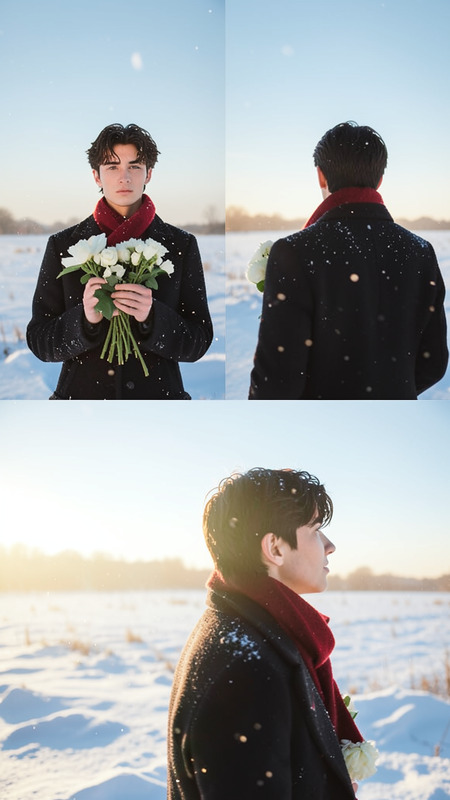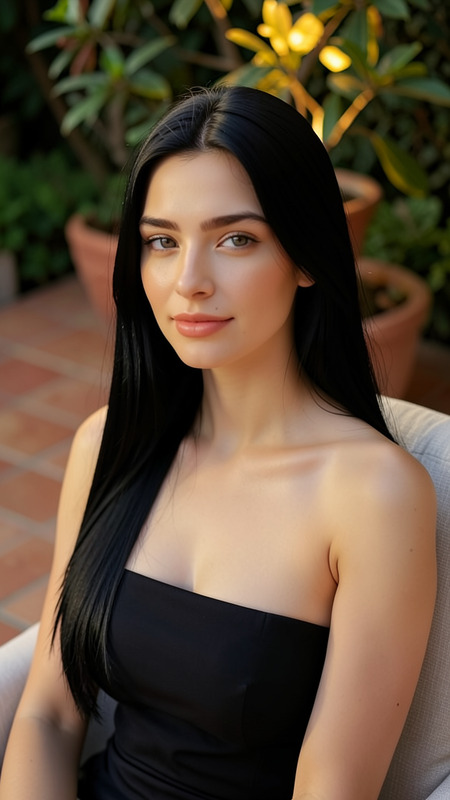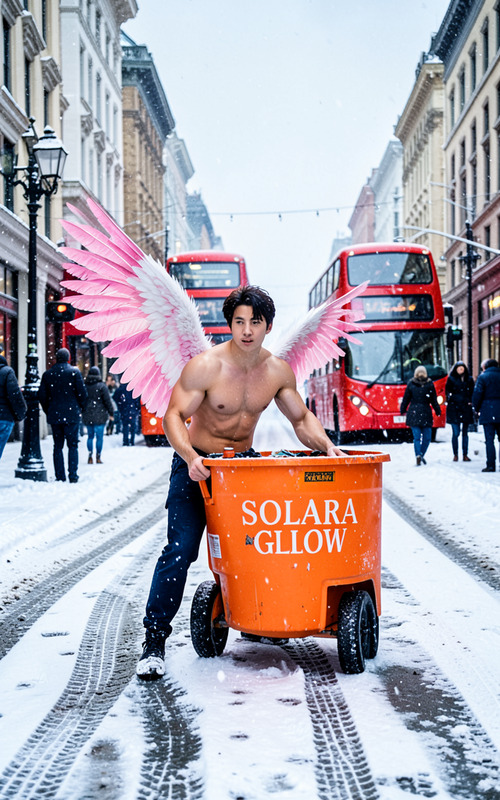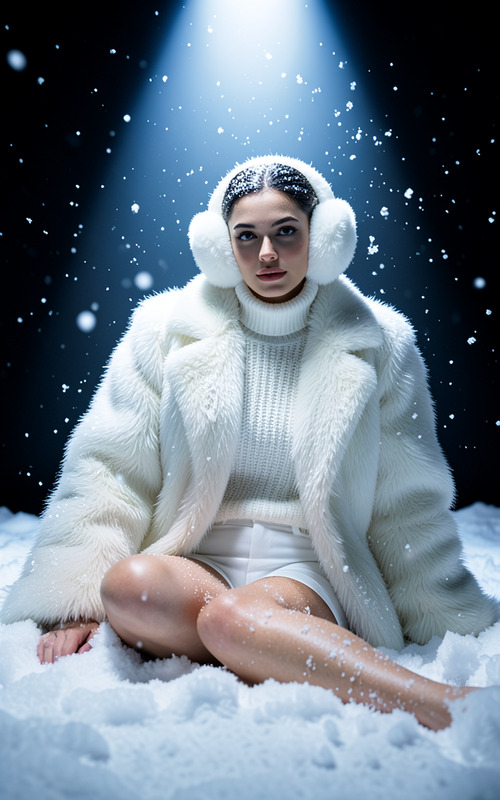
Sunset
- Model
- Flux 2 Klein
- Image
- 576 × 1024 px
Prompt
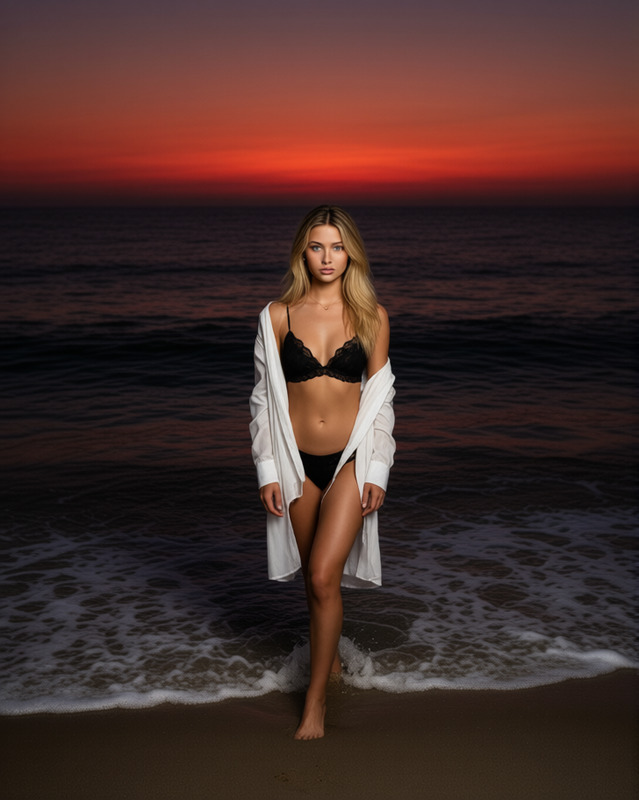
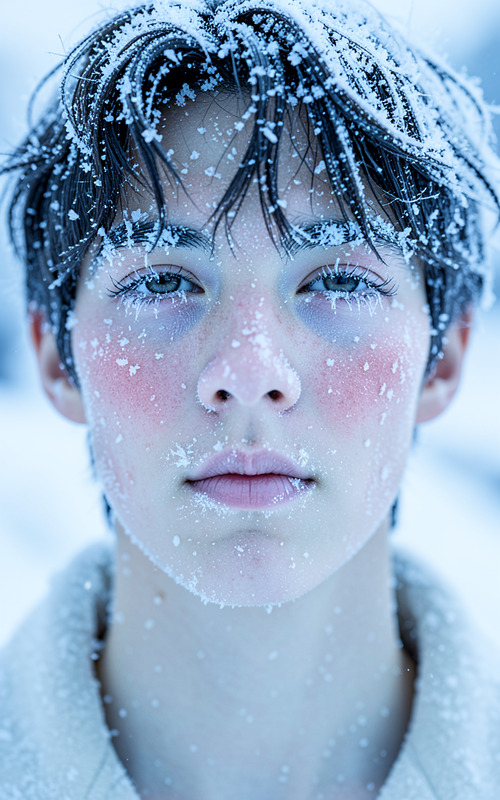
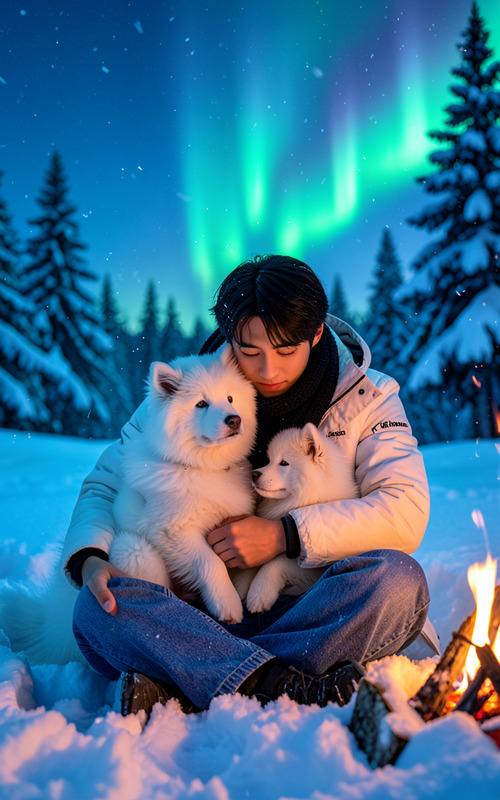
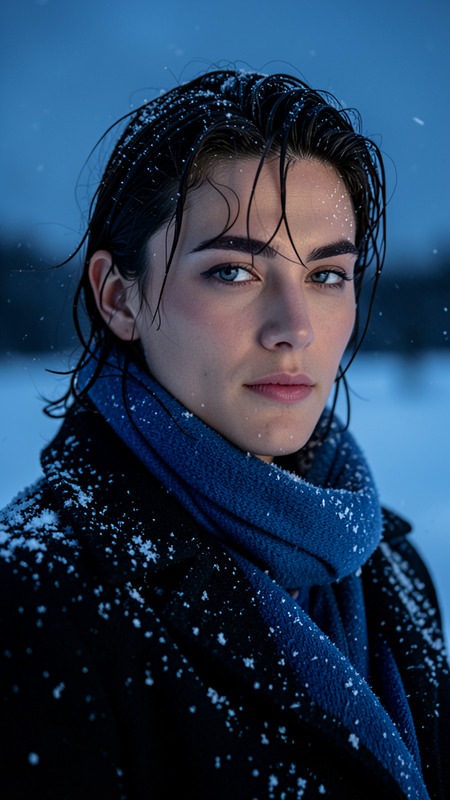
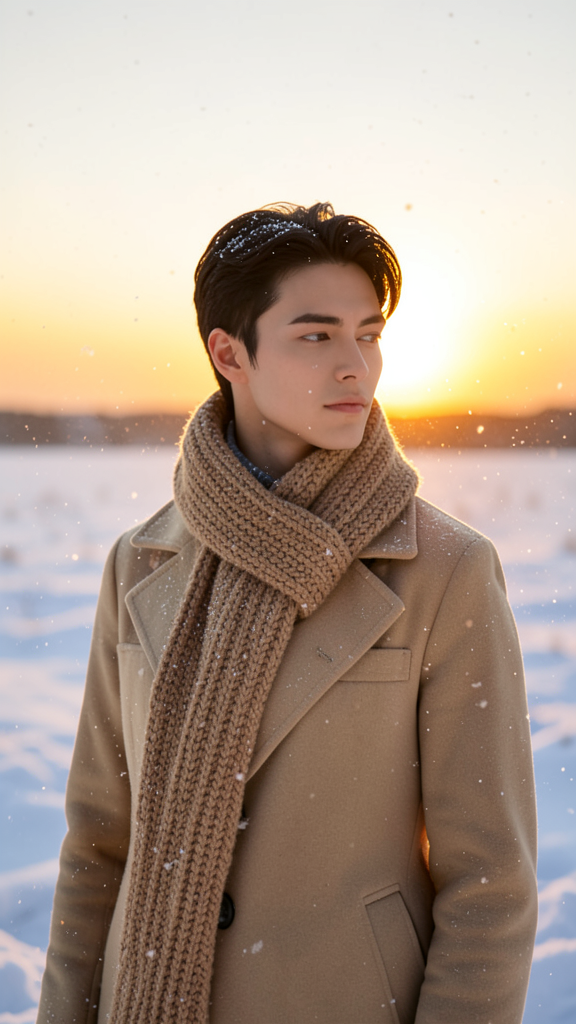
The subject wearing a warm beige coat and a thick knitted scarf, standing in a snowy landscape at sunset. Soft golden light bathes the scene while gentle snowfall drifts through the air. A vast snow-covered field extends toward the horizon where the sun glows warmly. The subject appears calm and contemplative. The atmosphere is peaceful, crisp, and wintry with subtle warmth from the sunset
Any aspect ratio
Overview
Capture the serene beauty of a snowy sunset with our "Sunset" AI Image Editor template. This template transforms your image into a tranquil scene, complete with soft golden light and gentle snowfall, adding a layer of warmth and serenity to your visuals. Perfect for creating AI Image Editor content that's both peaceful and visually striking.
What It Does
The "Sunset" template leverages the flux-2-klein model to enhance images with a calm, wintry atmosphere. It adds a soft golden hue that mimics a sunset over a snowy landscape—a choice perfect for bloggers, marketers, and anyone looking to evoke a sense of peace and tranquility in their imagery.
Who It's For
This template is designed for photographers, social media influencers, and content creators who wish to evoke emotions of calmness and reflection in their work. Whether developing content for seasonal campaigns or personal projects, the "Sunset" template will help your visuals stand out and resonate with audiences.
Summary
Harness the power of the sirene "Sunset" AI Image Editor template to positon your visuals within a peaceful winter landscape. Utilize complementing products like the Photo Colorizer or AI Image Upscaler to further refine your images. Enjoy crafting scenes that captivate and comfort your audience with gentle warmth and tranquility.
How to Use the Sunset Template
Select the "Sunset" Template

Input Your Image

Generate and Save

Use Cases
Social Media Content
Marketing and Advertising
Personal Projects
Best Practices
Select High-Quality Images
Start with high-resolution photos to ensure the best outcome when applying effects.Consider Image Composition
Use images where the subject is facing the camera in an open, expansive landscape.Pair with Other Editing Tools
Enhance results by using the AI Image Upscaler before generating the final version.