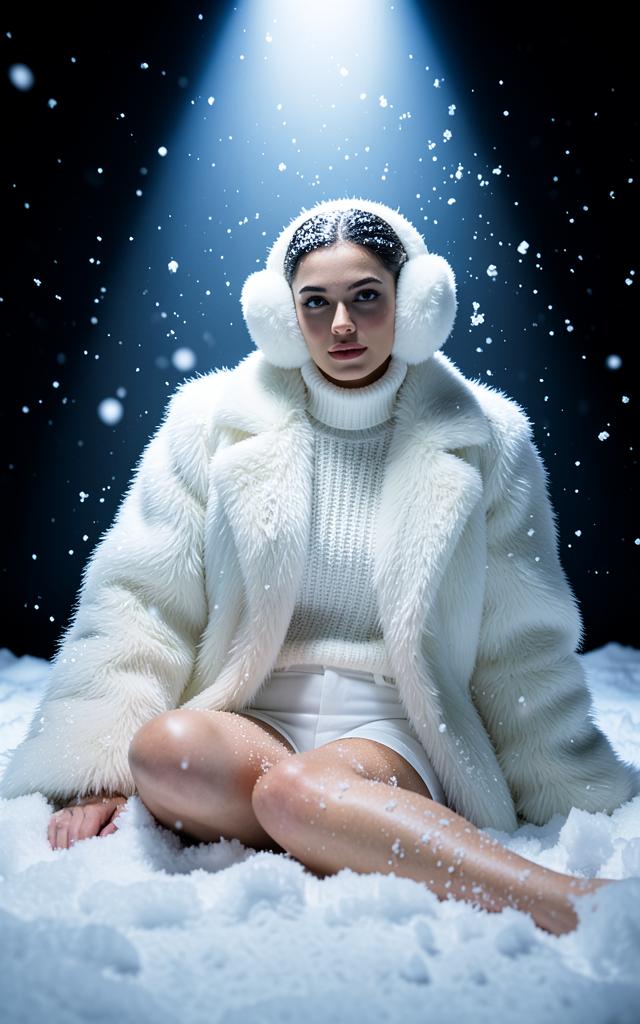
Snow Studio
- Model
- Flux 2 Klein
- Image
- 640 × 1024 px
Prompt
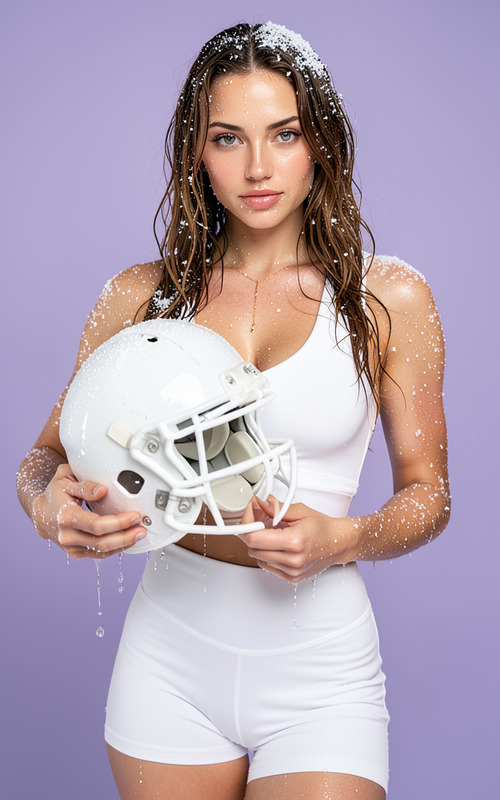
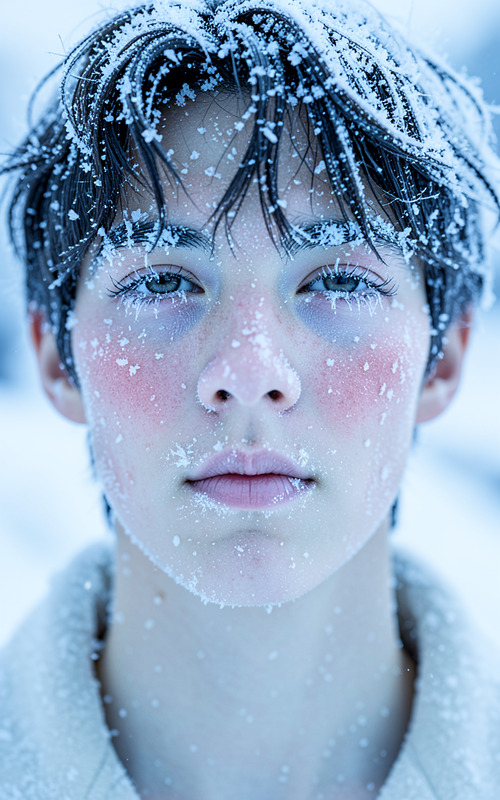
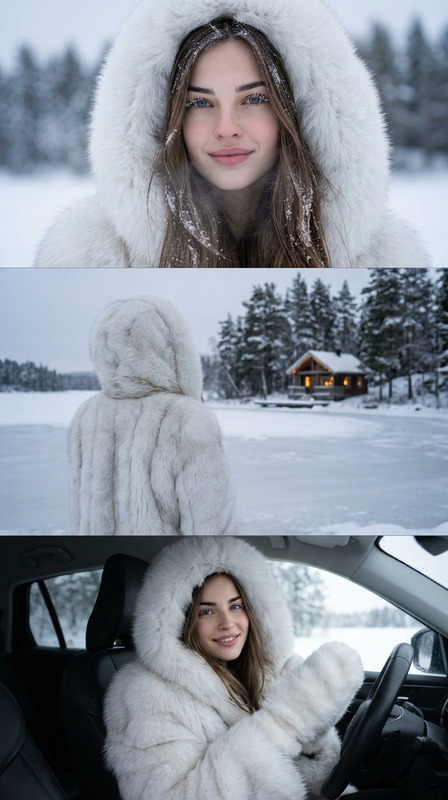
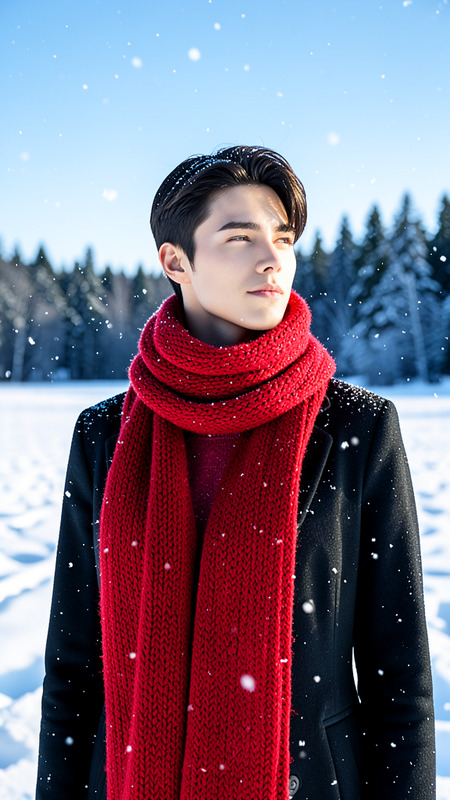
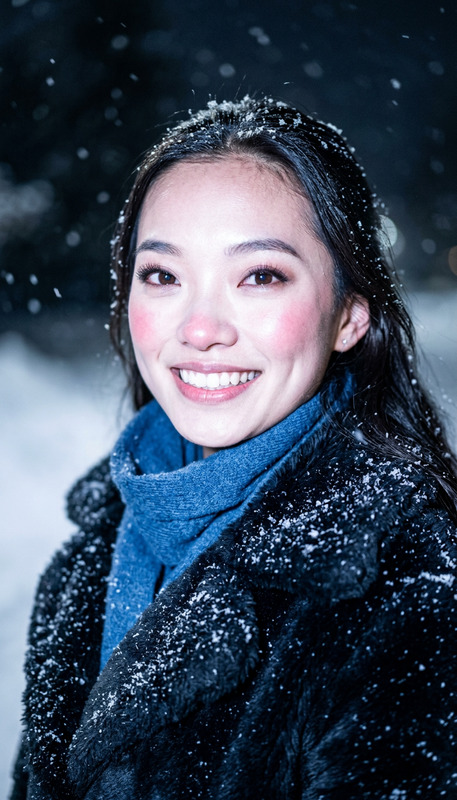
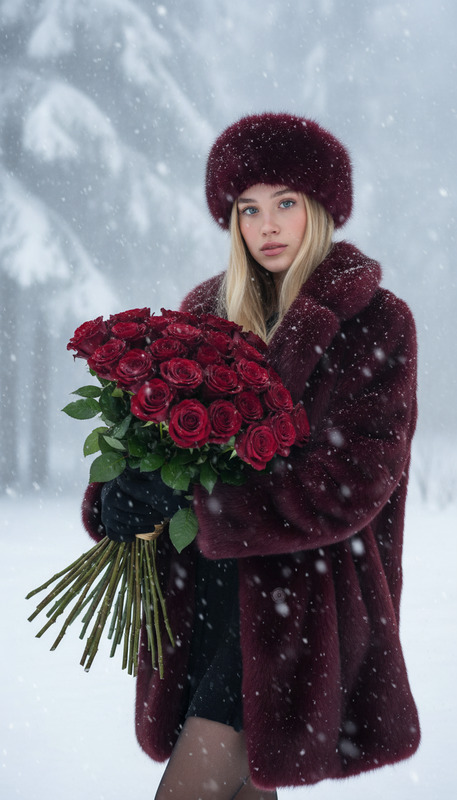
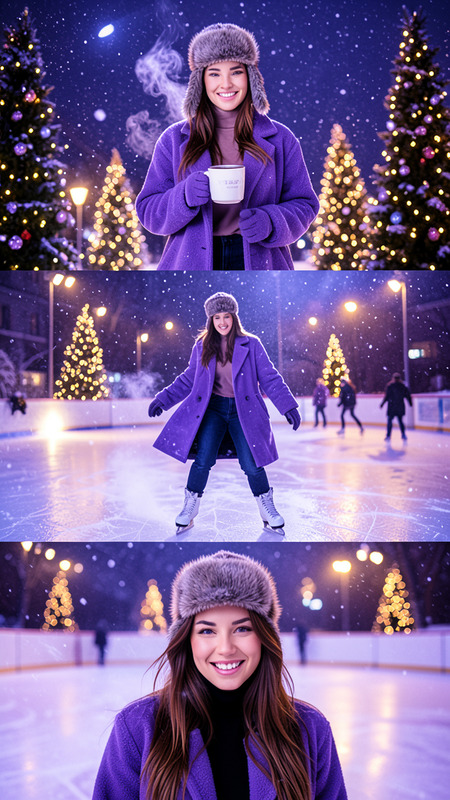
A dramatic winter fashion portrait of a woman in a dark minimalist studio, illuminated by a powerful cool white-blue overhead spotlight (Pantone 2905 C) and a strong soft frontal light that highlights her face clearly without deep shadows. She wears a voluminous white faux fur coat, a textured white turtleneck sweater, white fitted shorts, and fluffy white earmuffs. The scene captures her seated in deep, loose snow with snowflakes falling distinctly in the light beam, some sharp and some blurred. Her pose is relaxed, leaning on one arm with the other hand on the snow, creating a soft and elegant silhouette. Snow gently settles on her clothes, skin, and fur textures, enhancing the frosty ambiance and cinematic, fashion-forward winter mood.
Any aspect ratio
Overview
The Snow Studio template is a versatile AI Image Editor tool, powered by the sophisticated flux-2-klein model, designed to craft dramatic winter fashion portraits. It focuses on capturing a serene and cinematic winter scene with precision lighting and texture effects that highlight a fashion-forward atmosphere.
What It Does
This template enables creators to generate striking winter fashion portraits with a focus on sophisticated lighting and texture details. By leveraging properties of the AI Image Editor, it allows users to emphasize the interplay of light and snow, creating a nuanced scene where elements like the faux fur coat and falling snowflakes come to life.
Who It's For
Snow Studio is crafted for fashion photographers, designers, and creatives in need of high-quality winter-themed visuals. It's particularly useful for those working in fashion marketing or editorial contexts who aim to produce visually captivating materials. In addition, anyone working with Image to Video processes to create next-level dynamic visuals can benefit from this tool.
Summary
Unlock the potential of your winter fashion photography with the Snow Studio template. Highlighted by its detailed lighting and texture integration, it brings a powerful and sophisticated aesthetic to any project. Build elegantly composed winter scenes for marketing, editorial, or personal projects with ease, utilizing the intuitive and robust features offered by this AI Image Editor template.
How To
Choose Your Template

Customize Your Scene

Generate Your Image

Use Cases
Fashion Editorials
- Feature new winter collections
- Highlight designer pieces in a creative setting
Marketing Campaigns
- Promote seasonal sales
- Craft eye-catching ads for winter apparel
Social Media Content
- Create stories and reels
- Enhance profile aesthetics with unique imagery
Best Practices
Focus on Lighting
Use the lighting prompt details to guide emphasis on the subject, ensuring the scene's mood is accurately captured. Consider how different lighting arrangements impact the overall tone.Adjust Textures
Experiment with texture settings in your prompt to enhance the depth of snow and fabric materials, so they appear realistic and engaging.Refine Snow Details
Fine-tune the appearance of falling and settled snow to create a balance between sharp and blurred elements, delivering a dynamic yet natural feel.