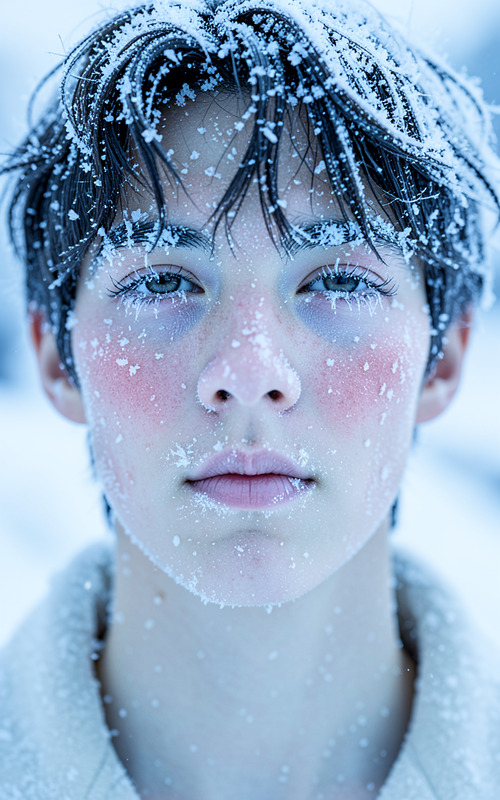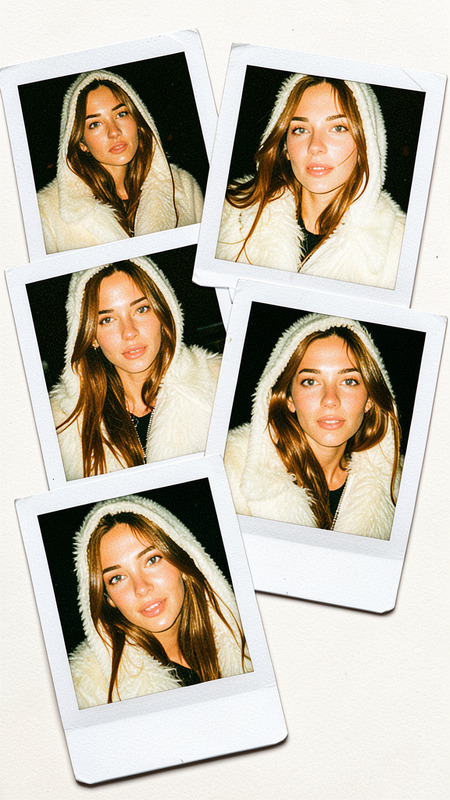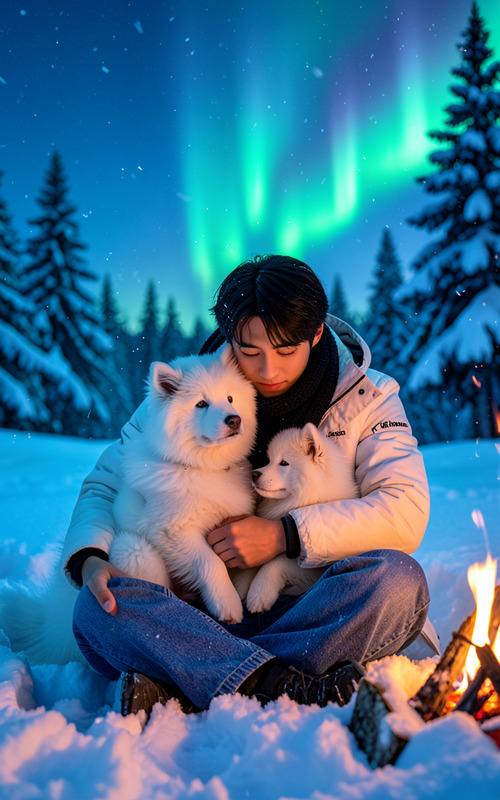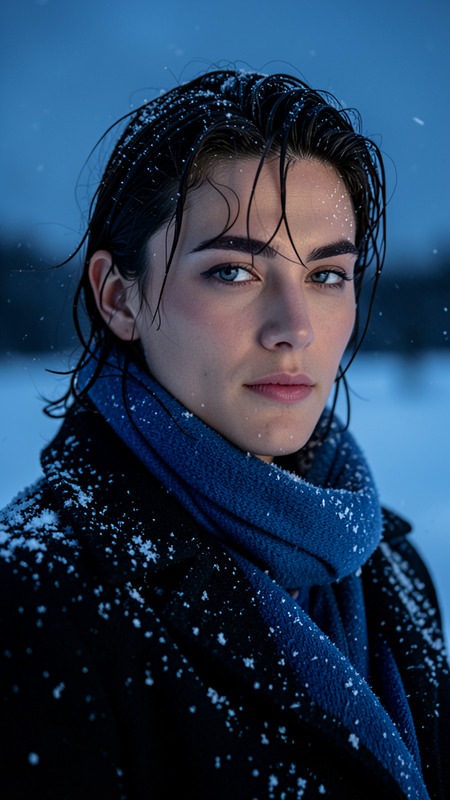
Frost
- Model
- Flux 2 Klein
- Image
- 576 × 1024 px
Prompt
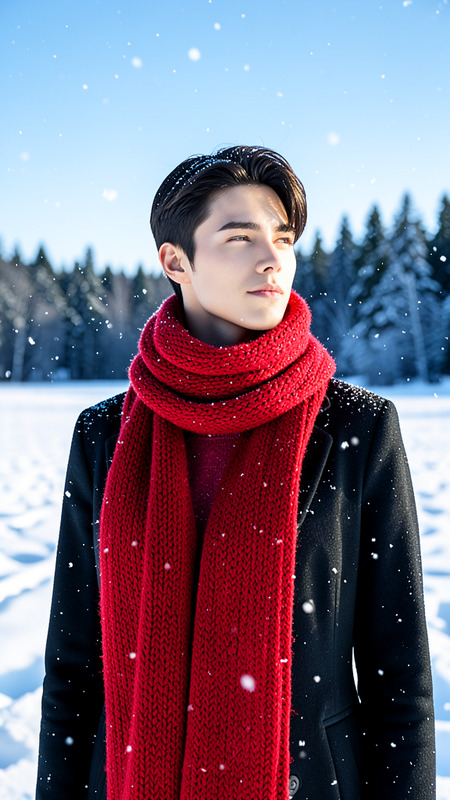
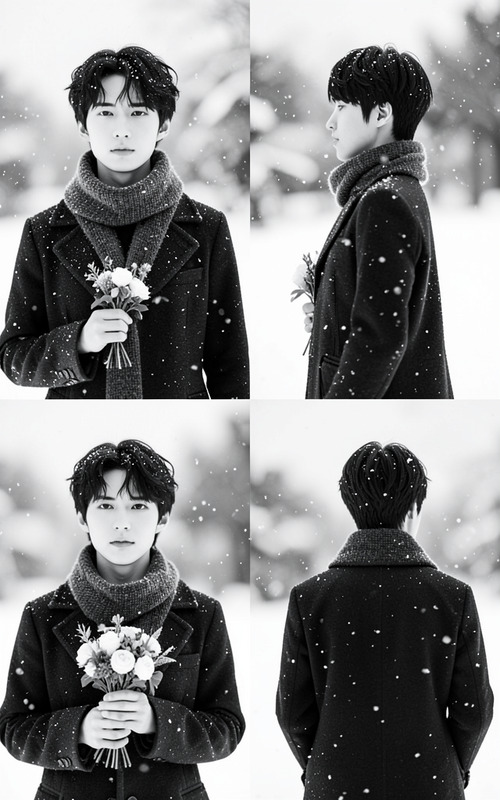
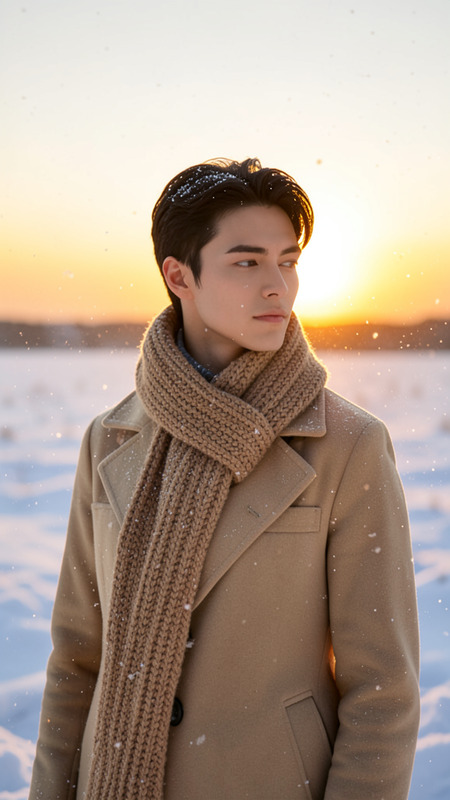
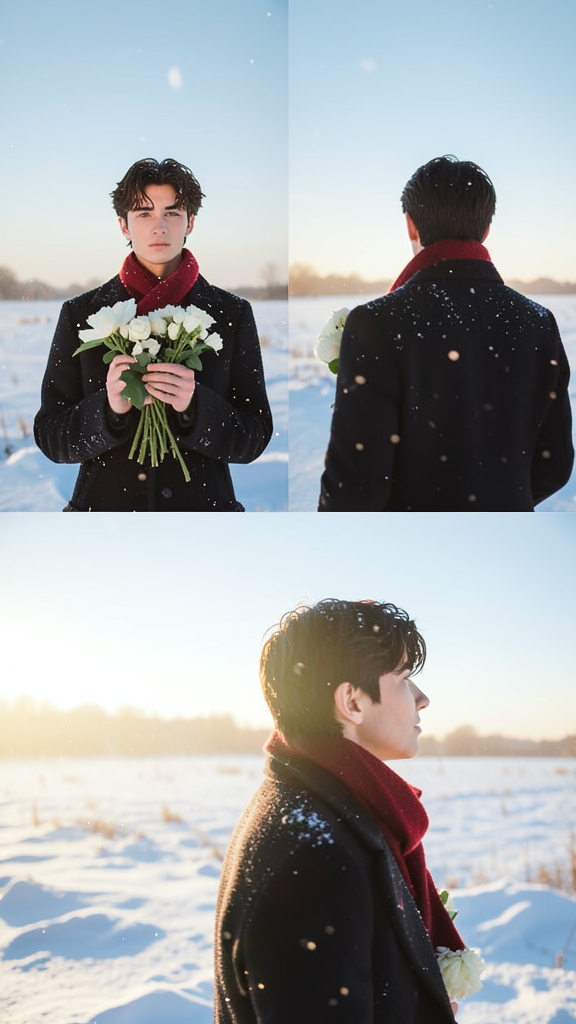
The subject standing in a snowy landscape wearing a dark coat and a red scarf. In the first image, the subject faces forward holding white flowers with snow gently falling. In the second image, the subject is shown from behind with sunlight peeking over their shoulder. In the third image, the subject appears in side profile looking back, bathed in warm sunlight and surrounded by snow. The background is a serene snowy field beneath a clear sky. The mood is calm, peaceful, and wintry with soft natural lighting.
Any aspect ratio
Overview
"Frost" is an AI Image Editor template designed using the powerful flux-2-klein model. It transforms ordinary photos into serene wintry landscapes, perfect for creating calm and evocative visuals. This template requires minimal input to achieve strikingly detailed images featuring a subject in a snowy setting.
What It Does
The "Frost" template allows you to create a series of three themed images that center around a subject moving through a tranquil snowy landscape. The subject is depicted in different poses and lighting conditions, giving each image a unique yet harmonious feel. This is ideal for visual narratives that need a cohesive and evocative winter theme.
Who It's For
This tool is perfect for photographers, marketers, and creatives looking to enhance their visual storytelling. Whether you're crafting product videos or building mood boards, "Frost" offers a versatile solution for achieving high-quality wintry effects.
Summary
Embrace the winter vibes with "Frost", a template that elevates your imagery to breathtaking levels of calm and warmth in a snowy setting. Ideal for those seeking to capture serenity and elegance in their work, this template simplifies the process of creating rich, narratively linked visuals.
Integrate it alongside the AI Image Editor suite for comprehensive photo manipulation.
How-To
Select the Frost Template

Customize Your Inputs

Generate Your Images

Use Cases
Content Creation
- Winter-themed storyboards
- Engaging social media posts
Marketing Campaigns
- Holiday ads
- Product promotions with a seasonal feel
Artistic Projects
- Personal art exhibitions
- Photography portfolios
Best Practices
Select High-Quality Subjects
For optimal results, use images of the subject that are clear and well-lit to complement the snowy background.Consistent Themes
Maintain a consistent theme across images to tell a cohesive story. Consider additional linking elements like color schemes distinctive to winter.Incorporate AI Tools
Combine this with the AI Image Upscaler to ensure your images retain top quality during enlargement.