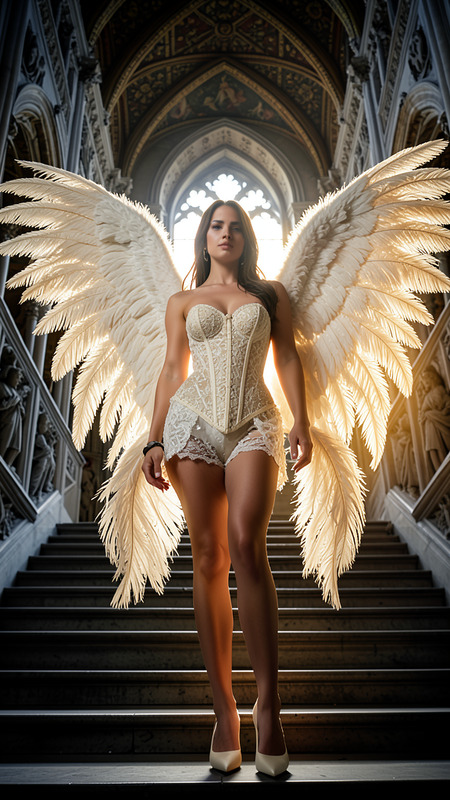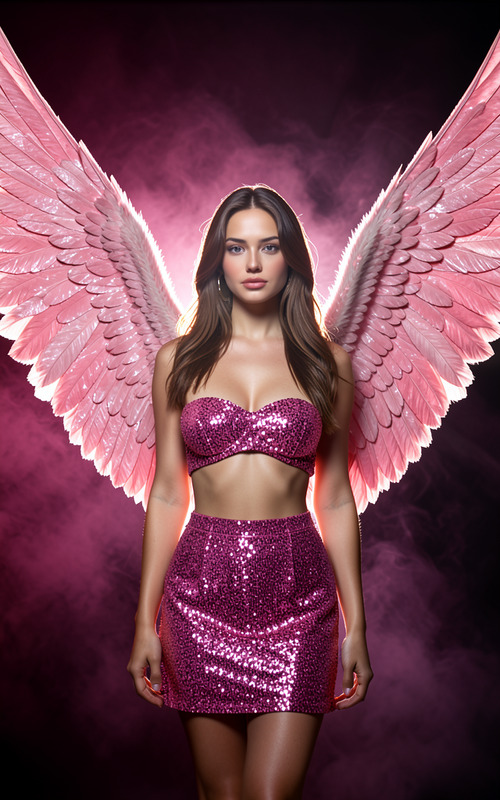
Angel wings
- Model
- Flux 2 Klein
- Image
- 576 × 1024 px
Prompt
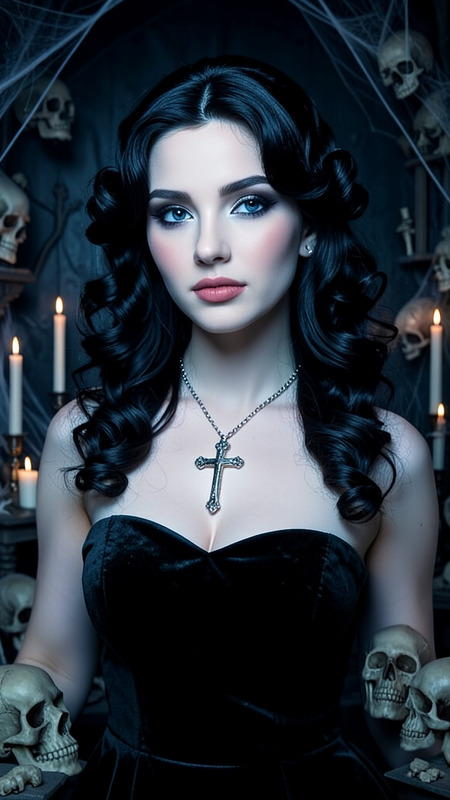
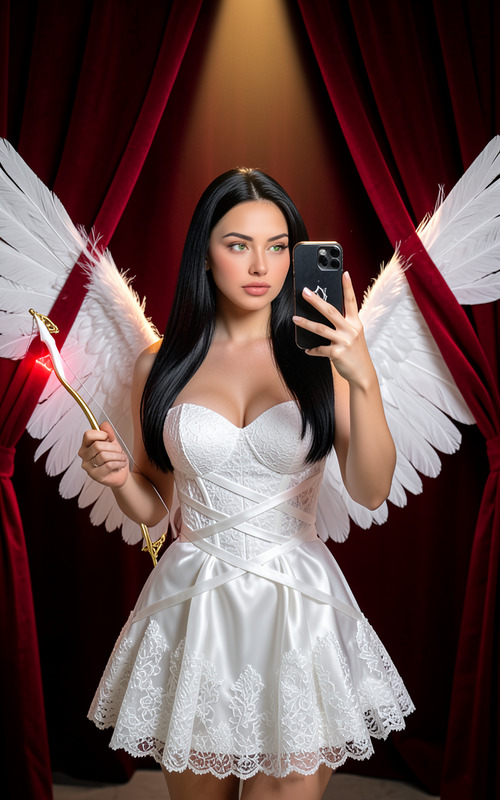
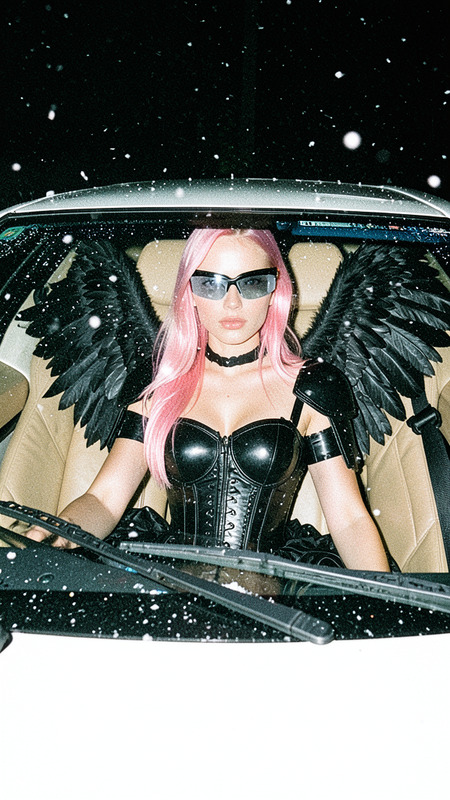
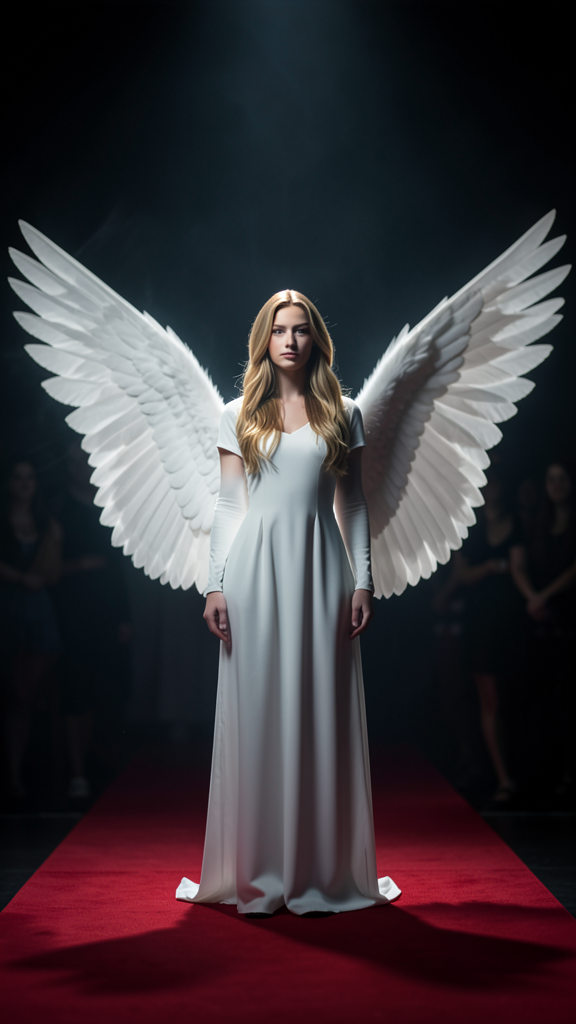
A dramatic scene featuring the subject dressed in white with large angel wings. The subject stands motionless on a red carpet while dramatic lighting casts an oversized wing-shaped shadow behind them. The background remains dark and mysterious with softly blurred shapes. Ethereal atmosphere, cinematic contrast between light and shadow, contemplative mood.
Any aspect ratio
Overview
The Angel Wings template is crafted using the flux-2-klein model, designed to bring a dramatic and ethereal atmosphere to your images. This AI Image Editor template enables you to enhance any photo with striking visual effects.
What It Does
This template allows you to transform your subject into an ethereal figure with large angel wings. The scene is set on a red carpet with dramatic lighting creating a wing-shaped shadow, adding depth and a cinematic contrast to your image. Perfect for crafting visually compelling and artistically rich photographs.
Who It's For
Ideal for photographers and digital artists looking to enhance their portraits or projects with mystical and dramatic elements. It's a wonderful tool for those who work within the realms of fantasy and art photography, providing an opportunity to seamlessly integrate elevated concepts into their work.
Summary
The Angel Wings template takes your imagery to new heights by adding a dramatic and angelic flair. Use it to create imaginative scenes that captivate and inspire viewers. For those interested in producing compelling visuals, this template is a key addition to your creative toolkit. Explore other transformative options with our Face Swap or AI Face Editor tools.
How to Use the Template
Choose the Template

Customize the Inputs

Generate and Download

Use Cases
Fantasy Photography
- High impact visuals for photo exhibits
- Ideal for fictional book covers
Artistic Projects
- Enhancing portfolio pieces
- Visual storytelling tools
Social Media Content
- Eye-catching posts for Instagram
- Unique content for Pinterest
Best Practices
Lighting Considerations
Carefully adjust the lighting and shadow effects to match the desired mood and atmosphere.Subject Placement
Position your subject strategically to ensure the wings and shadows align correctly.Background Elements
Keep the background simple and dark to accentuate the drama of the scene.