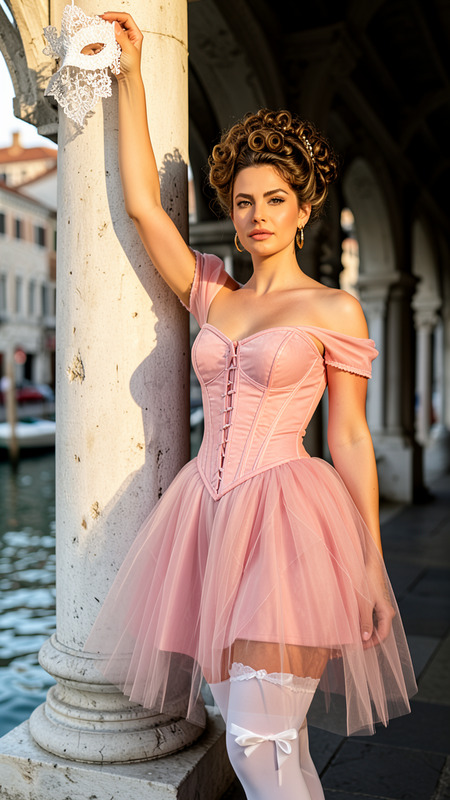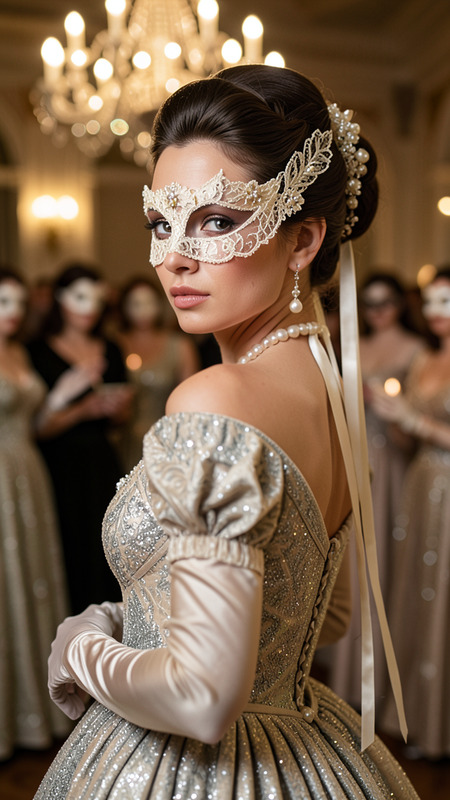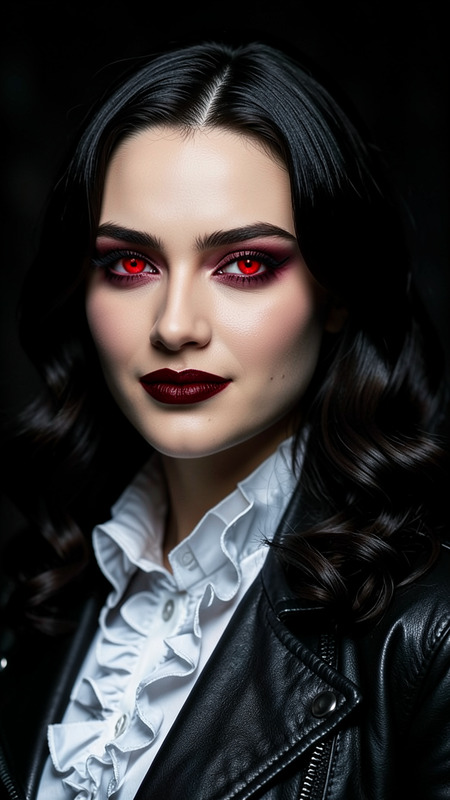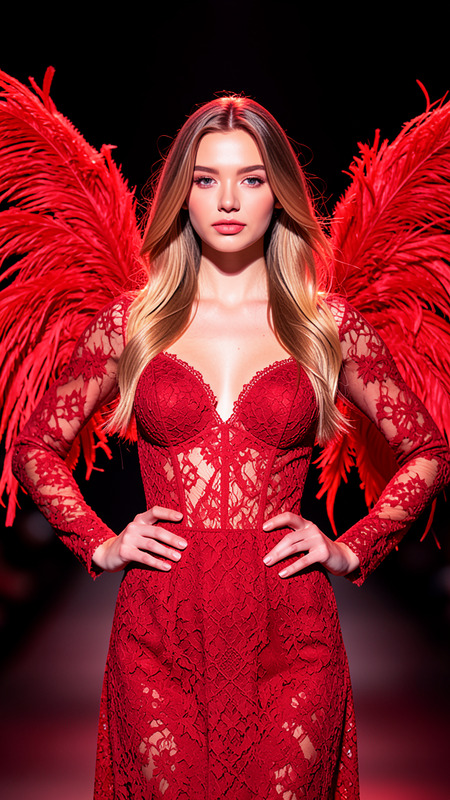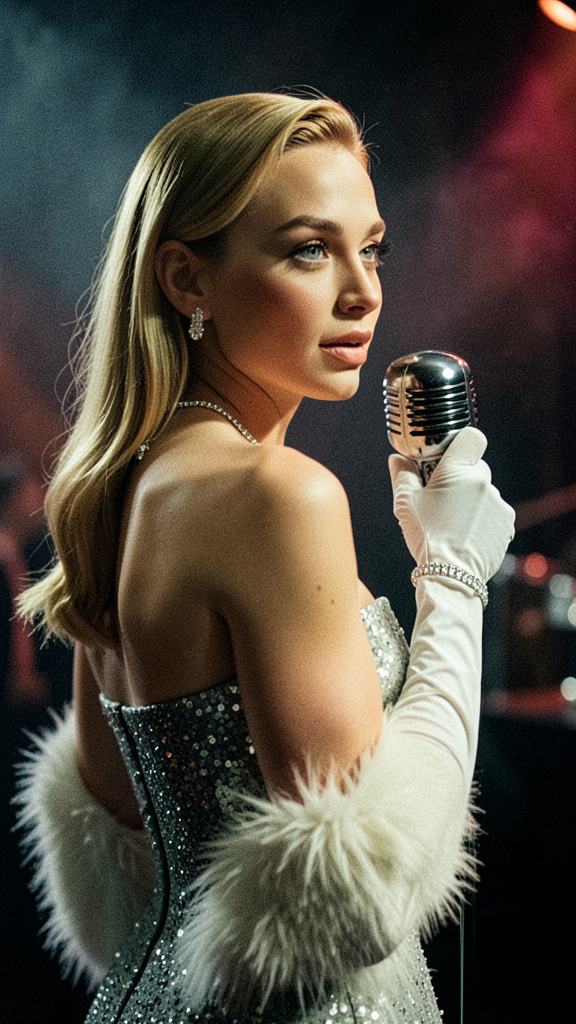
Retro Diva
- Model
- Flux 2 Klein
- Image
- 576 × 1024 px
Prompt
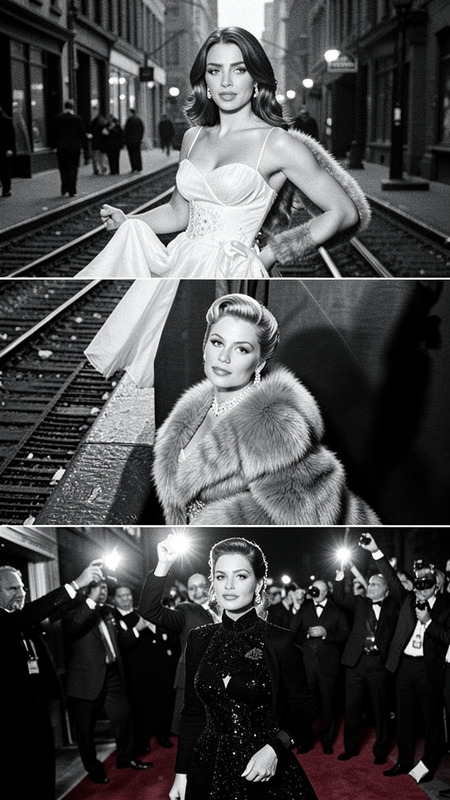
A glamorous retro portrait of a jazz singer in a classic mid-20th-century Hollywood performance style, captured over-the-shoulder from behind. The focus is on the shoulder, upper arm, and back line as the character slightly turns their head, showing about three-quarters of the face with a calm, engaged expression, looking out to the audience mid-phrase. The character matches the reference photo exactly in facial features, hairstyle, and expression but wears a form-fitting strapless evening dress with delicate sequins, long white gloves, a diamond necklace and bracelet set, and a white fur stole draped around the arms. They hold a polished chrome vintage microphone close to their lips with a natural, controlled gesture. Cinematic lighting highlights the face, upper body, and microphone with deep shadows on a dark, atmospheric jazz club background featuring subtle haze and blurred stage lights. The image is ultra-realistic with a medium close-up, shallow depth of field, soft film grain, and vintage Hollywood glamour aesthetics.
Any aspect ratio
Overview
Dive into the past with the Retro Diva AI Image Editor template, a nostalgic gateway to the golden era of jazz and Hollywood glamour. Our flux-2-klein model precisely crafts a scene rich in vintage aesthetics and detailed close-ups, making it a perfect choice for creating striking retro portraits.
What It Does
The Retro Diva template transforms your source images into glamorous retro portraits, encapsulating all the elegance and sophistication of mid-20th-century performance art. Leveraging advanced AI Image Editor technology, it details every aspect from facial features to cinematic lighting, ensuring an ultra-realistic output.
Who It's For
This template is tailored for photographers, designers, and creative professionals seeking to emphasize vintage elegance in their projects. Whether you're producing artwork for a jazz album cover or reimagining classic Hollywood scenes, Retro Diva offers the precision of the Full Body Generator to meet your artistic vision.
Summary
Create captivating retro jazz portraits with the Retro Diva template, perfect for both personal art projects and professional use. Capture the grace of Hollywood's golden era by employing our specialized graphics tools, and ensure your images stand out with vintage charm and style.
How to Use
Choose Template

Customize Your Image

Generate Image

Use Cases
Jazz Album Covers
- Vintage aesthetics
- Emotionally engaging portraits
Hollywood Posters
- Glamorous star poses
- Cinematic lighting
Fashion Editorials
- Elegant attire
- Sophisticated poses
Best Practices
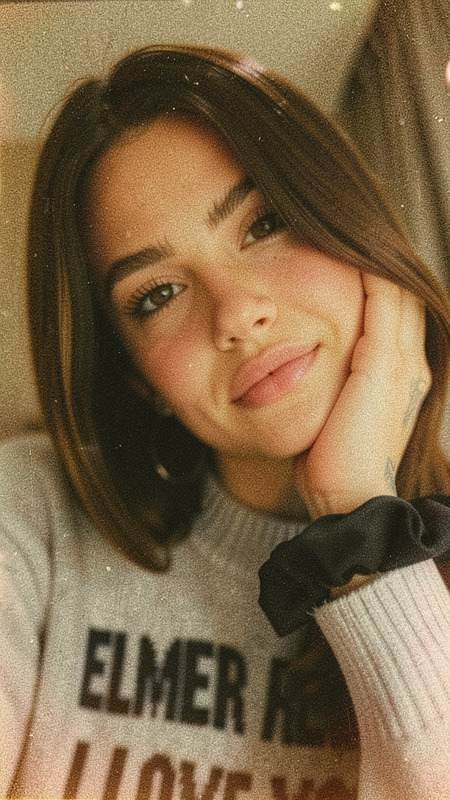
Select High-Quality References
Use clear and high-resolution photos to allow the template to better capture and translate detailed features.Focus on Lighting
Pay attention to lighting placements to mimic the cinematic effect described, enhancing the vintage feel.Check Attire and Accessories
Ensure the subject's dress and accessories align with the retro theme to fully utilize the template's capabilities.