Venice
- Model
- Flux 2 Klein
- Image
- 576 × 1024 px
Prompt
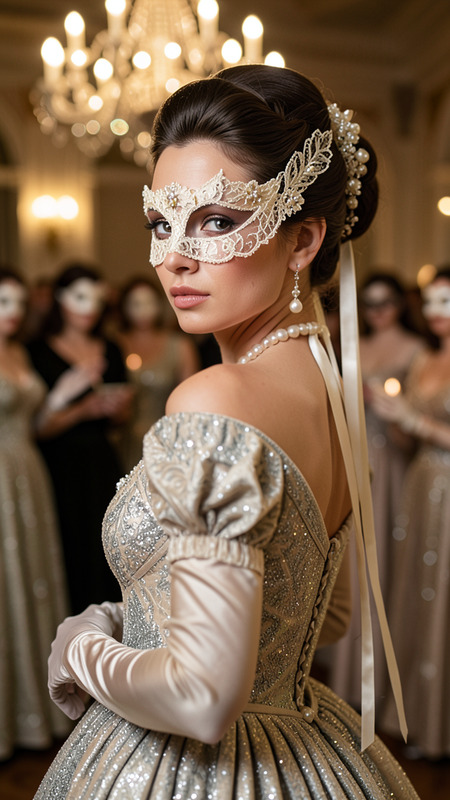
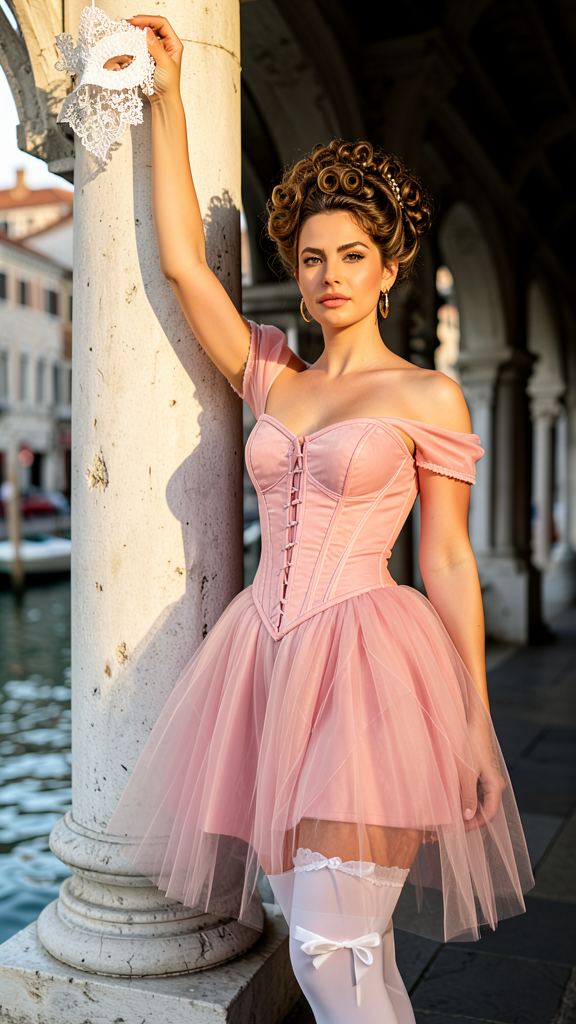
Create a hyper-realistic full-body portrait of an adult woman in a romantic rococo-inspired editorial look, standing beside a massive pale stone column.She poses with one arm raised above her head, hand resting against the column while holding a delicate white lace masquerade mask that casts a crisp shadow on the stone.Her hairstyle is an elaborate 18th-century updo with structured curls and volume, paired with glamorous makeup and a confident, direct gaze at the camera.Dress her in a blush-pink corset bodice with off-shoulder straps and a voluminous semi-transparent tulle overskirt with subtle structural panels.Include white thigh-high stockings with soft bow details and hints of lingerie styling beneath the skirt, tasteful and fashion-editorial.Set the scene in a Venetian waterfront arcade with classical arches and carved stonework, with a softly blurred canal and distant buildings in the background.Light the scene with warm golden-hour sunlight from the side, creating gentle highlights on skin and fabric and long elegant shadows.Shoot in a vertical 2:3 composition with shallow depth of field (85mm, f/1.8), ultra-detailed textures, cinematic color grading, and sharp focus on the face.
Any aspect ratio
Overview
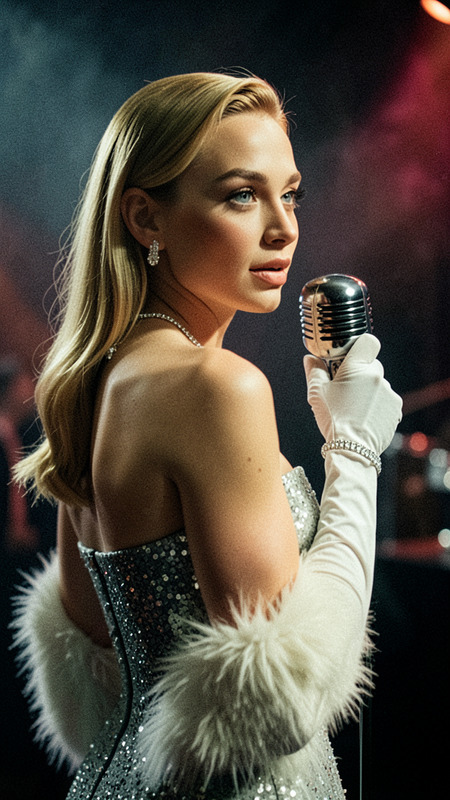
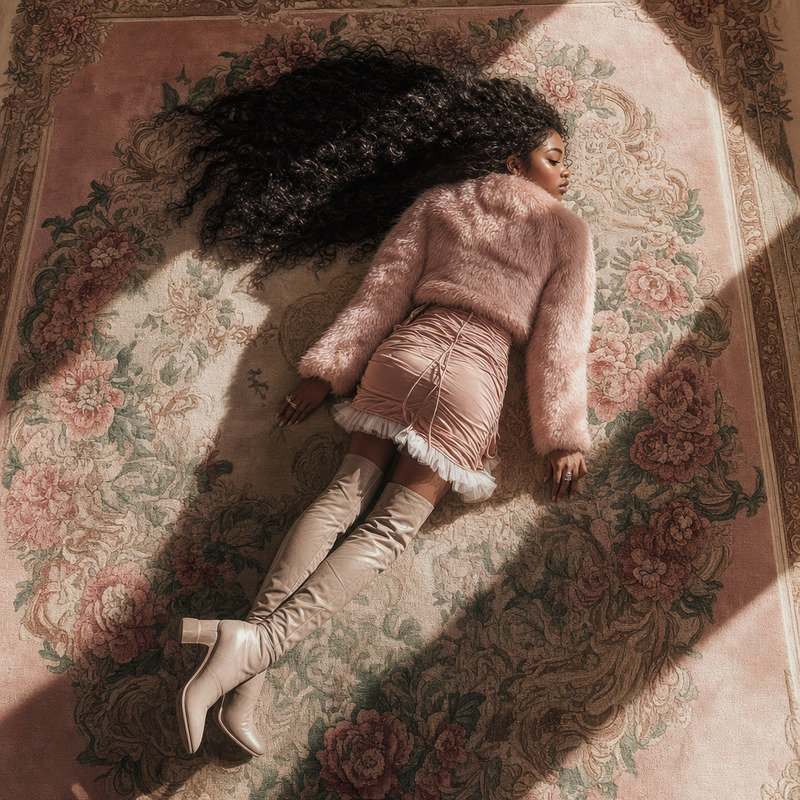
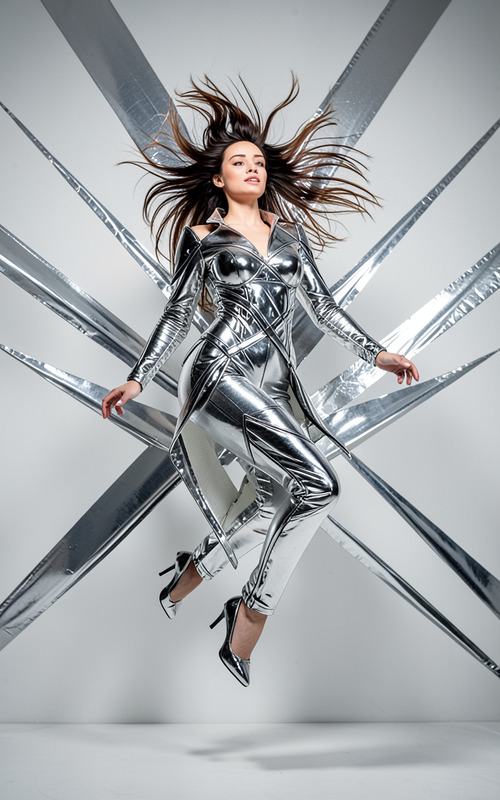
This Venice template leverages the flux-2-klein model to create hyper-realistic full-body portraits with a romantic rococo theme. Specially designed for the AI Image Editor, it sets your subject in an intricate Venetian scene, bathing them in golden-hour light for a dreamy editorial look.
What It Does
Using the abilities of the AI Image Generator, the Venice template crafts a detailed portrait featuring a woman in rococo-inspired fashion. With precise attention to fashion elements and scene setting in Venice, this template generates images perfect for fashion editorials and artistic projects.
Who It's For
This template is ideal for photographers, fashion designers, and marketers looking to enhance their projects with an exquisite artistic touch. Its blend of fashion-forward styling and historical elegance appeals to creative industries interested in high-concept visuals.
Summary
By using the Venice template, users can create vibrant and engaging imagery suitable for a range of applications from advertising to personal portfolios. It integrates seamlessly with other tools like the Face Swap to offer further customization and enhancement opportunities.
How-To
Choose

Customize

Generate

Use Cases
Fashion Editorials
- Magazine spreads
- Advertising campaigns
Art Exhibitions
- Private collections
- Public exhibitions
Social Media Content
- Instagram posts
- Facebook ads
Best Practices
Optimize Lighting
Ensure your prompt specifies the desired lighting effects to highlight the subject appropriately.Consider Composition
Use the 2:3 vertical composition to frame your subject elegantly within the scene.Focus on Detail
Leverage the model's capability for ultra-detailed textures to bring out intricate design and foreground elements.