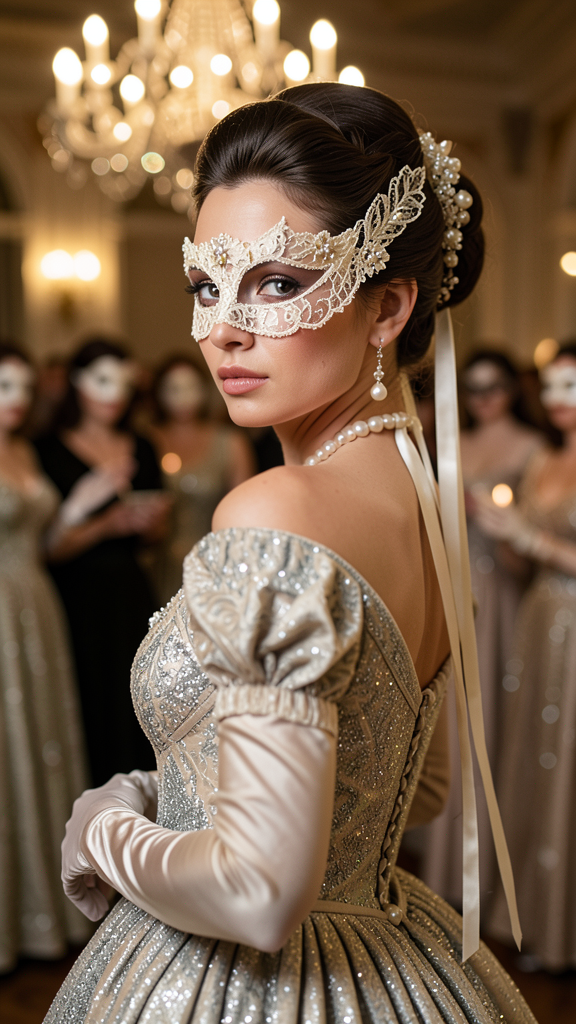
Bridgerton
- Model
- Flux 2 Klein
- Image
- 576 × 1024 px
Prompt
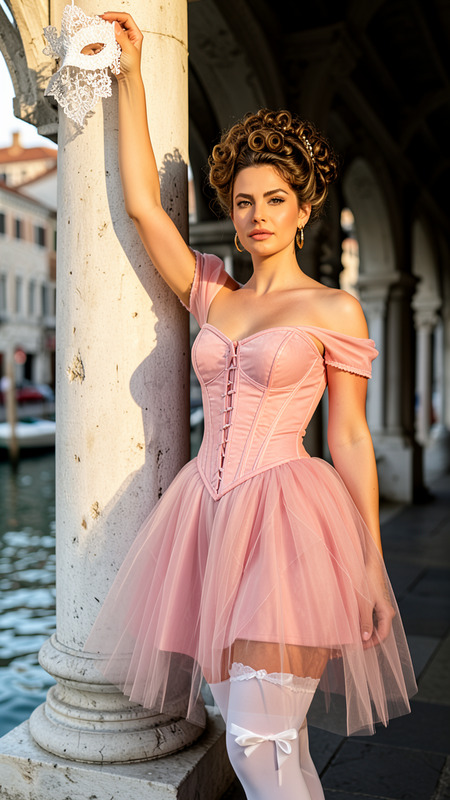
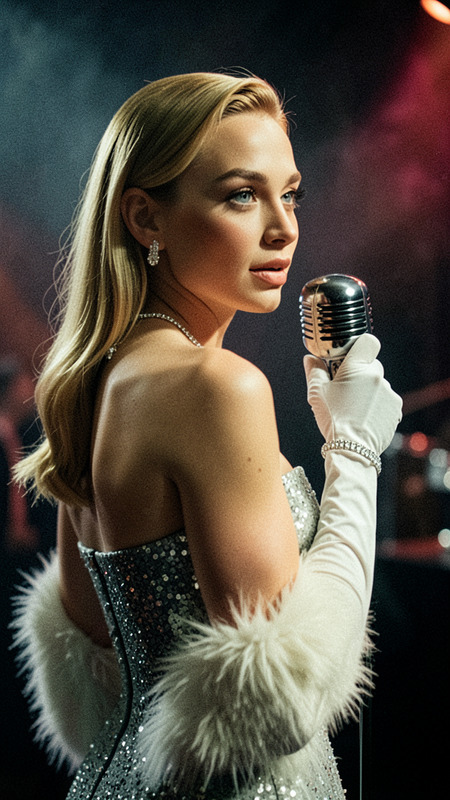
Create an ultra-realistic cinematic portrait inspired by a Bridgerton-style masquerade ball, showing the person as the clear subject in an elegant over-the-shoulder turn with a calm, mysterious gaze, natural skin texture, and candle reflections in the eyes. Place them in a grand chandelier-lit ballroom with blurred masked guests and creamy bokeh, and style them in an ivory lace beaded mask with trailing ribbons, a shimmering silver-ivory empire-waist gown, pearl-sheen opera gloves, refined pearl jewelry, and an intricate historical updo with soft luminous evening makeup.
Any aspect ratio
Overview
Dive into the world of elegance and mystery with our Bridgerton-inspired AI Image Editor template. Evoke the classic charm of a masquerade ball with sophisticated portraits set in a grand ballroom ambience. The template uses the flux-2-klein model to deliver stunning visual fidelity.
What It Does
This AI Image Editor template crafts ultra-realistic portraits echoing the splendor of Bridgerton's high-society events. It transforms your images into elegant scenes with a central subject radiating mystique amid a softly blurred ballroom setting. The result is a high-resolution image file that can be used across digital or print mediums.
Who It's For
Perfect for photographers, content creators, and fans of period drama aesthetics, this template lets you create ethereal, cinematic portraits without the need for a physical set. Whether you're crafting visuals for social media ads or aspiring to enhance your personal portfolio, this tool provides a touch of historic glamour.
Summary
Bring the allure of classic high-society to your visuals with the Bridgerton template. Offering precision detailing and sophisticated styling, this AI Image Editor option is ideal for capturing the timelessness and opulence of this iconic style.
How to Use the Template
Choose the Template

Customize Your Image

Generate Your Image

Use Cases
Fashion Photography
- Editorial shoots
- Lookbooks
- Brand campaigns
Event Promotions
- Masquerade balls
- Bridgerton-themed events
- Charity galas
Social Media Content
- Influencer posts
- Brand collaborations
- Content calendars
Best Practices
Focus on Lighting
Ensure that the lighting in your original photo is balanced to make the best use of the AI's capabilities for candle reflections and ambiance.Experiment with Angles
Try different over-the-shoulder poses to find the most elegant posture that complements the facial expression and attire.Utilize Accessories
Incorporate masks, jewelry, and gloves as described in the template to enhance the historical depth and accuracy of the final image.