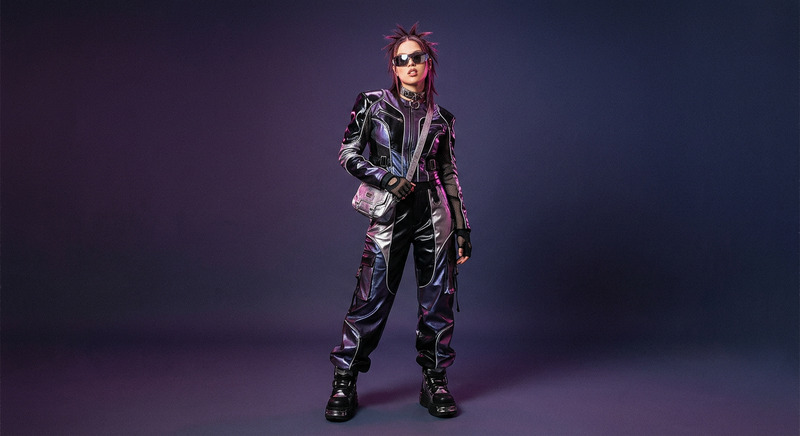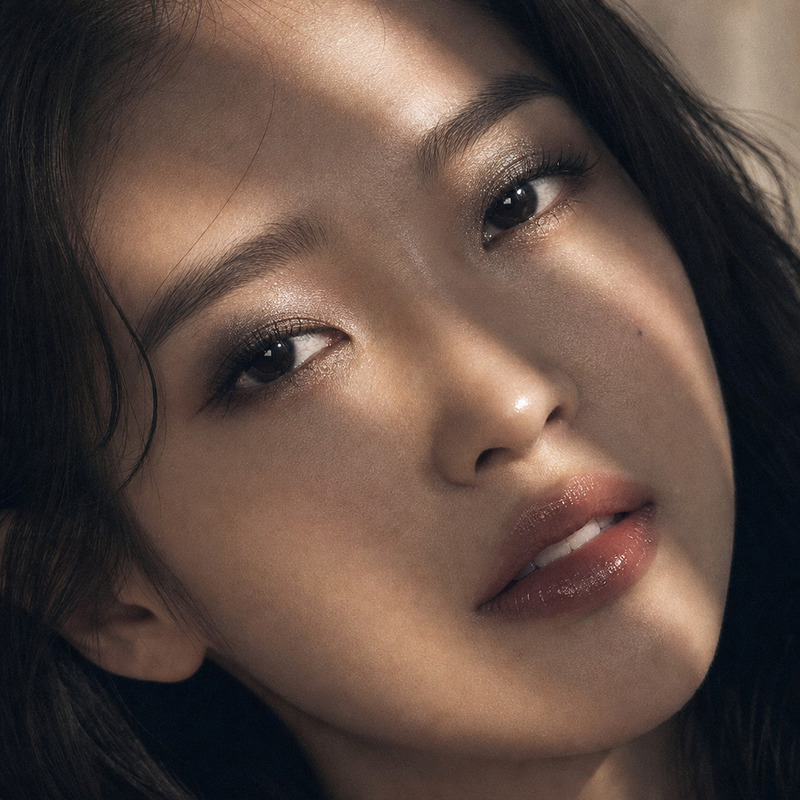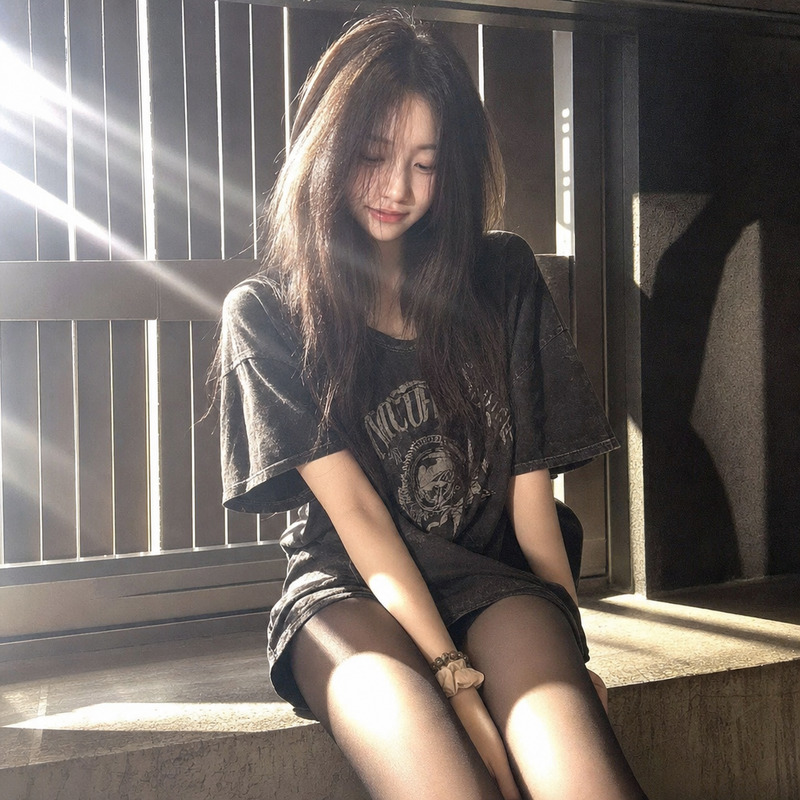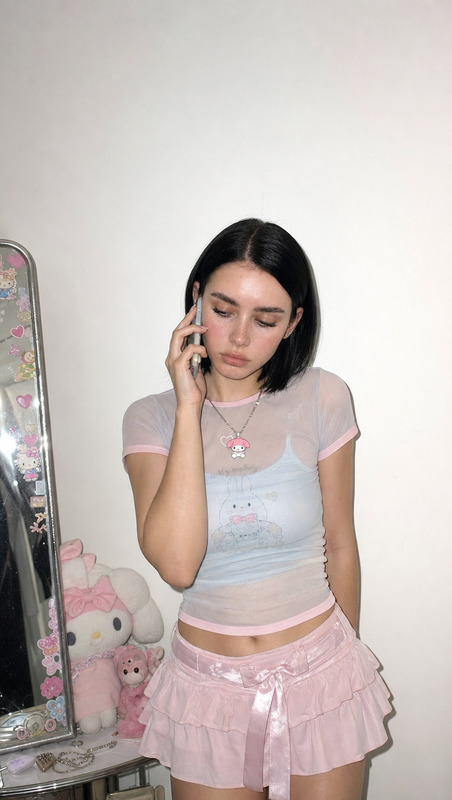
Baby tee
- Model
- GPT Image 2
- Image
- 1024 × 1024 px
Prompt
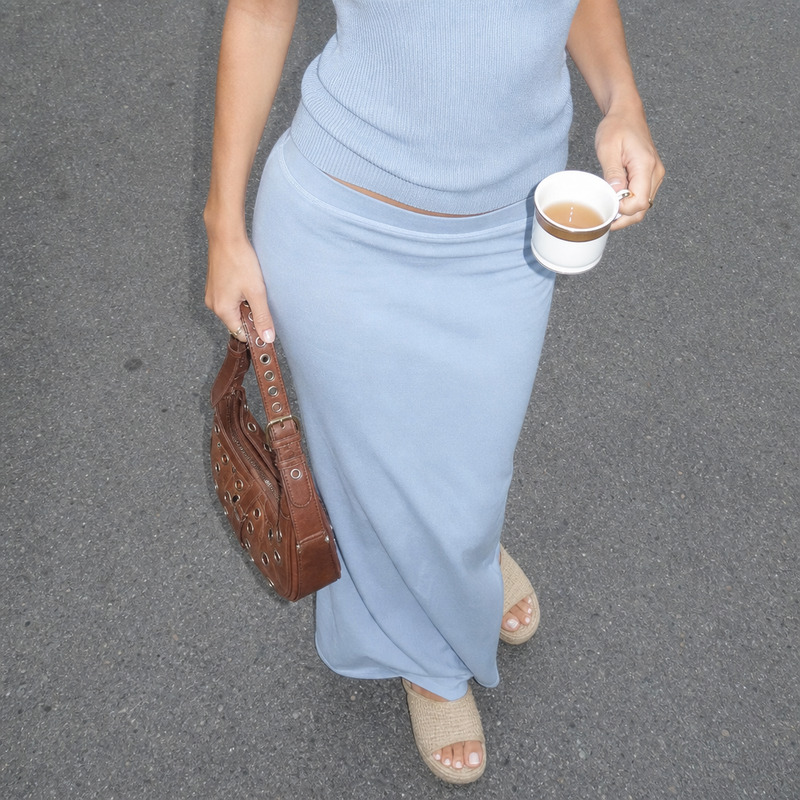
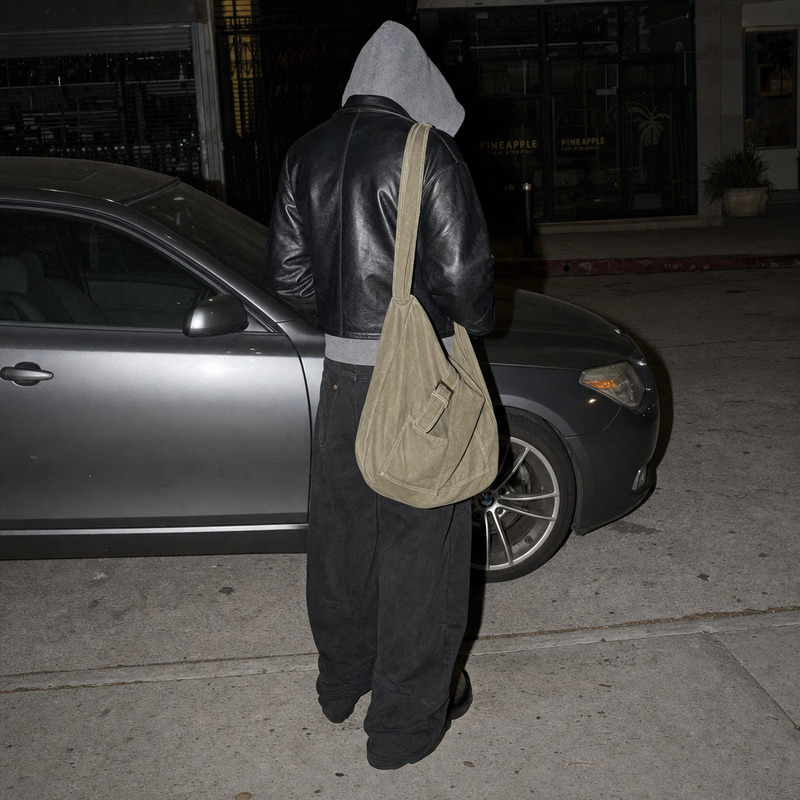
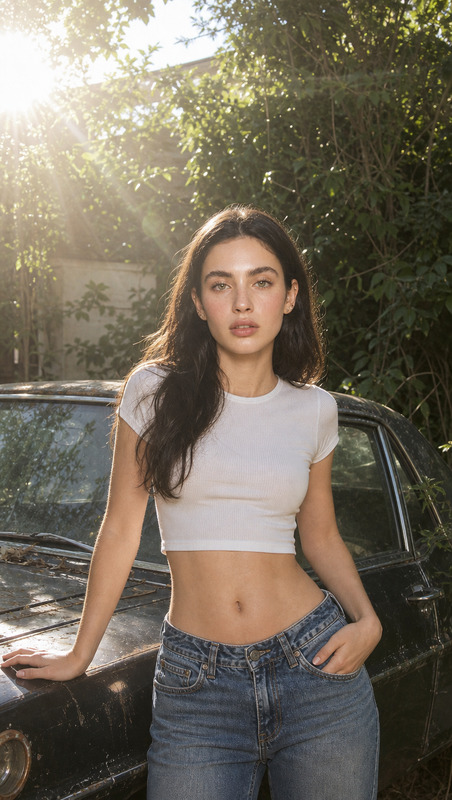
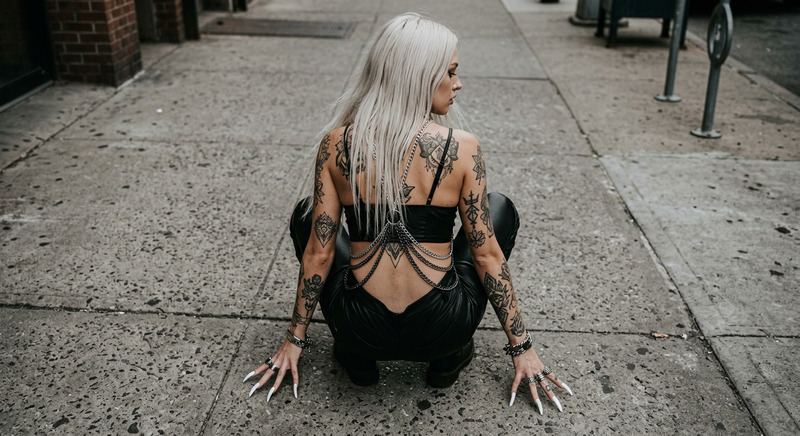
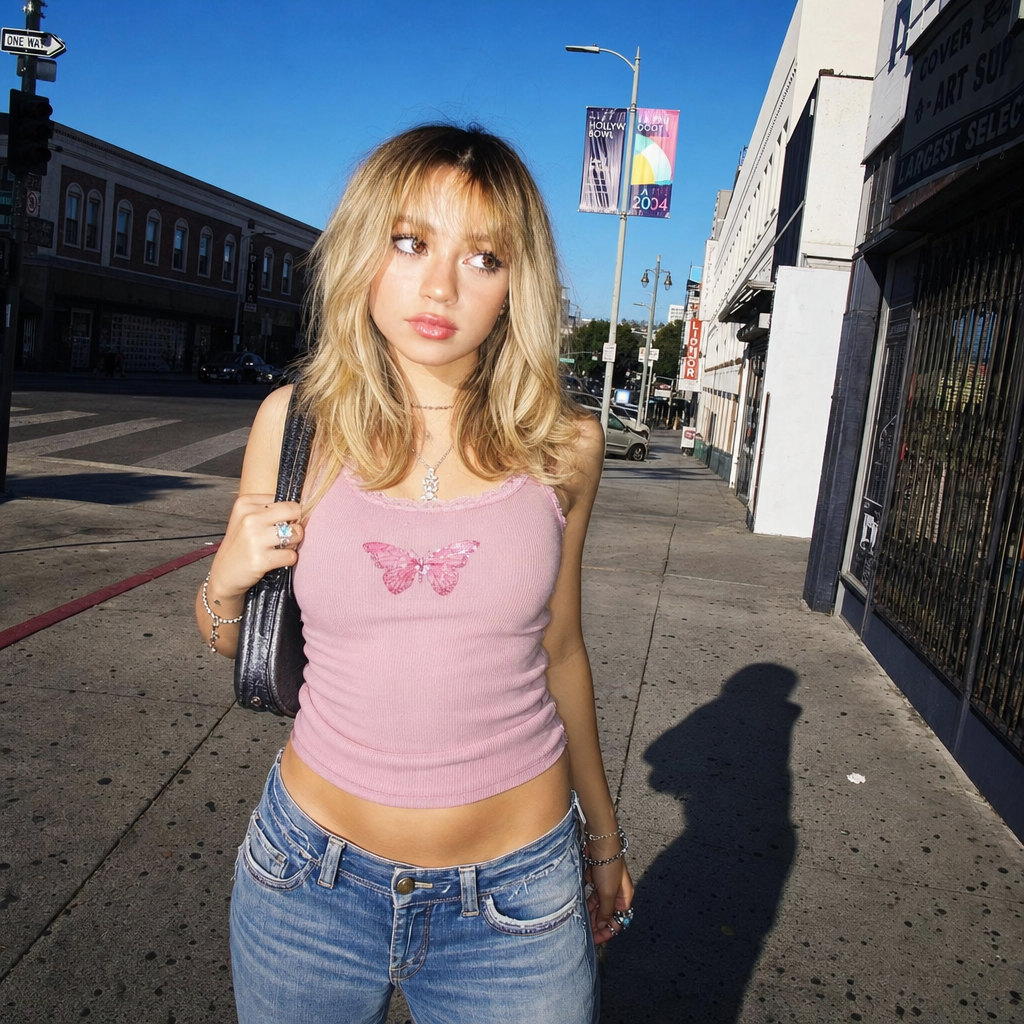
A candid street portrait of a young woman in open space under bold daylight, standing on a sunlit city sidewalk with faint crosswalk paint and scattered asphalt grit, head slightly turned and eyes naturally squinting from the sun, jawline caught by side-light and direct on-camera flash, casual low-rise denim and snug pastel tank top, soft windblown hair, relaxed posture and playful energy, point-and-shoot wide angle shot from close range in the street, blue sky overhead and urban edges in the background, deep sidewalk shadow and flash fill highlights on her skin, slight film grain and blue-red color pop, bold Y2K daylight flash street-style portrait energy.
Any aspect ratio
Overview
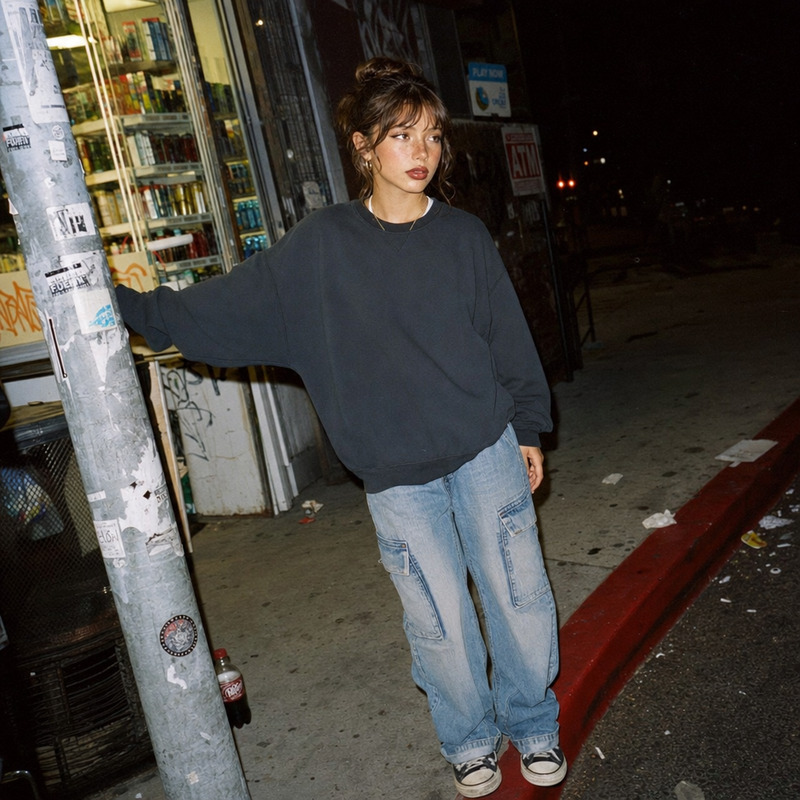
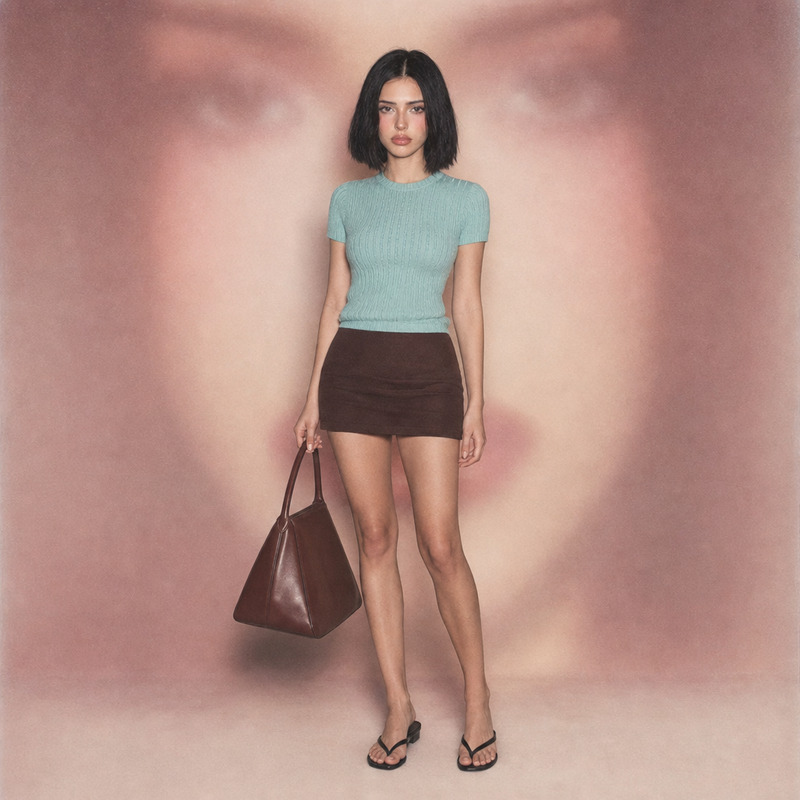
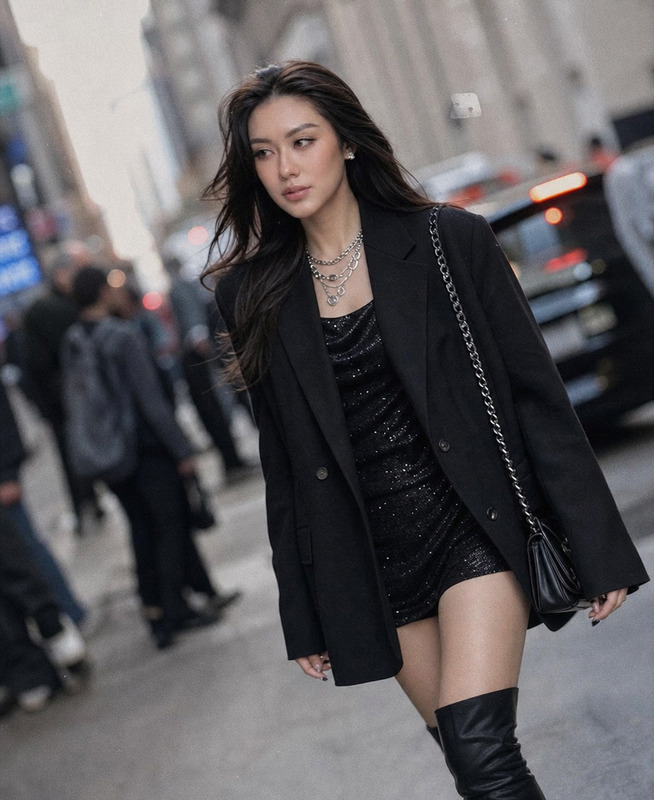
The Baby Tee Template offers a compelling way to create vibrant street-style portraits using the powerful AI Image Editor. Drawing from the capabilities of the gpt-image-2 model, this template crafts images that resonate with the bold energy of early 2000s daylight flash techniques.
What It Does
This template transforms portrait photography into vivid snapshots with an authentic Y2K flair. It emphasizes daylight street-style aesthetics with bold colors, strategic lighting, and a touch of film grain for added depth. The result is a dynamic photo that highlights the model's casual demeanor and urban surroundings, perfect for use in social media campaigns and product photography projects.
Who It's For
This template is ideal for creators, photographers, and content marketers who wish to infuse their work with striking Y2K street-style visuals. It's perfect for those aiming to produce captivating images for use in mood boards, social media, and fashion editorials.
Summary
The Baby Tee template leverages AI to deliver high-quality street-style portraits with vintage appeal. By utilizing the AI Image Editor, users can easily generate images that pop with color and style, meeting modern content standards while relishing in a nostalgic aesthetic.
How to Use
Choose Your Template

Customize Your Inputs

Generate and Download

Use Cases
Social Media Campaigns
- Facebook Ads
- Instagram Posts
- Tiktok Promotions
Fashion Editorials
- Magazine Features
- Lookbooks
- Brand Catalogs
Personal Projects
- Photo Blogs
- Art Exhibitions
- Portfolio Pieces
Best Practices
Lighting Effects
Utilize the template’s flash and natural light interplay to create depth and drama in your images.Color Management
Experiment with blue-red color pops and film grain to enhance the Y2K style, while keeping the subject's natural skin tones accurate.Prompt Refinement
Carefully adjust your prompt details to highlight key visual elements like fabric texture and background ambiance.