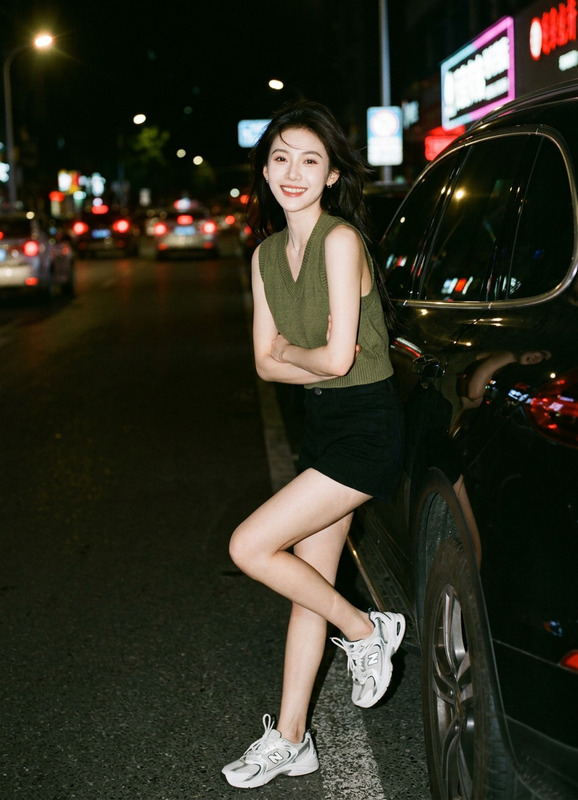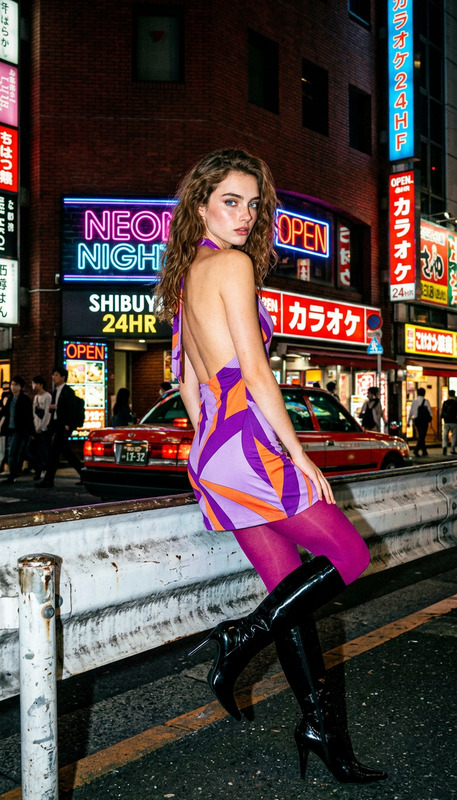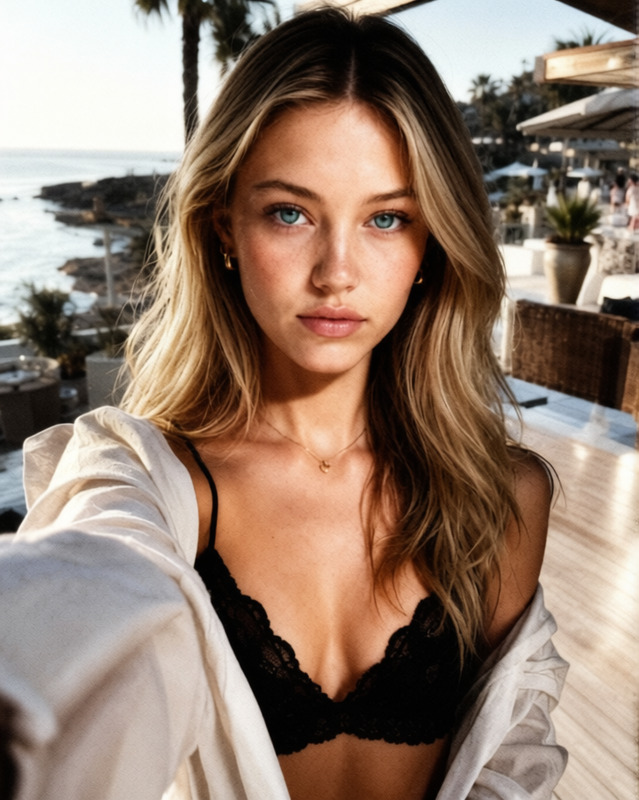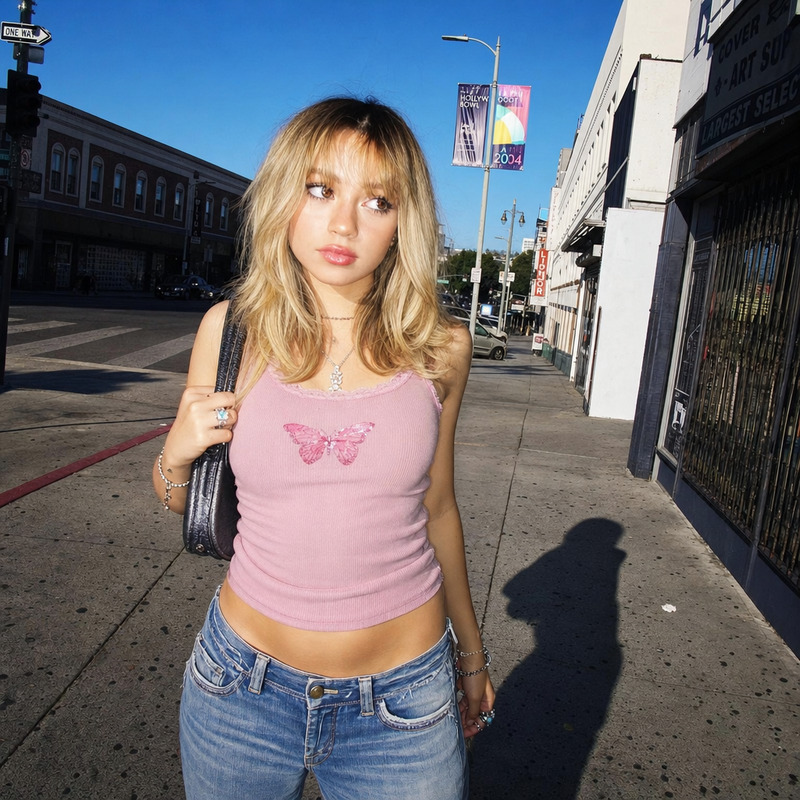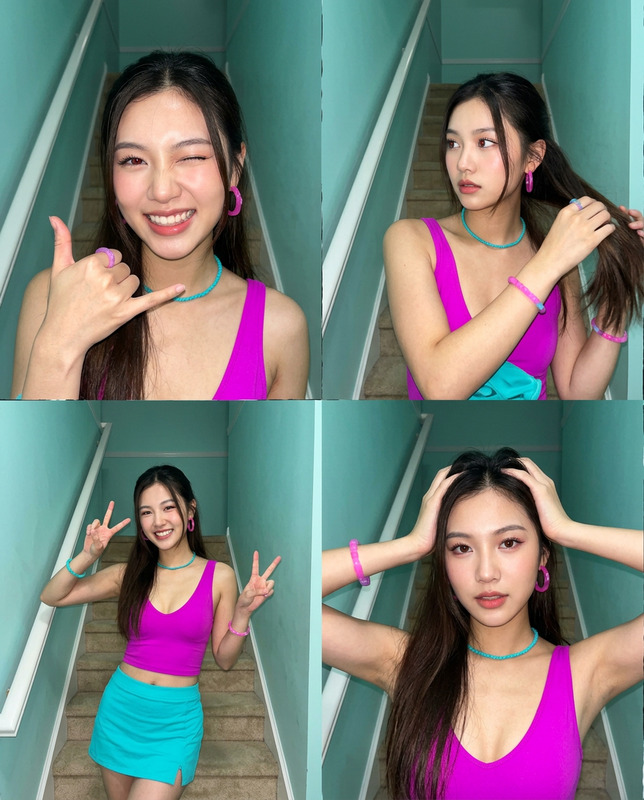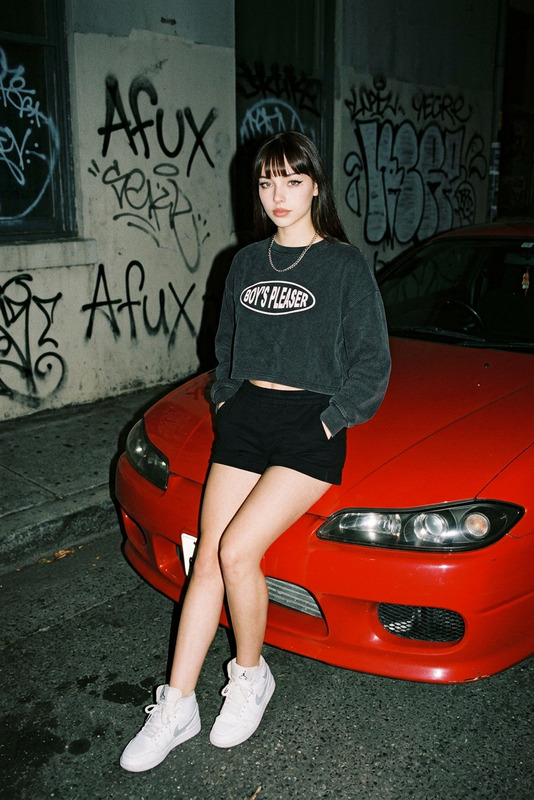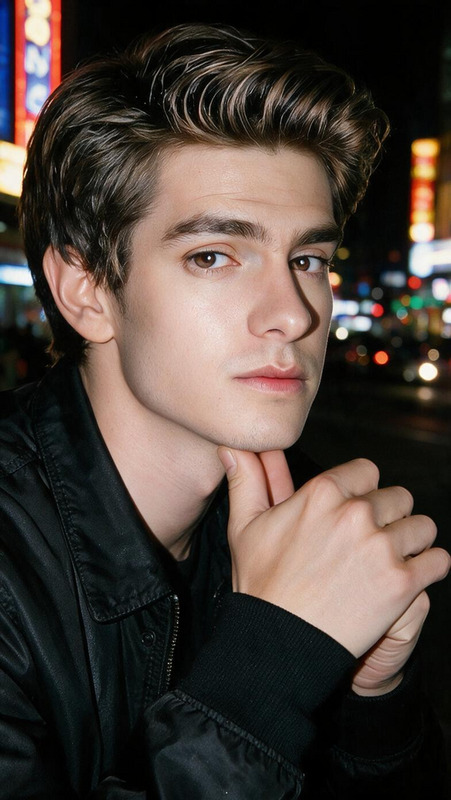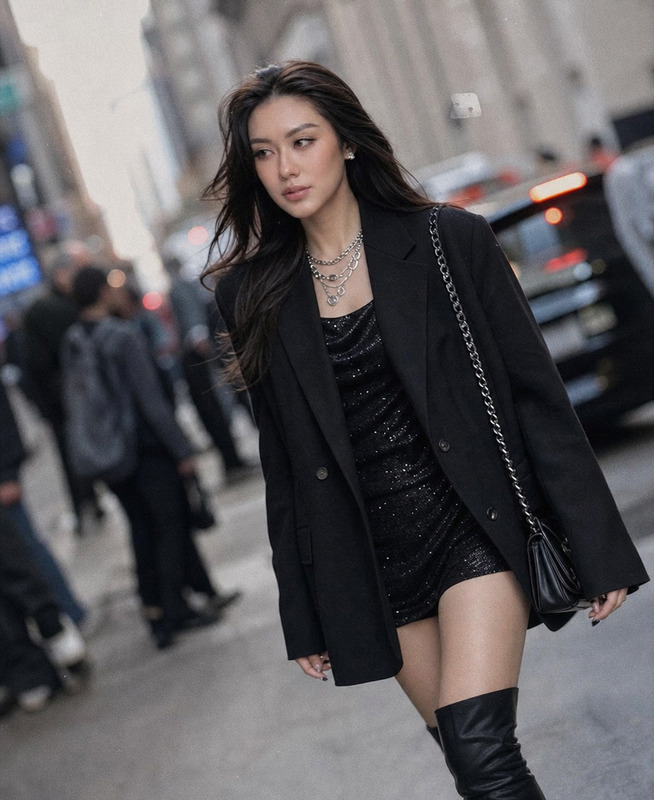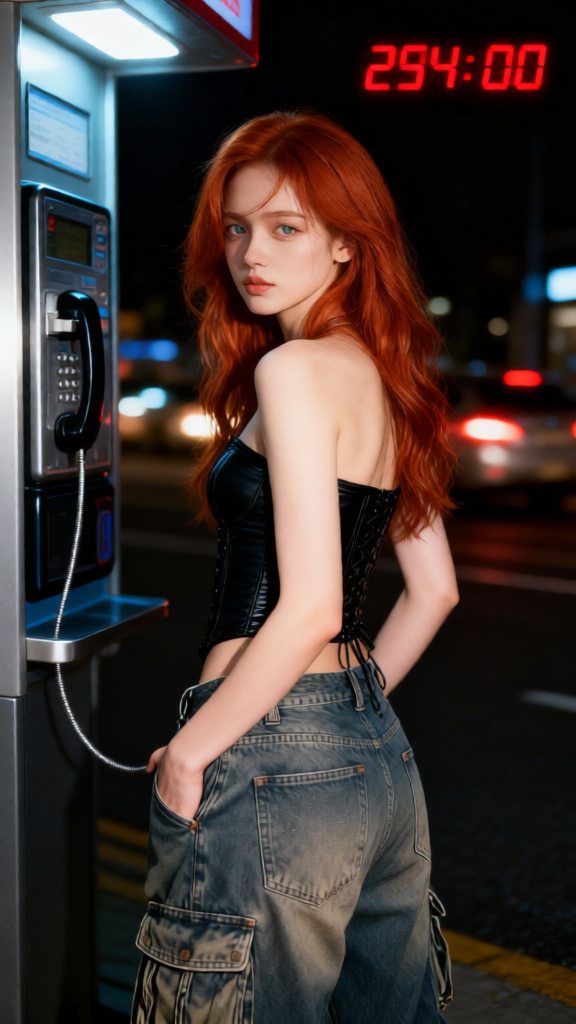
Y2K Payphone Flash
- Model
- Qwen Edit
- Image
- 576 × 1024 px
Prompt
Subject at a public payphone, face based on the uploaded image with features kept identical, wearing a fitted corset top and loose cargo jeans, hands tucked into back pockets, turning back toward the camera with a detached expression. Nighttime urban setting with blurred car lights in the background. Strong direct flash, high contrast, Y2K aesthetic with red digital timestamp, raw early-2000s paparazzi vibe, photorealistic, high detail, candid composition.
Any aspect ratio
Overview
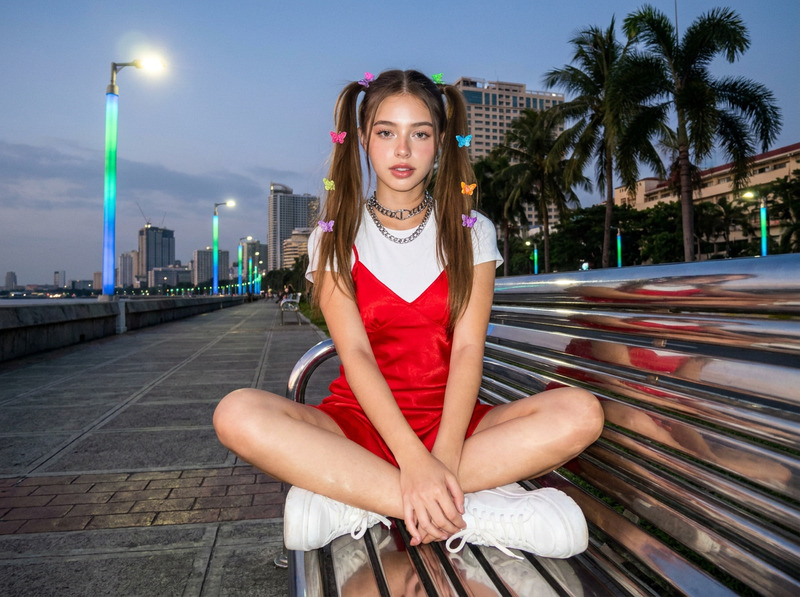
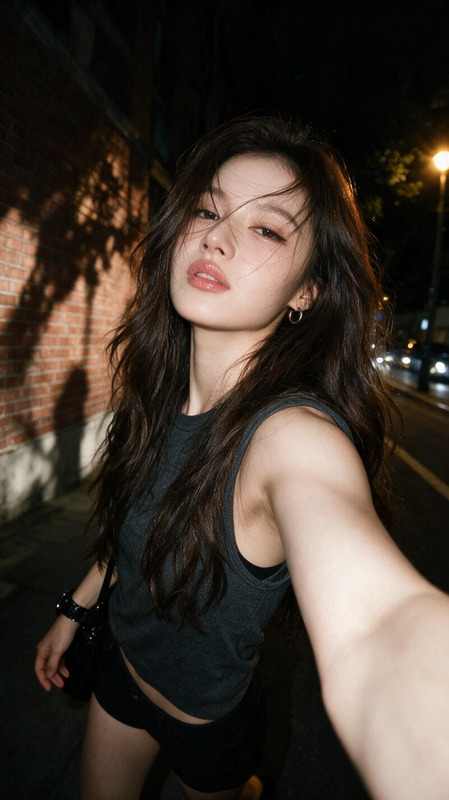
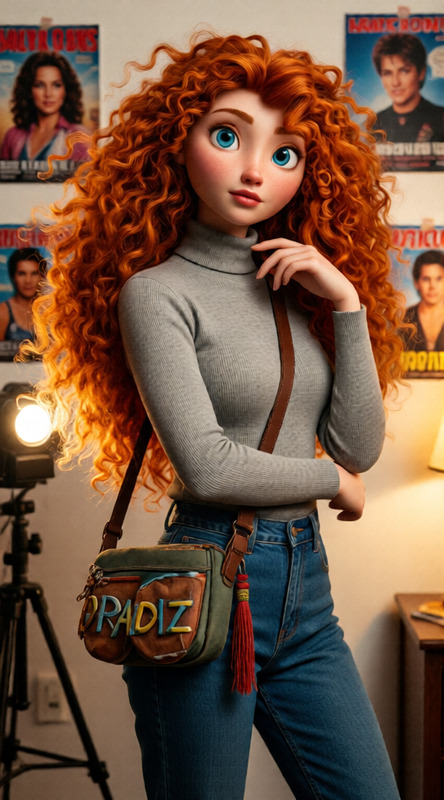
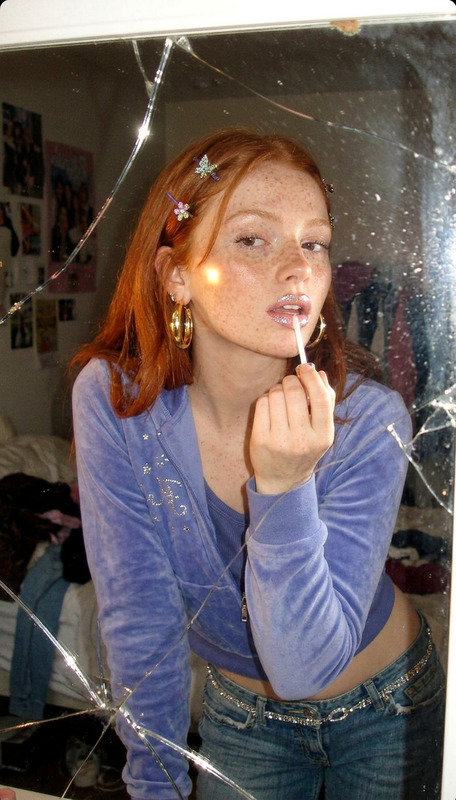
Experience the allure of the early 2000s with the Y2K Payphone Flash template. This AI Image Editor template encapsulates the raw, candid charm of the Y2K era, complete with high contrast and bold visual elements. The scene places your subject at a payphone in a bustling urban setting, featuring photorealistic detail and a distinctive paparazzi aesthetic.
What It Does
This template transforms an everyday image into a nostalgic snapshot reminiscent of early 2000s pop culture. It employs the AI Image Editor to adjust facial features to match an uploaded reference while dressing the subject in contemporary fashion—fitted corset top and cargo jeans. The high detail and dynamic lighting capture the Y2K vibe, complete with blurred city lights and timestamp icons.
Who It's For
The Y2K Payphone Flash is ideal for creative professionals and hobbyists interested in digital storytelling, retro fashion photography, or anyone looking to infuse their projects with a touch of nostalgia. It's perfect for social media influencers aiming to engage audiences with distinctive, high-impact visuals.
Summary
The Y2K Payphone Flash template is a powerful tool in the AI Image Editor suite, bringing the drama and flair of early 2000s paparazzi culture to life. With its unique application of AI technology, it provides users the opportunity to create standout visuals that are both authentic and timeless. Perfect for projects needing a nostalgic touch with a modern twist.
How-To Structure
Choose Your Template

Customize Your Inputs

Generate Your Image

Use Cases
Retro-Styled Photography
- Fashion shoots
- Art installations
- Portfolio additions
Digital Storytelling
- Social media posts
- Blogs and articles
- Video thumbnails
Best Practices
Reference Clarity
Ensure the upload image is clear to achieve the best facial accuracy.Lighting Considerations
Opt for high-quality images to make the most of the template’s lighting effects.Experiment with Fashion
Utilize the fashion options to add diversity and interest to your visuals.