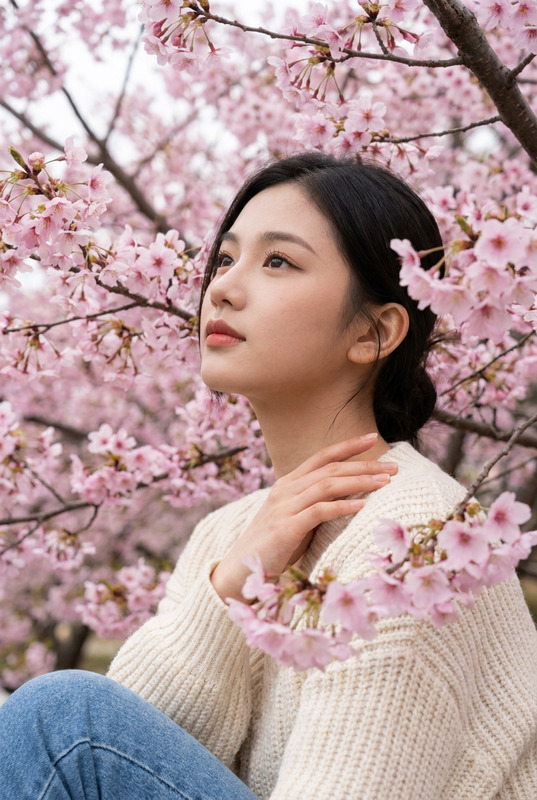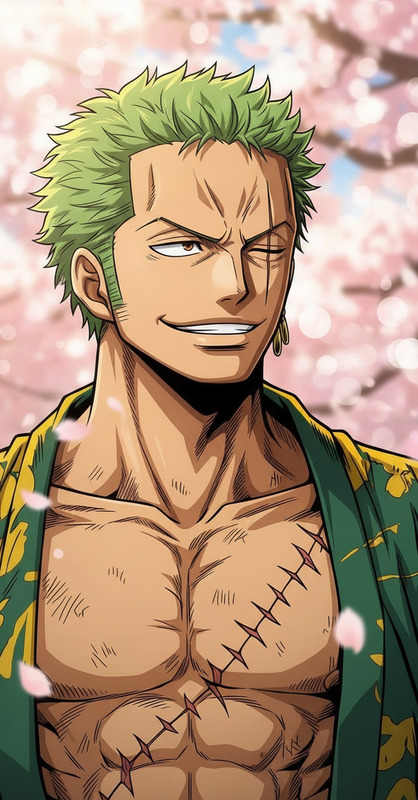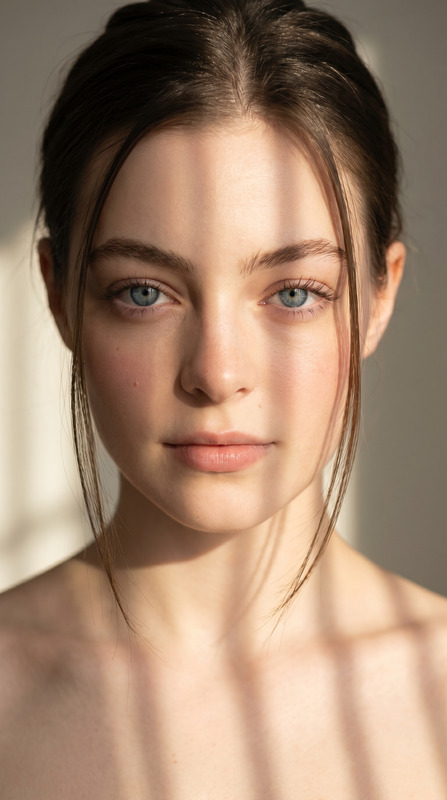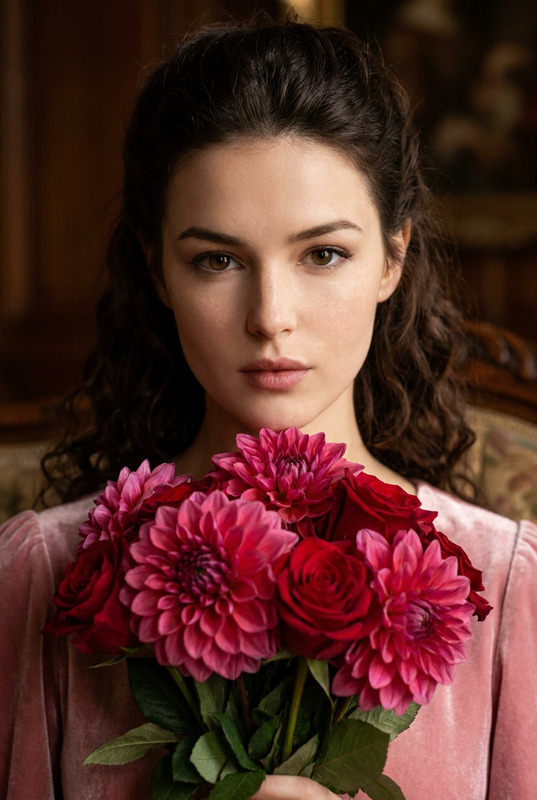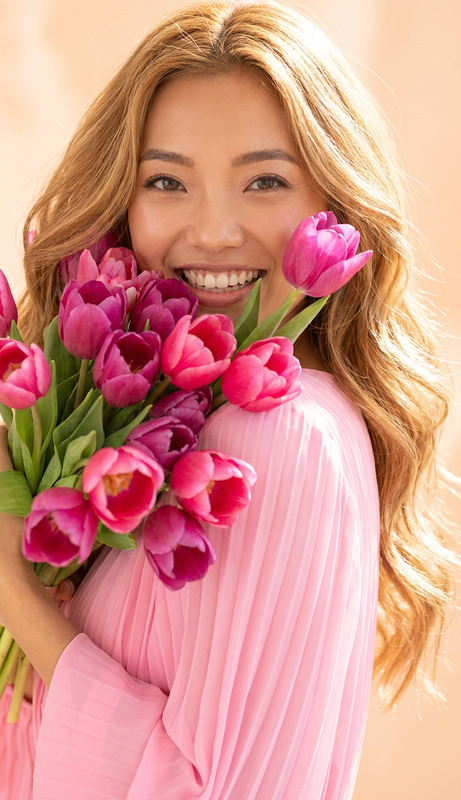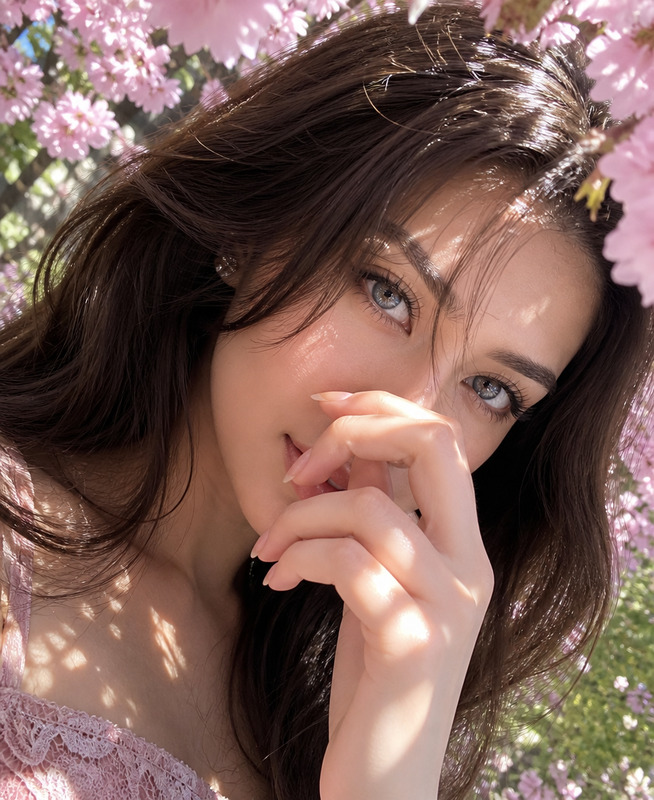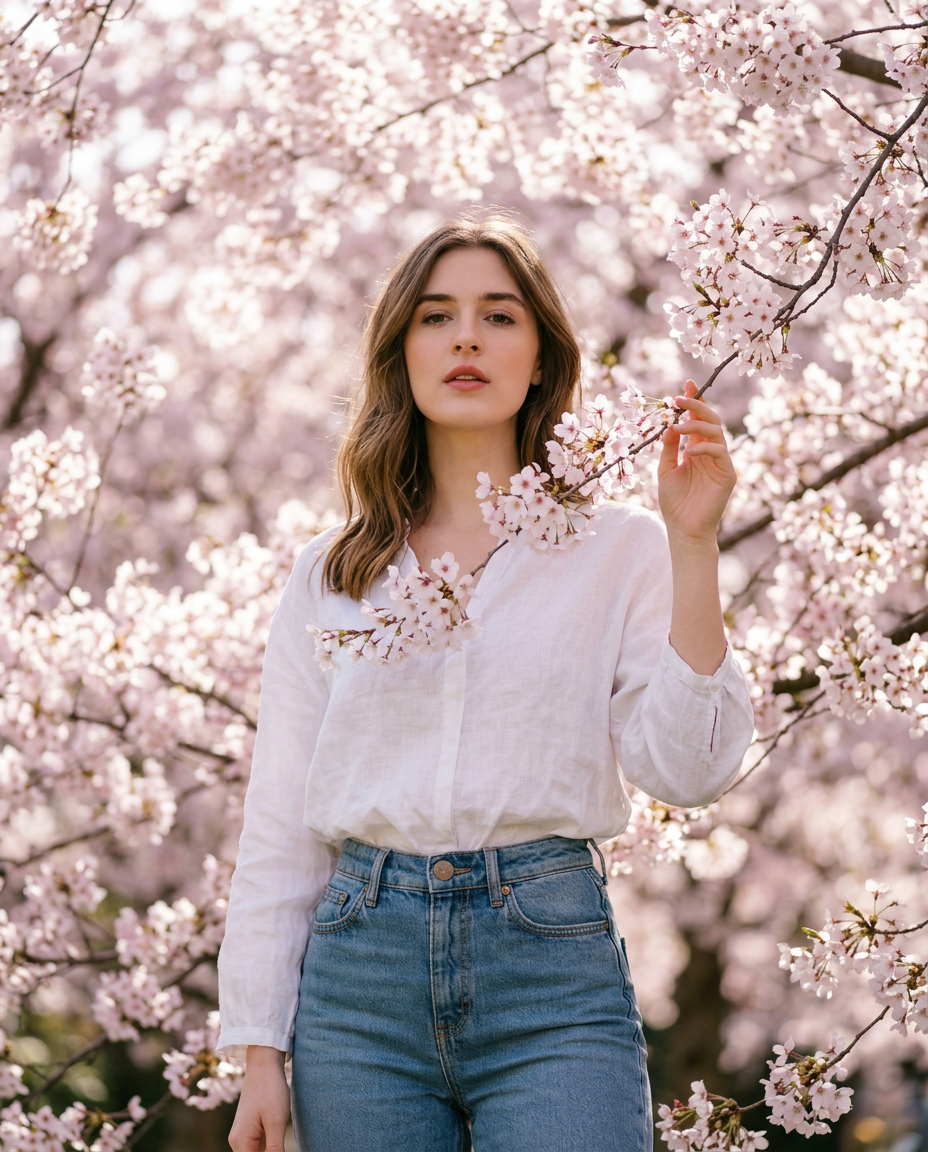
Cherry Blossom Spring Portrait
- Model
- Nano Banana 2
- Image
- 928 × 1152 px
Prompt
Use the reference photo uploaded to create a hyper realistic Ultra HD photo of me standing in a Cherry blossoms Tree wearing a White loose blouse and a wash blue jeans the scene is Ethereal and my expression is sensual i'm also touching the cherry blossoms branch with lots of flowers make a Ultra clear hyper realistic photo with boque effect. Photorealistic style. The image should be in a tall, vertical portrait format corresponding to a 4:5 aspect ratio.
Any aspect ratio
Overview
The Cherry Blossom Spring Portrait template allows you to transform everyday photos into stunning, hyper-realistic images with the ethereal beauty of cherry blossoms. Designed for the AI Image Editor, this template uses the powerful nano-banana-2 model to create detailed portraits.
What It Does
This template generates a lush, photorealistic portrait of you in a cherry blossom setting. By using a reference photo, it creates an Ultra HD image where you stand amidst cherry blossoms, wearing a stylish ensemble of a white loose blouse and wash blue jeans. The output image features an ethereal and sensual atmosphere, enhanced by a bokeh effect for depth and realism.
Visit our AI Image Generator to explore more creative possibilities.
Who It's For
This template is ideal for photographers, artists, and social media influencers looking to create visually striking portraits with minimal effort. Whether you need a captivating profile picture or content for your next campaign, this tool will elevate your visuals. Check out other tools like the AI Profile Picture Generator for more personalization options.
Summary
Discover the Cherry Blossom Spring Portrait template to easily create captivating, photorealistic images. Leverage the advanced capabilities of the AI Image Editor, and add striking aesthetics to your visual content—perfect for making a memorable impression across various platforms.
How to
Choose Your Template

Customize the Inputs

Generate and Download

Use Cases
Portrait Photography Enhancement
- Achieve professional quality images without a high-end camera.
- Create personalized art for clients or personal use.
Social Media Content
- Boost engagement with captivating imagery.
- Perfect for Instagram, Pinterest, and more.
Creative Projects
- Produce visuals for art exhibitions and digital galleries.
- Enhance the aesthetic appeal of visual stories.
Best Practices
Select High-Quality Reference Photos
To maximize the output’s clarity, use a well-lit, high-resolution reference photo.Experiment with Textures and Styles
Try different clothing textures or accessories in your prompt to explore new styles.Maintain Aspect Ratio
Ensure your reference photo matches the desired 4:5 aspect ratio for the best composition.