Soft Magenta
- Model
- Nano Banana Pro
- Image
- 784 × 1360 px
Prompt
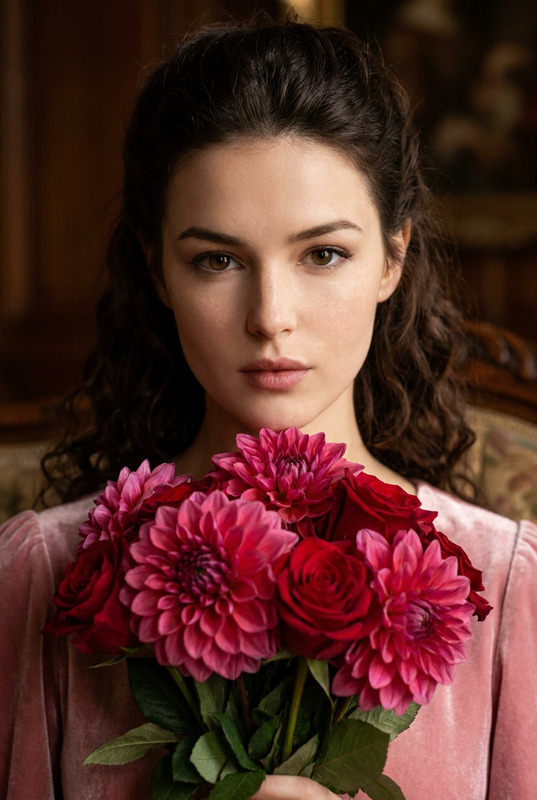
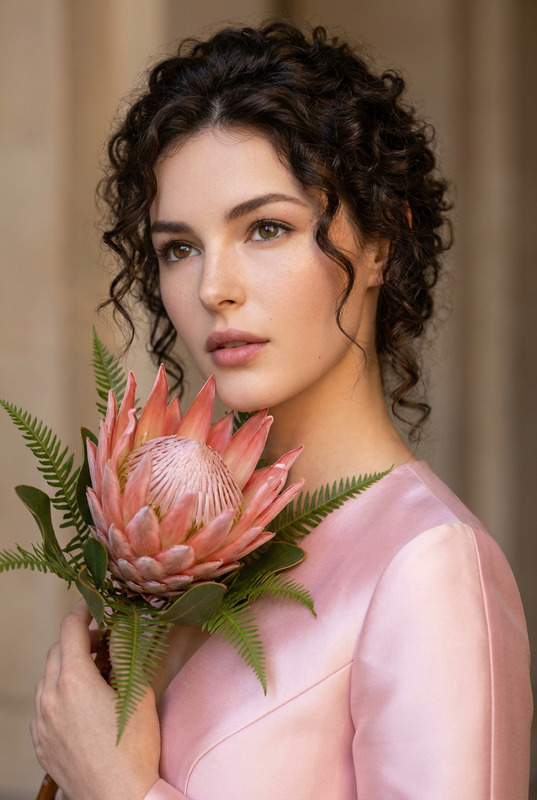
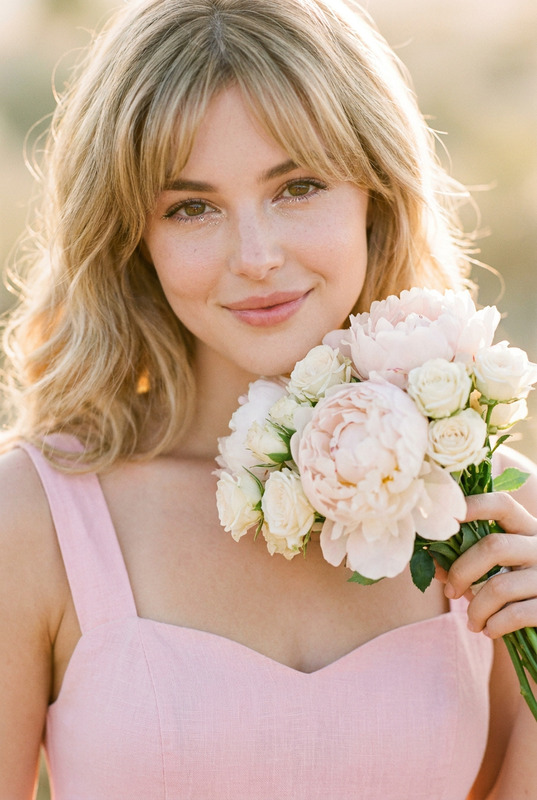
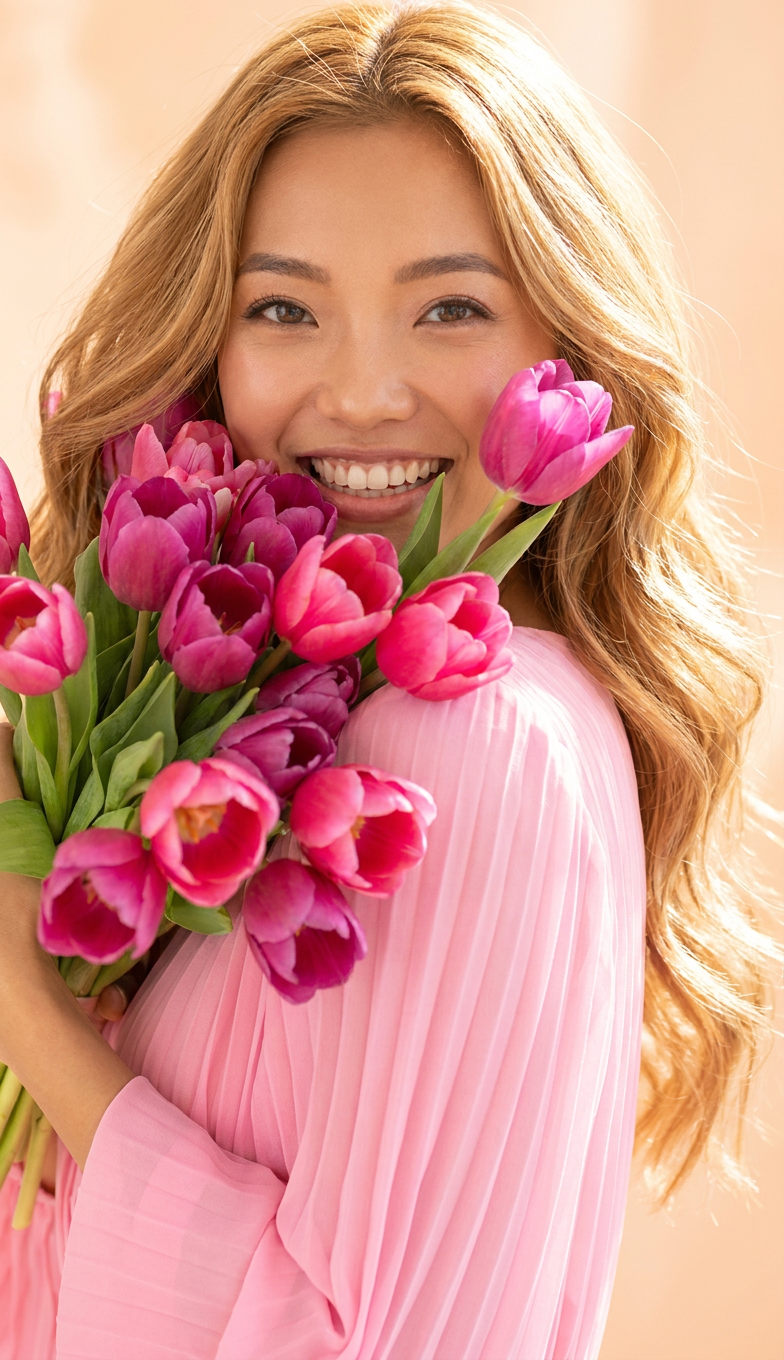
A high-key, vibrant photorealistic close-up portrait of a woman with long, flowing honey-blonde waves that catch the light. Her expression is pure joy, eyes bright and engaged. She is holding a large, overflowing bouquet of mixed magenta and hot pink tulips, almost obscuring the side of her face. She wears a bright, pastel pink pleated chiffon dress. Lighting is strong, soft, and wrap-around studio lighting. The background is an overexposed, warm peach-toned bokeh
Any aspect ratio
Overview
The Soft Magenta template is a specialized AI Image Editor designed to deliver captivating portraits with a soft, luminous style. By utilizing the nano-banana-pro model, this template helps craft high-key, photorealistic close-ups that celebrate vibrant expressions and captivating visuals.
What It Does
This template transforms your images by enhancing them with soft, wrap-around lighting and vibrant colors, focusing on bringing out the joy and dynamism in portraits. The result is an artistic portrayal that highlights hair texture and floral components, making it ideal for creating professional-quality visuals. For users interested in further image transformations, our AI Image Editor brings a wide range of additional features.
Who It's For
The Soft Magenta template is perfect for photographers, fashion influencers, or any creator looking to enrich their portfolio with striking portraits. It serves professionals in need of polished images for marketing or editorial purposes, as well as hobbyists eager for creative experimentation. Enhance your toolkit with tools like AI Clothes Changer for more dynamic content creation.
Summary
Create eye-catching portraits with the Soft Magenta template by capturing a unique blend of color and emotion. This template emphasizes aesthetic lighting and vivid hues, ensuring your portraits serve as expressive and compelling focal points in your image collection. Pair it with the AI Image Upscaler to further enhance image resolution and quality.
How-To
Choose Your Template

Customize Your Input

Generate Your Image

Use Cases
Fashion Photography
- Create compelling portraits for editorial spreads.
- Showcase clothing lines with rich, detailed imagery.
Advertising Campaigns
- Design visually engaging social media ads.
- Craft memorable billboards and print ads.
Social Media Content
- Increase engagement with high-quality, artistic portraits.
- Develop a personalized aesthetic for your brand.
Best Practices
Use High-Resolution Images
Always start with high-resolution images for the best editing results. This ensures that details are crisp and the final output is suitable for professional use.Experiment with Lighting
Adjust lighting settings in the prompt to highlight different aspects of your subject, playing with shadows and highlights to add depth.Combine with Other Tools
Enhance your workflow by coupling this template with tools such as the AI Video Generator for dynamic content creation.