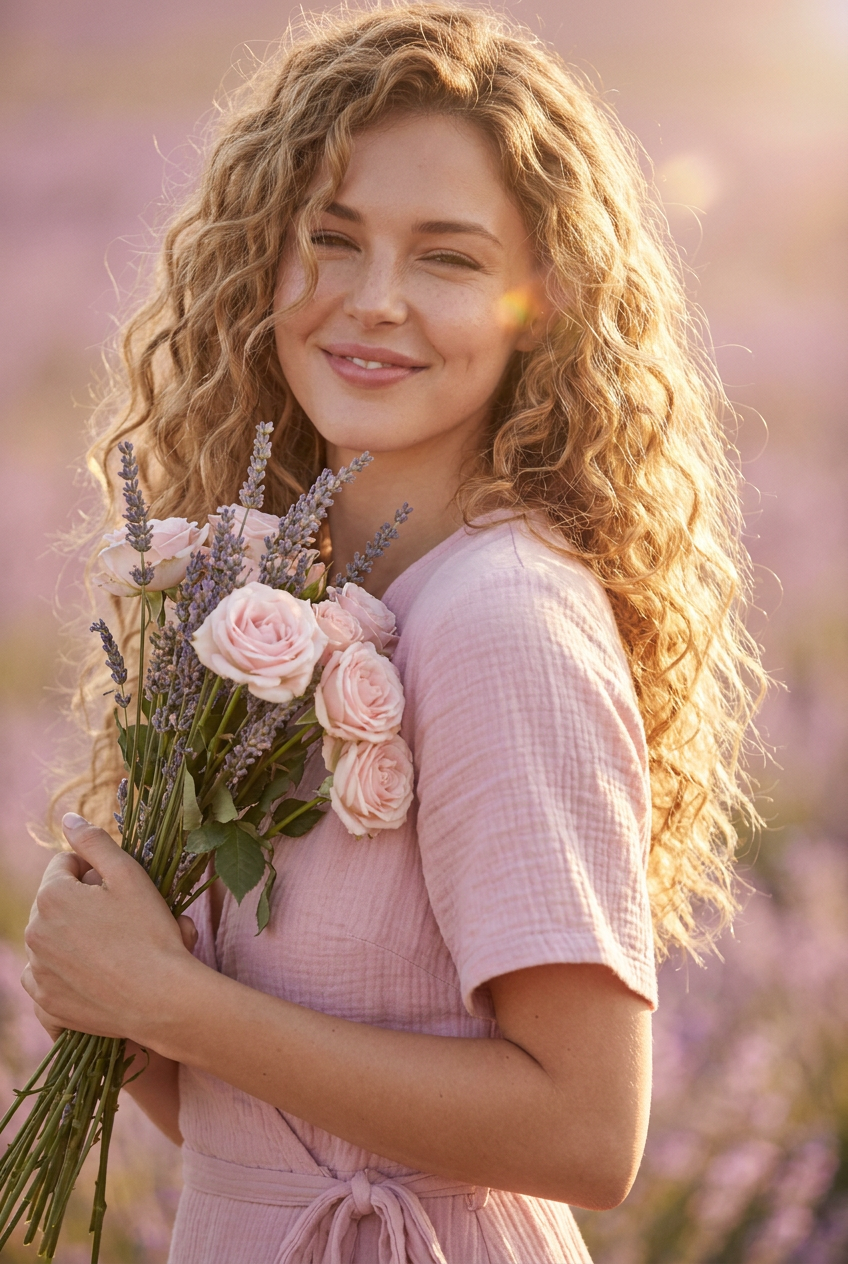
Dreamy Afternoon
- Model
- Nano Banana Pro
- Image
- 848 × 1264 px
Prompt
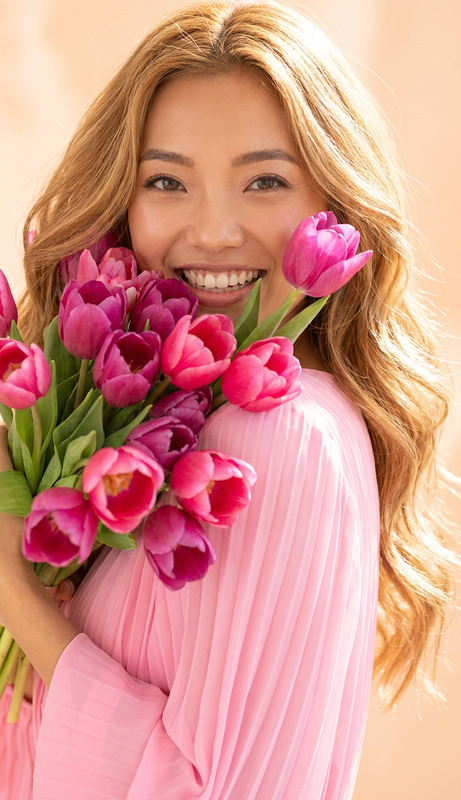
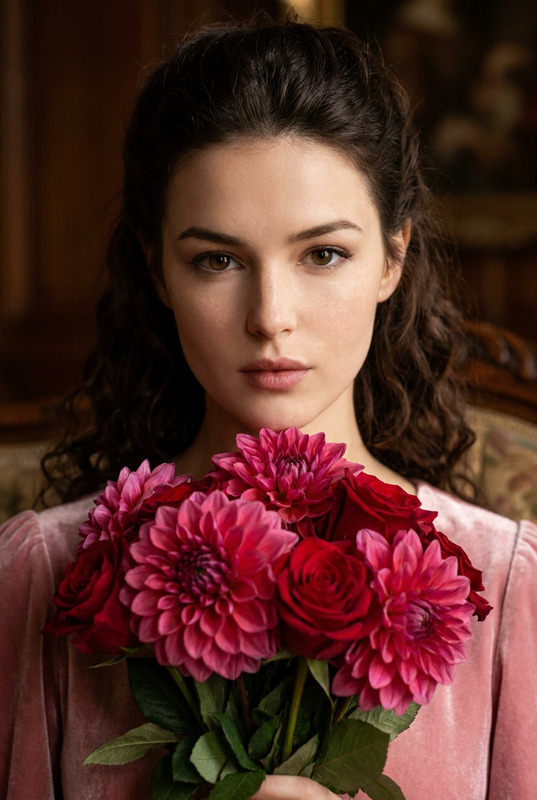
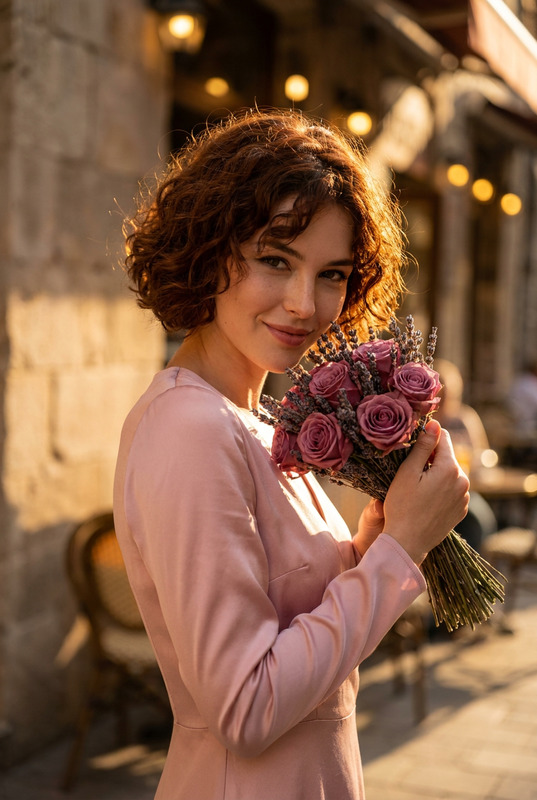
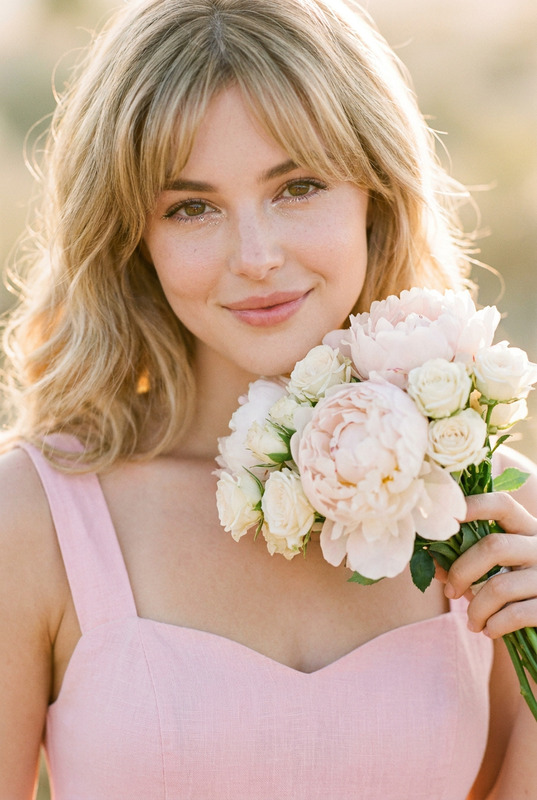
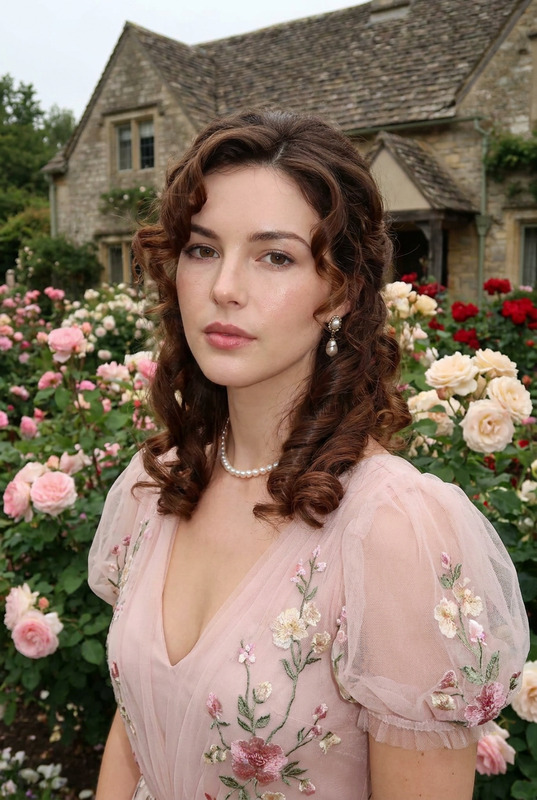
A warm and hazy, photorealistic close-up portrait of a woman with long, sandy blonde curly hair that has a lot of texture. She is smiling sweetly, eyes narrowed slightly from the light, looking relaxed. She holds a bouquet mixing pale pink roses with lavender stalks, brushing the flowers against her shoulder. She wears a simple pastel pink gauze wrap dress. Natural, warm, golden hour light creates soft highlights. The background is a soft, blurred mix of lavender and pink hues.
Any aspect ratio
Overview
Dreamy Afternoon is a captivating AI Image Editor template that transforms your ideas into stunning visual art. Designed with the AI Image Editor tool, this template utilizes the advanced capabilities of the nano-banana-pro model to produce a warm and dreamy portrait using your instructions.
What It Does
This template excels at creating photorealistic close-up portraits, focusing on capturing the warmth and glow of golden hour. It brings to life a peaceful scene featuring a woman with sandy blond curly hair, using soft highlights and a blurred, colorful background.
With precise control over elements such as hair texture, facial expression, dress, and lighting, the prompt effectively guides the AI to render deep textures and hues that evoke a sense of calmness and dream-like quality.
Who It's For
The Dreamy Afternoon template is perfect for photographers, artists, and content creators who seek to produce high-quality, aesthetically pleasing portraits. It's ideal for use in mood boards, advertising, and social media content where soft, warm, and inviting visuals are desired.
This template caters to both professionals looking to enhance their portfolios and enthusiasts aiming to create artful photos for personal projects.
Summary
Embrace the elegance of golden hour with the Dreamy Afternoon template. Its focus on soft lighting and delicate color blends makes it a powerful tool for producing radiant and soothing images. Whether for commercial or personal use, it enables the seamless creation of picturesque, warm-tinged portraits.
Leverage the advanced capabilities of our AI Image Generator to execute your vision effortlessly.
How To
Choose

Customize

Generate

Use Cases
Mood Boards
- Interior Design
- Fashion Planning
- Event Themes
Advertising
- Print Ads
- Social Media Campaigns
- Product Launches
Personal Projects
- Digital Scrapbooks
- Personalized Gifts
- Art Displays
Best Practices
Mind the Lighting
When customizing the template, ensure the lighting conditions in your prompt align with the golden hour theme to maintain the warm and inviting atmosphere.Focus on Details
Pay attention to small details like hair texture and dress fabric to enhance the realism and overall quality of the final image.Experiment with Backgrounds
Try varying the background colors slightly to see how different hues interact with the main subject and the overall mood of the image.