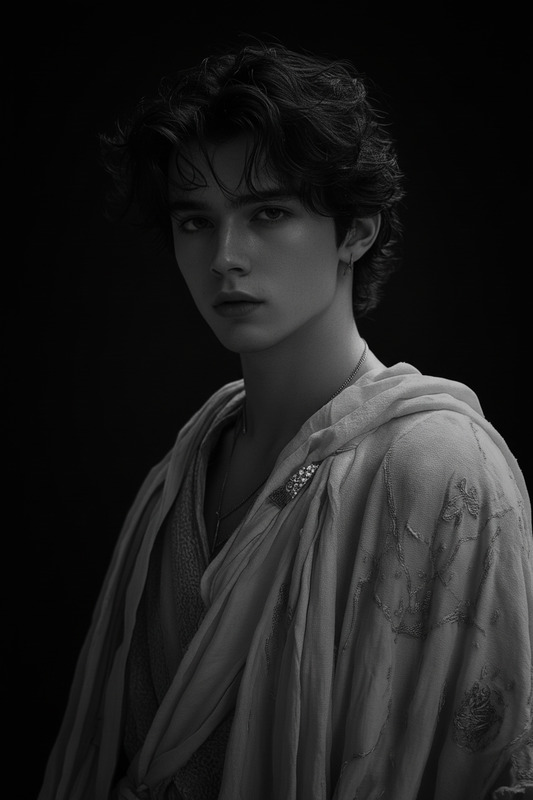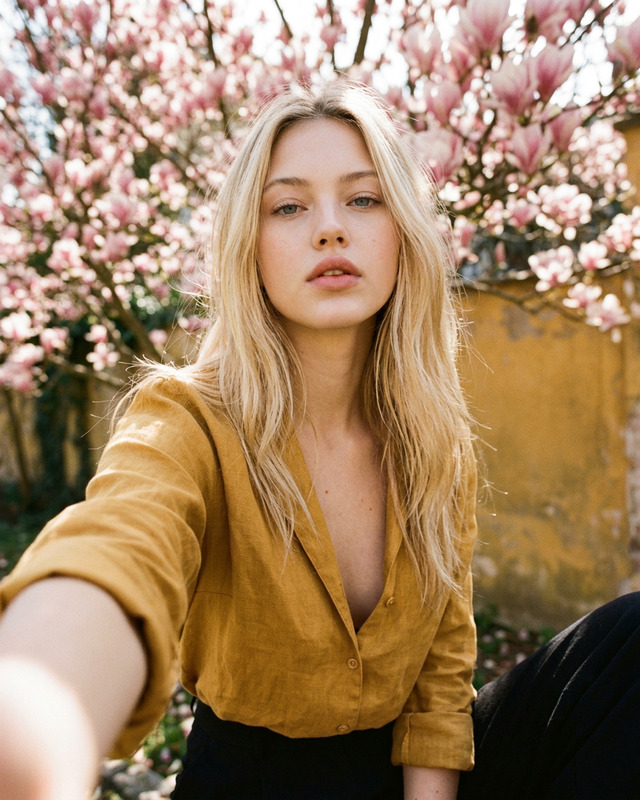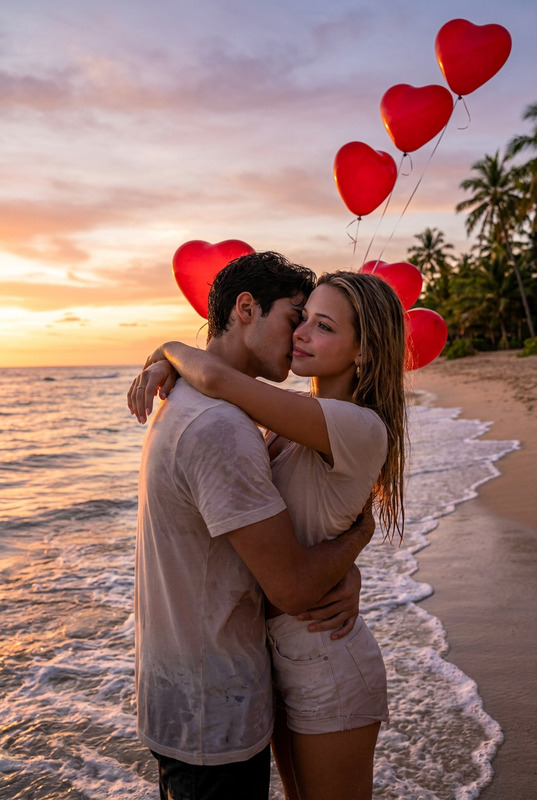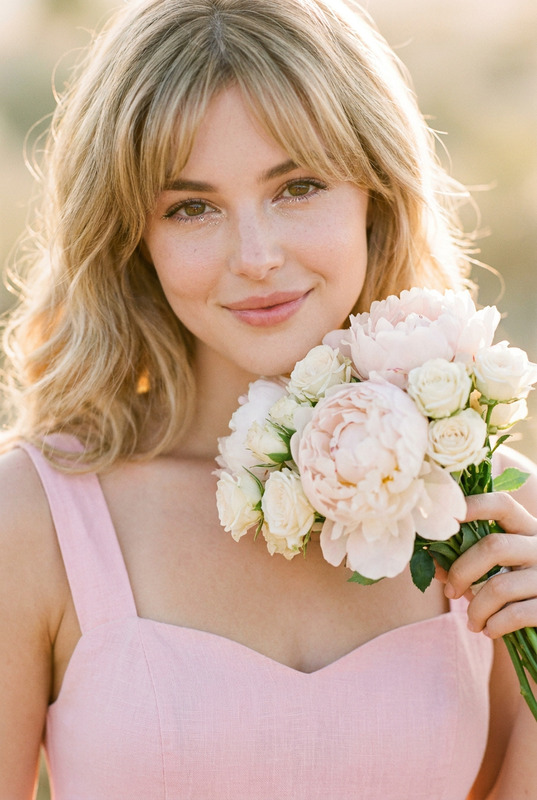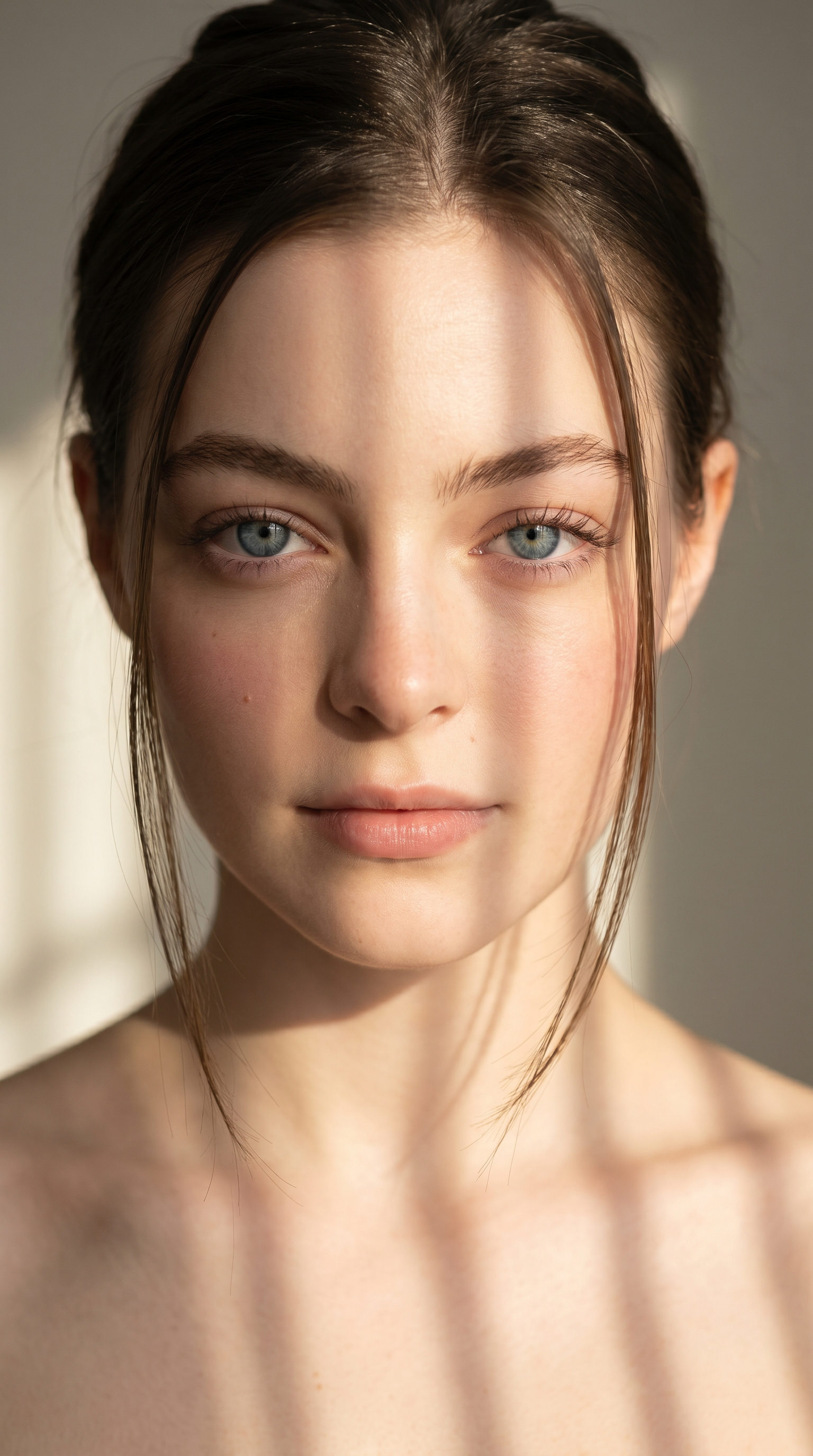
Sunlit Serenity
- Model
- Nano Banana Pro
- Image
- 1536 × 2752 px
Prompt
Create a sharp, high-resolution large format photo with a 9:16 aspect ratio. Change the style of the character in the photo provided and maintain the correct proportions of the character's facial features such as eyes, nose and mouth. The top-down angle creates a surreal photo that focuses on the character's face with bare shoulders. Only flawless white skin, natural makeup and serene expression are shown. She has smooth, radiant skin with a light blush and long, thin lashes framing her eyes. He r black hair is neatly tied back, with several strands falling around her face. The soft sunlight creates artistic vertical or gridded shadows on her face and shoulders, highlighting her delicate features and giving a dreamy, graceful atmosphere. She leaves her shoulders bare, adding elegance and purity to the composition. Cinematic style, gentle and expressive, emphasizing beauty, innocence and calmness
Any aspect ratio
Overview
Sunlit Serenity lets you transform ordinary images into works of art using AI Image Editor technology. The template leverages the capabilities of the nano-banana-pro model to create stunning, high-resolution images featuring surreal lighting effects and character style adjustments. Ideal for producing artful portraits that emphasize beauty and serenity, this template ensures your images maintain sharpness and natural expressions.
What It Does
The Sunlit Serenity template transforms your regular photos by altering character style while preserving their natural facial proportions. It emphasizes light and shadow play to create a cinematic atmosphere, focusing on highlighting the subject's face artistically. With features like cinematic shadows, flawless skin, and serene expressions, this tool helps create images that capture more than just details—they capture essence.
Who It's For
Designed for photographers, digital artists, and content creators who want to enhance their imagery with cinematic quality and style. This template is ideal for those engaged in virtual staging, mood board creation, or looking to add a graceful, serene touch to any portrait. It's also perfect for marketing professionals seeking to create social media ads that stand out.
Summary
Transform your photographs into ethereal art pieces with Sunlit Serenity. By utilizing the latest advancements in AI image editing, this template ensures every detail is perfectly captured and artfully displayed. Whether you're updating your portfolio or creating unique content, Sunlit Serenity provides the tools for impactful images with a focus on elegance and calmness. Explore other AI-driven enhancements with our AI Image Upscaler and AI Video Generator.
How To Structure
Choose Your Template

Customize Your Image

Generate and Export

Use Cases
Artistic Portraits
- Highlight facial features with gentle shadows
- Capture serene expressions with natural makeup
Social Media Content
- Use for posts that require a cinematic feel
- Ideal for incorporating into visual storytelling
Virtual Staging
- Apply to headshots in architectural renderings
- Improve product imagery with artful compositions
Best Practices
Choose the Right Image
For best results, use images with clear subject focus and minimal background distractions. Ensure your original photos are of high quality to make the most of the AI editing capabilities.Adjust Lighting for Effect
Play with lighting settings to bring out different aspects of your subject's features. Consider what mood you'd like to convey in the final composition.Experiment with Styles
Don't be afraid to try different character styles to see how they change the feel of your image. This template allows for detailed expression variations, so explore the options fully.