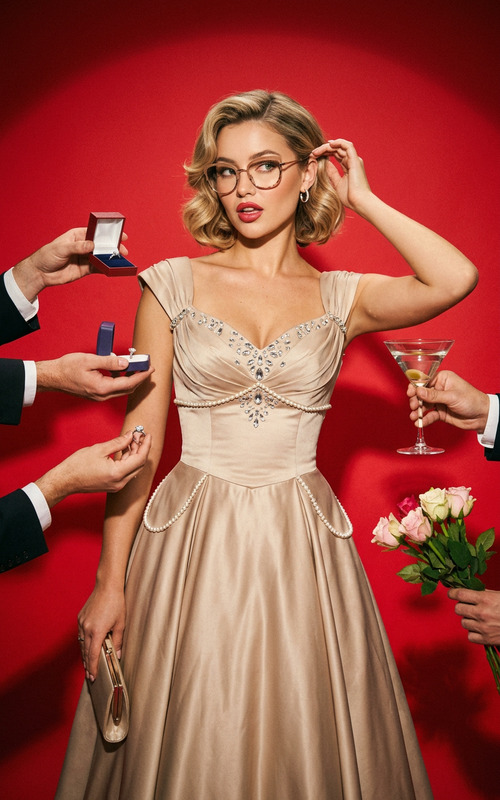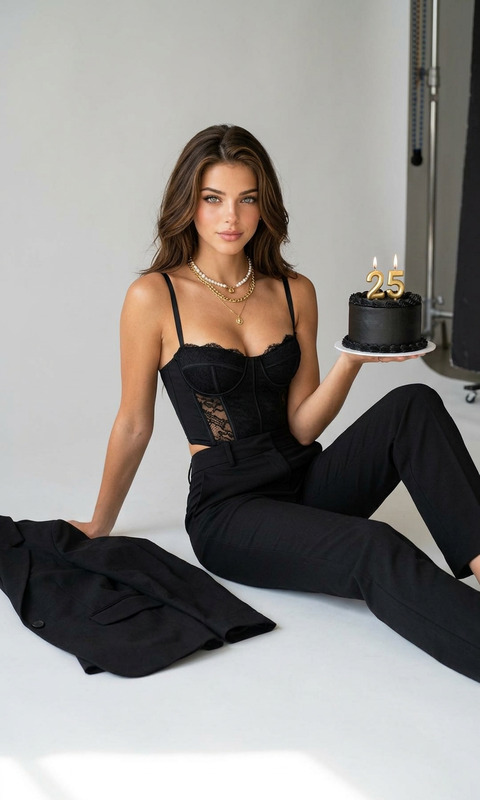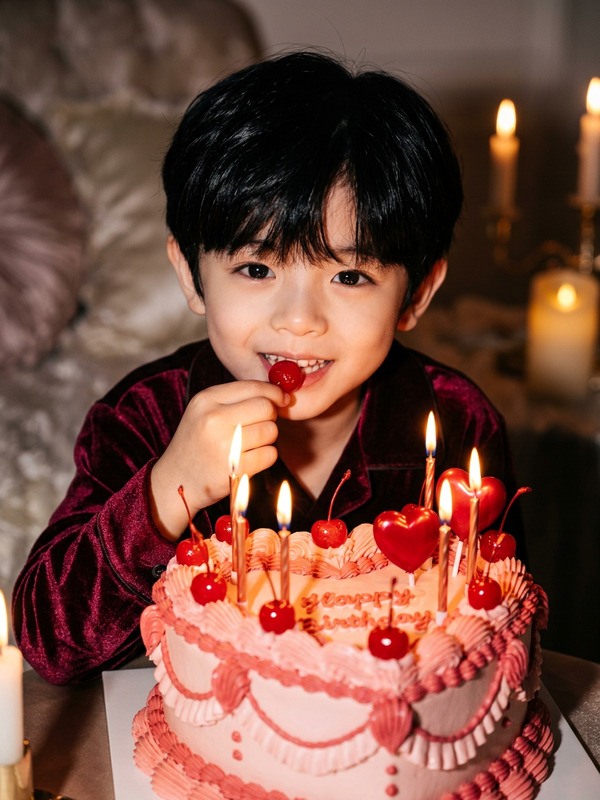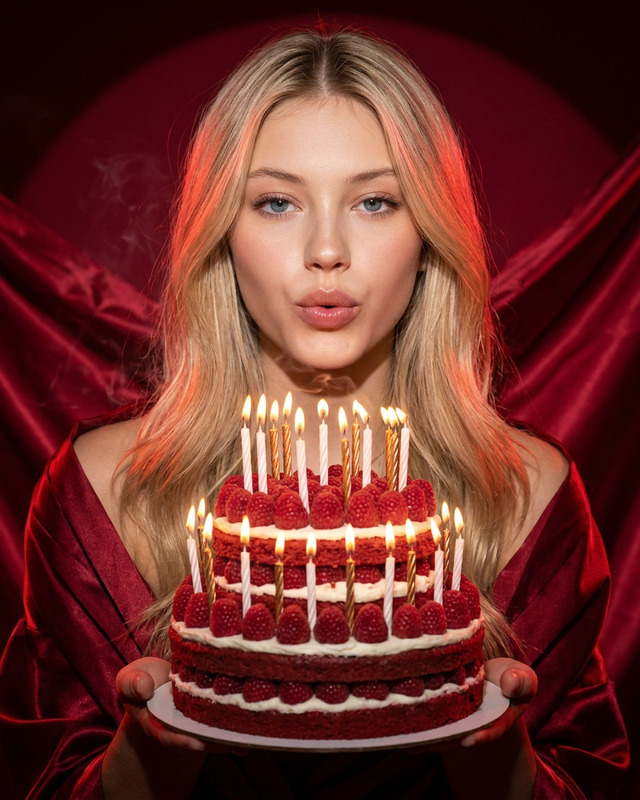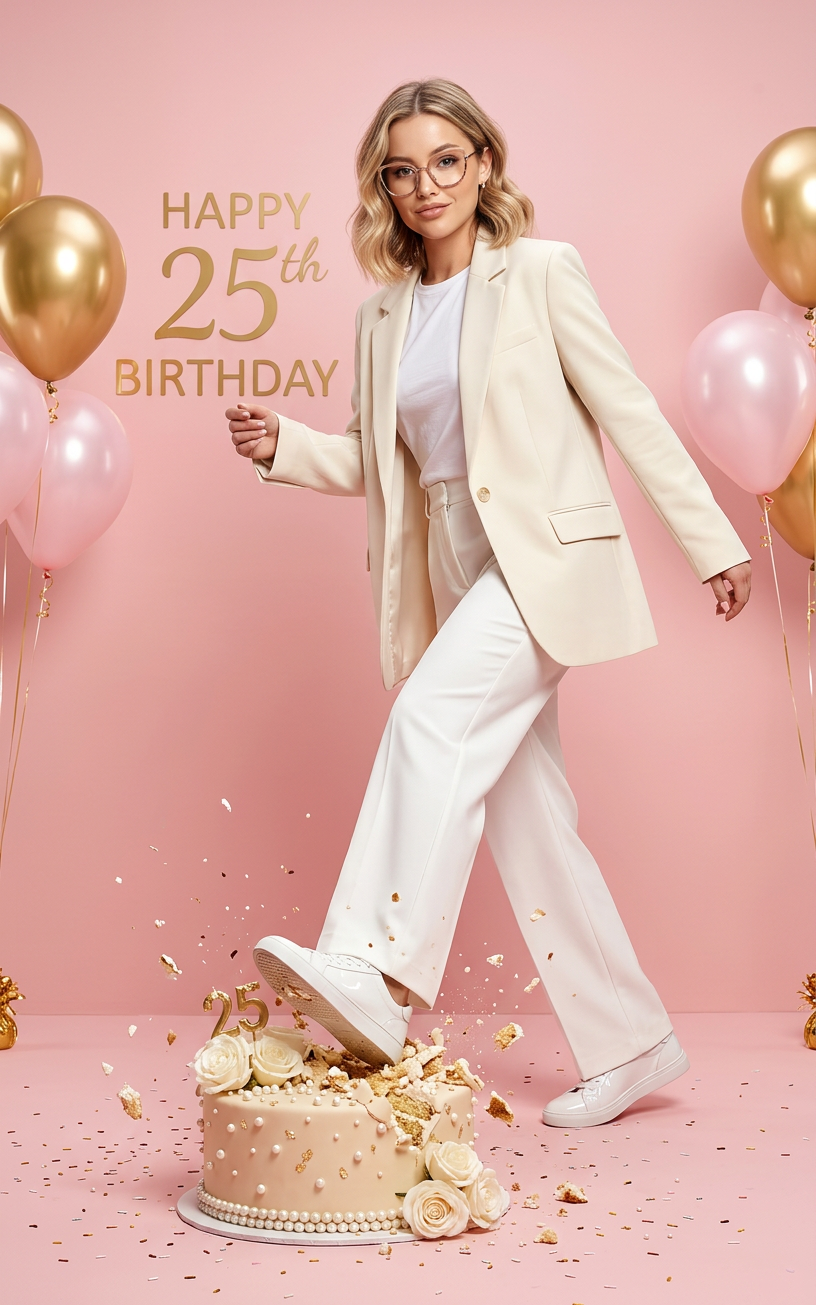
Celebration Bold
- Model
- Nano Banana 2
- Image
- 816 × 1305 px
Prompt
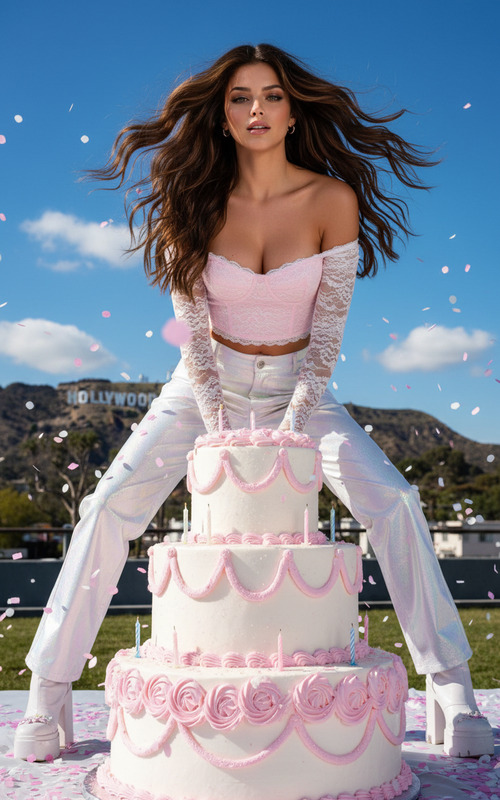
An ultra-realistic fashion scene in a pastel pink studio: a character confidently strides forward, stepping on a cake captured in the moment of contact. A minimalist white outfit, a dynamic pose, studio lighting, and luxurious festive details create an atmosphere of cool confidence and a glossy editorial aesthetic.
Any aspect ratio
Overview
The Celebration Bold template offers a unique approach to creating eye-catching fashion imagery. Utilizing the nano-banana-2 model, this template pushes the boundaries of AI-driven realism, delivering dynamic and vivid scenes perfect for editorial spreads.
What It Does
By manipulating the fundamental elements of fashion photography—lighting, posture, and composition—this AI Image Editor template crafts a visually stunning scene where a character makes an impactful entrance. The template captures the elegance of a minimalist white outfit juxtaposed with the striking moment of stepping on a cake, all within a stylish pastel pink setting.
Who It's For
This template is an excellent tool for photographers, fashion brands, and creative directors seeking to produce high-quality images with an editorial flair. It's particularly beneficial for those involved in AI Product Photography and Profile Picture Generation, as well as anyone aiming to elevate their visual content on digital platforms.
Summary
Leverage the Celebration Bold template to generate engaging and dramatic fashion scenes with minimal effort. This AI-driven tool provides the ability to craft premium visuals suitable for a variety of marketing and promotional uses, ranging from Ad Creative to social media campaigns.
How-To
Choose the Template

Customize Your Scene

Generate Your Image

Use Cases
Fashion Campaigns
- High-quality production visuals
- Easy modification for different clothing lines
Editorial Spreads
- Realistic high-fashion photography
- Editorial-style storytelling
Social Media Content
- Eye-catching visuals for Instagram posts
- Day-to-day fashion highlights
Best Practices
Focus on Lighting
Ensure that the studio lighting aspect in the prompt is well-defined to enhance the realism of the scene.Experiment with Props
Try various props to see how they interact with the character and environment, adding depth to your scenes.Leverage AI Features
Utilize the template's AI capabilities to refine details, improving the overall quality of the image.