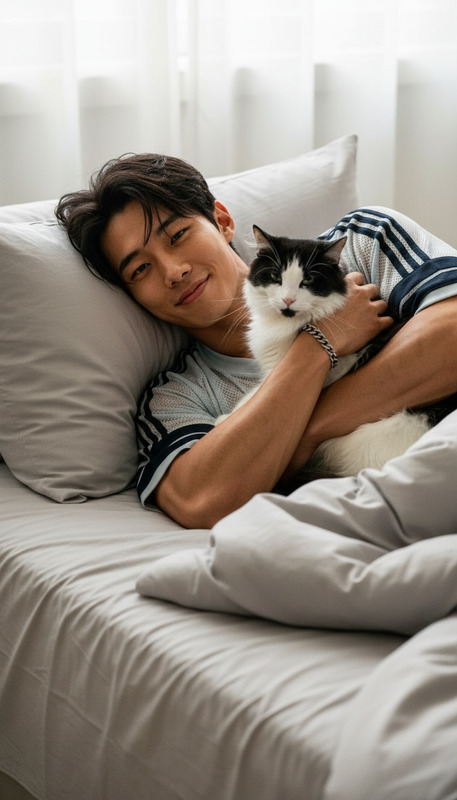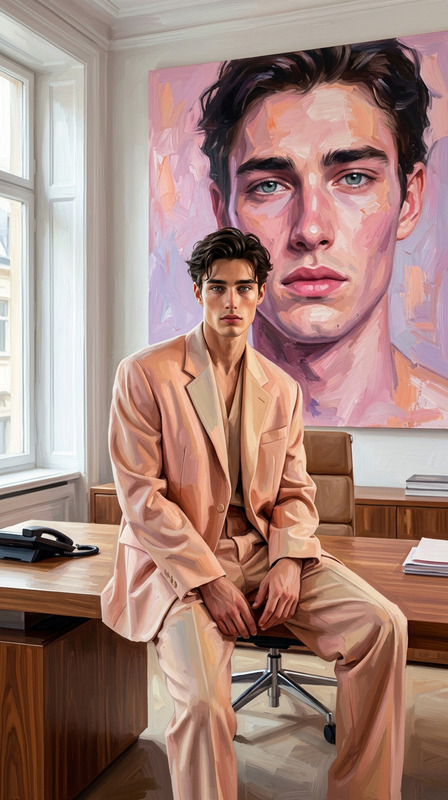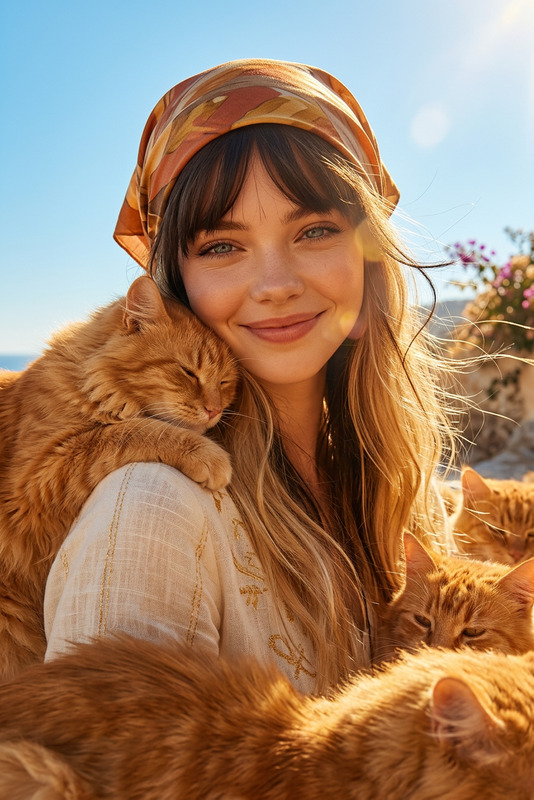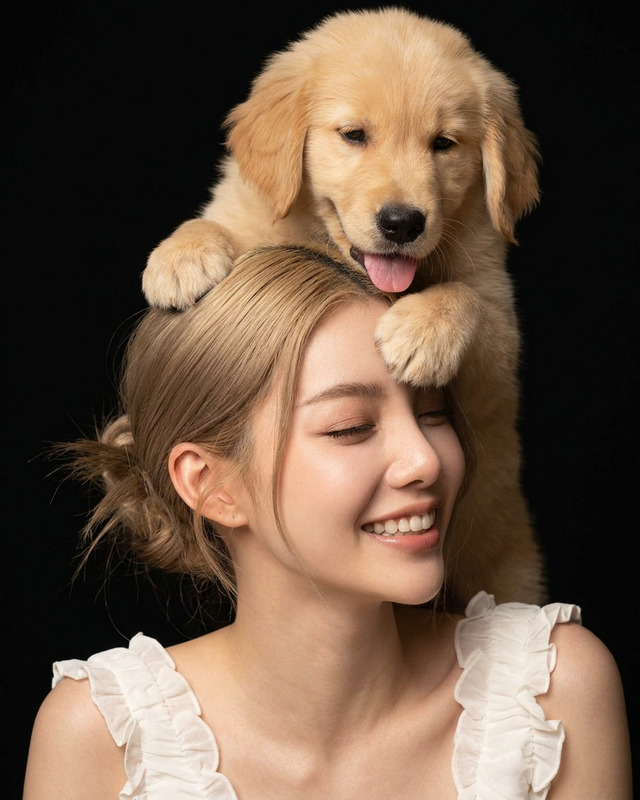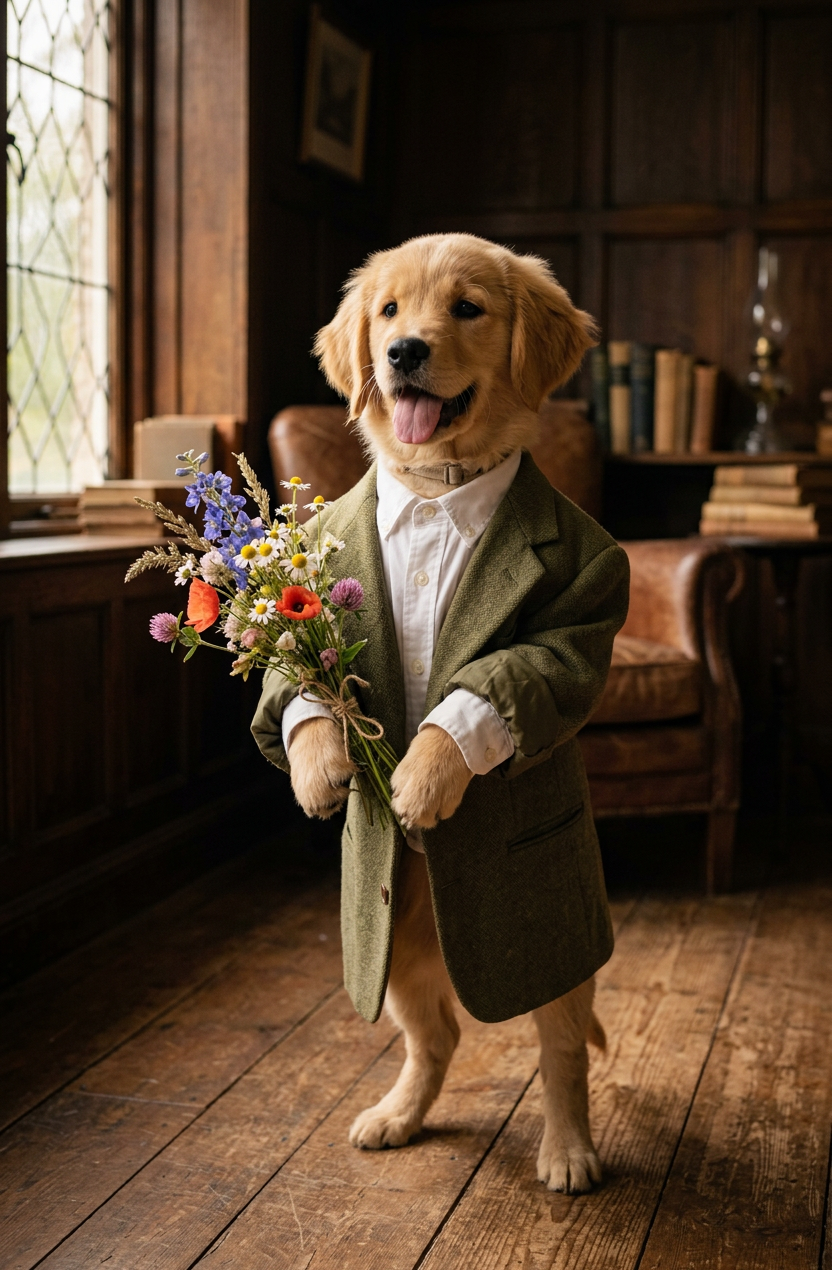
Pet Romance
- Model
- Nano Banana 2
- Image
- 832 × 1270 px
Prompt
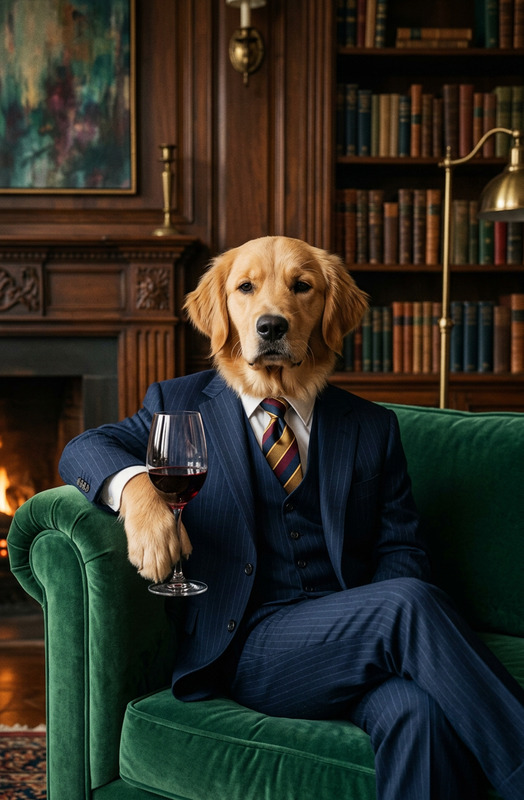
Subject is standing upright in a cozy vintage living room, wearing an oversized olive green blazer and white dress shirt while holding a delicate bouquet of wildflowers. Subject has an innocent, slightly awkward expression, creating a charming and whimsical atmosphere. Warm natural window light, rustic wooden floor, dark moody interior, shallow depth of field, cottagecore aesthetic, cinematic portrait photography, highly detailed fur texture, soft earthy tones, editorial style
Any aspect ratio
Overview
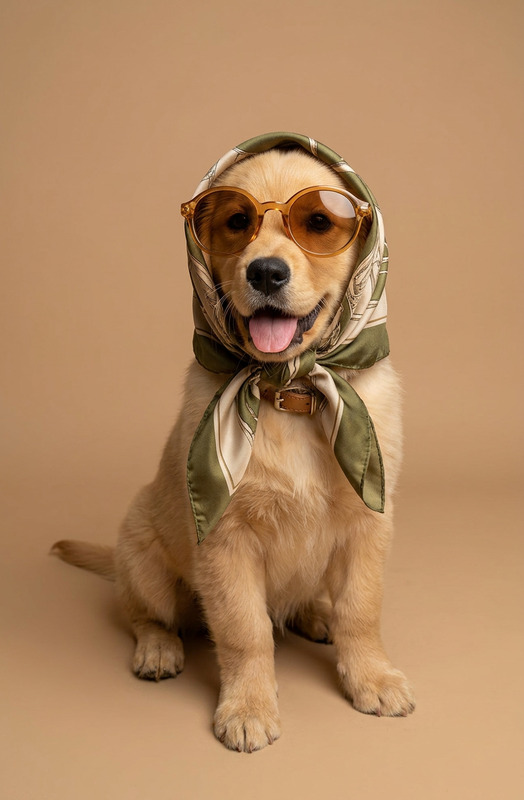
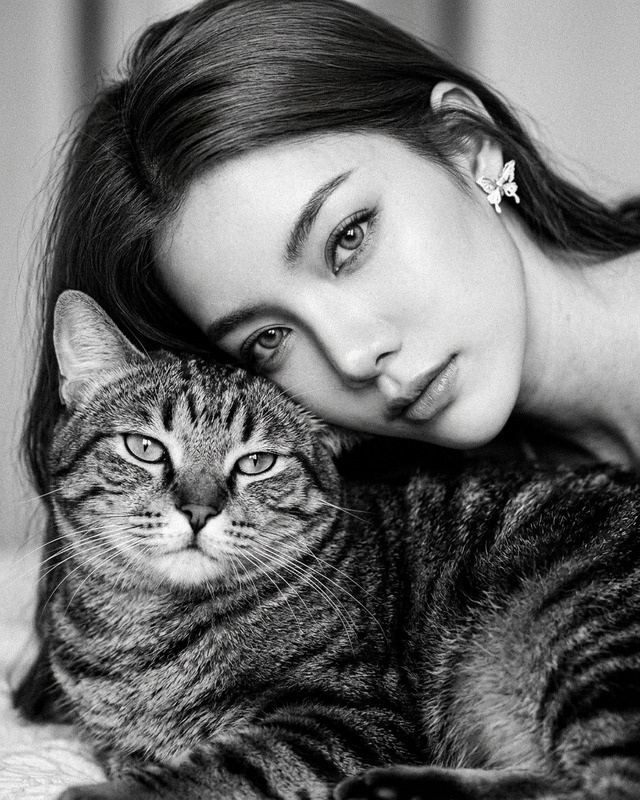
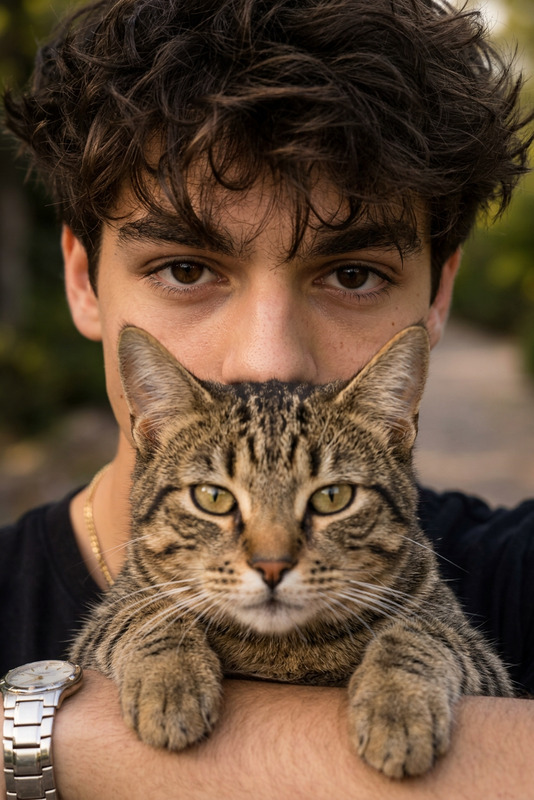
"Pet Romance" is an AI Image Editor template designed to transform your pet photos into charming and whimsical portraits. Utilizing the AI Image Editor and powered by the nano-banana-2 model, this template focuses on creating an editorial style with richly detailed fur textures and a charming cottagecore aesthetic.
What It Does
This template generates captivating images by placing your pet in a cozy vintage living room setting, adorned in a stylish oversized olive green blazer and holding wildflowers. With its focus on natural window lighting and warm earthy tones, it creates a cinematic and editorial portrait feel. The "Pet Romance" template excels in crafting images with a soft, moody atmosphere perfect for social media or storytelling.
Who It's For
The "Pet Romance" template is designed for pet owners, photographers, and content creators who wish to highlight the unique personalities of their furry friends. Whether you're sharing on social media or developing an art portfolio, this AI-driven tool aligns with the needs of users looking for visually captivating pet imagery with a touch of charm and humor.
Summary
Using the "Pet Romance" template, unleash the storytelling potential of your pet photos by creating romanticized portraits. This template offers a distinctive blend of classic and whimsical elements, engaging both viewers and followers in memorable ways. Enhance your image editing experience by combining the AI Image Editor and other tools like the AI Clothes Changer to expand your creative capabilities.
How To
Choose the template

Customize your inputs

Generate your image

Use Cases
Social Media Pet Influencers
- Boost engagement with unique content
- Accentuate your pet’s personality
- Stand out in a saturated market
Pet Photography Portfolios
- Elevate your artistic range
- Impress clients with unique imagery
- Create memorable marketing materials
Pet-Themed Events and Campaigns
- Enhance promotional material
- Customize for event-specific themes
- Integrate seamlessly into campaigns
Best Practices
Choose High-Quality Pet Photos
For the best results, use high-resolution images with good lighting. This ensures the AI can accurately render details and textures.Experiment with Outfits and Accessories
Use the AI Clothes Changer to try different outfits or props, adding a personal touch to your pet's portraits.Leverage Depth of Field
Adjust the blur level to highlight your subject against the dark moody interior, enhancing the depth and focus of your images.