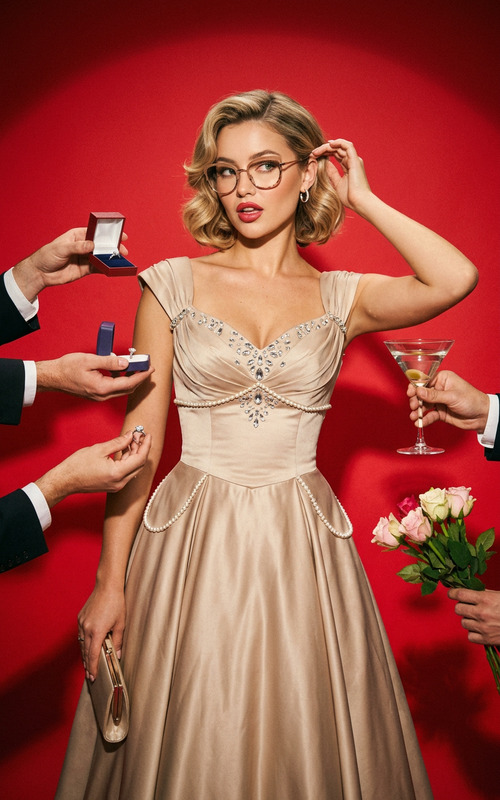
Tiffany Vibe
- Model
- Nano Banana 2
- Image
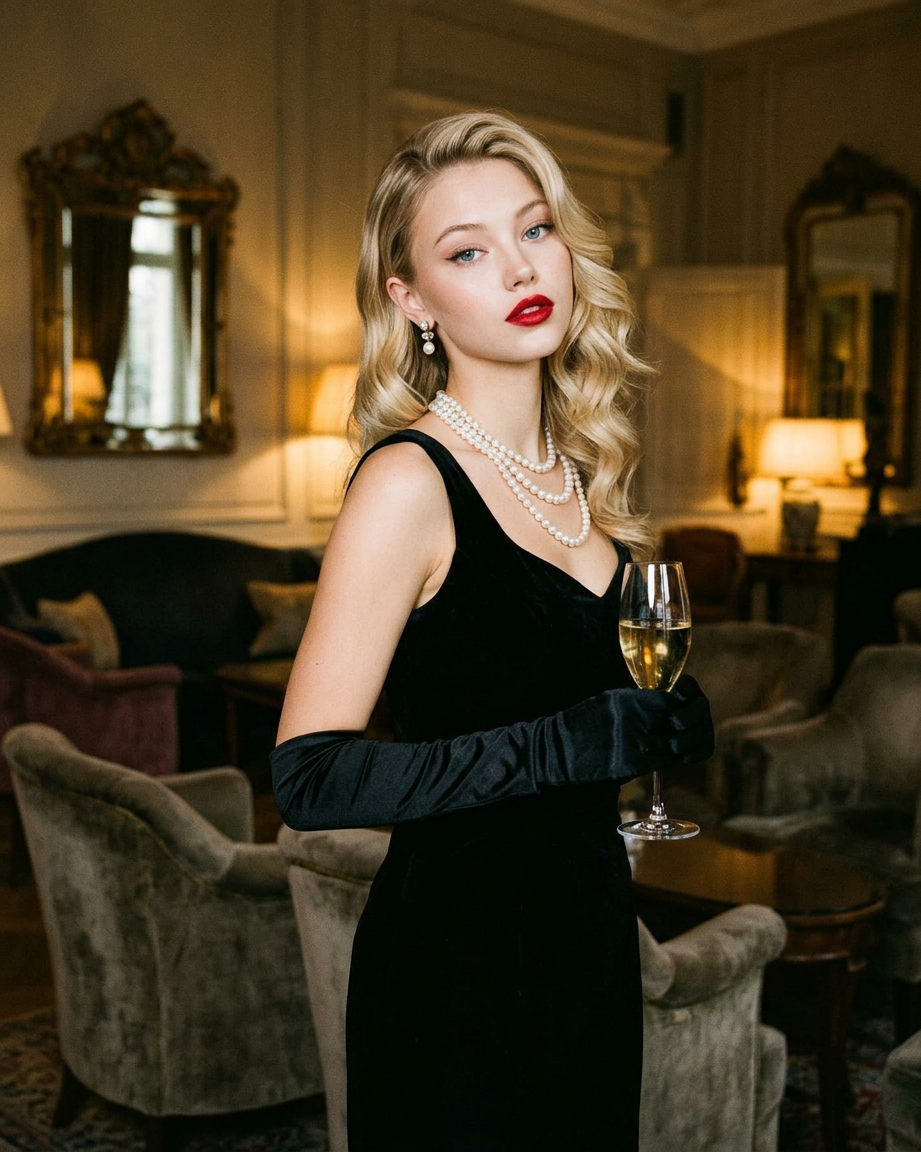
- 921 × 1152 px
Prompt
A realistic vintage portrait in the style of Old Hollywood: the model wears an elegant black dress with a multi-layered pearl necklace, gloves, and cat-eye glasses, with classic makeup and red lipstick. Warm, dramatic lighting, a soft, washed-out interior, and a refined pose with a slight tilt of the head create an atmosphere of luxury and timelessness.
Any aspect ratio
Overview
The Tiffany Vibe template is perfect for enthusiasts of classic Hollywood allure. Using the powerful nano-banana-2 model, this AI Image Editor allows you to transform ordinary photos into stunning vintage portraits reminiscent of the golden age of film.
What It Does
This template expertly crafts a realistic vintage portrait, capturing the sophistication of Old Hollywood. By combining elements like an elegant black dress, multi-layered pearl necklace, and timeless makeup, it creates images that exude warmth and luxury, ideal for professional and personal projects.
For those interested in dynamic transformations, pairing these images with the AI Image Upscaler enhances detail and resolution, offering a polished, high-quality finish.
Who It's For
Tiffany Vibe is tailored for photographers, designers, and creatives looking to implement a touch of classic glamour into their work. It's also ideal for social media influencers wanting to add an elegant vintage twist to their photo collections. Additionally, it complements those who use the AI Image Generator for comprehensive creative workflows.
Summary
With Tiffany Vibe, transforming images into classic Hollywood-style portraits has never been more accessible. By leveraging the strengths of the AI Image Editor, users can expect premium quality results that evoke timeless charm and elegance.
How To
Choose the Template

Customize Your Inputs

Generate Your Image

Use Cases
Creative Photography
- Portrait photographer portfolios
- Creative family photoshoots
- Classical holiday cards
Fashion Editorials
- Vintage-inspired fashion
- Timeless marketing campaigns
- High-end magazine covers
Social Media Content
- Influencer brand building
- Stylized social media posts
- Event promotional material
Best Practices
Style Compatibility
Ensure the subject's attire and accessories closely match the prompt to enhance the vintage effect.Controlled Lighting
Use warm, dramatic lighting setups to amplify the soft and luxurious atmosphere akin to Old Hollywood.High Resolution
Begin with high-resolution images to ensure the output quality remains top-notch, especially when using tools like the AI Image Upscaler.