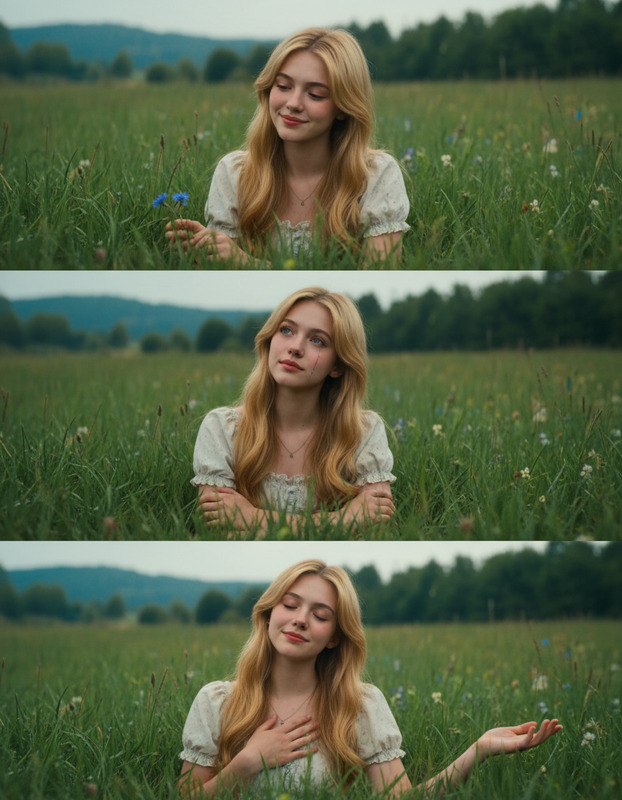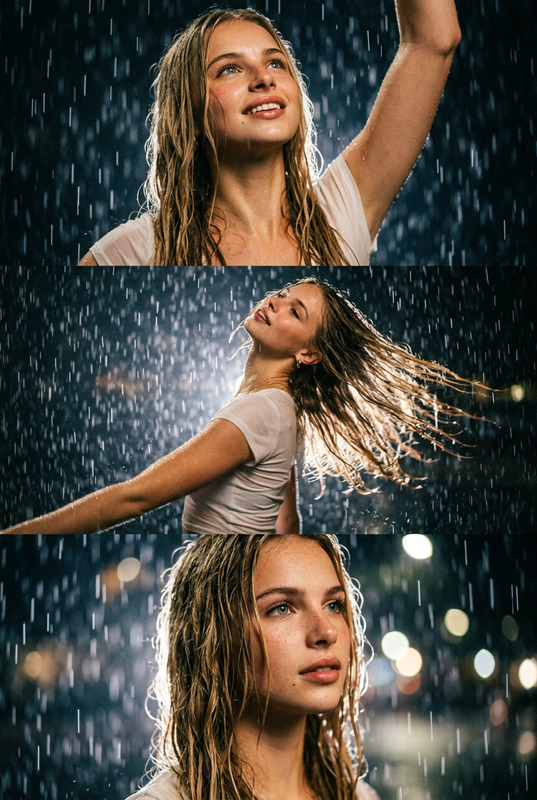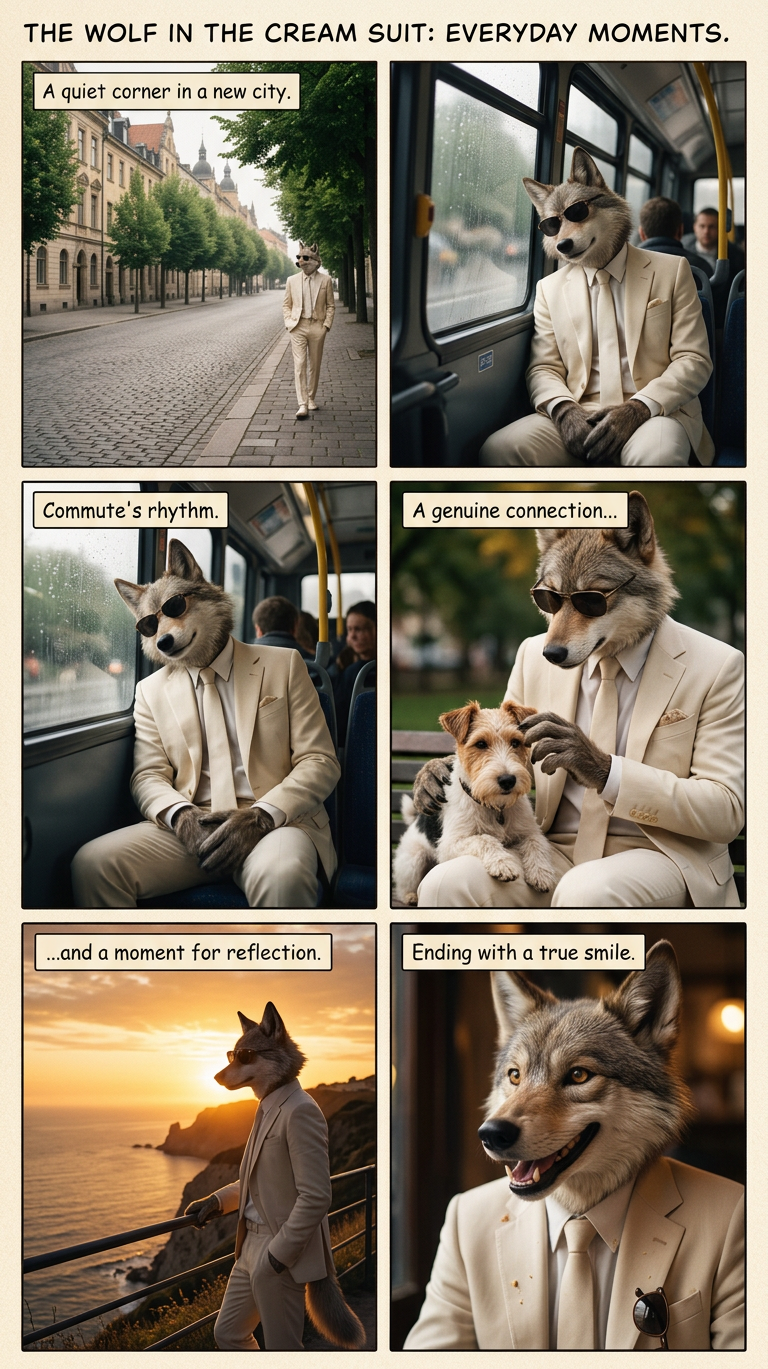
Everyday Moments Collage
- Model
- Nano Banana 2
- Image
- 768 × 1369 px
Prompt
Subject across a series of scenes: a scenery shot, a public bus moment, a pet interaction, a sunset view, and a candid smile. Photorealistic with high detail and natural lighting. Soft, cohesive storytelling feel, capturing simple everyday moments with warmth and authenticity.
Any aspect ratio
Overview
The Everyday Moments Collage template is a versatile option from our AI Image Editor lineup, using the robust nano-banana-2 model. This template allows you to weave together simple yet poignant photos into a cohesive, heartwarming narrative. Whether it's a pet's playful action, the beauty of a sunset, or candid bus rides, it captures it all in natural, photorealistic detail.
What It Does
This template assists in creating a visual story by combining images to depict everyday scenes. Using advanced AI capabilities from the nano-banana-2 model, it enhances natural light and textures to produce high-quality photorealistic outcomes. It's perfect for creating a warm, authentic collage that shares daily experiences with an artistic touch.
Who It's For
The Everyday Moments Collage is ideal for content creators, social media influencers, and photography enthusiasts seeking to document life's simple pleasures. It's also perfect for brands looking to add a personal touch to their marketing campaigns or individuals aiming to preserve memories in a unique format. Explore other creative possibilities with our AI Image Generator and related tools.
Summary
Crafting a story through images has never been easier. With the Everyday Moments Collage template, you can transform simple, everyday photos into a visually compelling narrative. This AI-powered tool brings together various scenes with photorealistic quality, encapsulating authenticity and warmth. Pair it with tools like the AI Meme Generator to enhance your storytelling with complementary media.
How to Use
Choose Your Template

Customize Your Inputs

Generate Your Collage

Use Cases
Social Media Storytelling
- Create engaging posts that highlight personal or brand narratives.
- Blend various aspects of daily life into a single, compelling image.
- Increase audience engagement by sharing relatable stories.
Personal Memory Albums
- Capture a day in the life with authenticity and detail.
- Print collages to preserve cherished memories.
- Use as digital albums for easy sharing with friends and family.
Marketing Campaigns
- Showcase real-life interactions with products.
- Use vivid storytelling to drive brand emotion.
- Strengthen brand identity with relatable scenarios.
Best Practices
Select Cohesive Images
Ensure your images share a similar tone and color palette to maintain a seamless flow throughout the collage.Utilize Natural Light
Increase engagement by selecting photos with good natural lighting to complement the template's strengths.Tell a Story
Frame your collage as part of a larger narrative that followers or customers can relate to, ensuring consistency across your content.