Tri-Panel Abstract
- Model
- Nano Banana 2
- Image
- 843 × 1264 px
Prompt
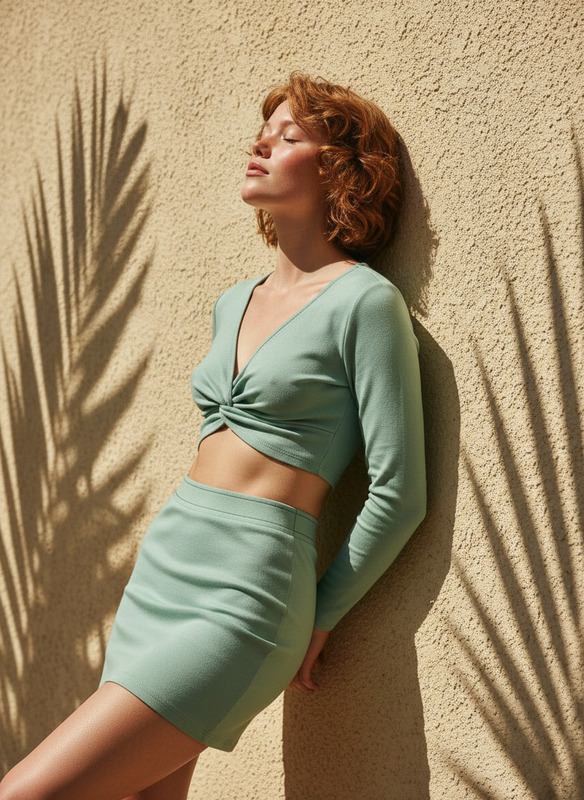
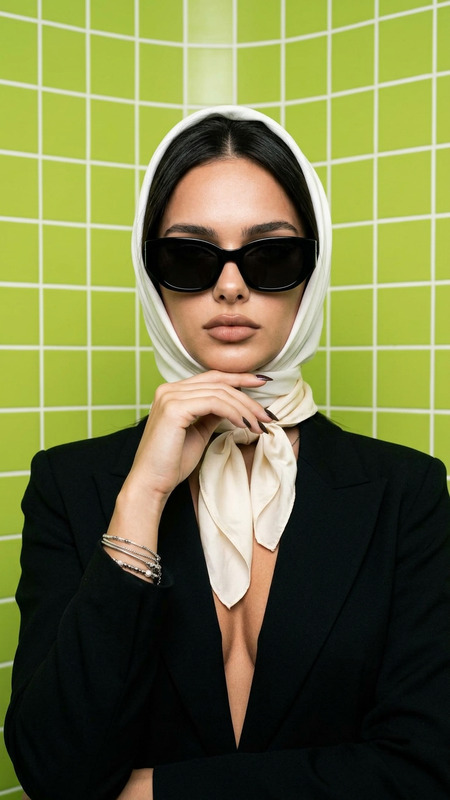
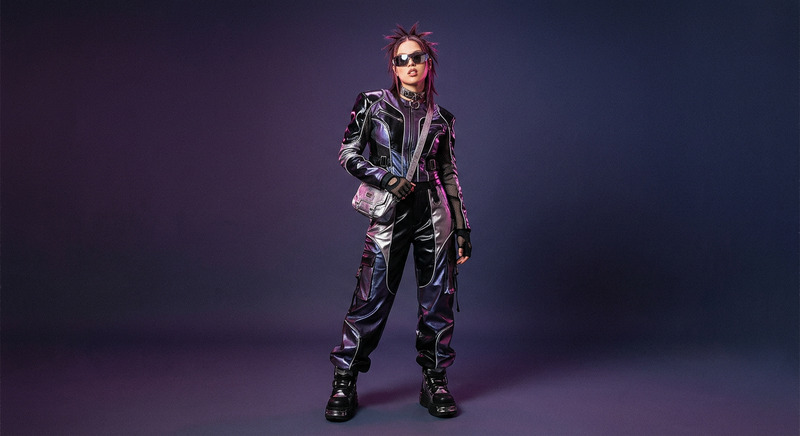
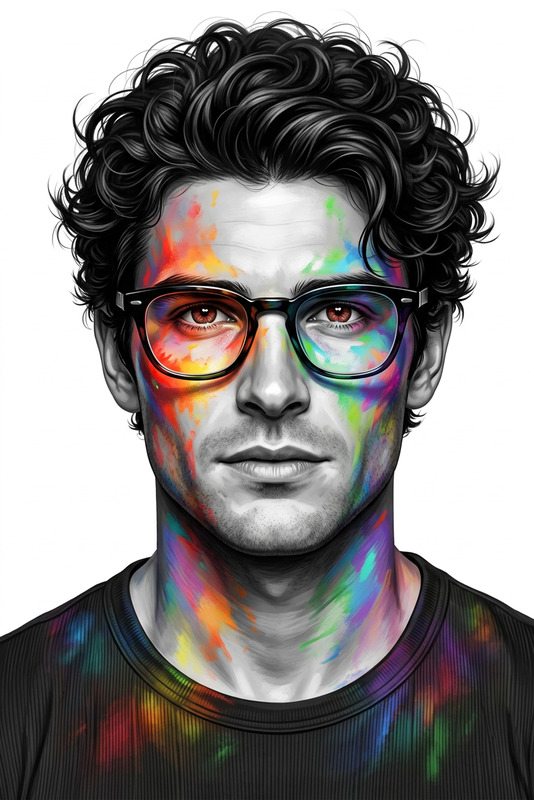
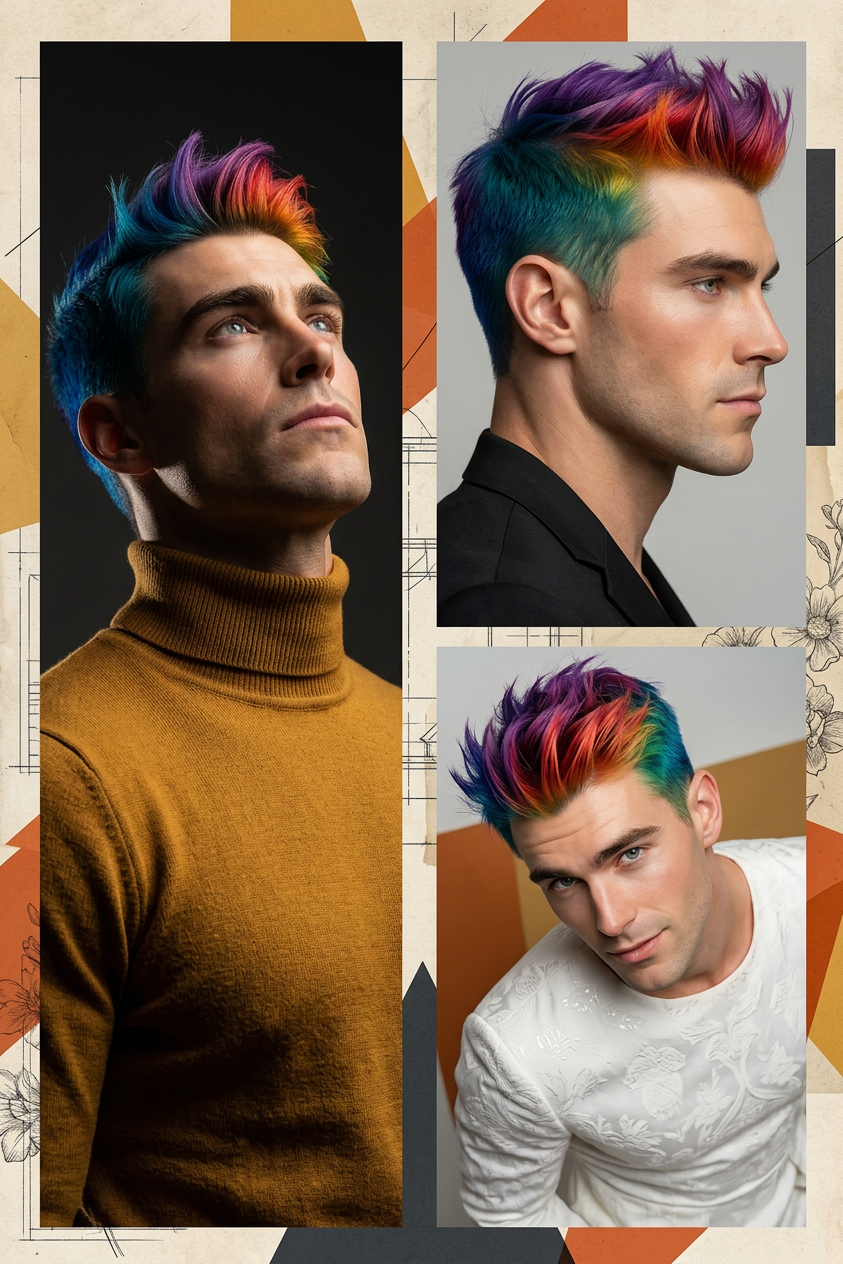
High-resolution three-panel editorial composition featuring a subject with 7-color hair and refined features; left panel shows a tall vertical portrait of the subject gazing upward in a mustard turtleneck under dramatic cinematic lighting; top-right panel captures a close-up side profile of the subject in a black blazer with a calm, confident expression; bottom-right panel presents a slightly top-down playful yet elegant pose of the subject in a white textured dress; all panels integrated into an abstract mixed-media collage background with geometric shapes in ochre, burnt orange, and charcoal, layered with parchment textures, blueprint sketches, and subtle floral etchings; flat graphic overlays blend seamlessly with the subject; ultra-detailed, modern fashion editorial aesthetic, 8K resolution.
Any aspect ratio
Overview
The Tri-Panel Abstract template is an artistic tool that leverages the AI Image Editor capabilities of the nano-banana-2 model. It's designed to craft intricately detailed visual compositions that showcase a blend of portraiture and abstract art. Ideal for both professionals and enthusiasts, this template supports high-resolution outputs perfect for various creative needs.
What It Does
This template facilitates the creation of a high-resolution three-panel editorial composition. It includes unique features like a subject with a distinctive 7-color hairstyle, depicted across three panels surrounded by an abstract mixed-media collage. Users can integrate elements such as geometric shapes, floral etchings, and graphic overlays for a modern, editorial aesthetic.
By tying these elements together, the template produces a cohesive editorial visual, ready for applications in digital and print media.
Who It's For
Ideal for fashion photographers, graphic designers, and social media influencers, the Tri-Panel Abstract template serves those aiming to create standout, editorial-style visuals. It's also perfect for digital artists looking to explore mixed-media collage aesthetics in their projects.
Whether working on presentations, social media campaigns, or artistic portfolios, this template provides the flexibility needed to enhance creative storytelling.
Summary
Utilizing the nano-banana-2 model, the Tri-Panel Abstract template allows users to transform ordinary images into high-caliber editorial pieces. You can create captivating visuals for marketing, exhibitions, or personal projects.
By offering high customization, this AI Image Editor template stands out as a versatile choice for modern creatives.
How To
Choose the Template

Customize Your Design

Generate and Export

Use Cases
Artistic Portfolio Development
- Highlight creative skills
- Showcase personal artistic style
Social Media Campaigns
- Increase engagement rates
- Enhance branding efforts
Fashion Photography Enhancements
- Add stylistic depth
- Enhance color dynamics
Best Practices
Select High-Quality Images
Use high-resolution images for all input fields to maintain clarity and detail.Consider Color Harmony
Match the subject's attire and background elements to the overall color scheme for a cohesive look.Balance Complexity
Avoid overwhelming the composition by striking a balance between detailed elements and clean, open spaces.