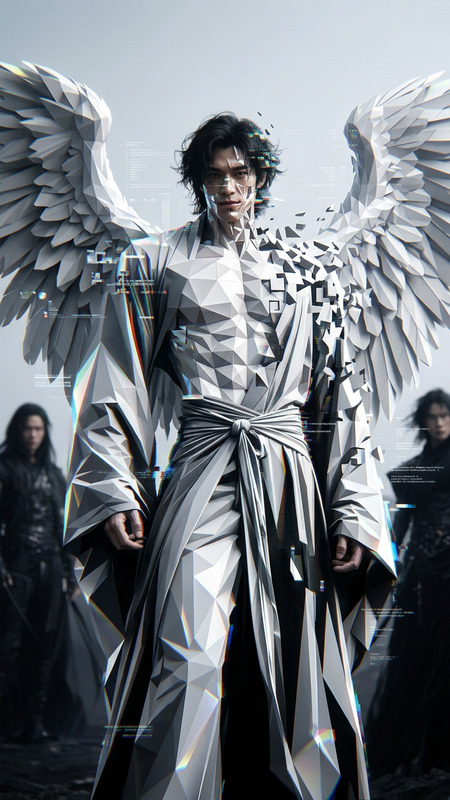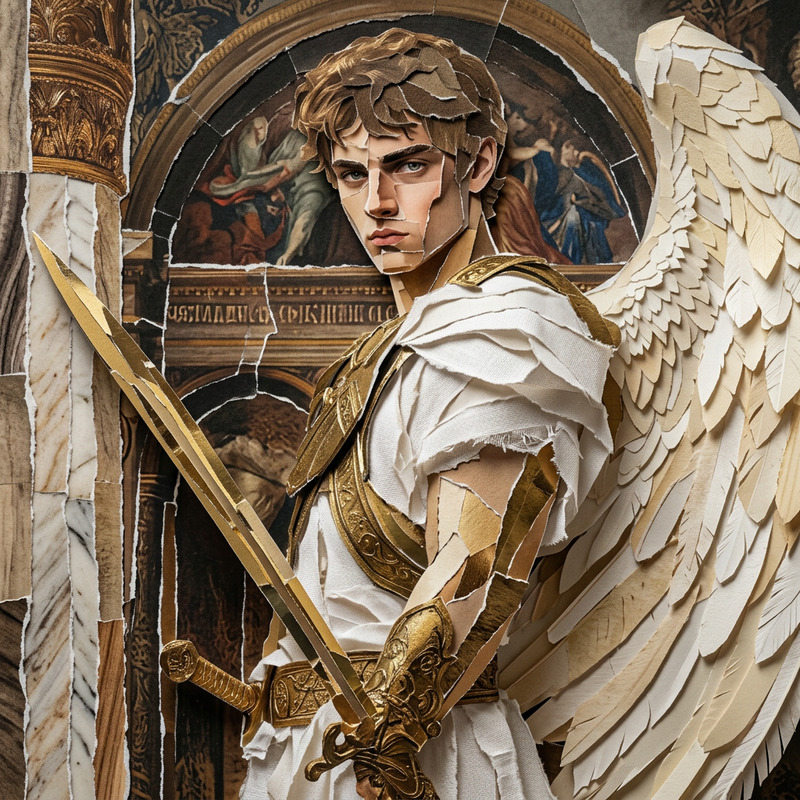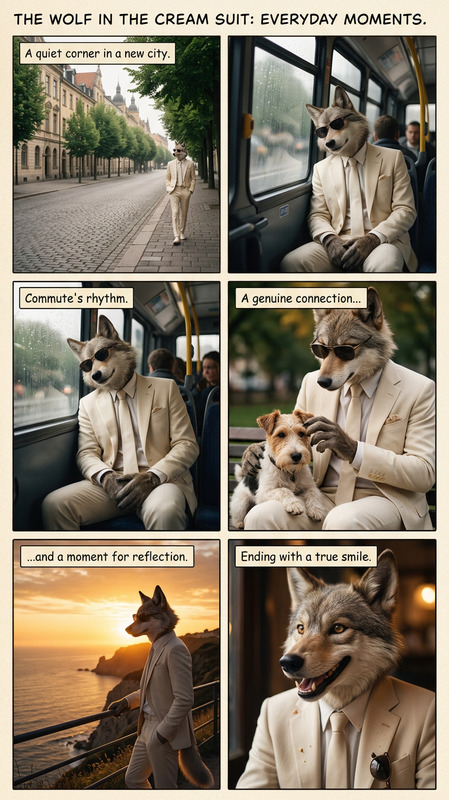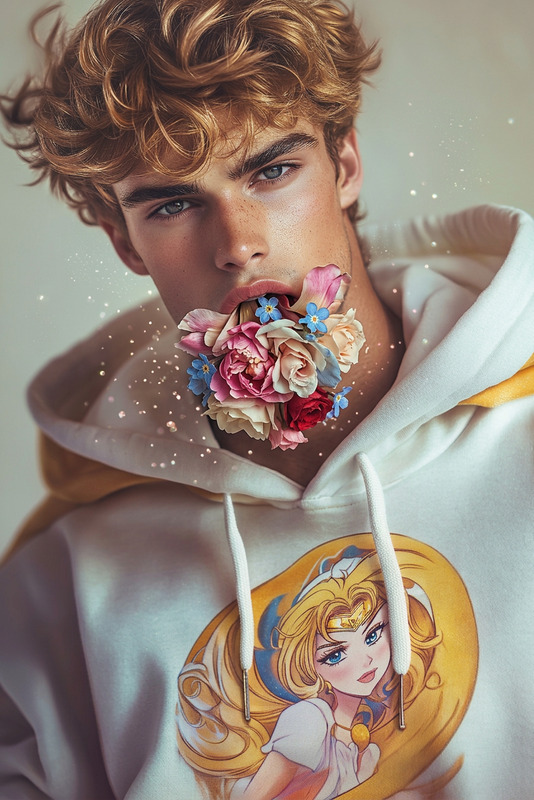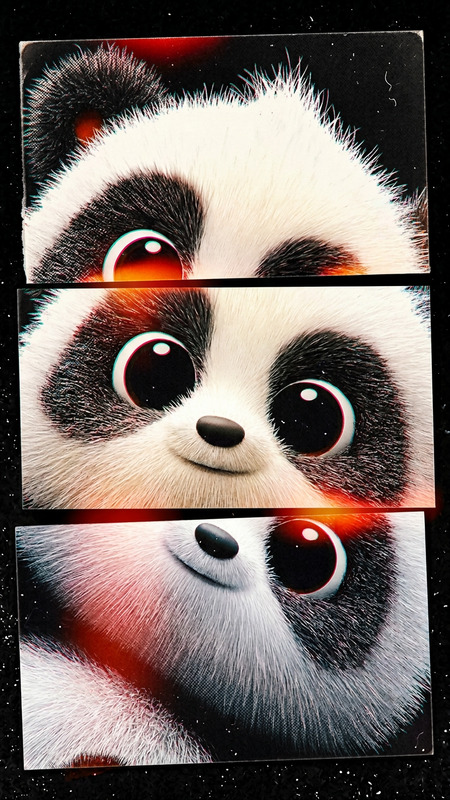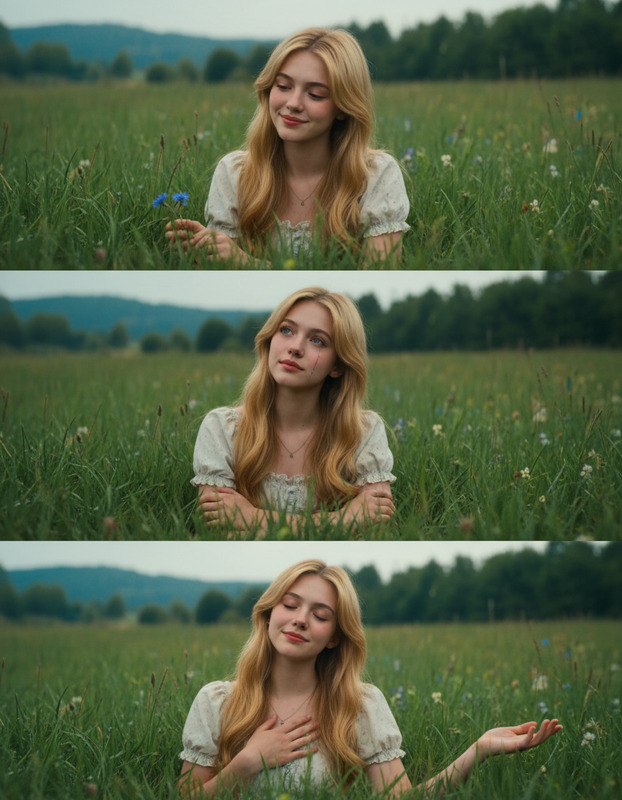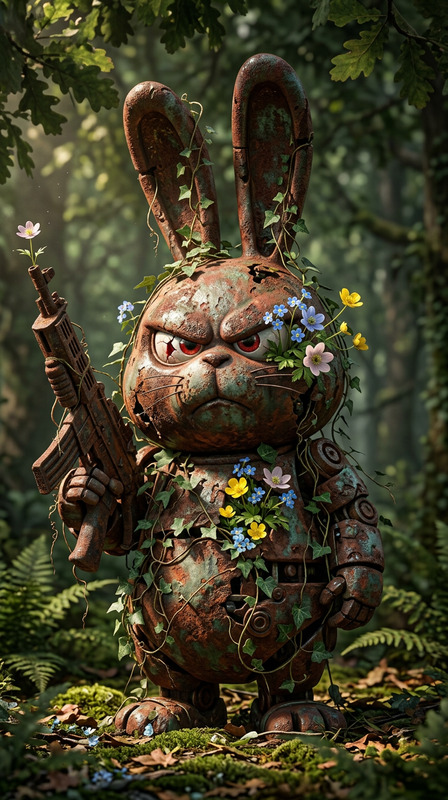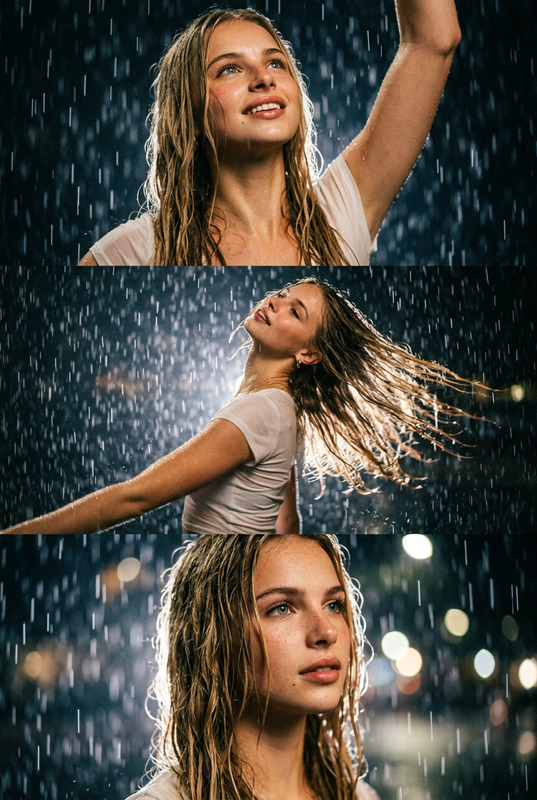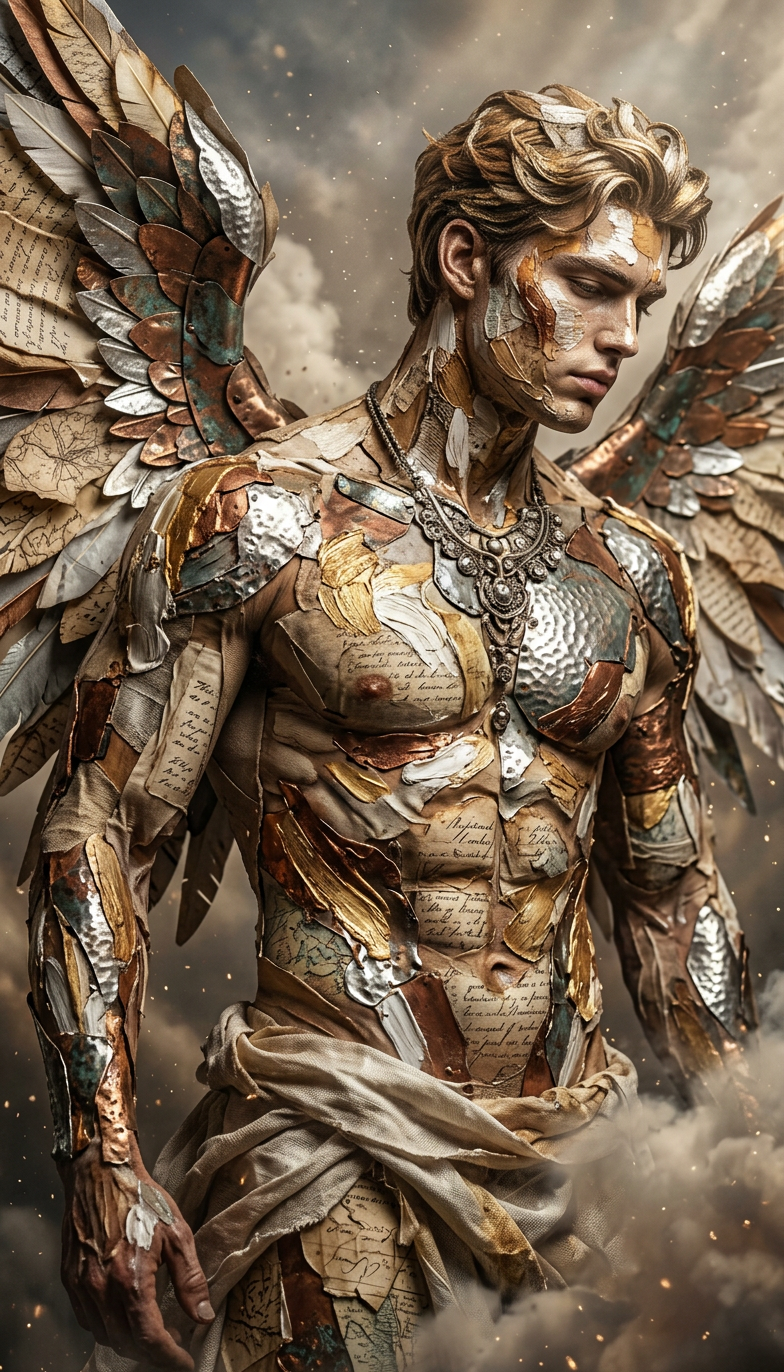
Texture collage
- Model
- Nano Banana 2
- Image
- 784 × 1372 px
Prompt
Cinematic shot of a subject built from rich textures—fabric, paper, metal, and paint layered across the body. Surfaces feel tactile and detailed, with rough and smooth contrasts creating depth. Artistic, abstract, ultra-realistic, HDR, high contrast, shallow depth of field
Any aspect ratio
Overview
The Texture Collage template is a powerful feature within the AI Image Editor suite, designed for creators eager to craft visually striking compositions using textures. Leveraging the sophisticated capabilities of the nano-banana-2 model, this template allows users to build cinematic shots that are both artistic and ultra-realistic.
What It Does
This template enables you to layer a variety of textures—like fabric, paper, metal, and paint—into a cohesive image that feels tactile and detailed. It offers an HDR, high-contrast finish with a shallow depth of field, perfect for creating dramatic and impactful visual stories. The AI handles complex layering techniques to bring depth and contrast to your imagery.
Who It's For
The Texture Collage template is ideal for photographers, digital artists, and designers who are looking to add depth and texture to their projects. Whether you're crafting visuals for advertising, social media, or personal projects, this tool aids in creating compelling compositions. It is a great choice for those who also use tools like the AI Product Photography and AI Photo Relighting to enhance their artistic workflow.
Summary
Embrace a texture-rich approach to digital art with this Texture Collage template. By combining the precision of AI with the aesthetic of layered textures, it unlocks new artistic possibilities. Compatible with various related tools like the AI Image Upscaler, it ensures your images can be further refined and outputs meet professional standards.
How To
Choose Your Template

Customize Your Design

Generate Your Image

Use Cases
Advertising Media
- Create eye-catching ads
- Elevate branding materials
Social Media Content
- Boost Instagram aesthetics
- Craft unique Facebook headers
Artistic Projects
- Develop gallery pieces
- Create personal art
Best Practices
Diverse Texture Selection
Use a broad range of textures to create more dynamic and engaging images.Adjust Contrast and Depth
Play with contrast and depth settings to highlight specific aspects of your composition.Refinement with Editing
Utilize complementary tools like the AI Image Upscaler for final image refinements.