Neon Pop Multiplicity

Neon Pop Multiplicity

ai-image-editor

1 clip
3 uses

Any aspect ratio

Prompt

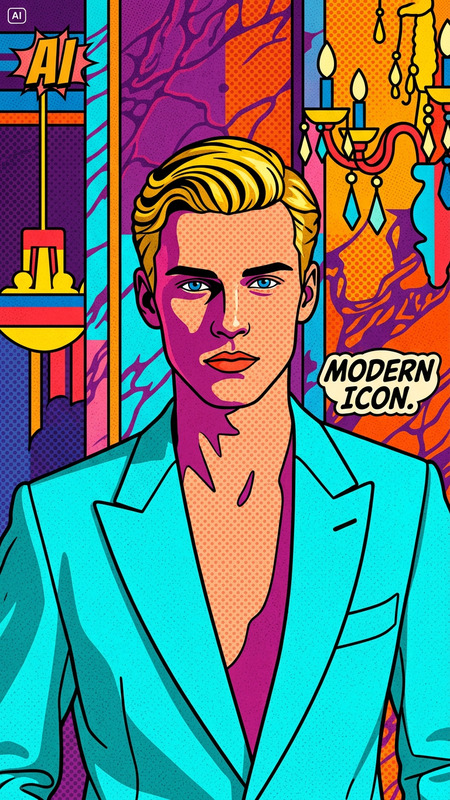
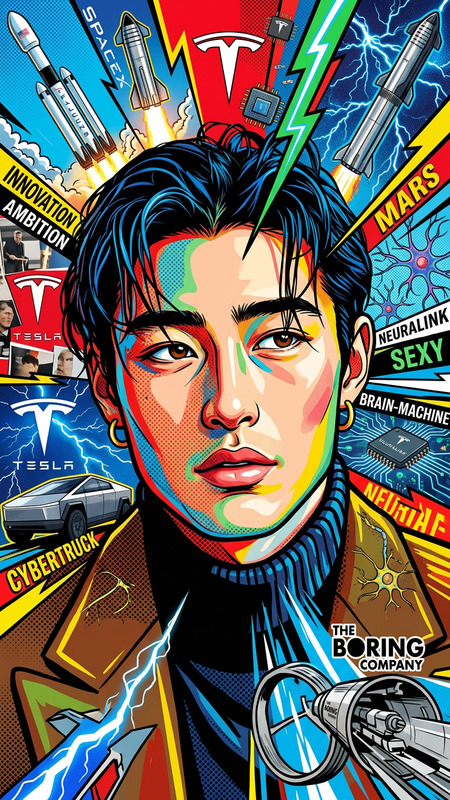
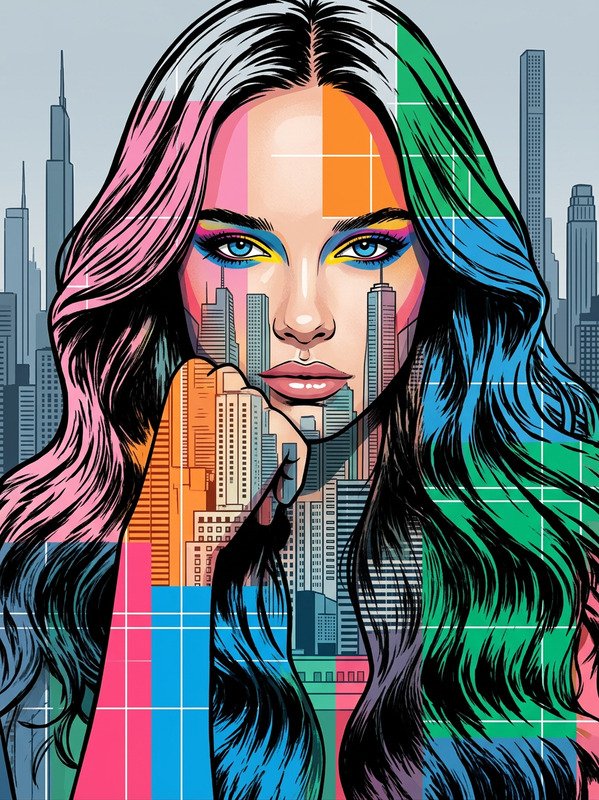
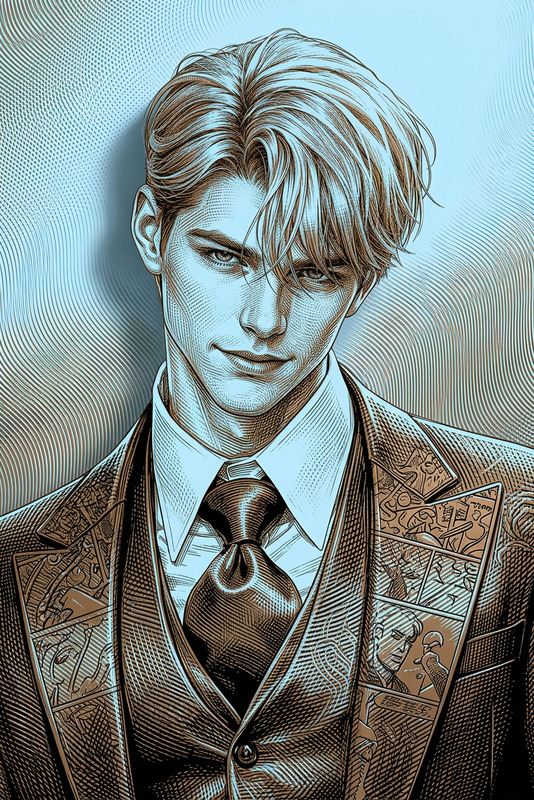
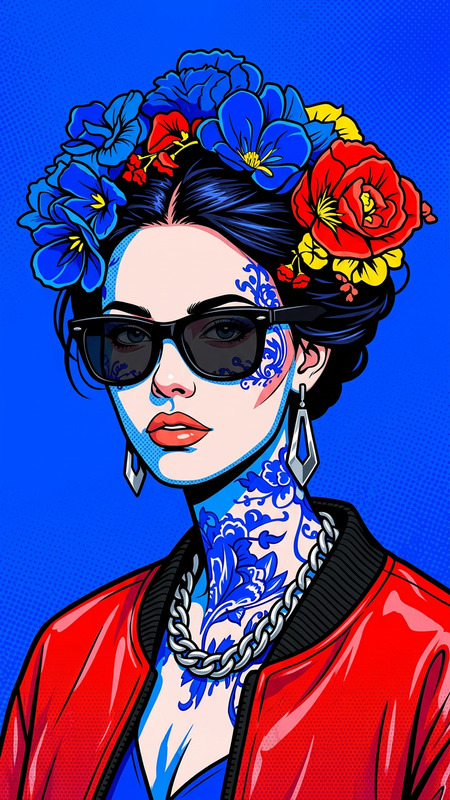
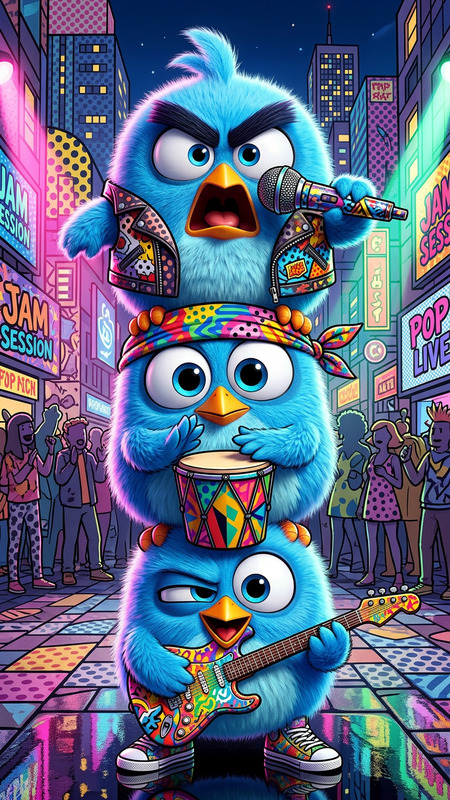
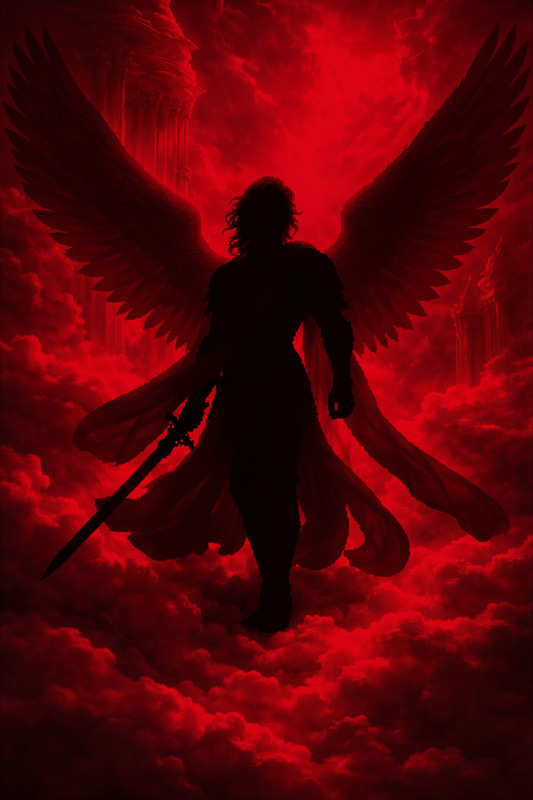
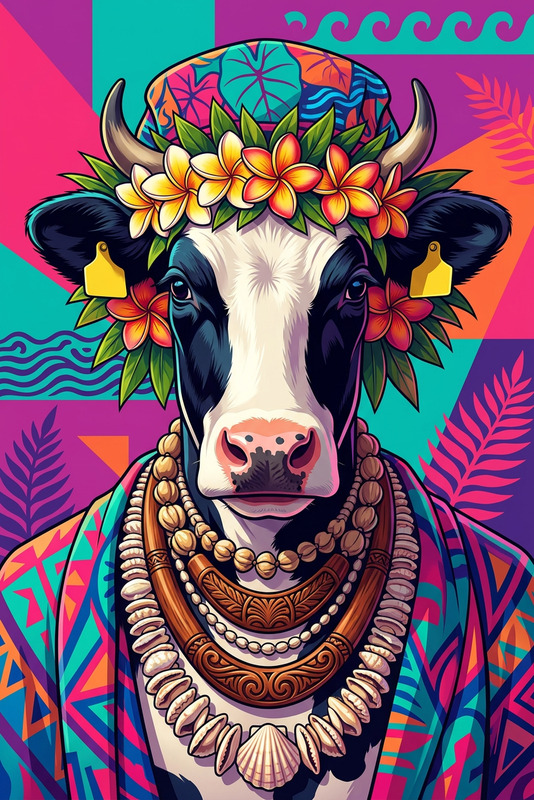
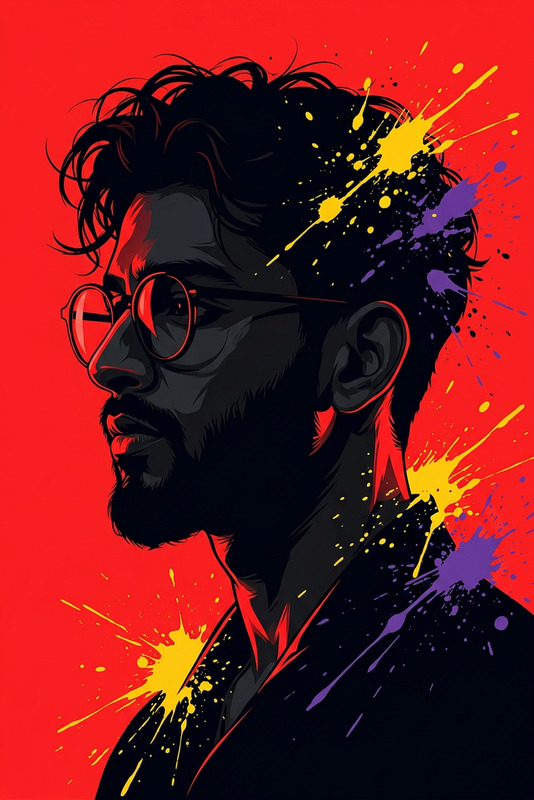
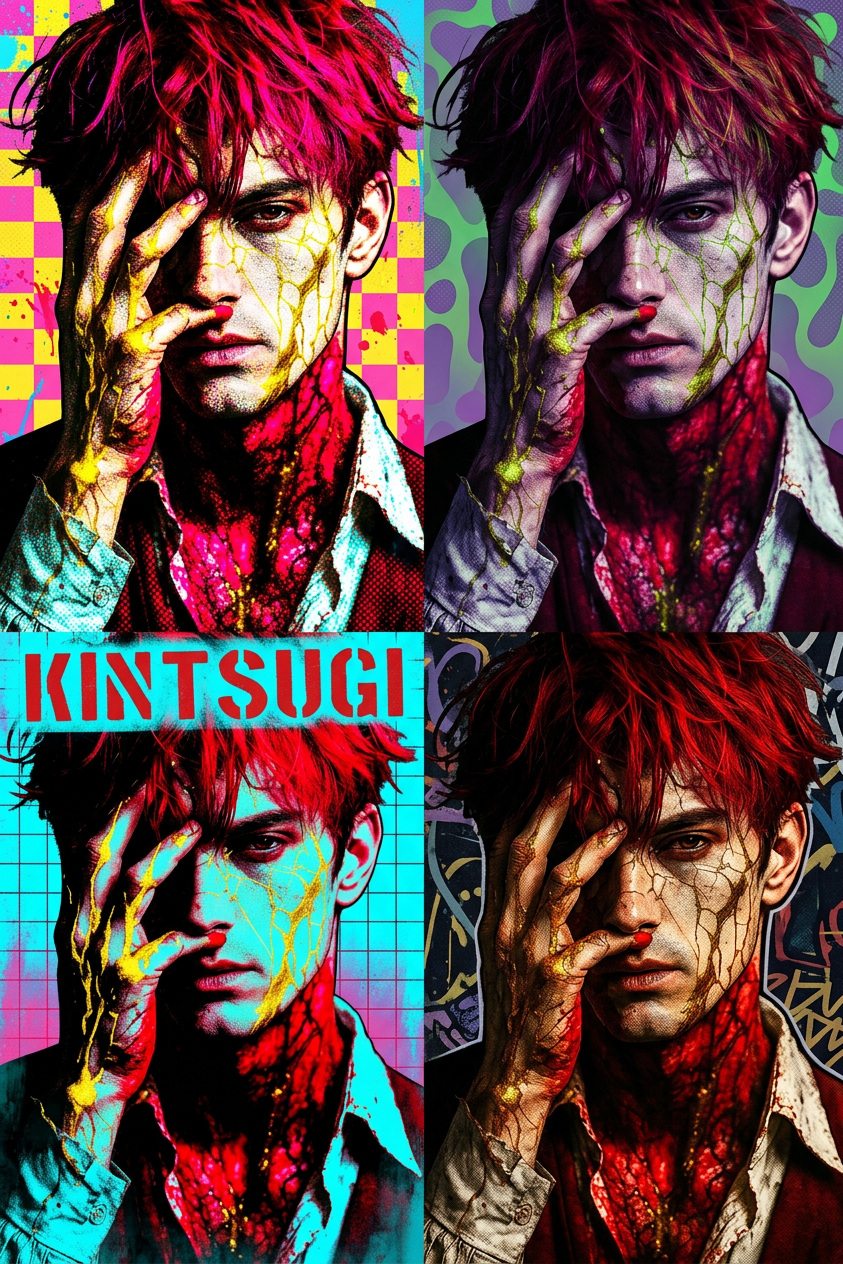
A vibrant pop art composition featuring a subject duplicated into multiple side-by-side versions. Each version is stylized with bold neon colors like pink, yellow, green, and purple, blending realistic portraiture with illustrated graphic outlines and textured print effects. The background features abstract shapes, gradients, and dynamic patterns, creating an energetic street-art inspired collage. High contrast, posterized look, halftone textures, modern pop art digital style.

AI Image Editor Template: Turn Any Photo Into Production‑Ready Creative in Minutes

This template shows what’s possible with the AI Image Editor: clean, high‑quality image edits that look like they were done in Photoshop, but generated in a few clicks.

Use it as a starting point to:

  • Fix or replace backgrounds
  • Remove unwanted objects or people
  • Change outfits, faces, or styles
  • Generate multiple creative variations for ads, social, or product shots

Below is a practical breakdown of how this template works, and how you can remix it into your own version inside Magic Hour.


What This Template Is Best For

This AI Image Editor template is designed for users who need fast, repeatable, on‑brand visuals:

  • Performance marketers: test multiple creative angles from one source image (backgrounds, colors, props) for paid ads.
  • Startup teams & founders: quickly produce landing page hero images, product shots, or launch visuals without a designer.
  • Content & social teams: adapt one core asset into platform‑specific visuals (Instagram, TikTok, X, LinkedIn).
  • Developers & indie creators: generate high‑quality visuals for product demos, docs, app stores, decks, and investors.

Because it’s built on the AI Image Editor, every edit is non‑destructive: you can undo, re‑prompt, or remix specific parts of the image instead of starting over.


How to Remix This Template in Magic Hour

You can recreate and customize this template directly in Magic Hour by following a simple workflow:

  1. Start with the AI Image Editor

    • Open the AI Image Editor.
    • Upload your base photo (product shot, portrait, scene, UI mockup, etc.).
    • This becomes your “source” for all variations and experiments.
  2. Define Your Editing Goal Clearly
    Decide what you want from this template variant:

    • Cleaner, more minimal background
    • Different environment (e.g., studio → lifestyle)
    • Style shift (realistic → illustration, anime, comic, etc.)
    • Brand alignment (color palettes, mood, lighting)

    Writing this down as a one‑sentence goal often leads to better prompts and more consistent results.

  3. Edit by Region (Local Edits)
    With the AI Image Editor, focus on specific problem areas instead of rewriting the entire image:

  4. Generate Multiple Variations Quickly
    Once you have a “good” version, use it as a base to create a small batch of alternates:

    These variations can all be built from the same original image and editing logic used in this template.

  5. Polish and Prepare for Production
    To get production‑ready quality:

  6. Save as Your Own Internal Template
    Once you have a workflow you like:

    • Reuse the same source image and editing pattern for future campaigns.
    • Keep a shared internal “prompt sheet” or doc describing your best prompts and brand rules.
    • Create additional assets (GIFs, videos, avatars) that all derive from this same visual system.

Example Use Cases You Can Build from This Template

You can remix this AI Image Editor template in multiple directions depending on your goals:

1. Product Marketing & E‑Commerce

Turn a single product shot into a full campaign’s worth of creative:

You can also:

2. Creators, Thumbnails, and Social Visuals

Use this template to standardize your visual identity across platforms:

3. Brand Worlds, IP, and Characters

For games, IP, or narrative products:


Extending This Template to Video, GIFs, and Talking Images

This template starts with still images, but Magic Hour lets you extend the same assets into motion:

All of these can be driven by the same visual language and assets you create with this AI Image Editor template.


Technical Considerations for Higher Quality Results

When adapting or remixing this template, keep these practical guidelines in mind:

  • Start with the best source you have
    Higher‑resolution, well‑lit photos yield cleaner edits and fewer artifacts, especially when you upscale or animate later.

  • Be explicit in your prompts
    Describe:

    • Subject (“single person, front‑facing, neutral expression”)
    • Environment (“soft studio lighting, blurred background, neutral colors”)
    • Style (“photorealistic, editorial, minimalistic brand style”)
  • Think in systems, not one‑offs
    If you’re building for a startup or brand, define repeatable rules:

    • Typical background type and color palette
    • Character or model consistency (age, gender presentation, clothing style)
    • Level of realism vs stylization

    This makes it easier to reuse the same AI Image Editor template as a foundation for new campaigns.

  • Use upscaling at the end of the pipeline
    Do most of your creative experimentation first, and then run final selects through AI Image Upscaler or Unblur Image to minimize quality loss.


Related Magic Hour Tools Worth Combining with This Template

Depending on your project, you can extend the power of this AI Image Editor template with:


How Teams Typically Operationalize a Template Like This

Teams that get the most out of this kind of AI Image Editor template usually:

  1. Lock in a “hero” image pattern

    • One or two source photos that define the overall visual identity.
    • A written guideline describing desired style, tone, and subject framing.
  2. Document prompts and best practices

    • Keep a prompt library for different use cases (ads, thumbnails, product UI, social posts).
    • Store before/after examples to make it easy for new team members to follow.
  3. Build a repeatable content pipeline

    • Image generation and editing with AI Image Editor.
    • Optional stylization for specific campaigns (anime, comic, fantasy, etc.).
    • Final clean‑up, upscaling, and export.

This template is meant to be that starting point: a concrete example of what high‑quality, production‑ready AI image editing looks like, and a blueprint you can remix for your own brand or product.


Use this template as a baseline, open the AI Image Editor, and start experimenting: upload a strong base image, apply focused edits, then branch into variations. Within a few iterations you’ll have a bespoke version of this template tailored to your product, brand, or channel.

More Like This

Insufficient credits