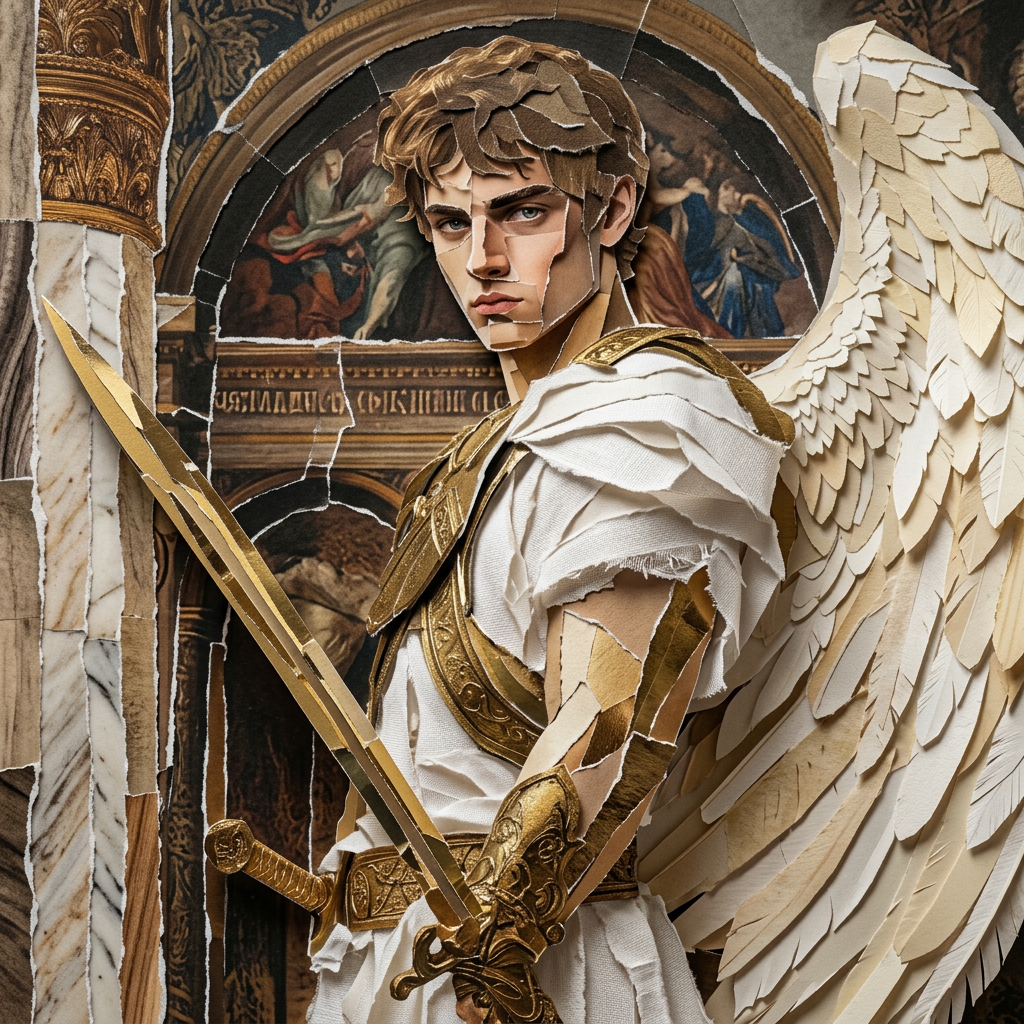
Cutout collage
- Model
- Nano Banana 2
- Image
- 1024 × 1024 px
Prompt
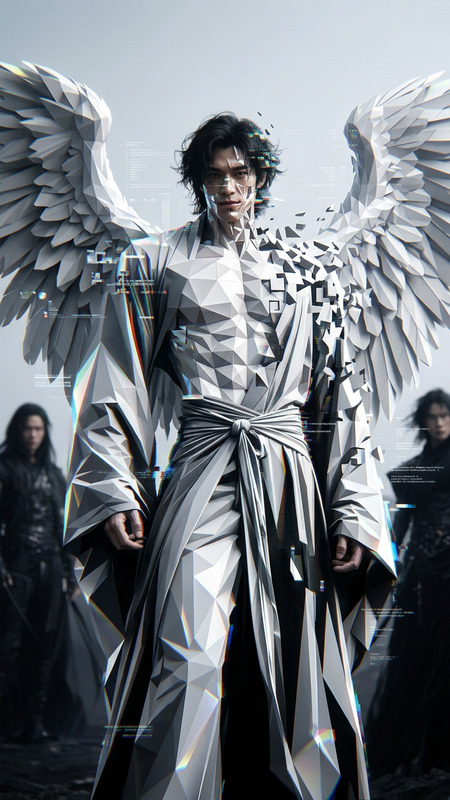
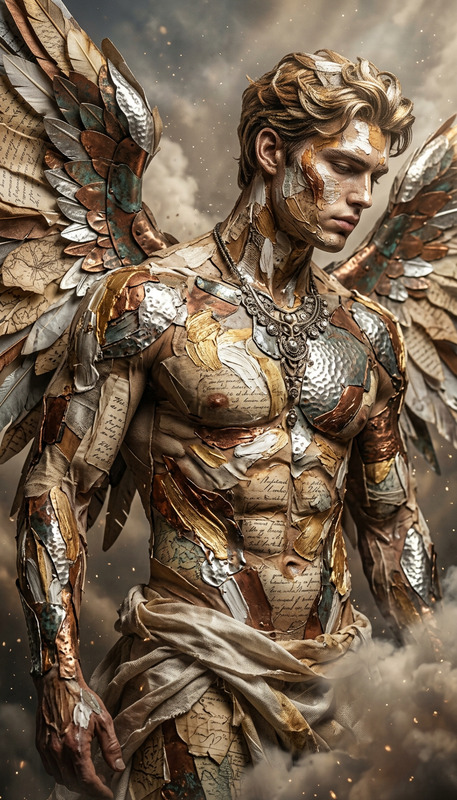
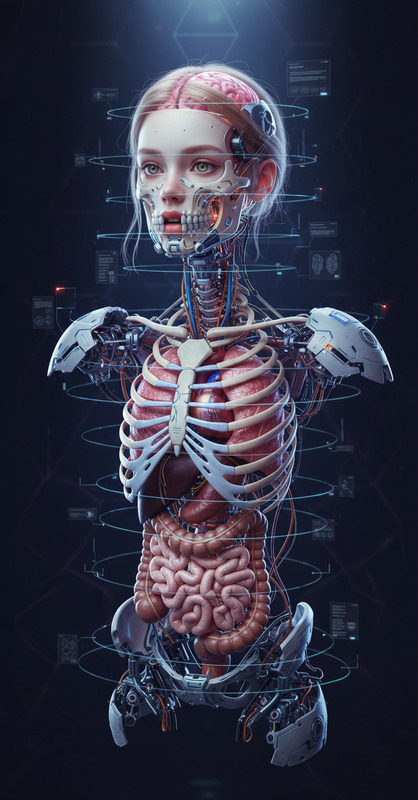
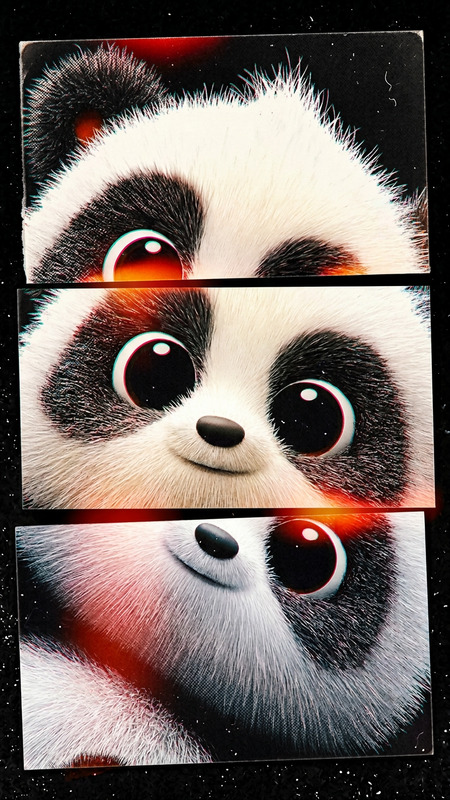
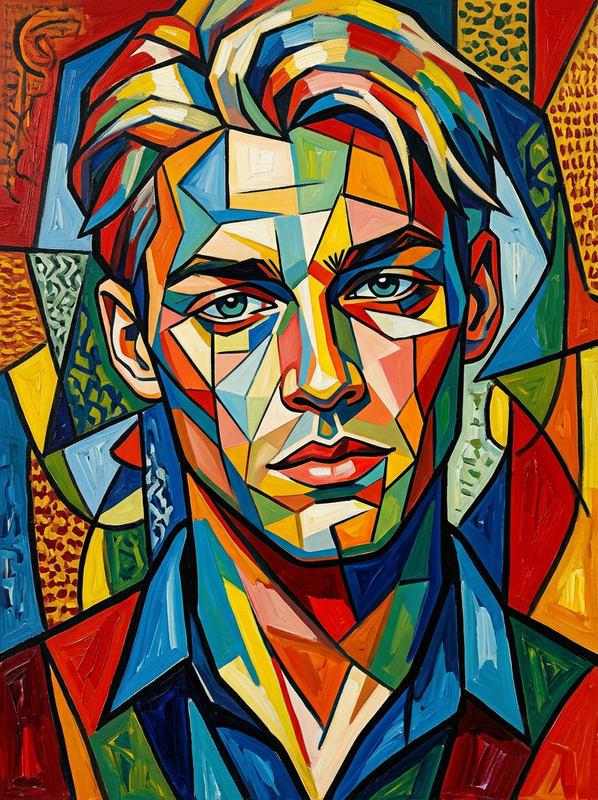
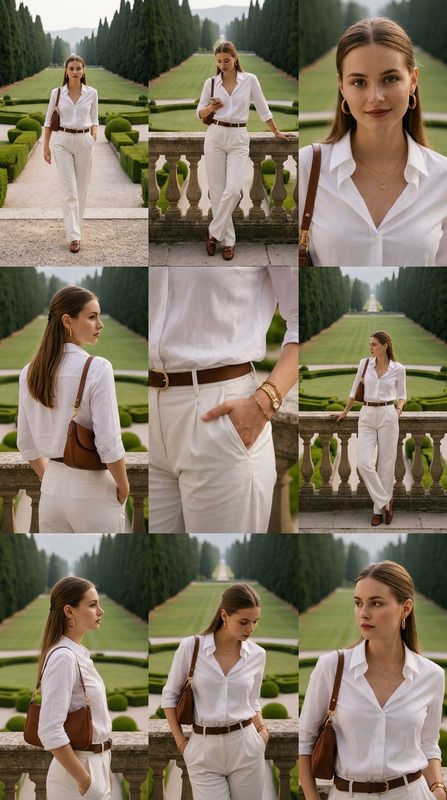
Cinematic shot of a subject formed from cutout pieces with torn edges, misaligned layers, and overlapping shapes. Sections appear sliced and reassembled, creating a bold, fragmented composition. Chaotic yet structured, modern collage aesthetic, ultra-realistic, HDR, high contrast, shallow depth of field
Any aspect ratio
Overview
Discover the art of creating striking cutout collages with the AI Image Editor's Cutout Collage template. Utilizing the advanced capabilities of the nano-banana-2 model, this tool allows users to craft bold and ultra-realistic compositions. Whether you’re transforming personal memories or crafting unique visual stories, this template adds a modern collage aesthetic to your images.
What It Does
The Cutout Collage template reimagines your images into cinematic shots made up of torn and misaligned layers. By slicing and rearranging sections with overlapping shapes, it produces a collage that is both chaotic and structured. Perfect for achieving an HDR, high-contrast look with a shallow depth of field, it offers a unique, bold composition for your creative projects. Explore this template through our AI Image Editor.
Who It's For
This template is ideal for digital artists and content creators who thrive in mixing traditional aesthetics with modern technology. It’s a perfect fit for those working in advertising, social media, or any industry requiring visually compelling images. Also, it's suitable for photographers wanting to explore creative edges in their arts. Users who have found value in our AI Image Generator will also appreciate the creative power here.
Summary
The Cutout Collage template is a sophisticated tool that brings a new dimension to visual storytelling. By employing our robust AI Video Generator technology, users can transform simple images into expansive narratives with dramatic, artistic flair. This tool’s ability to deliver ultra-realistic and highly textured compositions makes it an asset for any creative toolkit.
How To
Choose the Template

Customize Your Inputs

Generate Your Collage

Use Cases
Social Media Content
Advertising Campaigns
Personal Projects
Best Practices
Focus on Composition
Ensure that the chaotic elements still maintain an overall balance in the composition for the best visual impact.Experiment with Depth
Utilize the shallow depth of field setting to highlight the layered textures and create a sense of depth.High Contrast
Incorporate high contrast settings to amplify the visual impact of the collage and emphasize details.