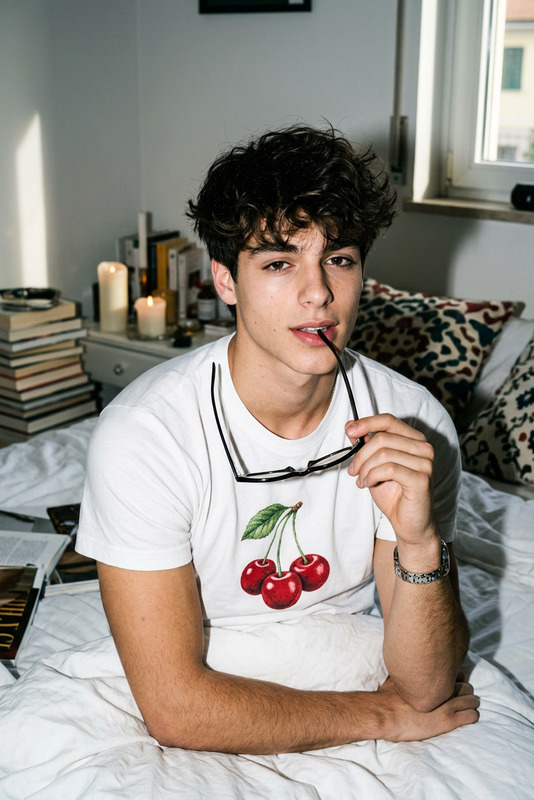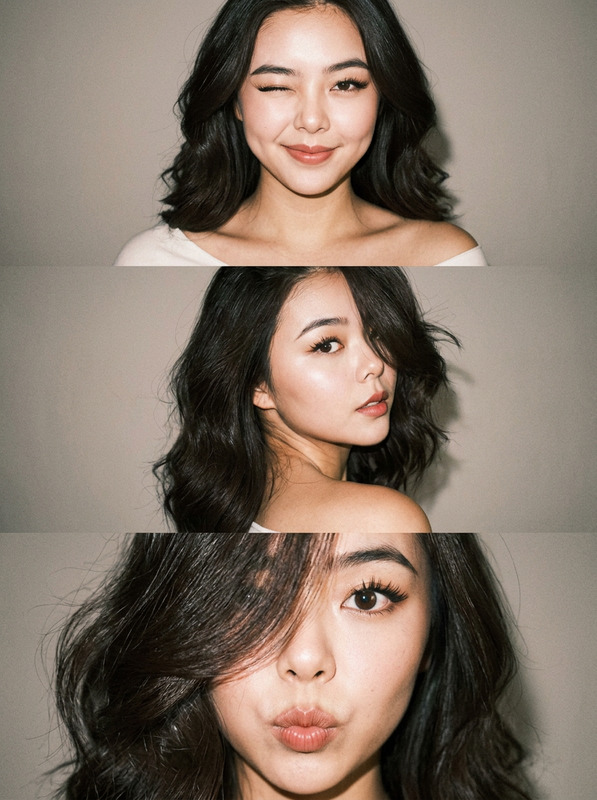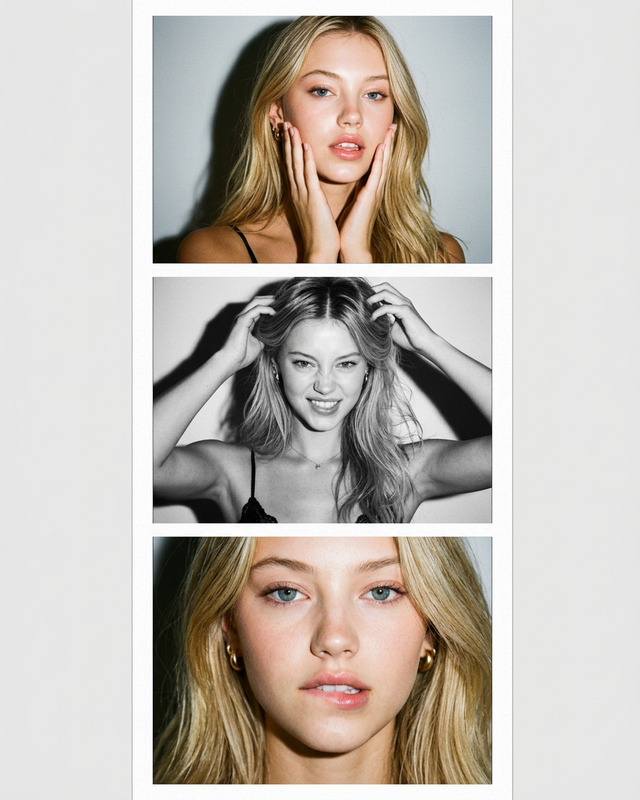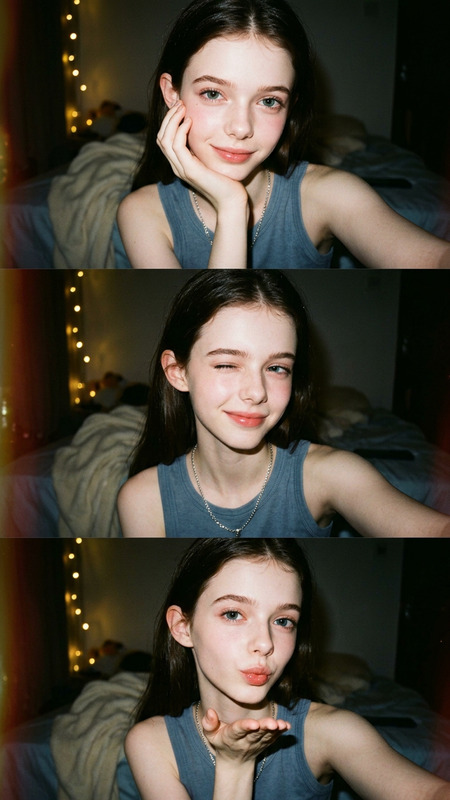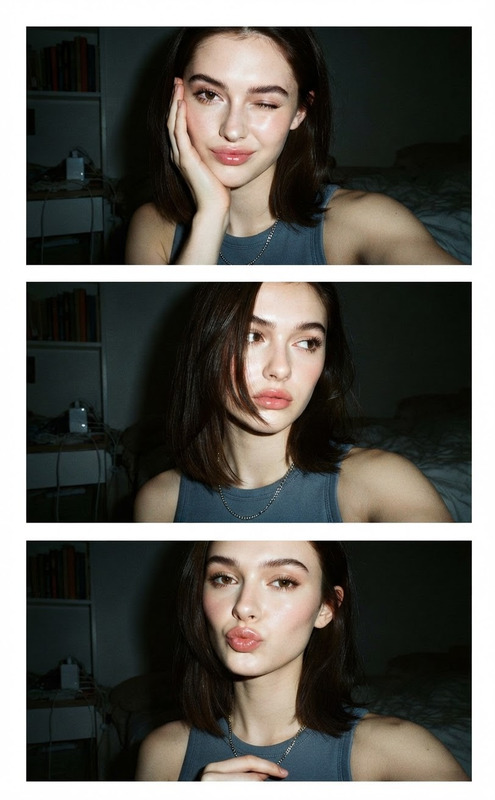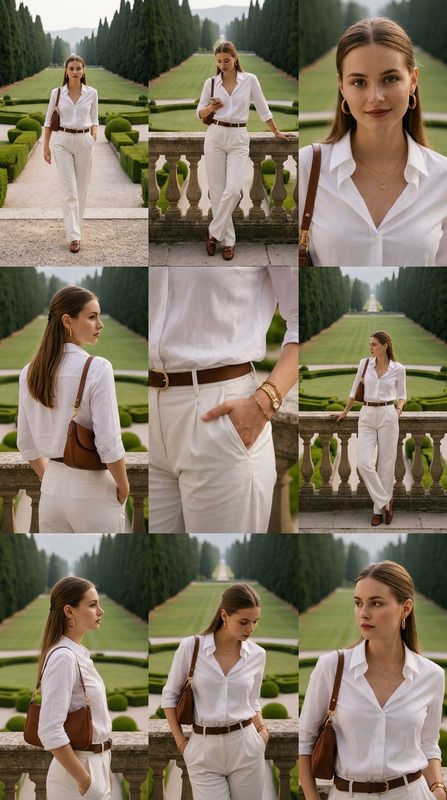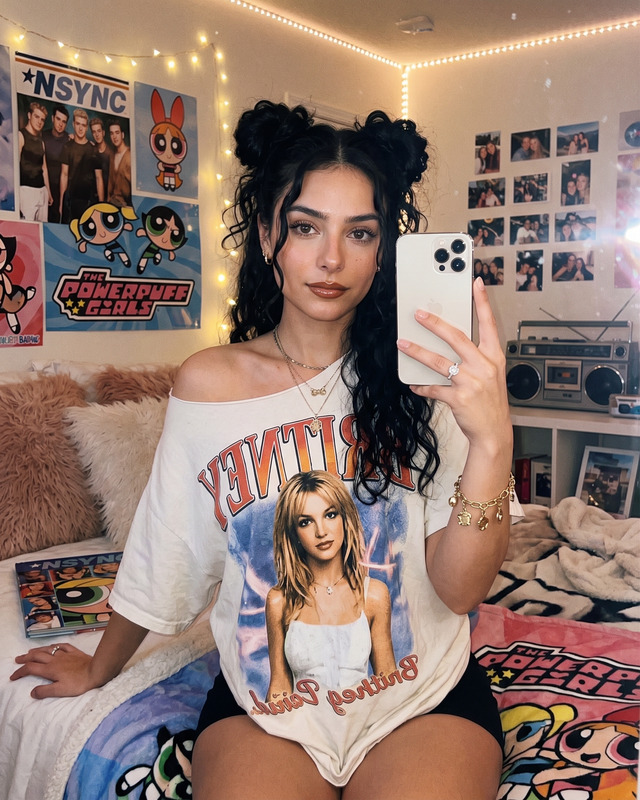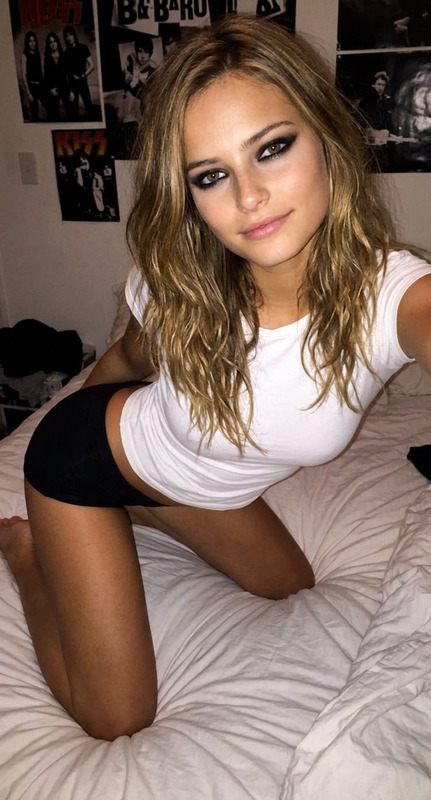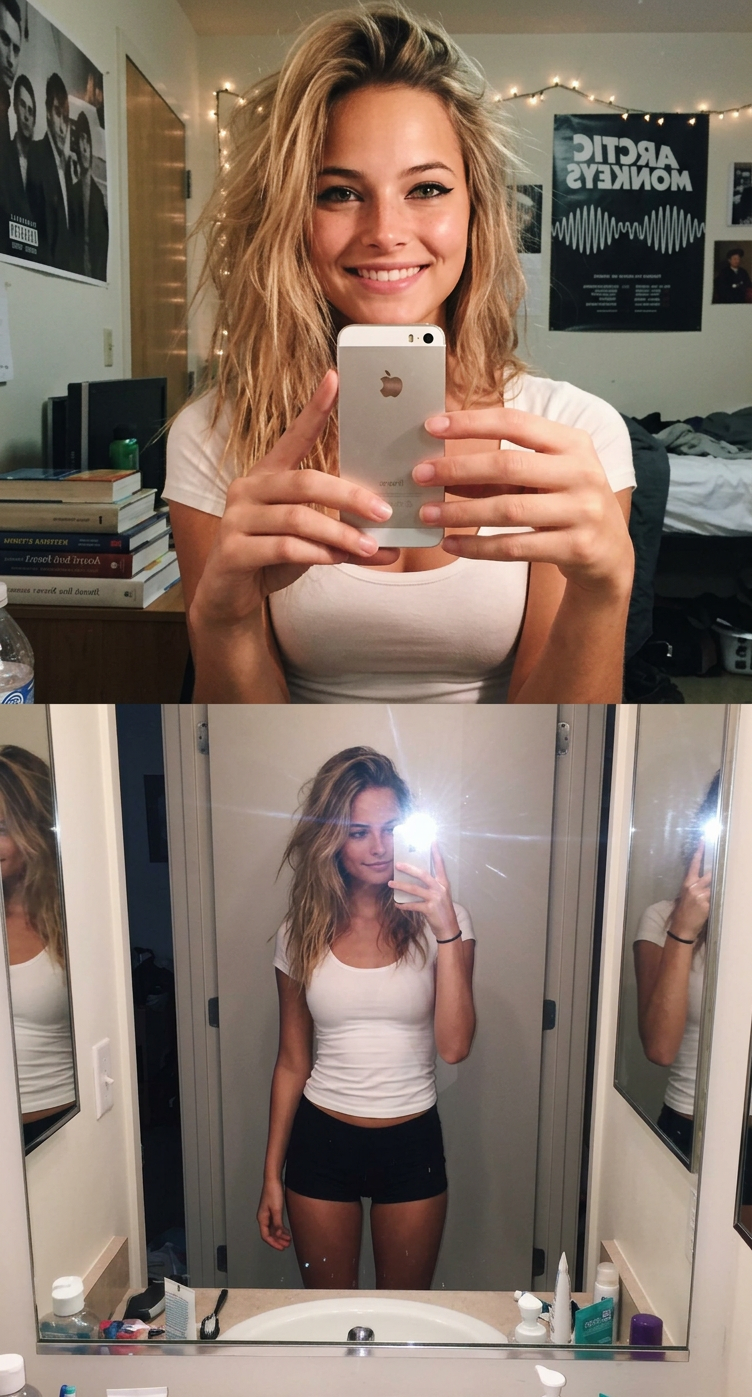
Photoshoot Bedroom Collage
- Model
- Nano Banana 2
- Image
- 752 × 1397 px
Prompt
A photorealistic two-panel vertical collage reminiscent of a selfie/photograph taken with a flash from an iPhone 5s from the early 2010s. She has slightly tousled, tousled hair and bold black eyeliner. She's wearing a white, tight-fitting top and very short, black, tight shorts made of a smooth, stretchy material, similar to leggings.
Any aspect ratio
Overview
The Photoshoot Bedroom Collage template is your gateway to creating evocative two-panel collages. Using the capabilities of the AI Image Editor, this template encapsulates the essence of early 2010s photography, delivering photorealistic and timeless visuals featuring unique style elements like bold black eyeliner and a mix of modern and retro clothing.
What It Does
This template leverages the Nano-Banana-2 model to produce lifelike images that embody the aesthetic of vintage smartphone photography. It edits and combines images into a cohesive collage, capturing the raw energy of a spontaneous photoshoot with remarkable detail.
Who It's For
Designed for creators and photographers who wish to capture a nostalgic aesthetic with a modern twist, this template is ideal for content creators, social media influencers, and fashion photographers. Anyone interested in generating authentic and visually striking images for social media ads or personal portfolios will find great value in this tool.
Summary
The Photoshoot Bedroom Collage template combines advanced AI technology with artistic expression, offering users the ability to create striking images reminiscent of classic photography with ease. Explore the potential of this template through the AI Profile Picture Generator and complementary tools like the AI Image Generator to further elevate your creative projects.
How to Use
Choose the Photoshoot Bedroom Collage Template

Customize Your Image Inputs

Generate Your Collage

Use Cases
Social Media Collages
Fashion Portfolios
Personal Photography Projects
Best Practices
Choose High-Resolution Images
To achieve the best results, upload photos in high resolution to ensure clarity and detail in the final collage.Adjust Lighting and Contrast
Fine-tune lighting settings to emulate the natural flash look, reminiscent of early smartphone cameras.Experiment with Prompt Variations
Alter details in the prompt to explore different aesthetic environments and clothing combinations.