MEG
- Model
- Nano Banana
- Image
- 864 × 1184 px
Prompt
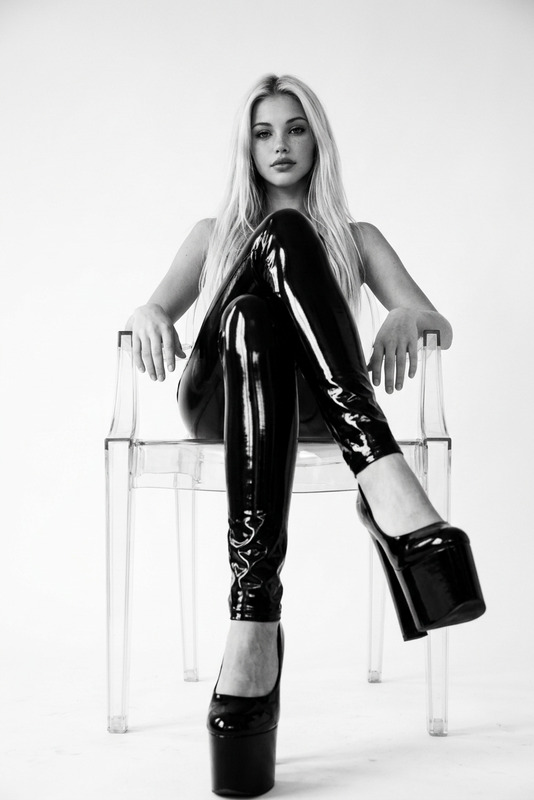
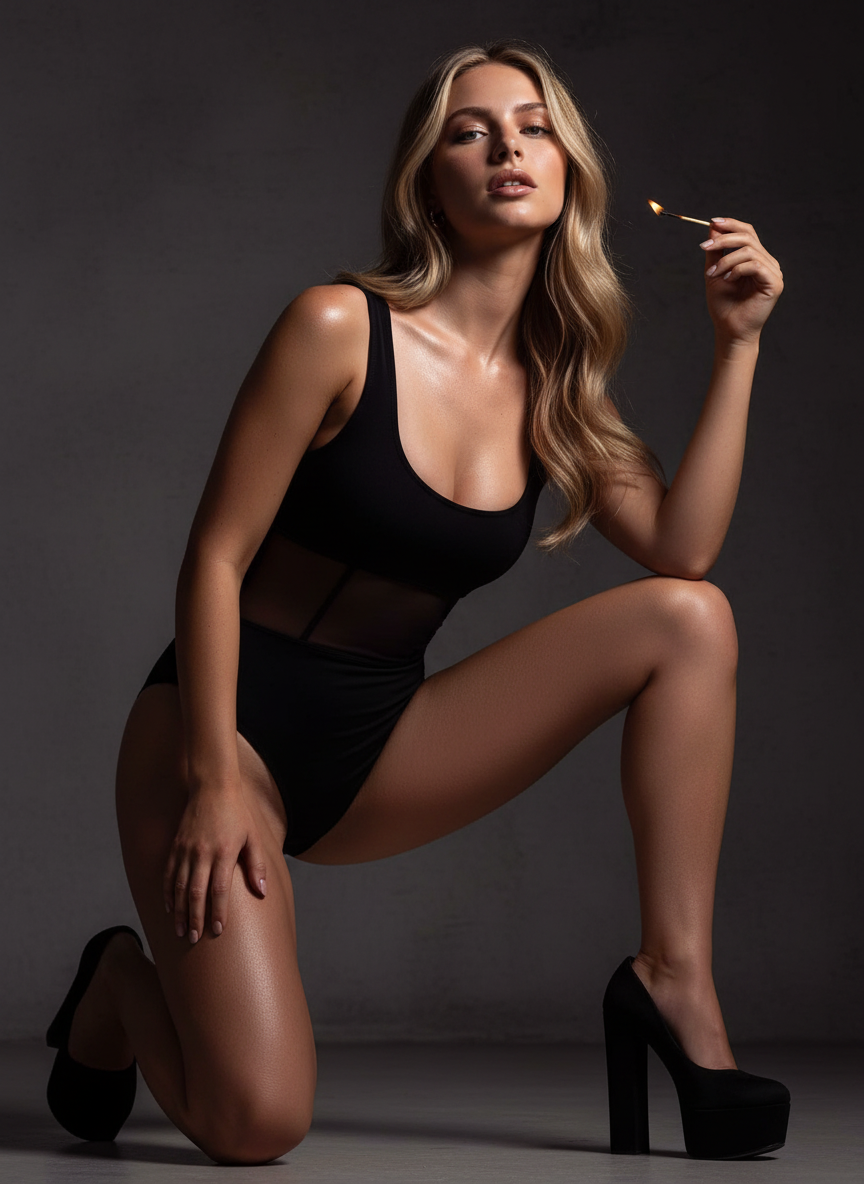
An ultra-realistic reference style in a sensual editorial pose at floor level, controlled lighting with a matchstick near the face or collarbone, glossy highlights on the skin, deep burgundy-black shadows, practical warm contour lighting plus edge lighting with a softbox – an intimate yet fashionable look. She is dressed in a black bodysuit with sheer inserts at the waist, dark straps, exposed legs, and high platform shoes.
Any aspect ratio
Overview
The MEG template is part of the AI Image Editor suite, utilizing the advanced capabilities of the nano-banana model. Focusing on ultrarealism, this template crafts a fashionable look with artistic lighting effects and stylish poses, ideal for creating high-end visual content.
What It Does
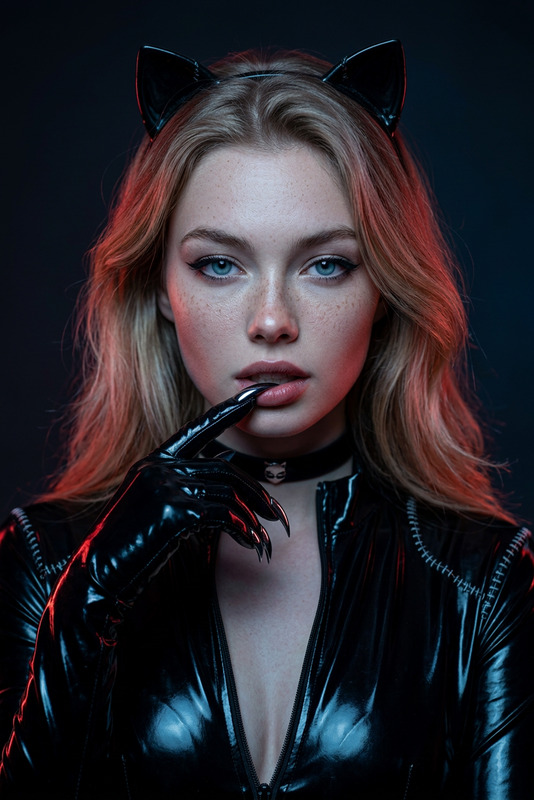
This template lets you transform images into sensual, editorial-style photographs. With precise control of lighting—from the matchstick glow to the contour and edge highlights—it renders glossy skin against deep shadows to achieve a striking, intimate fashion appearance. The MEG template captures detailed clothing and accessories, enhancing the overall composition.
Who It's For
The MEG template is perfect for photographers, fashion designers, and creative directors who want to produce editorial-quality imagery in their projects. It's also a valuable tool for marketers and content creators seeking distinctive visuals for social media and advertising campaigns.
Summary
MEG delivers an ultrarealistic styling for fashion photography, offering detailed control over lighting and pose to enhance your imagery. Utilize AI Image Generator or AI Clothes Changer for complete creative integration. Transform simple images into captivating, professional-quality assets with this sophisticated template.
How-To
Choose the Template

Customize Your Image

Generate Your Image

Use Cases
Fashion Editorials
- High-end magazine spreads
- Exclusive fashion blog content
- Portfolio building for models
Social Media Campaigns
- Instagram fashion posts
- Facebook ad visuals
- Pinterest mood boards
Professional Portfolios
- Photography portfolio elevation
- Model lookbooks
- Designer showcases
Best Practices
Focus on Lighting
Use the template's lighting adjustments to emphasize features like glossy skin tones against shadows to distinguish your image.Attention to Detail
Incorporate fine details in poses and attire that reflect the project’s theme and the elusive, high-fashion look desired.Experiment with Poses
Try different editorial poses to find the one that best suits your vision and complements the fashionable attire effectively.