Cyber Couture Icon
- Model
- Nano Banana 2
- Image
- 768 × 1370 px
Prompt
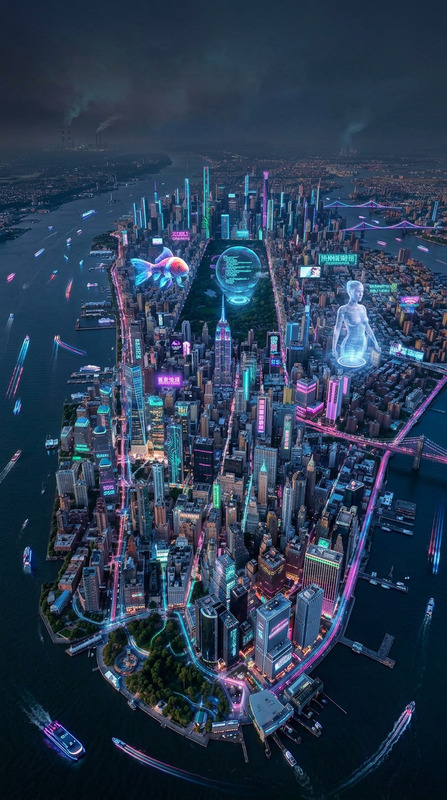
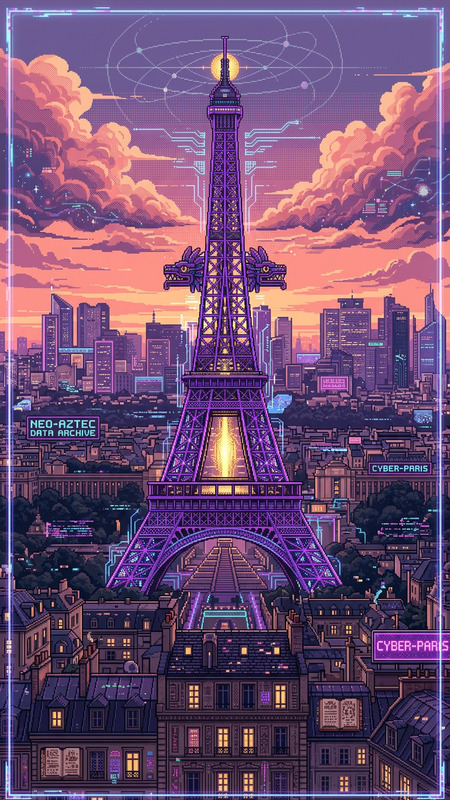
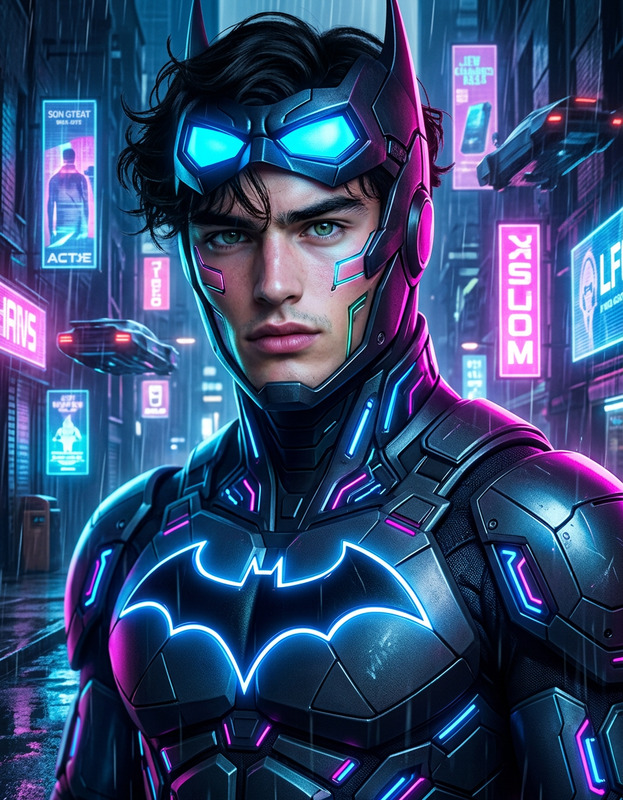
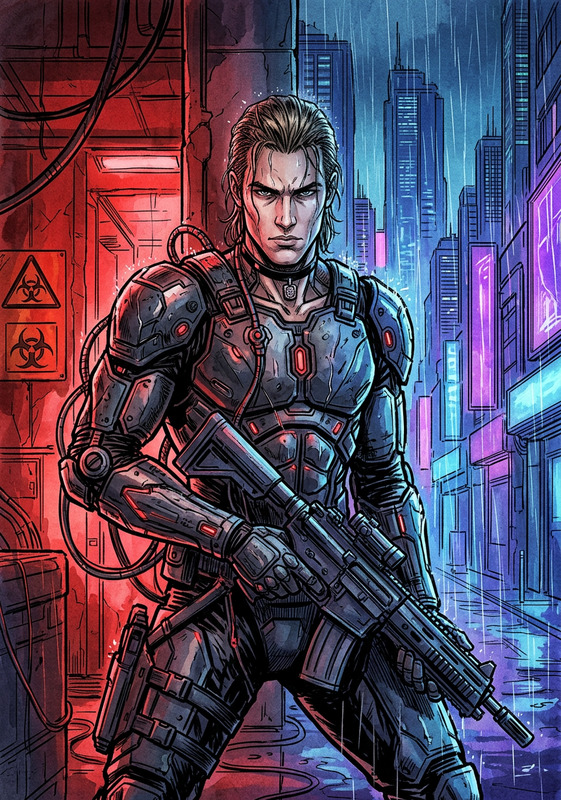
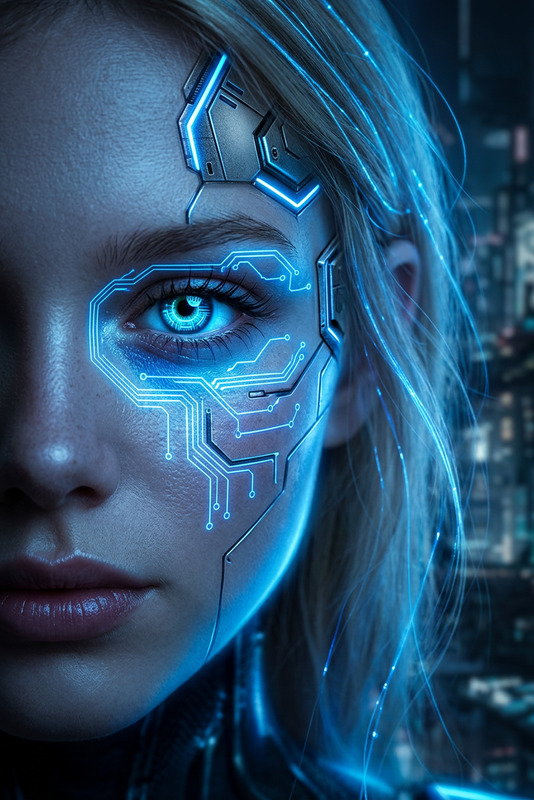
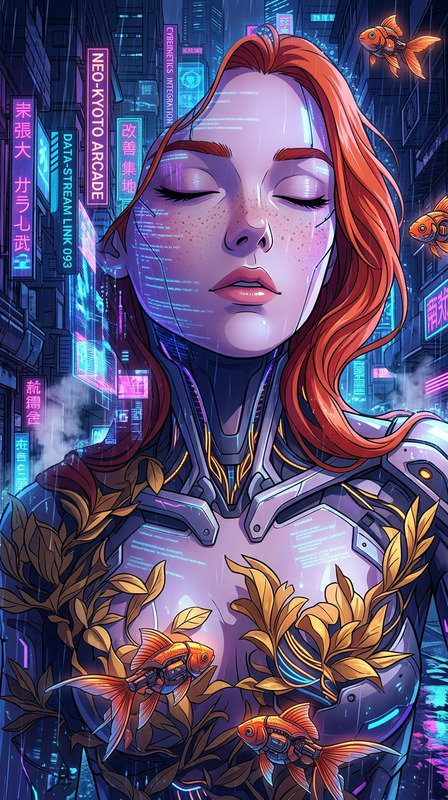
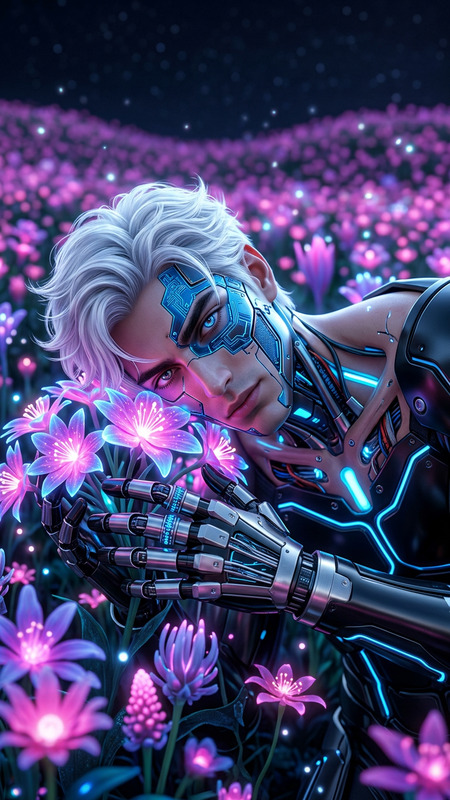
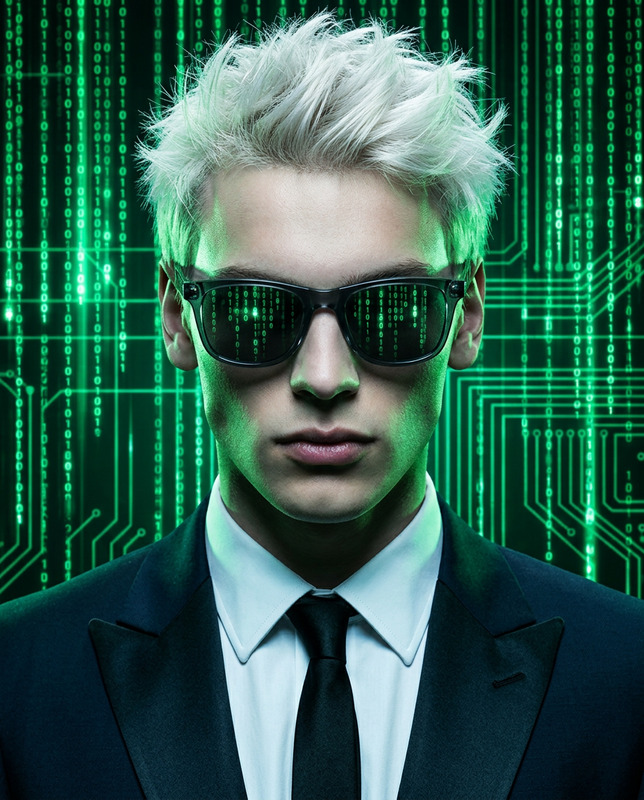
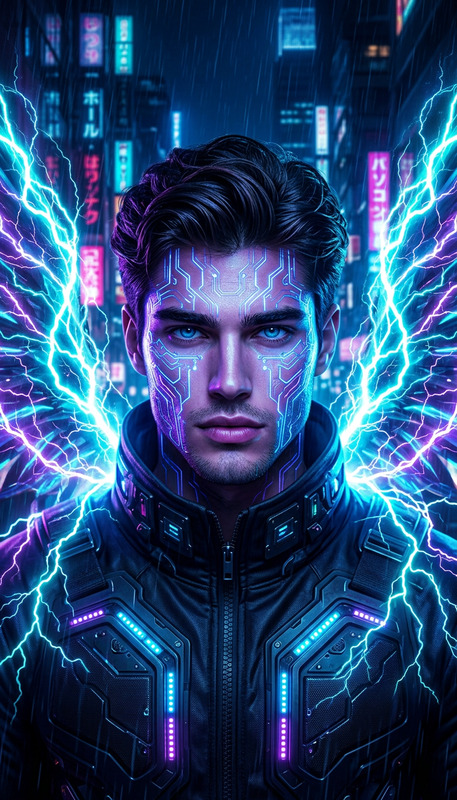
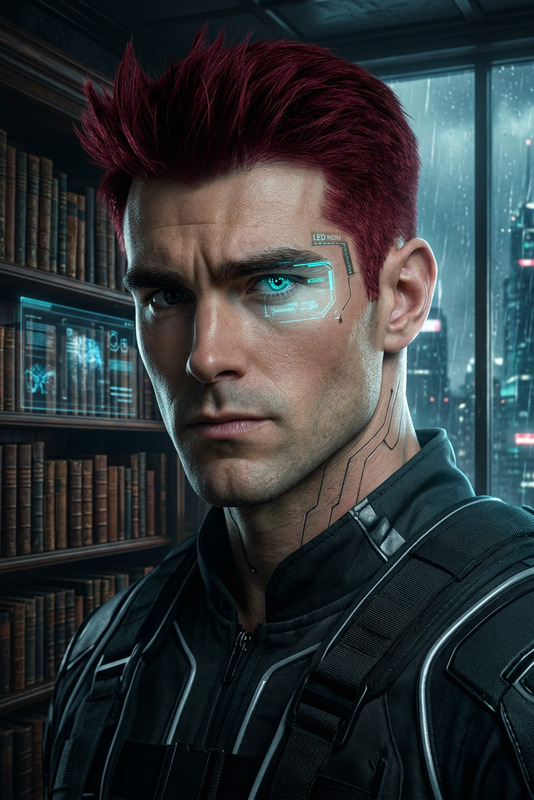
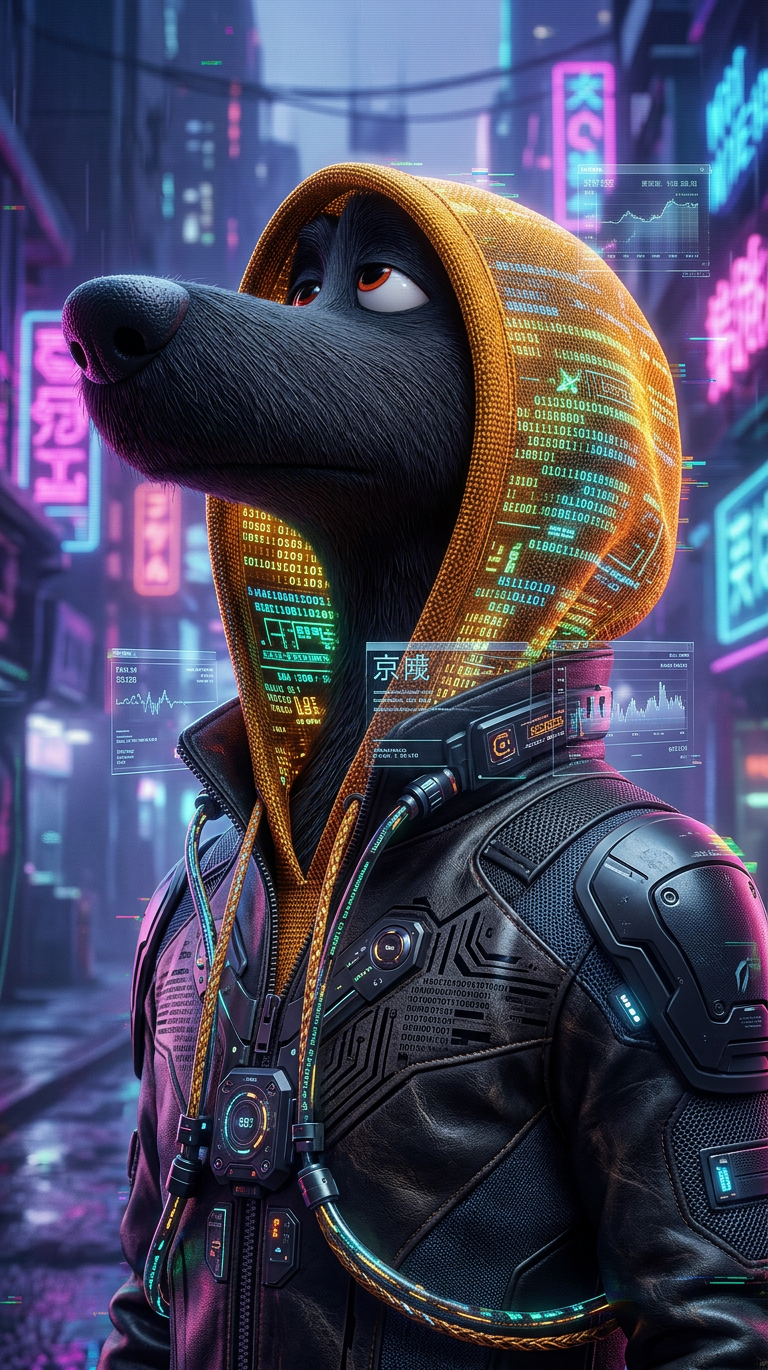
Cyberpunk fashion editorial of a subject styled as a futuristic rebel icon, wearing sleek leather and avant-garde cyber-couture with holographic and glitch-infused details; outfit integrates subtle data-stream patterns and tech-woven textures; set in a neon-lit neo-noir environment with soft haze and digital artifacts; lighting is cinematic with deep shadows and glowing highlights; color palette blends dark tones with electric accents; the mood is dystopian yet elegant, combining underground rebellion with high-fashion sophistication; ultra-detailed, sharp focus, editorial composition, futuristic and surreal.
Any aspect ratio
Overview
Welcome to the Cyber Couture Icon AI Image Editor template. Transport your fashion photography into a world of neon-soaked streets and high-tech couture with this cutting-edge solution. Perfect for creating impactful images with a blend of dystopian themes and sophisticated fashion elements.
What It Does
This template leverages the nano-banana-2 model to transform your fashion concepts into cyberpunk chronicles, emphasizing sleek leather outfits with holographic and glitch-details. The setting is visually arresting, placing the subject in a neo-noir urban landscape with a blend of cinematic lighting and vivid color contrasts.
Who It's For
Designed for fashion designers, digital artists, and visionary marketers who aim to push the boundaries of style and innovation. Whether you're crafting visuals for a new clothing line or creating content for social media ads, this template provides the tools you need for high-impact imagery.
Summary
With the Cyber Couture Icon AI Image Editor, pair your imaginative fashion ideas with futuristic editorial compositions. This tool is part of our AI Image Editor collection, enabling users to infuse their work with a modern, tech-infused touch.
How-To
Choose the Template

Customize Your Inputs

Generate and Download

Use Cases
Fashion Editorials
Social Media Campaigns
Advertising
Best Practices
Focus on Details
Pay attention to the details in the inputs, ensuring elements like textures and lighting align with your vision.Experiment with Lighting
Leverage the template's ability to create cinematic lighting effects to add depth and drama to your images.Complement with <a href="/products/ai-image-upscaler">AI Image Upscaler</a>
For the best results, use our AI Image Upscaler to enhance image resolution and clarity post-generation.