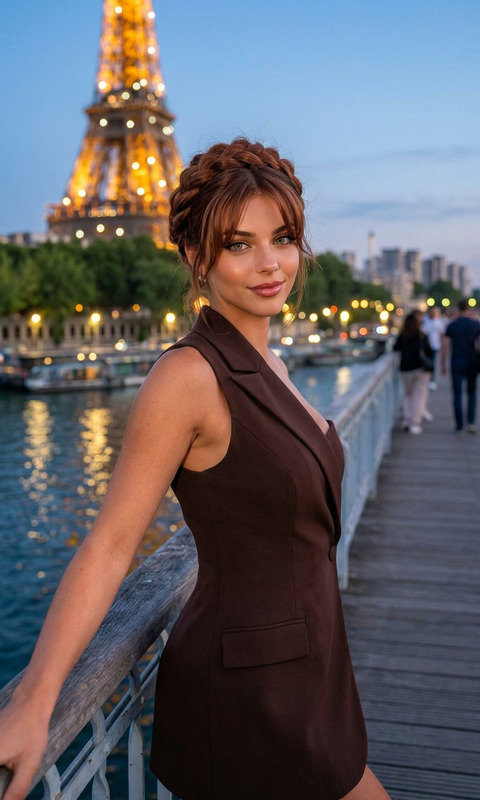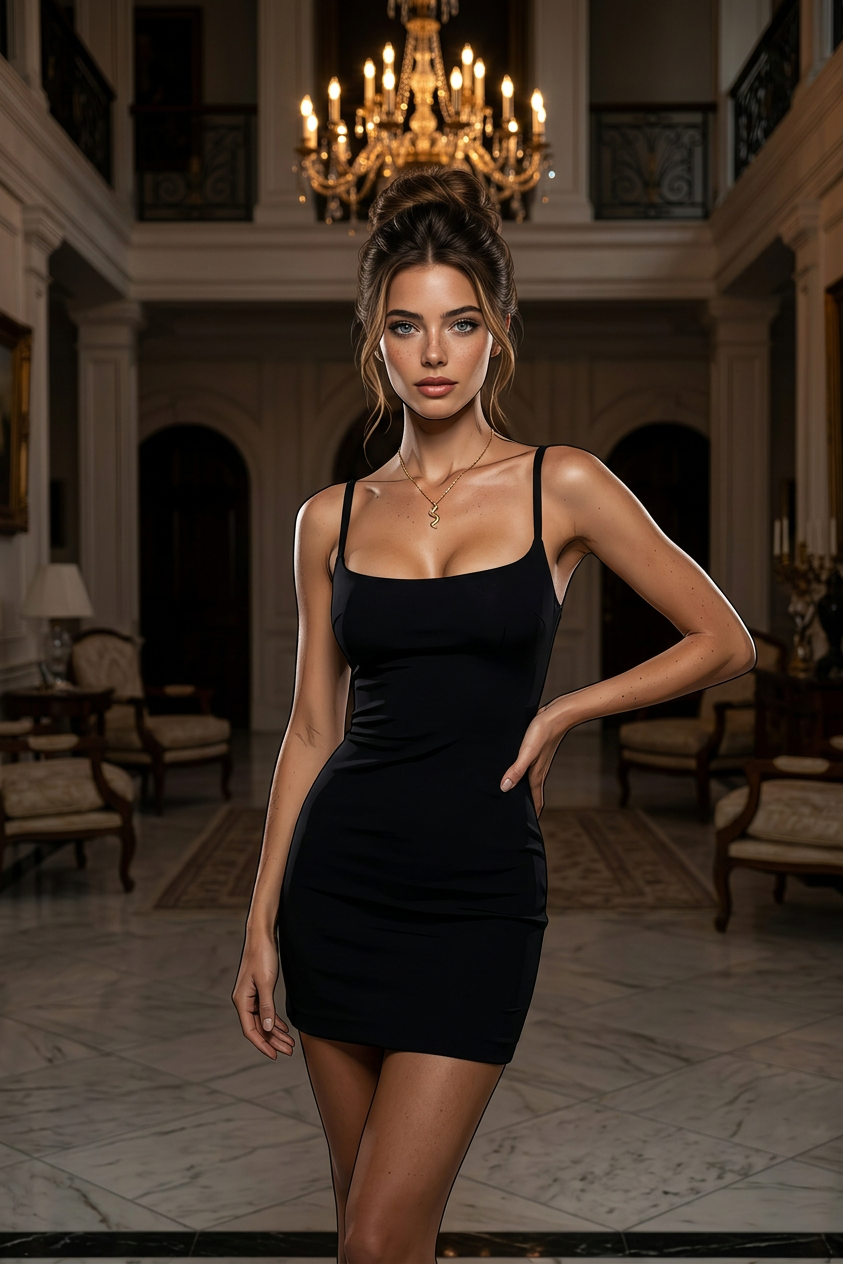
Glam Noir Fusion

Glam Noir Fusion

ai-image-editor

1 clip
10 uses

Any aspect ratio

Prompt

A full-body portrait of a subject standing confidently in a luxurious, dimly lit mansion interior. The subject wears a micro dress with an elegant updo, styled in high-fashion editorial aesthetics with dramatic curves and a cinematic feel. Shot at a slight low angle with an 85mm lens, the scene features warm chandelier lighting combined with soft glamorous light and subtle rim light. The visual style blends Disney softness with comic book elements (Marvel/DC-inspired strong linework and clear shading), rendered in 8K, hyper-realistic, photorealistic detail.

Craft Product Mockups from Real Photos with AI Image Editor

Turn everyday photos into polished, on-brand product mockups in minutes. This template uses Magic Hour’s AI Image Editor to help you replace labels, swap packaging, clean up backgrounds, and generate multiple product variations from a single shot—without Photoshop or manual retouching.


What this template does

Use this template to:

  • Replace or redesign product labels and packaging on existing photos
  • Clean up or change backgrounds to fit your brand aesthetic
  • Remove distractions (hands, price tags, logos) and fill in realistic details
  • Quickly test new colors, flavors, or variants using the same base image
  • Create platform-ready assets for e‑commerce, social ads, pitch decks, and landing pages

Perfect for:

  • DTC brands and e‑commerce teams testing new creative
  • Agencies and freelancers producing client mockups
  • Startup founders building quick visuals for launches, decks, and A/B tests
  • Creators who need professional visuals without a design team

How to remix this template in Magic Hour

You can recreate or customize this workflow in a few minutes:

  1. Open AI Image Editor
    Go to AI Image Editor.

  2. Upload your base product photo

    • Start with a clear shot of your product: bottle, can, box, jar, bag, etc.
    • A simple background makes edits cleaner and more realistic.
  3. Edit the label or packaging

    • Use the editor to select the label, logo area, or surface you want to change.
    • Describe what you want in natural language (e.g., “minimal white label with bold sans-serif logo and ingredient icons”).
    • AI will redraw that region to match your prompt while preserving lighting, angle, and perspective.
  4. Refine and iterate

    • Try multiple prompt variations to explore different styles or versions (e.g., “premium matte black,” “eco-friendly kraft paper,” “summer limited edition design”).
    • Keep the same base photo to maintain consistency across a full campaign.
  5. Polish the scene (optional)
    You can further refine your mockup using additional Magic Hour tools:

  6. Export and reuse

    • Export final assets for your website, marketplaces, ads, pitch decks, or email campaigns.
    • Reuse the same photo and repeat steps above to create a full set of variations (different flavors, colors, limited editions) in a consistent style.

Ideas for advanced remixes

Because this template is built on AI Image Editor, you can combine it with other Magic Hour tools to create richer product experiences:


Workflow examples for brands and marketers

Here are practical workflows that teams actually use:

  • Rapid concept testing for new packaging

    1. Photograph one physical prototype (or even a blank bottle/box).
    2. Use AI Image Editor to generate multiple label directions (minimalist, premium, playful, eco).
    3. Export several variations and A/B test them in ads, landing pages, or investor decks.
  • Consistent visual systems across a product line

    1. Start with a single master photo for your hero product.
    2. Use AI Image Editor to change only key elements: flavor name, color accent, icon set.
    3. Upscale with AI Image Upscaler and use across Amazon, Shopify, and paid channels.
  • Seasonal and limited-edition campaigns

    1. Take your existing product imagery.
    2. Prompt AI Image Editor to add seasonal elements (e.g., “holiday edition gold foil label,” “summer citrus gradient background”).
    3. Turn results into GIFs and short motion loops using AI GIF Generator or Image to Video.

Why use AI Image Editor for product mockups?

Traditional product photography and design workflows can be slow and expensive. With AI Image Editor:

  • Speed: Go from concept to realistic mockup in minutes.
  • Cost-efficiency: Fewer reshoots, fewer physical prototypes, less manual retouching.
  • Consistency: Reuse a single high-quality base image to generate an entire visual system.
  • Flexibility: Quickly adapt visuals for different regions, channels, and campaigns.

Under the hood, tools like AI Image Editor use diffusion and inpainting techniques, similar to what’s described in research such as “High-Resolution Image Inpainting with Iterative Confidence Feedback” (Zheng et al., 2019) and “SDEdit: Guided Image Synthesis and Editing with Stochastic Differential Equations” (Meng et al., 2021), adapted to work seamlessly in a browser-based creative workflow.


Related Magic Hour tools worth exploring

To go beyond static mockups and build full creative pipelines, you can combine this template with:

  • AI Image Generator – generate new product scenes and contexts from text.
  • Thumbnail Maker – convert your mockups into scroll-stopping thumbnails for YouTube or social ads.
  • AI Meme Generator – turn product visuals into viral, brand-safe memes.
  • AI QR Code Generator – embed branded QR codes into your packaging or visuals.
  • Video Upscaler – for teams extending these workflows to product videos.
  • Text to Video – draft motion concepts for product launches directly from text prompts.

How to get started now

  1. Open AI Image Editor.
  2. Upload a single clear product photo.
  3. Use natural language to describe the label, packaging, or scene you want.
  4. Iterate, compare versions, and export your favorites.

Remix this template as a base, then layer in other Magic Hour tools as your needs grow—from simple label swaps to full, AI-powered creative pipelines for your brand.

More Like This

Insufficient credits