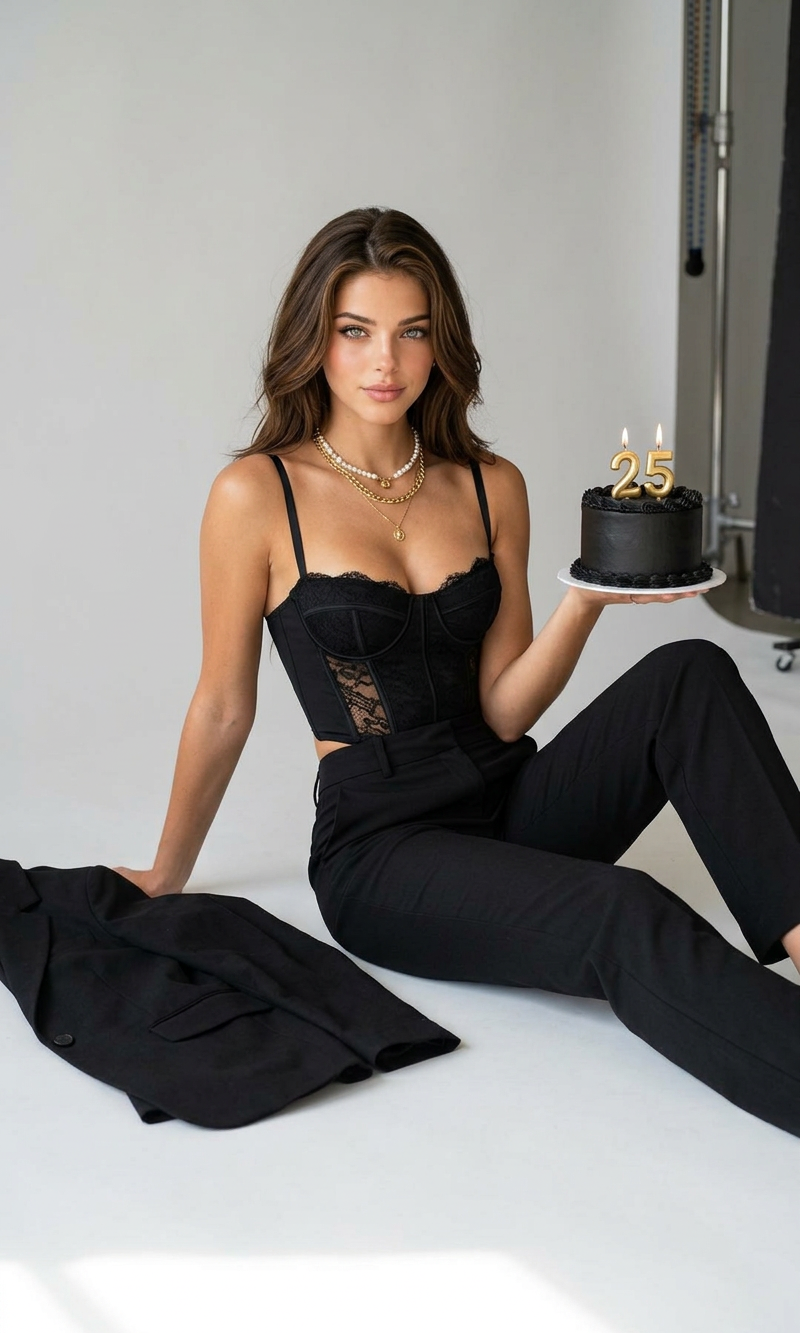
Birthday Icon
- Model
- Nano Banana 2
- Image
- 800 × 1333 px
Prompt
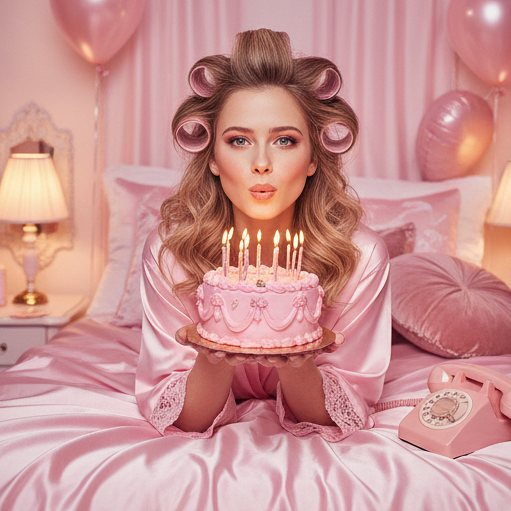
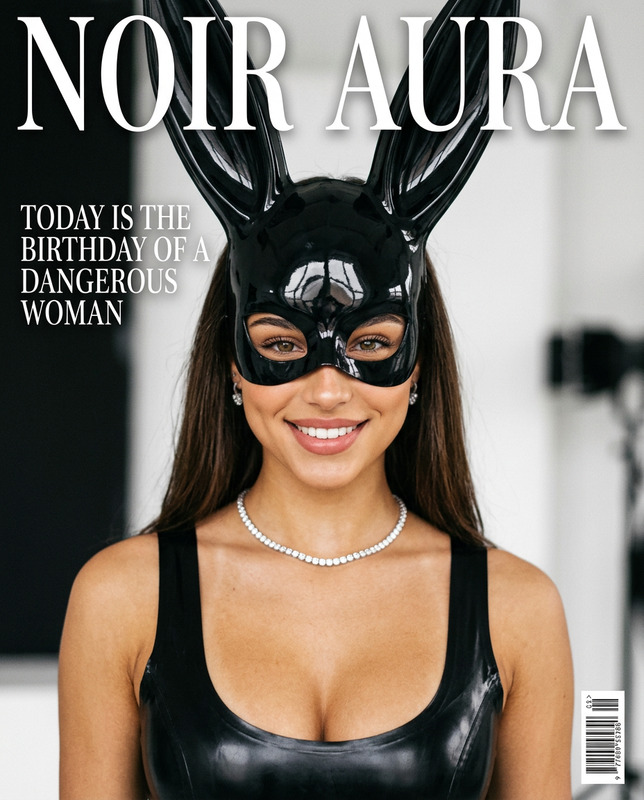
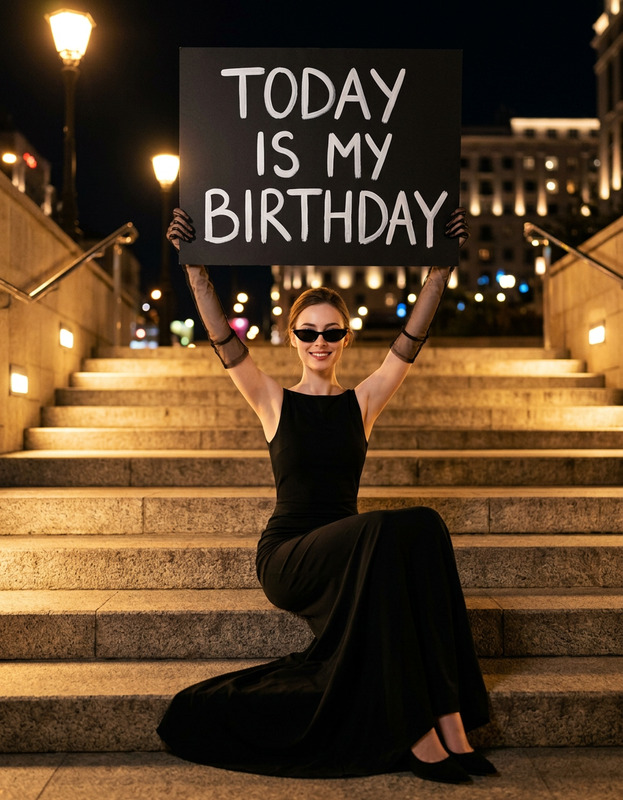
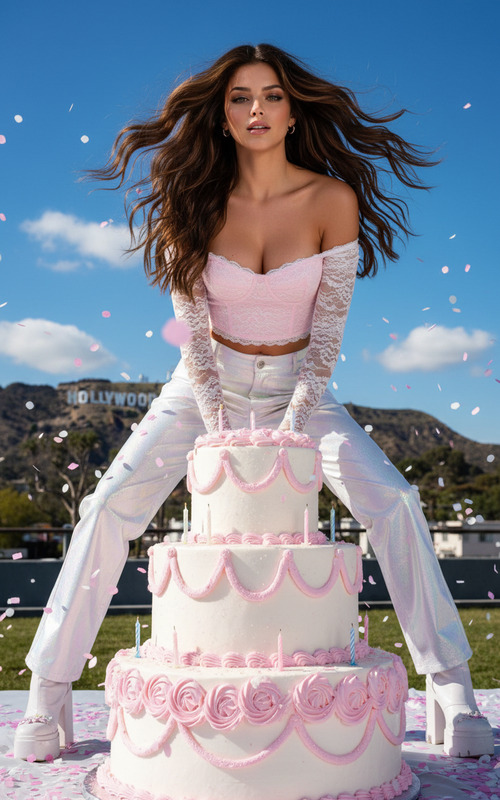
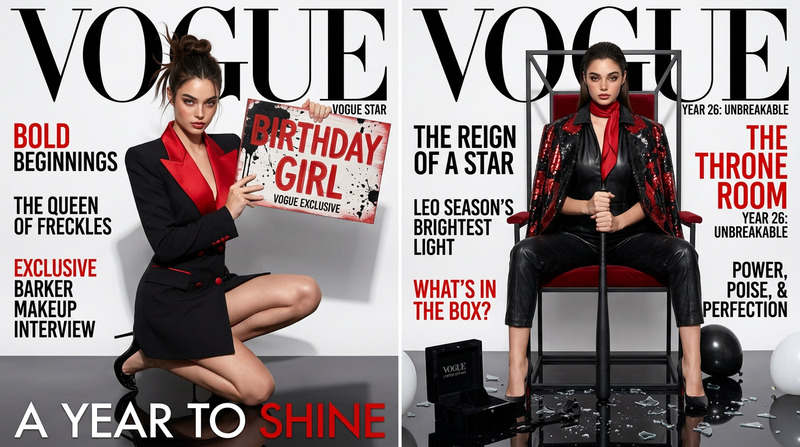
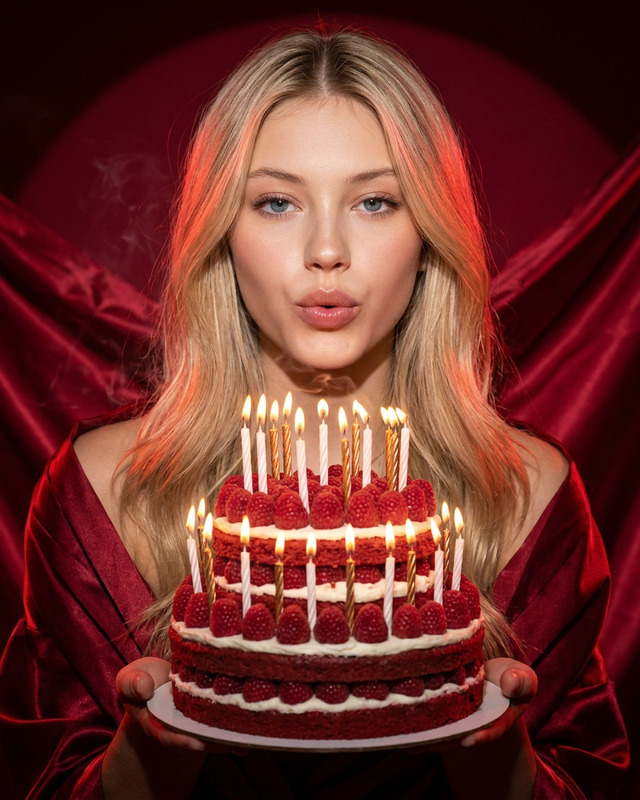
Ultra-realistic high-end fashion editorial photoshoot with a glossy magazine cover aesthetic, set in a clean minimal studio with a neutral light grey background and seamless floor. The subject sits on the floor in a relaxed asymmetrical pose, wearing a black textured fashion outfit with corset structure, lace details, and layered accessories, while a small decorated cake with a lit candle is placed nearby. Bright studio lighting, natural skin texture, and a high-end 85mm camera create a sharp, modern, dark glam birthday atmosphere.
Any aspect ratio
Overview
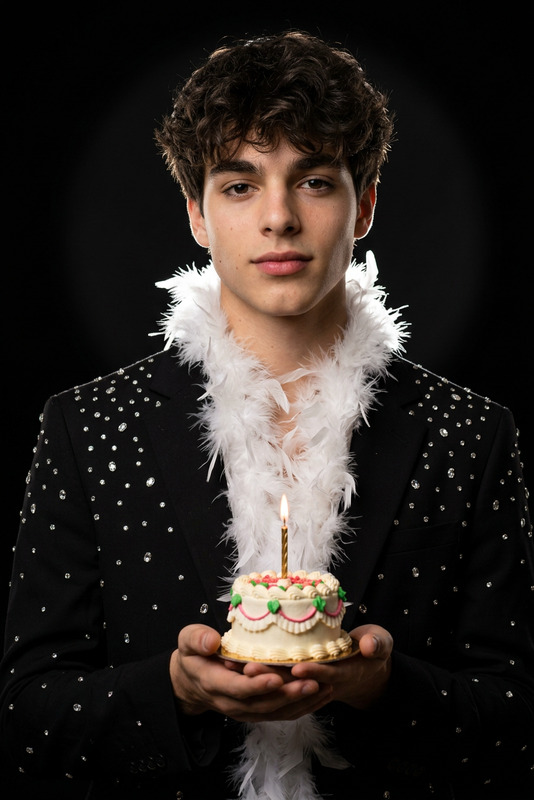
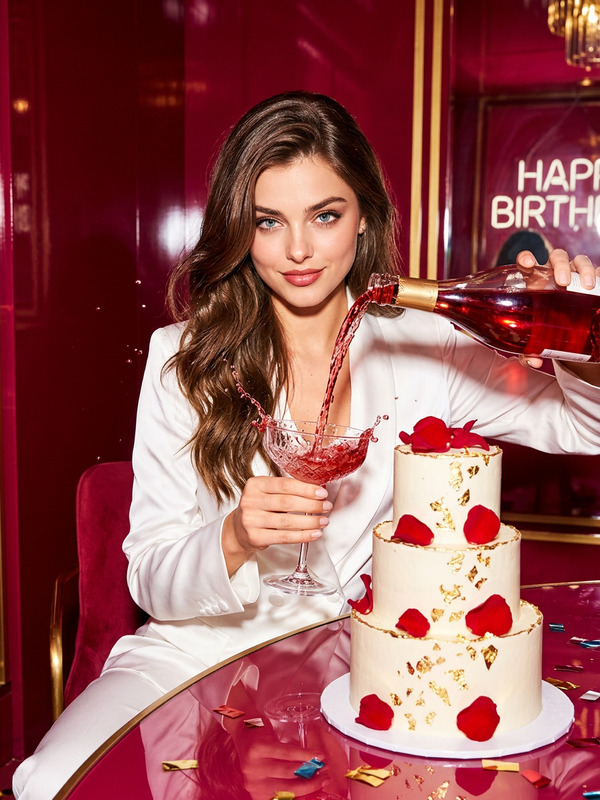
The Birthday Icon template in the AI Image Editor suite is perfect for creating a sophisticated birthday photoshoot. Designed with the nano-banana-2 model, it brings an ultra-realistic, high-end fashion aesthetic to life. Capture a luxurious birthday atmosphere with the right balance of glamour and modern style.
What It Does
This template leverages advanced AI capabilities to deliver a glossy magazine cover look for your images. It positions the subject in a relaxed, asymmetrical pose, highlighting intricate details like corsets and lace in a fashion-forward outfit. The template incorporates bright studio lighting and a decorated cake to enhance the scene, creating images suitable for professional AI Product Photography or personal celebrations.
Who It's For
The Birthday Icon template is ideal for photographers, fashion designers, and social media influencers looking to produce stunning birthday-themed images with minimal setup. It also caters to eCommerce businesses seeking to enhance their product photography with a high-fashion edge, and individuals aiming to elevate their personal photo albums.
Summary
With the Birthday Icon template, you can effortlessly transform simple settings into high-end visual experiences. By utilizing the AI Image Editor tools, anyone can achieve a magazine-quality photo aesthetic. Its versatility makes it a valuable addition to any creative toolkit, particularly for applications like eCommerce Ads and personal brand building.
How To
Choose the Template

Customize Your Inputs

Generate Your Image

Use Cases
Fashion Photography
- Magazine-quality visuals
- Detailed fashion outfits
- Glossy aesthetic
Social Media Content
- Influencer-worthy shots
- Customizable for different themes
- Engages viewers with striking visuals
Marketing and eCommerce
- Suitable for fashion brands
- Perfect for seasonal campaigns
- Optimizes product presentation
Best Practices
Optimize Lighting
Ensure that the bright studio lighting complements the natural skin texture and fabric details for a polished look.Focus on Fashion Details
Highlight the corset structure and layered accessories to emphasize the fashion-forward aspect of your image.Utilize High-End Camera Angles
Simulate an 85mm camera lens effect for sharp, professional images that capture the modern glam essence.