Backstage Realism
- Model
- Nano Banana 2
- Image
- 768 × 1365 px
Prompt
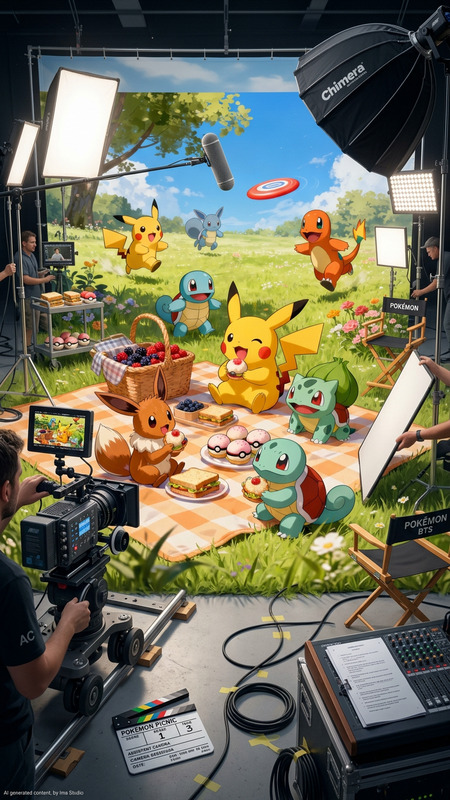
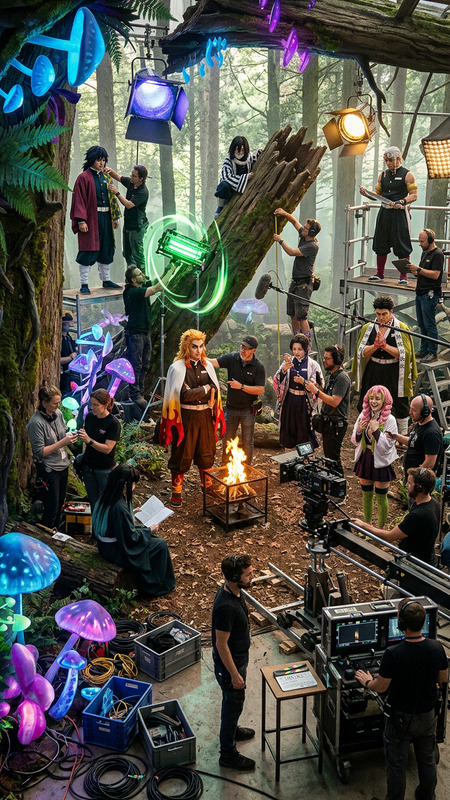
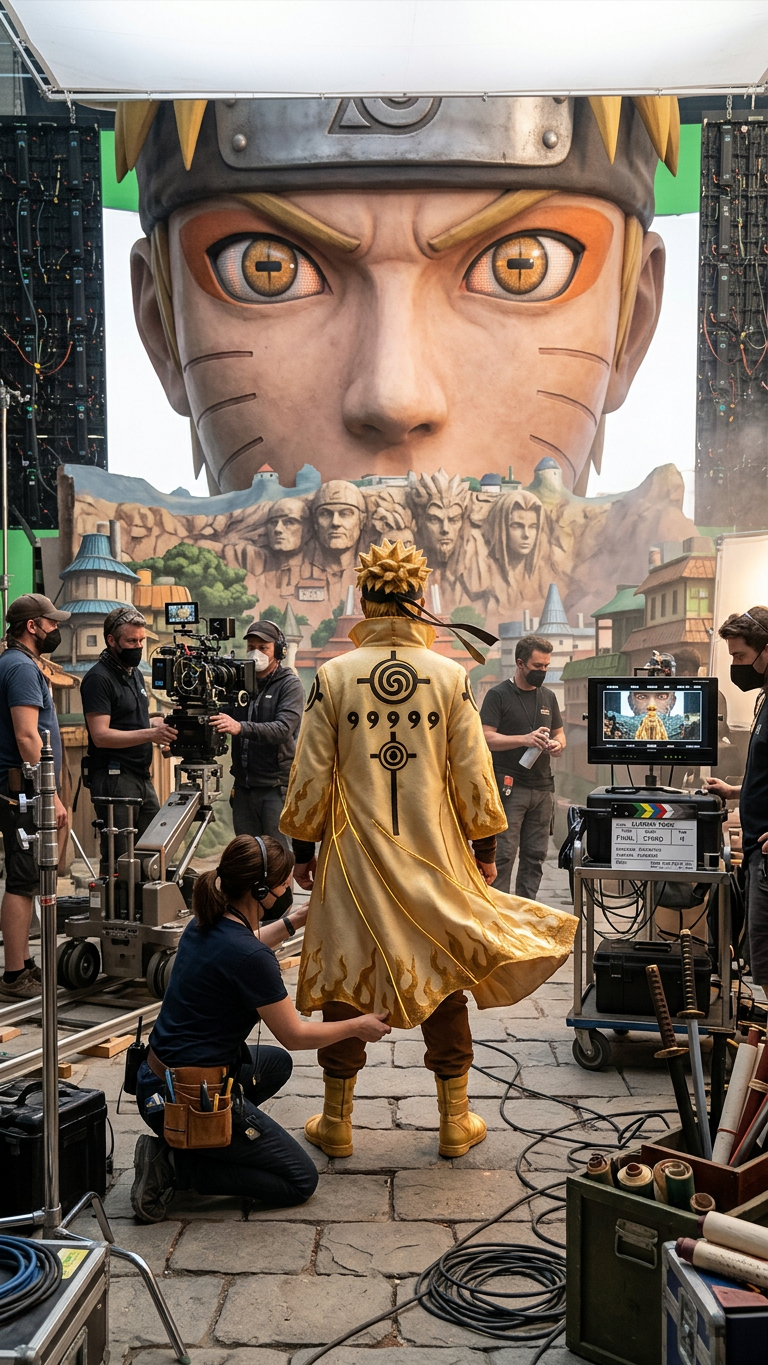
Backstage photo of the movie set, photorealistic and highly detailed. The subject stands among film crew, props, and set equipment, with costumes inspired by the game’s world. Natural lighting illuminates the scene, capturing a candid behind-the-scenes moment with a cinematic yet authentic production atmosphere.
Any aspect ratio
Overview
The Backstage Realism template uses cutting-edge AI to transform your scenes into photorealistic backstage moments. This AI Image Editor leverages the nano-banana-2 model to create highly detailed, lifelike visuals that capture the essence of a cinematic production environment. Perfect for creators looking to elevate their content with authentic, immersive images.
What It Does
Backstage Realism is designed to enhance your images by incorporating film-inspired elements such as crew, props, and set equipment. The natural lighting and game-inspired costumes contribute to a meticulous portrayal of a movie set atmosphere. It works in tandem with tools like the AI Image Upscaler to ensure your visuals are of the highest quality.
Who It's For
This template is ideal for visual artists, content creators, filmmakers, and game designers who wish to bring a cinematic touch to their projects. Whether you're crafting movie posters or sharing behind-the-scenes glimpses, tools like the Image to Video converter can extend your creativity by integrating still images into dynamic video content.
Summary
Backstage Realism offers a unique way to capture genuine film set environments with the help of the AI Image Editor, ensuring your visuals are not only realistic but also captivating. Enhance your storytelling by combining this template with the AI Video Generator for a seamless integration of imagery into broader narrative projects.
How To
Choose Your Template

Customize Inputs

Generate Image

Use Cases
Film Production Enhancements
- Create realistic film posters
- Document production processes
- Enhance film study resources
Game Concept Art
- Develop storyline scenes
- Craft promotional art
- Design in-game cinematics
Immersive Marketing Campaigns
- Social media campaigns
- Virtual tours
- Event promotions
Best Practices
Focus on Lighting
Emphasizing natural lighting in your prompt can enhance the realism of the scene. Experiment with different light sources to find the most dramatic effect.Incorporate Authentic Details
Include specific props and costumes related to your project to ensure the scene aligns with your overall aesthetic vision.Combine with Other Tools
To maximize impact, integrate this template with tools like the AI Clothes Changer to refine character appearances for consistency across various scenes.